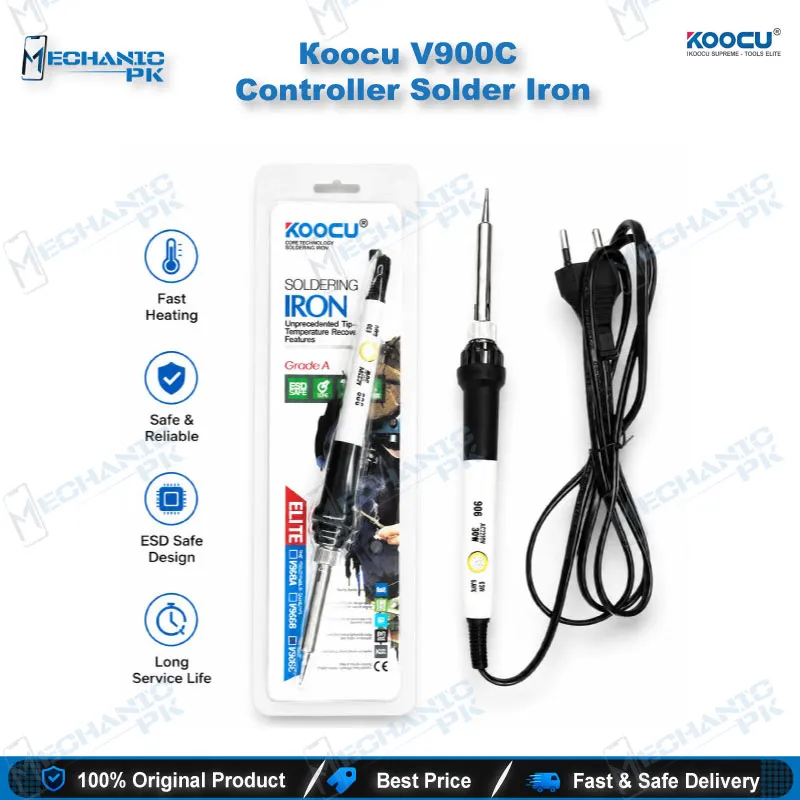
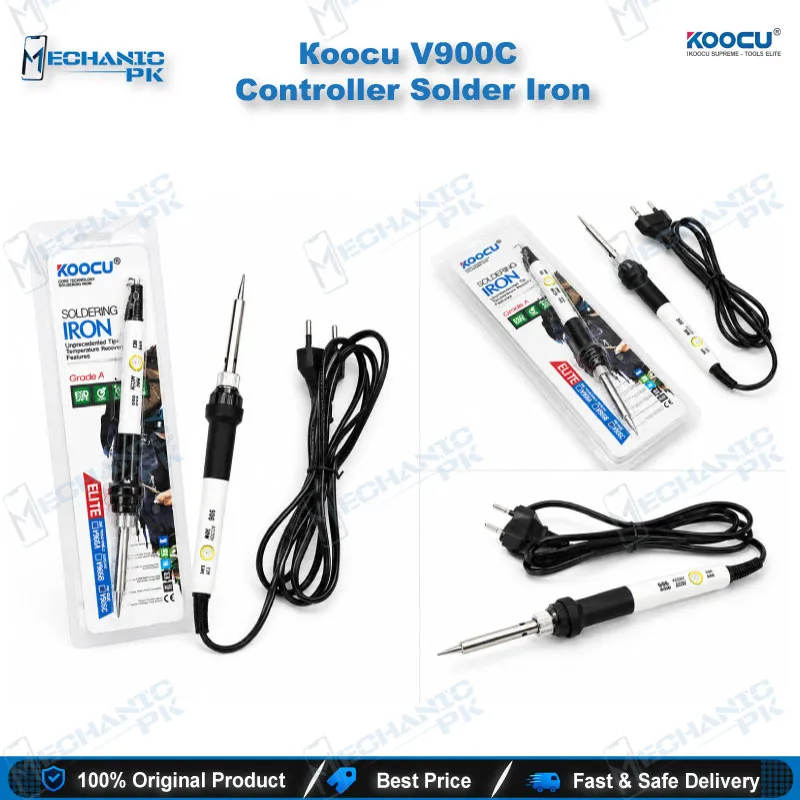
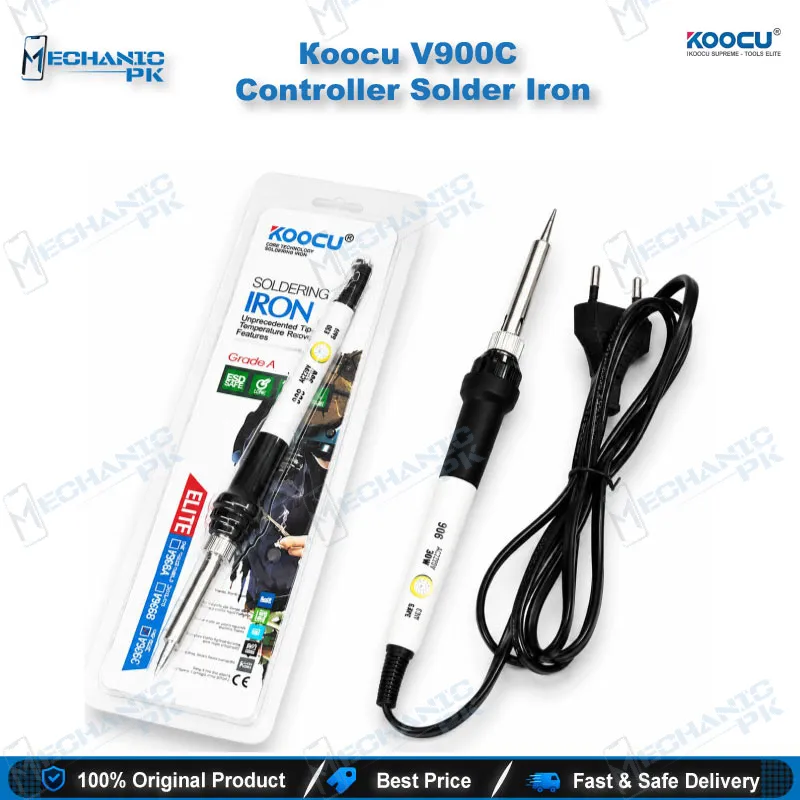
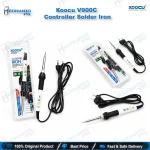
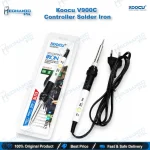
KOOCU V900C Ceramic Soldering Iron – Temperature Control
₨ 700
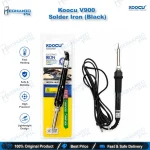
V900C Ceramic Soldering Iron
The KOOCU V900C ceramic soldering iron gives your repair bench a knob-controlled heat source for board-level work. A ceramic heating element drives the tip, and you set the temperature anywhere from 200°C to 450°C to match the solder and the component. Use it for mobile phone mainboards, game console boards, camera boards and computer PCBs. It suits jumper lagana, pad cleaning, wire repair and general rework at a busy workshop bench. Pair it with a hot air station and a microscope to cover both through-hole and fine SMD tasks.
Out of stock
V900C Ceramic Soldering Iron for Precision Board Repair
The V900C ceramic soldering iron from KOOCU puts a knob-adjustable heat source on your bench for everyday electronics repair. A ceramic heating element drives the tip, and you dial the working temperature between 200°C and 450°C. That range covers fine joints on a phone mainboard and heavier joints on a console or computer board. If your shop handles charging issue boards, hardware fault jobs and dead phone recoveries all day, this iron works as a dedicated second tool beside your main soldering station.
Ceramic Heating and Knob Temperature Control
Ceramic heater technology keeps the iron compact, so you hold it like a pen and keep close control over the tip. The temperature knob lets you change heat without a separate controller unit. Run the dial lower for delicate pads and flex connector joints. Raise it for ground planes, shield cans and lead-free solder. You choose the setting for each job instead of fighting a fixed-temperature iron, which protects pads on fragile boards.
Where It Fits in the Repair Workflow
Board-level repair starts with clean, tinned pads, and this iron handles that stage well. You use it to clean solder residue after IC change karna, to tin pads before placing a replacement component, and to lay jumper wires over damaged tracks. It also suits charging port rework, battery connector repair, test point wiring and small component replacement on logic boards.
Hot air stations remove BGA chips and large shield areas, while the iron finishes the precise work around them. After every repair, check continuity with a multimeter, and use a microscope to inspect joints on fine-pitch areas. Keep a PCB holder under the board so your hands stay steady while you work. Technicians who run reballing kits also reach for an iron like this to clean pads before reballing.
The V900C also suits camera repair, game console boards and computer motherboards, so it earns its place in a general electronics service center.
Tip Selection and Bench Setup
Replacement tips in the 900M series list the V900C among their compatible irons, so you can swap tip shapes to suit the job. Choose a fine conical or knife tip for tight SMD areas, and a chisel or wider tip for large pads and wire work. Confirm the tip type with your supplier before you order a spare set.
Tin the tip after every heat-up and wipe it before you put the iron down. A well-tinned tip transfers heat faster and protects the ceramic heater from oxidation damage. Add flux before every joint, work at the lowest temperature that flows the solder cleanly, and keep the iron on its stand between jobs.
For workshops that stock Soldering Stations, Hot Air Stations and Microscopes, the V900C fills the role of a simple, adjustable, ceramic-heated iron that every technician at the bench can pick up and use.
| Weight | 0.15 kg |
|---|
Key Features
- Ceramic heating element
- Knob-adjustable temperature from 200°C to 450°C
- Compact pen-style grip for precision work
- Replaceable tips, 900M-series compatible
- Covers both lead and lead-free solder temperature needs
- Suits phones, consoles, cameras and computer boards
- Works alongside hot air stations, microscopes and PCB holders
- Fits general electronics repair benches
Specifications
| Brand | KOOCU |
|---|---|
| Model | ELITE V900C |
| Category | Soldering Iron |
| Compatibility | Replaceable 900M-series soldering tips (confirm tip type before purchase) |
| Supported Devices | Mobile phones, game consoles, cameras, computers, general electronics PCBs |
| Technology | Ceramic heating element with knob temperature control, 200°C–450°C |
Common Repair Uses
- General soldering, pad preparation and wire repair on electronics boards
- Pad cleaning and tinning after IC change karna
- Jumper lagana on damaged tracks
- Charging port and connector rework
- Battery connector and FPC pad repair
- Test point wiring for diagnostics
- Small component replacement on logic boards
- Wire and cable soldering
- Console and camera board repair
Compatible Devices
- Universal board-level soldering tool, not device-specific
- Android smartphone mainboards
- iPhone logic boards
- Feature phone PCBs
- Game console motherboards
- Digital camera boards
- Laptop and desktop computer motherboards
- Tablet PCBs
- General consumer electronics boards
FAQ
What is the product name?
What is the brand of this product?
What is the model of this product?
What is this product used for?
Which devices are compatible with this product?
Who should use this product?
What temperature range does the V900C soldering iron cover?
Can the V900C handle lead-free solder?
Related products