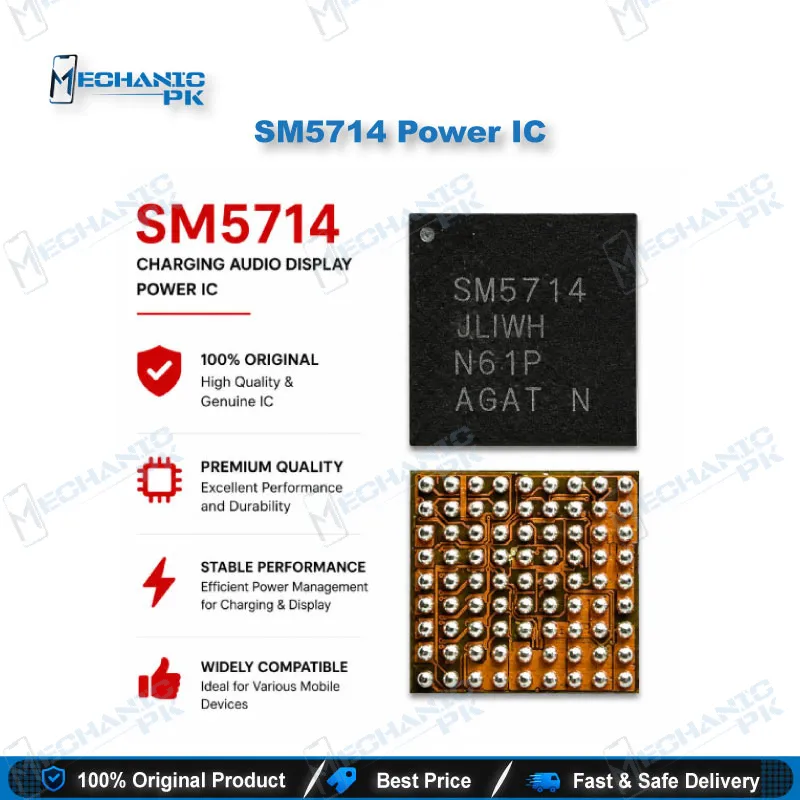
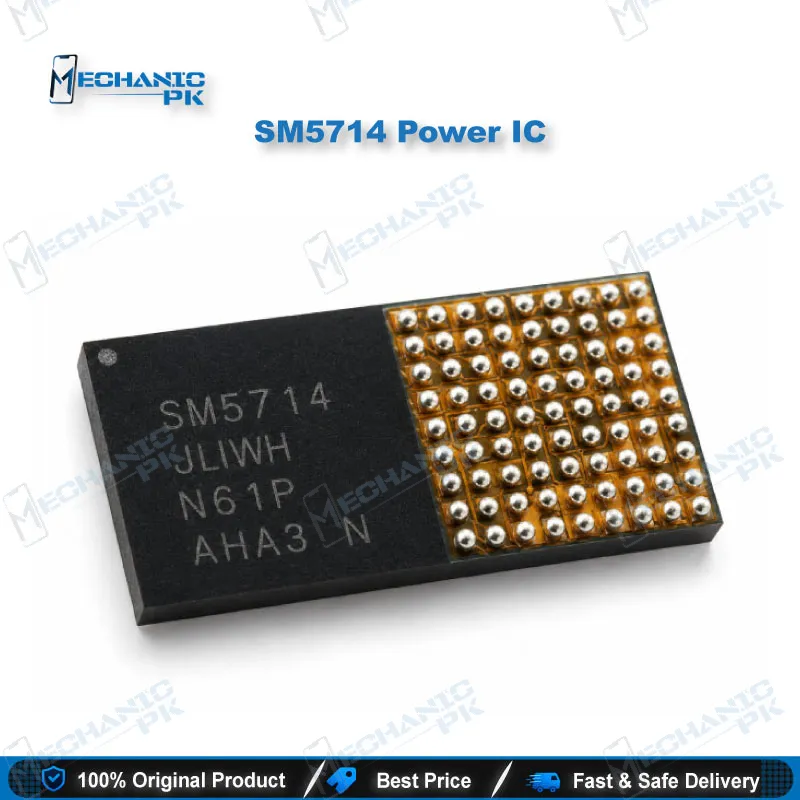
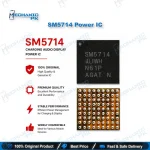
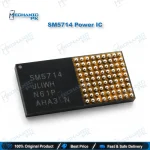
SM5714 Power IC for Samsung Charging & USB-C PD
₨ 200
SM5714 Power IC for Samsung Charging Circuit Repair
The SM5714 Power IC from Silicon Mitus controls the full charging front end on several Samsung Galaxy boards. One package combines the battery charger, fuel gauge, MUIC USB switch and USB Type-C Power Delivery controller. A failed chip shows up as no charging, false charging, a stuck battery percentage, a lost PC connection or a dead phone after a bad adapter. Technicians use this part to restore the charging stage on boards such as the Galaxy A12 (SM-A125F), Galaxy A22 5G (SM-A226B) and Galaxy A52s 5G (SM-A528B). Order the exact SM5714 marking that your board carries for a direct replacement.
Out of stock
SM5714 Power IC: Charger, Fuel Gauge and USB-C Control in One Chip
The SM5714 Power IC from Silicon Mitus runs the complete charging front end on a range of Samsung Galaxy boards. One package combines the battery charger, the battery fuel gauge, the MUIC that routes the USB D+/D- lines, and the USB Type-C Power Delivery controller. When any of these blocks fails, the fault appears at the charging port first: no charging, false charging, a wrong battery percentage, or a dead phone that only responds on a DC power supply. This replacement SM5714 charging IC gives board-level technicians the exact part for that circuit, so you repair the stage instead of swapping the whole motherboard.
How the SM5714 Power IC Works on the Board
Samsung places the SM5714 between the USB-C connector and the battery. The chip detects the incoming source on VBUS, reads the CC lines to negotiate USB Power Delivery with the adapter, sets the charge current, and reports battery state of charge to the application processor over I2C. Its MUIC section physically switches the USB D+/D- pair, so a damaged chip can break PC detection and data transfer along with charging. On the Galaxy Tab S9 Ultra, the SM5714 handles PD and PPS negotiation while a separate SM5440 charge pump carries the high-current path. That split shows how Samsung builds fast charging around this IC: the SM5714 makes the decisions, and the power stage follows its instructions.
Faults That Point to the SM5714
Most SM5714 failures follow a cheap fast charger, a wet charging port, or a voltage spike through a damaged cable. On the bench, you typically see a charging icon with no rise in percentage, zero response when you connect the charger, or heat building around the charging section of the board. Some boards restart repeatedly or hang on logo only while the charger stays connected. A burnt chip can also short the VBUS line, which turns a simple charging issue into a dead phone with high current draw at power-on.
Diagnosis Before You Change the IC
Confirm the fault before you lift the chip. Start with the charging port, the sub-board flex and the battery, since these fail more often and cost less. Use a multimeter in diode mode to compare VBUS and battery-line readings against a known-good board. If you find a short, inject a low voltage and locate the hot spot with rosin smoke or a thermal camera. A DC power supply reading during power-on tells you whether the board draws abnormal current. When a boot loop appears only with the charger connected, the evidence points toward the charging stage, so check this hardware fault before you spend time on a software flash.
Replacement Workflow
Mount the board firmly in a PCB holder and shield nearby components and plastic connectors with heat-resistant tape. Preheat the board, then remove the old chip with a hot air station and apply flux generously. Clean the pads with a soldering station and desoldering wick, and inspect them under a microscope for lifted or torn pads. Reball the new SM5714 with a reballing kit and the matching stencil, align it carefully, and reflow. After cleaning the flux, test with a USB tester to confirm charging current, check that the battery percentage updates correctly, and verify the PC connection to prove the MUIC path works.
Matching the Right Part
Read the marking on your board before you order. Suppliers list both SM5714 and SM5714A markings, so match the exact code on the original chip and confirm it against the schematic or boardview for your board revision. Treat the SM5713 and SM5703 as separate parts with different layouts, and never substitute them for the SM5714.
Why Repair Workshops Stock the SM5714
Galaxy A-series phones such as the A12 reach Pakistani repair benches in large numbers, and charging faults rank among the most common complaints. Keeping the SM5714 Power IC in stock lets your shop finish a charging repair the same day instead of waiting on parts or quoting a costly board change. Pair it with a quality hot air station, a reballing kit and a stable PCB holder, and this repair becomes a routine, profitable job for any service center.
| Weight | 0.1 kg |
|---|
Key Features
- Combines charger, fuel gauge, MUIC and USB-PD controller in a single chip
- Restores the complete charging front end with one component change
- Manages USB Type-C Power Delivery negotiation with the adapter
- Reports battery state of charge to the processor over I2C
- Switches the USB D+/D- lines for PC connection and data transfer
- Direct replacement for Samsung Galaxy A-series and Tab boards carrying the SM5714 marking
- Suited to hot air removal and reball-and-reflow installation
- Saves a full motherboard change on charging-stage faults
Specifications
| Brand | Silicon Mitus |
|---|---|
| Model | SM5714 |
| Category | Charging IC / Power Management IC |
| Compatibility | Samsung Galaxy boards that use the SM5714 in the charging stage |
| Supported Devices | Samsung Galaxy A12 (SM-A125F), Galaxy A8s (SM-G887F), Galaxy A22 5G (SM-A226B), Galaxy A52s 5G (SM-A528B), Galaxy Tab S9 Ultra |
| Technology | Integrated battery charger, battery fuel gauge, MUIC (USB D+/D- switch), USB Type-C Power Delivery controller, I2C control interface |
Common Repair Uses
- Board-level charging circuit repair on Samsung Galaxy phones and tablets
- Phone not charging after a cheap or faulty adapter
- Charging icon shows but battery percentage does not increase
- Wrong or jumping battery percentage from a failed fuel gauge section
- Short on the VBUS line causing heat near the charging area
- Dead phone with high current draw after a charging spike
- Restart or boot loop that appears only with the charger connected
- PC or USB data connection not detected through the MUIC path
- USB-C fast charging or PD negotiation failure
Compatible Devices
- Samsung Galaxy boards that carry the SM5714 / SM5714A marking in the charging circuit
- Samsung Galaxy A12 (SM-A125F)
- Samsung Galaxy A8s (SM-G887F)
- Samsung Galaxy A22 5G (SM-A226B)
- Samsung Galaxy A52s 5G (SM-A528B)
- Samsung Galaxy Tab S9 Ultra
- Boards marked SM5714A (match the exact marking on the original chip)
- Any Samsung board whose schematic or boardview shows the SM5714 at the USB charging stage
- Not interchangeable with SM5713 or SM5703 boards
FAQ
What is the product name?
What is the brand of this product?
What is the model of this product?
What is this product used for?
Which devices are compatible with this product?
Who should use this product?
Can I replace the SM5714 with an SM5713 or SM5703 charging IC?
Why does my Samsung A12 show charging but the battery percentage does not increase?
Related products