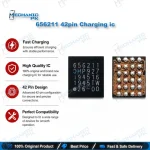
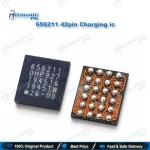
656211 42pin Charging ic for Huawei Mate 30 Pro & Vivo X30
₨ 650
656211 42pin Charging ic for Huawei and Vivo Logic Boards
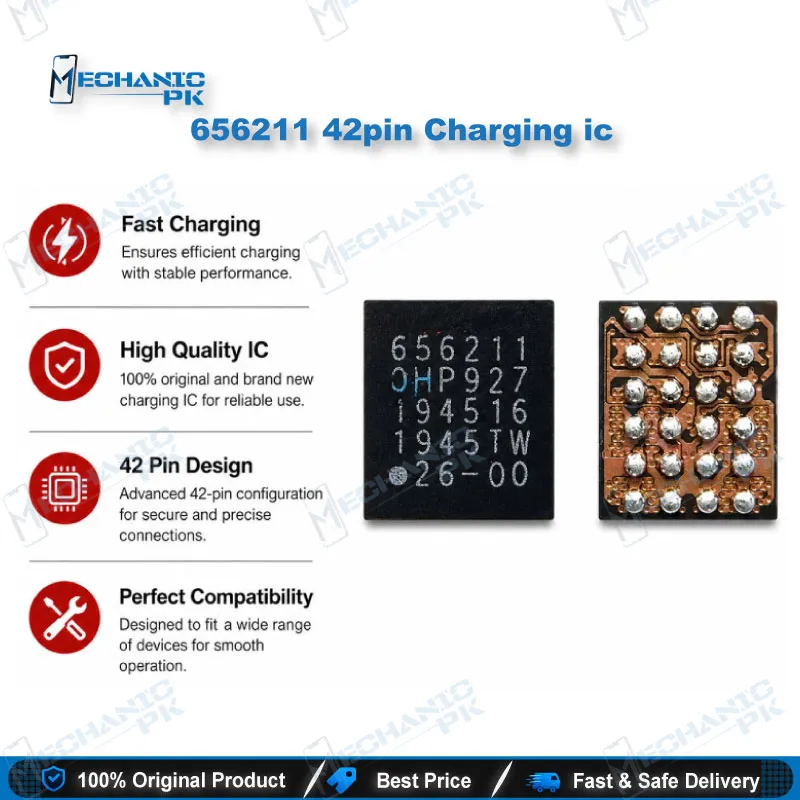
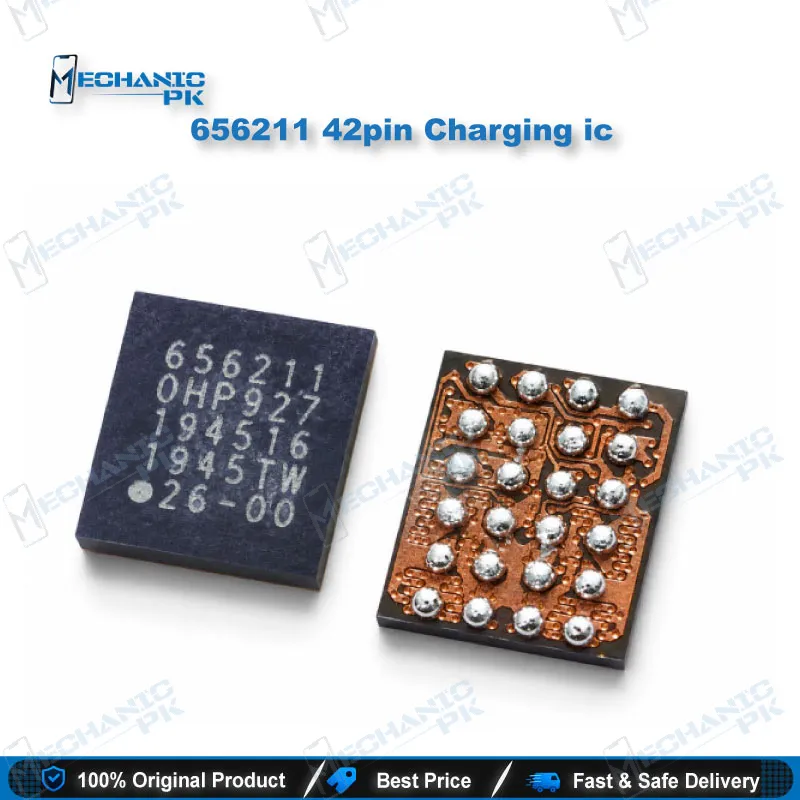
The 656211 42pin Charging ic is a BGA charging power IC for Huawei Mate 30 Pro, Honor 9X, Honor 20S, Nova 6, Y9s and Vivo X30 motherboards. It controls charger input, battery charging and system power distribution, so a failed chip shows up as no charging, a dead phone, or random restarts. Each unit carries the exact 656211 marking and 42-ball footprint that these boards need, which gives you a direct part match instead of guesswork. It suits technicians who handle board-level charging faults with a hot air station, flux and a reballing stencil, and service centers that stock Huawei power-section replacement parts.
656211 42pin Charging ic: Technical Overview for Huawei and Vivo Board Repair
The 656211 42pin Charging ic manages the charging path on a defined group of Huawei and Vivo logic boards: the Mate 30 Pro, Honor 9X, Honor 20S, Nova 6, Y9s and Vivo X30. This 656211 42pin charging IC takes incoming charger power, regulates it, charges the battery and supplies voltage to the rest of the system. When it fails, the board loses its charging function or its stable power supply. Technicians then see a phone that will not charge, will not power on, or restarts without warning. This listing covers the exact part: a 42pin BGA chip marked 656211.
Where the 656211 Charging IC Sits in the Power Architecture
On supported boards, the 656211 connects the USB-C input to the battery and the main power rails. It handles three jobs: charging current control, voltage regulation, and power distribution to the system. That position explains why a single faulty chip produces such different symptoms. A damaged input stage blocks charging entirely. A shorted internal rail drags down the main supply and leaves the board with no power-on response. A partially failing chip can keep the phone alive on battery and still cut out under load. Its central role in the power path makes it one of the first components to check on a charging fault on these models.
Fault Symptoms Linked to the 656211 42pin Charging IC
Pakistani repair benches see the same failure patterns repeatedly on these Huawei and Vivo boards. The most common ones include a charging issue with no response to any charger, a dead phone after a faulty adapter or a liquid exposure event, random restarts during use, and unstable operation that improves on a DC power supply but fails on battery. A fake or high-voltage charger often damages the input side of the chip first. These are hardware faults. No flash file, test box or software repair restores a damaged charging IC, and ISP, eMMC or UFS tools play no role here unless storage shows a separate fault.
Diagnosis Before You Replace the Chip
Confirm the fault before you lift a BGA component. Power the board from a DC power supply and watch the current draw, since an instant high reading on connection usually points to a short in the power section. Check the input and battery lines in diode mode with a digital multimeter and compare readings against a known-good board where possible. Thermal tracing helps locate the shorted part: inject low voltage on the shorted line and look for the chip that heats up, using a thermal camera or a rosin layer. A stereo microscope lets you inspect the surrounding capacitors and the chip edges for corrosion or cracked balls. Rule out the charging port, flex and battery connector first, because a damaged port mimics a charging IC fault.
Replacement Workflow and Required Equipment
Replacing the 656211 requires standard BGA rework practice. Secure the board in a PCB holder, apply quality flux, and remove the old chip with a hot air station at controlled airflow so nearby small components stay in place. Clean the pads with solder wick and a soldering station, then inspect them under the microscope for lifted or damaged pads. Reball the new chip with a matching stencil from a reballing kit, or use a pre-balled unit if your stock arrives that way. Align the chip by its marking and pin 1 orientation, reflow evenly, and let the board cool before testing. Test the board on the DC power supply first, then on battery with a charger connected, and confirm a stable charging current before you reassemble the phone.
Matching the Right Part for Your Repair
Part marking and ball count decide compatibility for board-level ICs. Match the 656211 marking and 42pin footprint to the chip on your board before ordering, since a 24pin part with the same number also circulates in the market. For the models listed here, this 656211 42pin charging IC gives you the correct footprint for a direct replacement. Service centers that handle frequent Huawei charging repairs benefit from keeping a few units in stock alongside flux, stencils and solder wick, so a charging repair moves from diagnosis to final test without delay.
| Weight | 0.1 kg |
|---|
Key Features
- Exact 656211 marking for direct identification against the original chip on the board
- 42pin BGA footprint that matches supported Huawei and Vivo logic boards
- Handles charger input, battery charging and system power distribution in one chip
- Restores charging function on Mate 30 Pro, Honor 9X, Honor 20S, Nova 6, Y9s and Vivo X30
- Suits standard BGA rework with a hot air station, flux and a reballing stencil
- Addresses hardware-level charging faults that flashing and software tools cannot fix
- Useful stock part for service centers handling frequent Huawei power-section repairs
- Supports repair of no charging, dead phone and random restart faults
Specifications
| Model | 656211 |
|---|---|
| Category | Mobile Phone Charging IC |
| Compatibility | Huawei and Vivo logic boards using the 656211 42pin charging IC |
| Supported Devices | Huawei Mate 30 Pro, Honor 9X, Honor 20S, Nova 6, Y9s, Vivo X30 |
| Technology | 42pin BGA charging power management IC |
Common Repair Uses
- Board-level charging and power-section repair on supported models
- No charging response with any charger or cable
- Dead phone with no power-on after a charger fault
- Short on the charging input or battery line traced to the charging IC
- Random restarts and unstable operation on battery
- Charging repair after liquid exposure damage on the power section
- BGA chip replacement and reballing on Huawei and Vivo boards
- Replacing a burnt chip after a fake or high-voltage adapter fault
- Power-section restoration during motherboard rework
Compatible Devices
- Verified model-level compatibility for the following boards
- Huawei Mate 30 Pro
- Huawei Honor 9X
- Huawei Honor 20S
- Huawei Nova 6
- Huawei Y9s
- Vivo X30
- Other boards fitted with a 42pin chip marked 656211 (confirm marking and pin count before replacement)
FAQ
What is the product name?
What is the brand of this product?
What is the model of this product?
What is this product used for?
Which devices are compatible with this product?
Who should use this product?
Is the 656211 42pin charging IC a BGA chip that needs reballing?
Can flashing or a software repair fix a faulty 656211 charging IC?
Related products