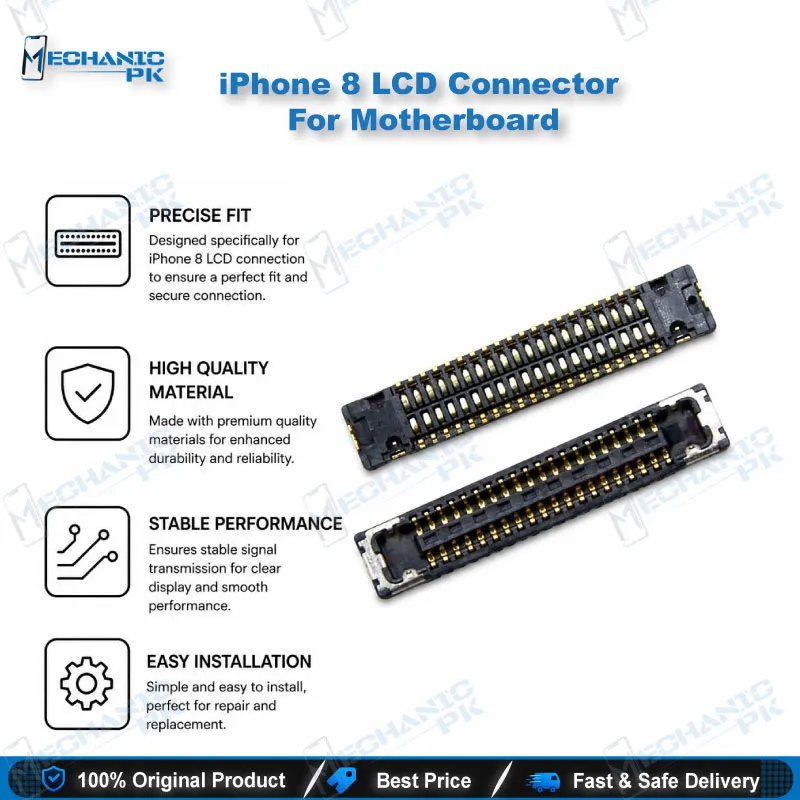
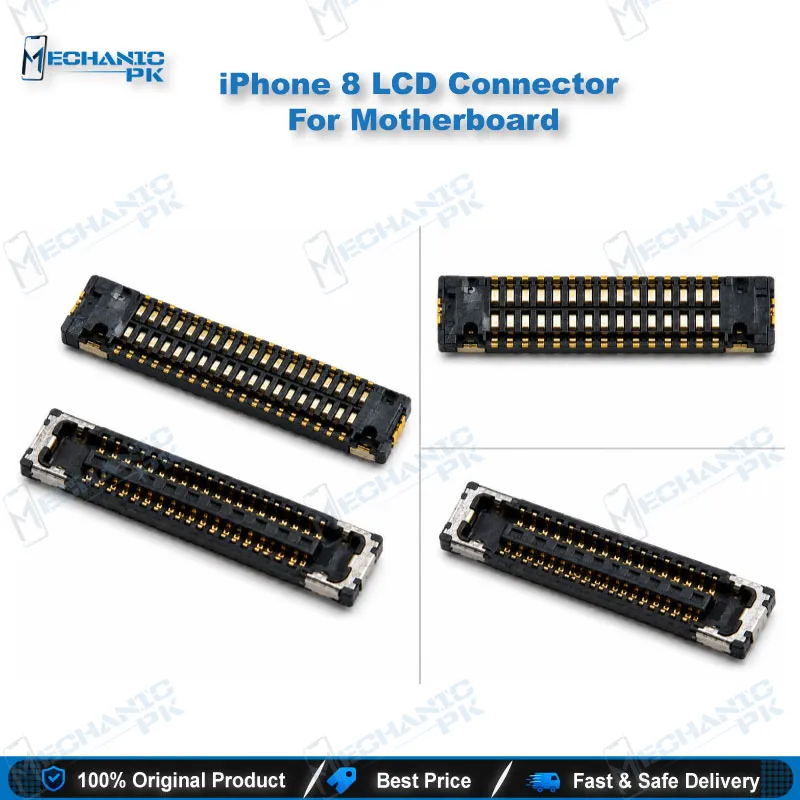
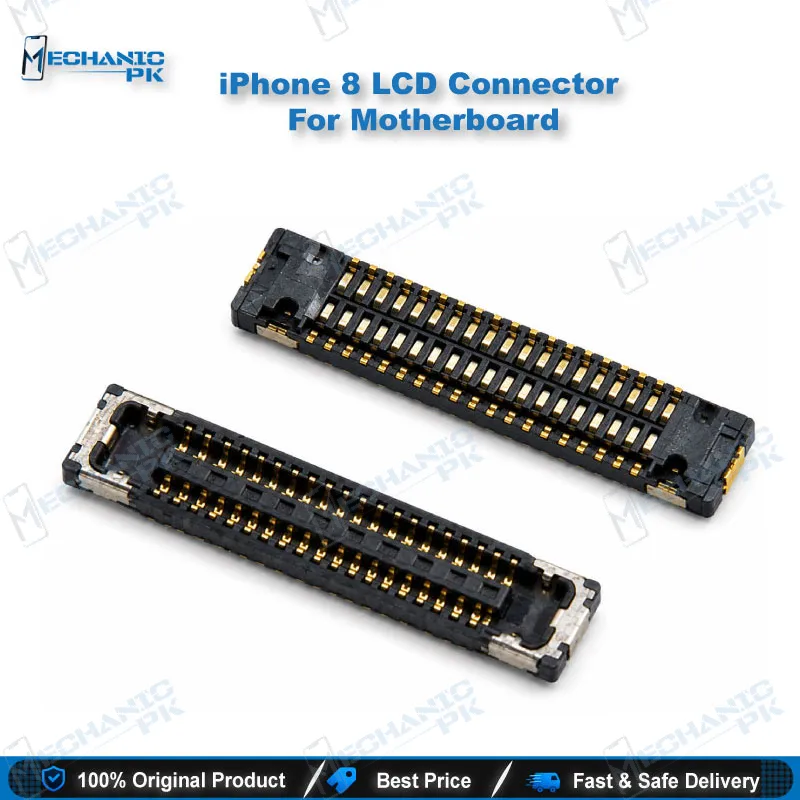
iPhone 8 LCD Connector For Motherboard | Mechanicpk
₨ 180
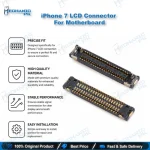
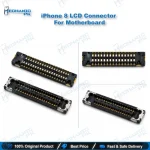
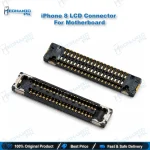
iPhone 8 LCD Connector for Motherboard Replacement
This iPhone 8 LCD connector for motherboard is a board-level replacement for the display flex socket that links the screen to the logic board. It suits technicians who have confirmed a damaged or lifted display socket on models A1863, A1905 and A1906. Installing it requires micro-soldering, a hot air or iron workflow and a stable microscope setup. Use this part when the display shows no picture, lines or touch faults after a display swap rules out the screen itself. Pair it with quality flux, fine-tip tools and a board holder to keep the pads intact on your repair bench.
In stock
iPhone 8 LCD Connector for Motherboard: Board-Level Display Repair
The iPhone 8 LCD connector for motherboard sits on the logic board and carries the signal between the 4.7-inch 750 x 1334 display and the phone’s main circuitry. When this socket develops a fault, the screen can stay dark, show vertical lines, or ignore touch input even though the glass and panel are healthy. Technicians who understand that link can separate a panel fault from a board fault within minutes instead of replacing good parts. Replacing the connector is a true micro-soldering task, so your repair bench needs a microscope, flux, fine-tip tools and a controlled heat source. Matching the repair to the actual fault saves time and protects the original logic board. Expect this job to demand patience, because the pads are small and heat damage spreads quickly across the board. This guide walks through where the connector sits, which symptoms point to it, and how to approach the repair in a controlled sequence.
Where the iPhone 8 LCD Connector Sits on the Logic Board
A lower display cable bracket holds the battery connector and two lower display cable connectors firmly against the logic board. Four Phillips screws fasten that bracket, two measuring 1.3 mm and two measuring 2.8 mm, so keep each screw in its own position. A bent or missing bracket can shift the display socket out of alignment, which makes a clean reseat much harder to achieve. Work slowly around the bracket, because its thin metal edges can bend under light pressure. Before you desolder anything, lift the bracket and inspect the pads under magnification for lifted pins, cracked joints and corrosion around the socket edges. A clean inspection tells you whether you need a full connector swap or only a reflow of the existing solder joints. Photograph each stage of the disassembly, because those images become your reference when you reassemble the handset and test the display.
Symptoms That Point to a Faulty LCD Connector
A black screen with a working backlight often means the panel is receiving no usable signal from the board. Vertical lines or flickering usually suggest the connector pins or socket make poor contact, which frequently follows a drop or a previous display swap. Intermittent display loss after an impact points toward a cracked solder joint rather than a dead panel, so test the joints before ordering parts. Test the handset with a known-good display first, because a working replacement screen quickly separates a panel fault from a board fault. If the picture returns when you press the connector area firmly, you are likely dealing with a seating or solder fault that a reflow may solve. Liquid damage adds another layer, since corrosion under the socket spreads quickly and often reveals itself only after careful cleaning with proper isopropyl and flux remover. Document each symptom and its order of appearance, because that sequence helps you decide between a reflow and a full connector replacement.
Micro-Soldering Workflow and Bench Requirements
Start by disconnecting the battery so that no power reaches the logic board while you work on the display socket. Support the board on a holder and apply flux generously around the connector pads to protect them during heating. Use a hot air station at a controlled temperature to lift the old socket, and keep the airflow focused so nearby components stay protected. Clean the pads with flux remover, then check under the microscope for bridged, lifted or damaged pads before you place anything new. Align the new connector with its markings, tack two corner pins first, and then solder the full row with steady, controlled heat. Power on the handset only after the joints look clean from several angles, and keep rushed heat away from the board, because heat damage causes more failures than the original fault.
| Weight | 0.1 kg |
|---|
Key Features
- Board-level replacement for the iPhone 8 LCD display connector
- Designed for micro-soldering onto the logic board
- Compatible with iPhone 8 models A1863, A1905 and A1906
- Suits diagnostic workflows that separate panel faults from board faults
- Works with hot air station and iron rework setups
- Supports repairs on display, touch and lower cable issues
- Fits technicians handling dead phone and display problem cases
- Suitable for professional repair benches and service centers
Specifications
| Model | iPhone 8 (A1863, A1905, A1906) |
|---|---|
| Compatibility | iPhone 8 (A1863, A1905, A1906) |
| Supported Devices | iPhone 8 |
Common Repair Uses
- Diagnosing a black screen where the panel receives no usable signal from the board
- Fixing vertical lines or flickering caused by poor pin contact in the display socket
- Restoring display output after a drop cracks the solder joints at the connector
- Replacing a socket with bent or lifted pins after a previous display swap
- Repairing a logic board after liquid damage corrodes the display connector pads
Compatible Devices
- Verified to iPhone 8 models only. Not device-specific beyond the model numbers listed above.
- iPhone 8 (A1863)
- iPhone 8 (A1905)
- iPhone 8 (A1906)
- Apple A11 Bionic logic boards
FAQ
What is the product name?
What is the brand of this product?
What is the model of this product?
What is this product used for?
Which devices are compatible with this product?
Who should use this product?
Does this LCD connector require micro-soldering?
Which iPhone 8 models does this LCD connector fit?
Related products