
















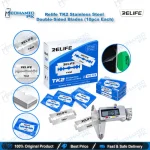
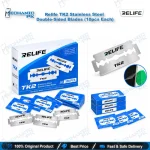
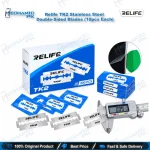
Relife TK2 Stainless Steel Double-Sided Blades (10pcs Each)
₨ 150
TK2 Blades for Precision Screen Separation
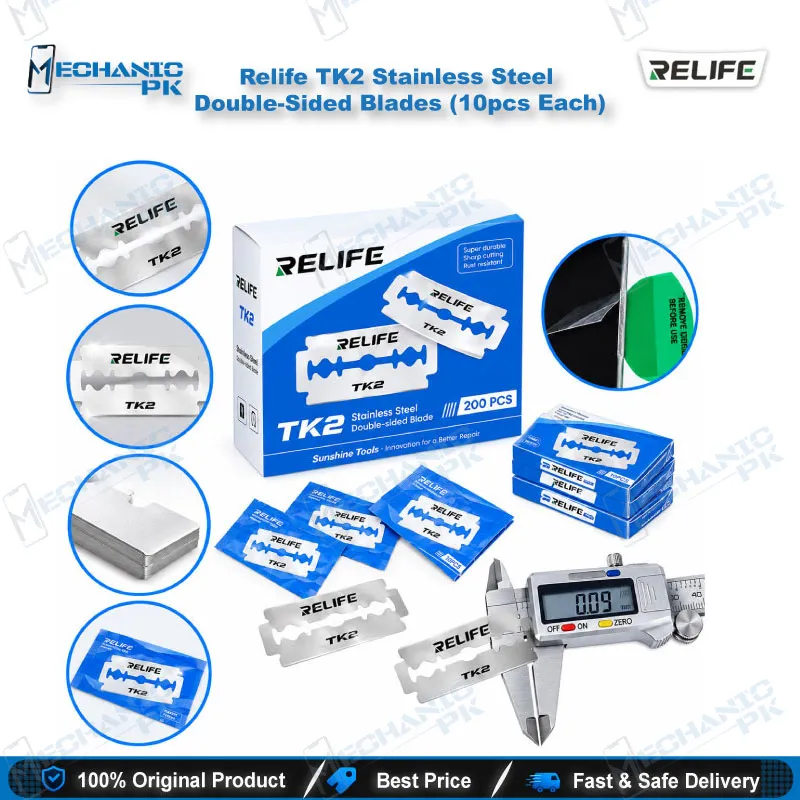
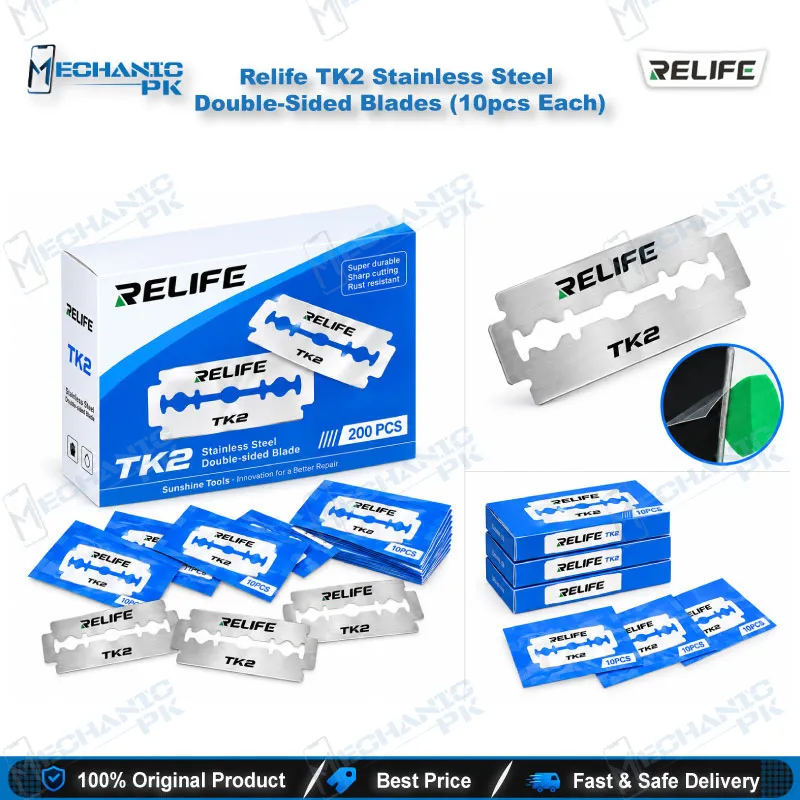
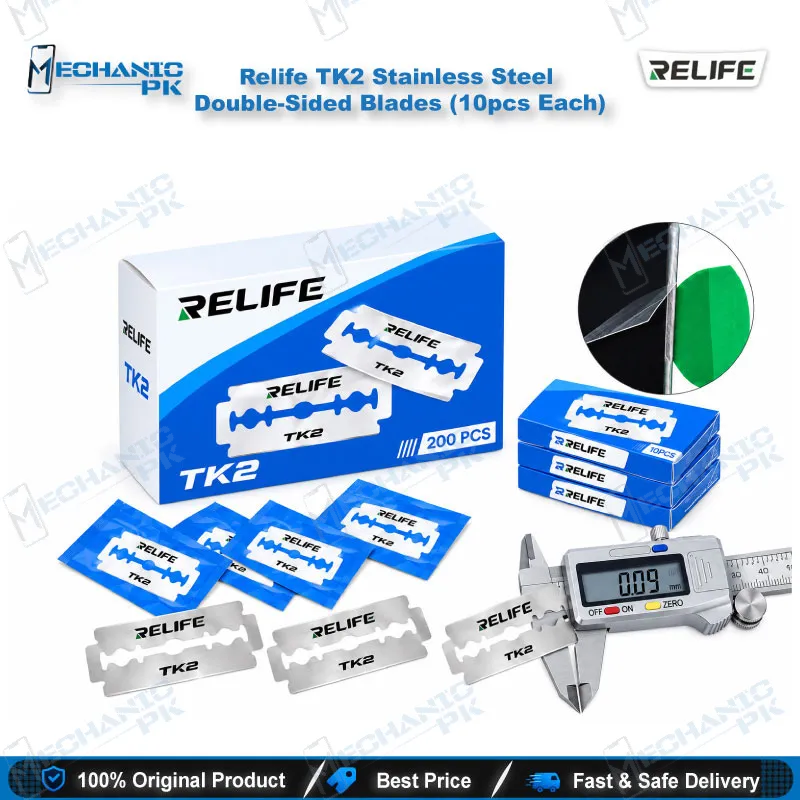
The Relife TK2 Stainless Steel Double-Sided Blades (10pcs Each) give your repair bench a thin, hard replacement edge for adhesive removal tools. Each blade measures 0.09 mm thick and cuts on both edges, so you flip it for a fresh edge before you discard it. Use the pack for screen separation, frame adhesive cutting, and clearing stubborn glue residue from mobile devices. A 10-piece pack keeps a clean blade ready for every job, whether you run a single repair shop or a busy service center. Pair it with an adhesive removal tool and your separation work stays controlled.
In stock
Relife TK2 Blades for Mobile Repair: A Precision Edge for Adhesive Work
Relife TK2 blades for mobile repair give your adhesive removal tool a fresh 0.09 mm stainless steel cutting edge whenever the old one wears out. The Relife TK2 Stainless Steel Double-Sided Blades (10pcs Each) pack suits technicians who separate screens, slice frame adhesive, and scrape cured glue every day. Both edges of each blade cut, so you flip the blade once before you retire it. The ultra-thin profile slips into the seam between a display and its frame, which keeps your pry force low and your control high. Mechanicpk supplies this pack to repair shops, service centers, and training institutes across Pakistan that need a dependable consumable edge on the bench, with the spec detail a buyer expects before ordering.
Blade Material and Edge Design
Each TK2 blade uses stainless steel, and the product listing describes the blade as high in hardness. Stainless steel resists the rust that humidity and cleaning fluids cause on a busy workshop bench, so unused blades stay ready inside the pack. The 0.09 mm thickness is the figure that matters most. A thinner blade enters the gap between glass and frame with less force, which reduces the pressure you put on the panel while you cut. The double-sided design doubles the working life of every blade: cut with one edge, flip it, then continue with the other. A pack of ten gives you twenty usable edges, so you change edges between jobs instead of dragging a dull edge through hardened adhesive. Sharp, thin steel also lets you cut precisely through adhesive layers and thin film without gouging the surrounding frame. For a buyer comparing consumable blades, thickness, edge count, and pack size give the clearest basis for judging cost per repair, and the TK2 states all three plainly.
Where the TK2 Fits in Your Repair Workflow
Most display problem jobs start with separation. You warm the frame with your hot air station or heating pad, mount the blade in your adhesive removal tool, and work the edge along the seam until the panel releases. The TK2 handles the cutting stage of that process, and it also handles the cleanup that follows: you scrape residual adhesive from the frame and edges so the replacement panel seats flat. Once the device is open, the work moves to diagnosis. Check the battery and charging line with your multimeter, inspect the board under your microscope, and clamp it in a PCB holder when you find a hardware fault. When the fault leads to IC replacement or CPU rework, your soldering station and reballing kit take over from there. The blade sits at the very start of that chain, so a clean separation protects every later step on the repair bench.
Handling, Edge Rotation, and Stock Planning
Blades this thin cut fast, so keep your fingers behind the tool holder and keep the pack closed when you are not cutting. Rotate to the second edge as soon as you feel the pull force rise, because a dull edge makes you push harder and raises the risk of a slip across the panel. Wipe the blade dry before it goes back into its box, since moisture is the one thing that shortens the life of any steel blade in storage. Display replacement, battery access, and back cover removal all begin with the same seam, so one blade type covers several job types in a single session. Shops that process several screens a day can set a simple rhythm: a fresh blade for each heavy adhesive job and a single flip for lighter jobs. Service centers and training institutes that run several benches order multiple packs at once, so every station keeps its own supply and no technician waits for a blade mid-repair.
| Weight | 0.10 kg |
|---|
Key Features
- Ultra-thin 0.09 mm blade profile
- Stainless steel construction
- High-hardness cutting edge
- Double-sided reversible edges, 20 usable edges per pack
- 10 blades per pack
- Built for screen separation work
- Handles adhesive removal and precision cutting
- Spare blade for adhesive removal tools
Specifications
| Brand | Relife |
|---|---|
| Model | TK2 |
| Category | Screen Separation and Adhesive Removal Blades |
| Compatibility | Adhesive removal tools |
| Supported Devices | Mobile devices (universal scope, not tied to one phone brand) |
| Material | Stainless steel |
| Blade Thickness | 0.09 mm |
| Edge Type | Double-sided, reversible |
| Pack Quantity | 10 pcs |
Common Repair Uses
- Screen separation, adhesive cutting, and residue removal on mobile devices
- Screen separation before display replacement
- Cutting frame adhesive around the display edge
- Removing cured adhesive residue from frames
- Cleaning glue from device edges before you fit a new panel
- Slicing adhesive during back cover removal
- Precision cutting of thin adhesive layers and film
- Replacing a worn blade in your adhesive removal tool
- Opening a device for board-level diagnosis
Compatible Devices
- Universal scope for adhesive removal tools used on mobile devices, not tied to one phone brand or chipset
- Adhesive removal tools that accept TK2 spare blades
- Mobile phone screens bonded with display adhesive
- Mobile phone frames and middle-frame glue seams
- Mobile phone back cover adhesive seams
- Tablet and other mobile device display bonds
- Battery adhesive areas that need residue scraping
- Worn TK2 blade positions in an existing blade holder
- Mixed-brand repair benches that need one consumable blade type
FAQ
What is the product name?
What is the brand of this product?
What is the model of this product?
What is this product used for?
Which devices are compatible with this product?
Who should use this product?
How thick is the Relife TK2 blade for screen separation?
Can I use both edges of a Relife TK2 blade?
Related products