
















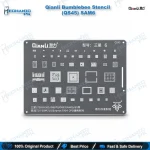
Qianli Bumblebee Stencil (QS45) SAM6 Samsung Reballing
₨ 799
QS45 Samsung Reballing Stencil
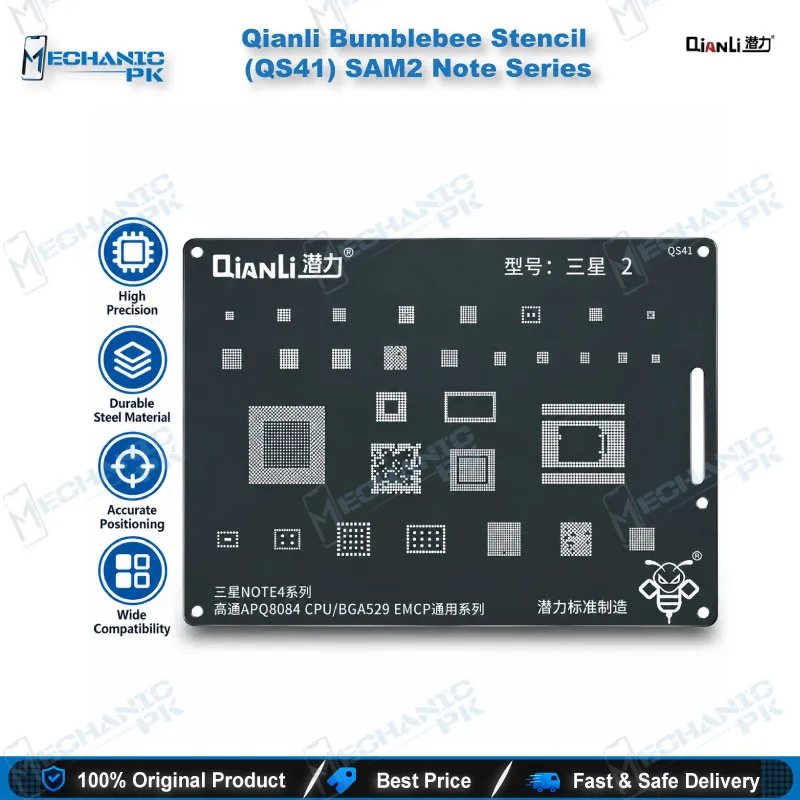
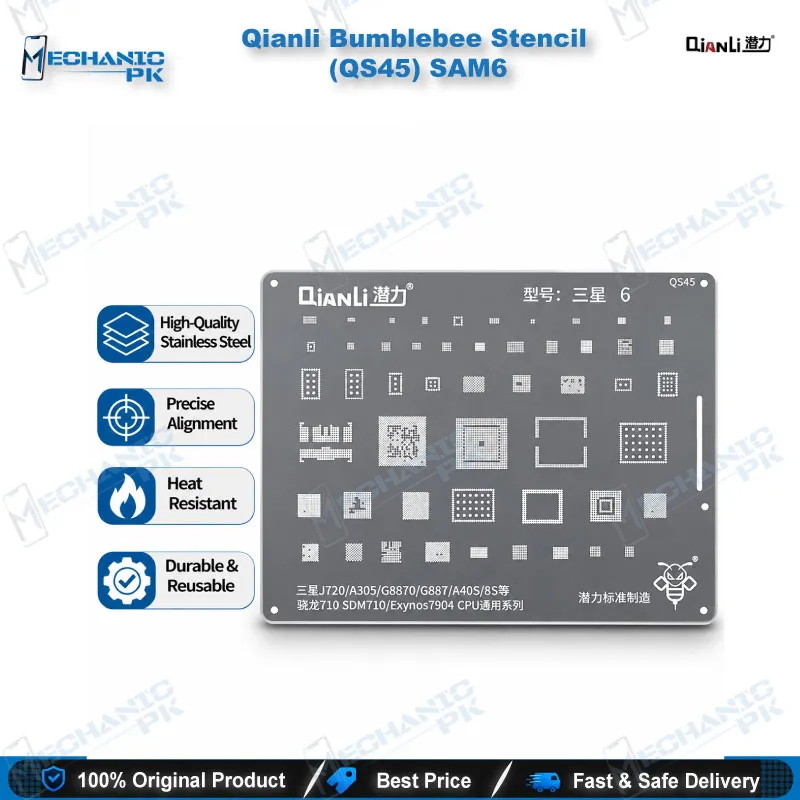
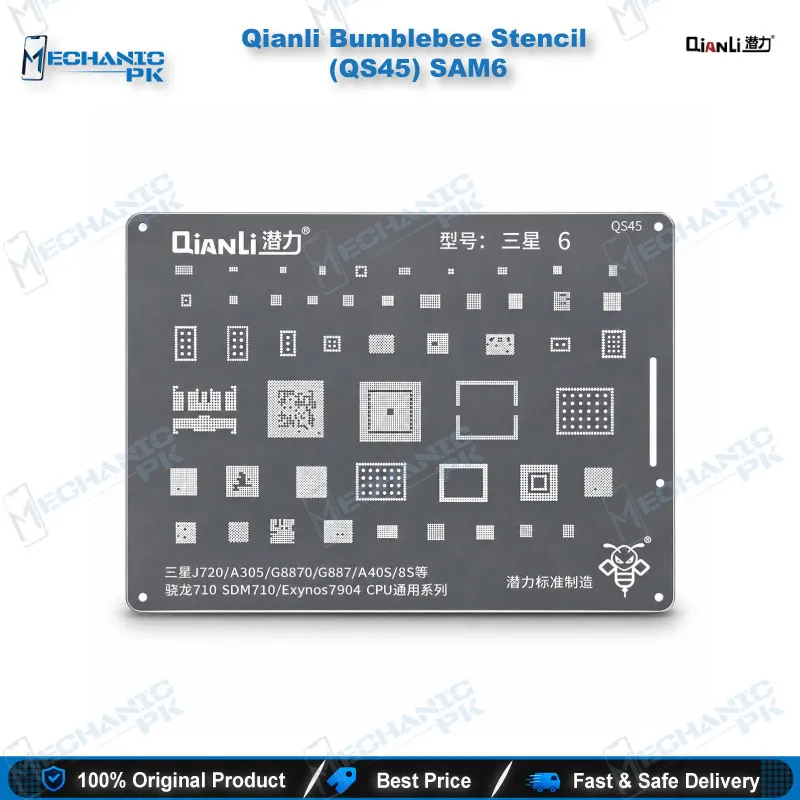
The Qianli Bumblebee Stencil (QS45) SAM6 gives you a dedicated reballing template for Samsung boards built around the Exynos 7904 and Snapdragon 710 (SDM710) CPUs. Qianli cuts square holes with rounded angles, so solder balls seat cleanly and release evenly when you reflow. It covers the Galaxy J720, A30, A8S and M30 boards, so one stencil serves the whole group instead of a separate template per model. Use it with your hot air station and a quality solder ball set when you reball a removed CPU during a dead phone or boot loop repair.
In stock
QS45 Samsung Reballing Stencil for Exynos 7904 and SDM710 Boards
The Qianli Bumblebee Stencil (QS45) SAM6 is a QS45 Samsung reballing stencil for technicians who reball CPUs on Galaxy J720, A30, A8S and M30 boards. Qianli lists the QS45 for the Exynos 7904 and Snapdragon 710 (SDM710) CPU family, so it matches the BGA footprint those boards share. Mechanicpk lists it for Pakistani repair shops that handle Samsung mid-range boards every day and want a proper template on the bench instead of improvised fixes. This page explains what the stencil does, where it fits in a CPU rework job, and what you should check before you order.
How the Square-Hole Pattern Helps Your Reball
Qianli builds the Bumblebee range with square holes and rounded angles. That aperture shape suits BGA pads, and the rounded corners let the template release from the chip without dragging the deposit. You clean the CPU, seat the stencil, align every opening with its pad, spread paste or drop balls, and heat until each ball collapses into a uniform sphere. Uniform height matters on Exynos and Snapdragon packages, because one weak joint creates a hardware fault that behaves exactly like a dead CPU. Qianli states that this generation uses a new treatment and new materials for easier handling and sharper precision. The maker does not publish steel grade or thickness, so confirm the fit against your own pad pattern before you commit a CPU. Samsung mid-range boards pack their CPU pads tightly, so a stencil that registers cleanly saves you from bridged balls and a second reball attempt. Hold the template flat during alignment and keep your hot air gentle so the stencil does not warp mid-job.
Where the QS45 Fits in Your CPU Rework Workflow
You reach for this stencil after you lift the CPU with a hot air station and clear old solder from both the board pads and the chip underside. Flux and braid do the cleaning, and a microscope tells you when the pads are flat and free of residue. Once the stencil sits aligned, you reball the chip, reflow it, and place it back on the board held steady in a PCB holder. A multimeter check on the supply rails before the first power-up confirms you created no short. Technicians reach this job when a Samsung board arrives as a dead phone after a drop, stays stuck in a boot loop, or hangs on logo because a CPU joint cracked. Reballing with a matched template restores that connection without guesswork, and finishing the job in your own workshop keeps turnaround short for the customer waiting at your counter. Pair the stencil with a reballing kit, a stable soldering station and quality solder balls, and your bench handles the whole CPU rework chain. Shops that train junior technicians also find a dedicated stencil useful, because the template removes the guesswork from ball placement and lets a beginner practise on scrap boards.
Choosing the Right Stencil: Compatibility and Next Steps
Match the stencil to the CPU marking on the board, not only to the phone name. Check that the chip reads Exynos 7904 or Snapdragon 710 (SDM710) before you order the QS45. The listed models are the Galaxy J720, A30, A8S and M30, and Qianli groups them under its Universal CPU Series. A different Samsung family, such as an Exynos 7885 or MSM8998 board, needs a different template from the Bumblebee range, so look up that CPU instead of forcing this one. Mechanicpk also carries reballing kits, hot air stations and microscopes, which lets you build one complete CPU rework setup from a single supplier. You also avoid mixing templates from different makers, which keeps your pad alignment consistent from one job to the next. Start with the QS45 Samsung reballing stencil if your shop sees these Samsung boards regularly, then add the matching tools around it as your workload grows. Write the CPU marking in your job notes so you can reorder the same stencil quickly when the next board arrives.
| Weight | 0.1 kg |
|---|
Key Features
- Square holes with rounded angles for BGA pad openings
- Dedicated to the Exynos 7904 and Snapdragon 710 (SDM710) CPU family
- Covers Samsung J720, A30, A8S and M30 with one stencil
- Qianli Bumblebee range with updated treatment and materials
- Sturdy, precise and durable build per the manufacturer
- Reusable template for repeat CPU reballing jobs
- Fits standard hot air and reballing kit workflows
- Suits repair shops, service centers and training benches
Specifications
| Brand | Qianli |
|---|---|
| Model | QS45 |
| Category | BGA Reballing Stencil |
| Compatibility | Samsung J720 / A30 / A8S / M30 (Exynos 7904 / Snapdragon 710 SDM710 CPU Universal Series) |
| Supported Devices | Samsung Galaxy J720, A30, A8S, M30 |
| Technology | Square-hole, rounded-angle BGA stencil |
Common Repair Uses
- CPU reballing and BGA rework on Samsung boards
- Reballing a CPU after removal with hot air
- Re-forming solder balls on a CPU lifted during board repair
- Preparing a replacement CPU before placement
- Reworking dead phone boards with a diagnosed CPU solder joint fault
- Fixing boot loop cases traced to cracked CPU joints
- Fixing hang on logo cases traced to cracked CPU joints
- Reballing after a drop-related hardware fault
- Practice reballing on scrap boards for technician training
Compatible Devices
- Samsung boards with Exynos 7904 or Snapdragon 710 (SDM710) CPUs
- Samsung Galaxy J720
- Samsung Galaxy A30
- Samsung Galaxy A8S
- Samsung Galaxy M30
- Boards with the Exynos 7904 CPU
- Boards with the Snapdragon 710 (SDM710) CPU
FAQ
What is the product name?
What is the brand of this product?
What is the model of this product?
What is this product used for?
Which devices are compatible with this product?
Who should use this product?
Which CPUs does the Qianli QS45 stencil support?
What hole shape does the Qianli Bumblebee QS45 use?
Related products