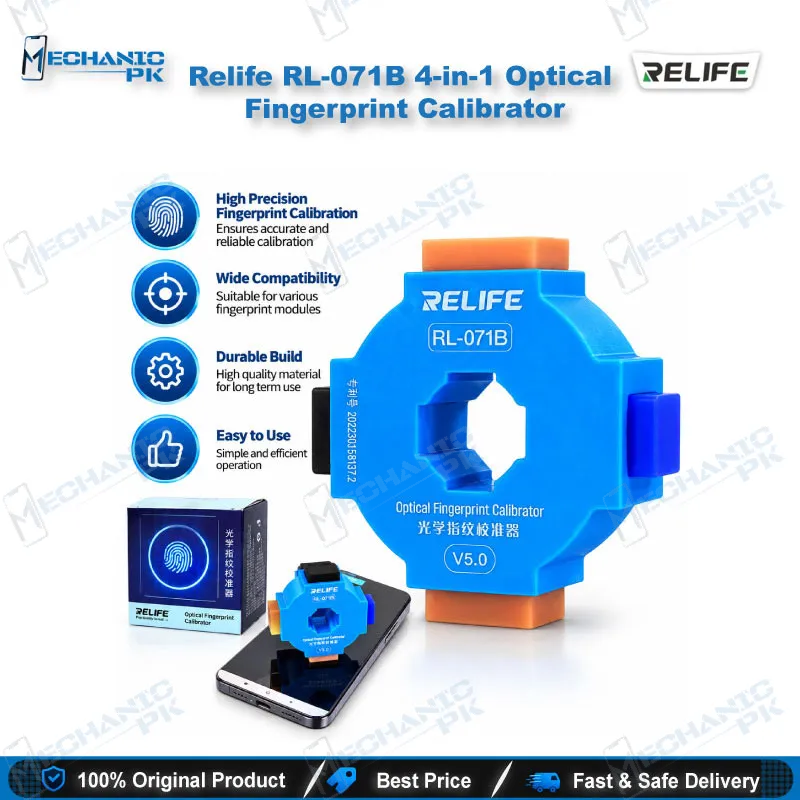
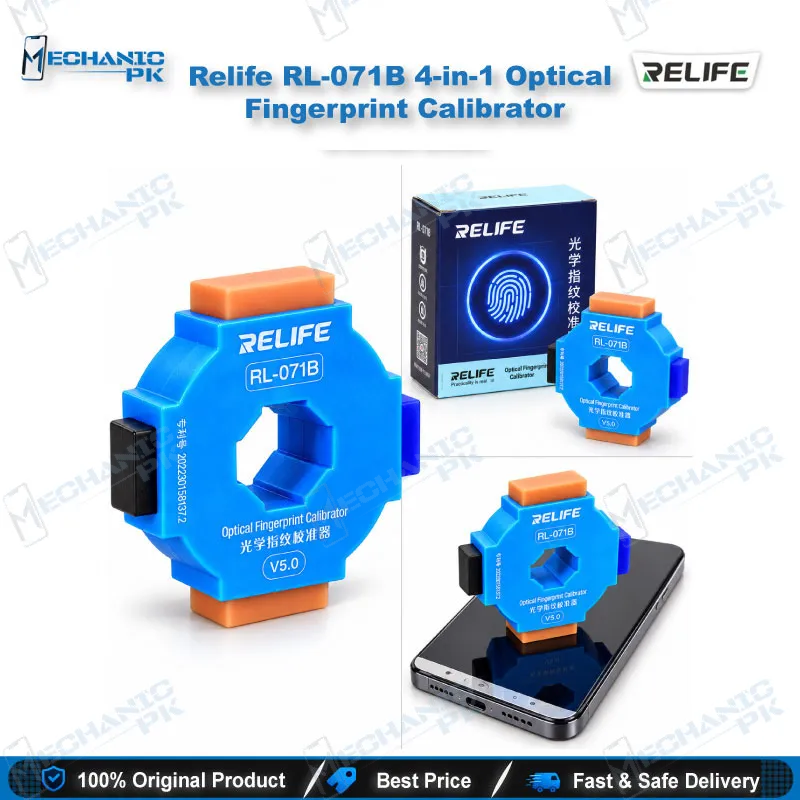
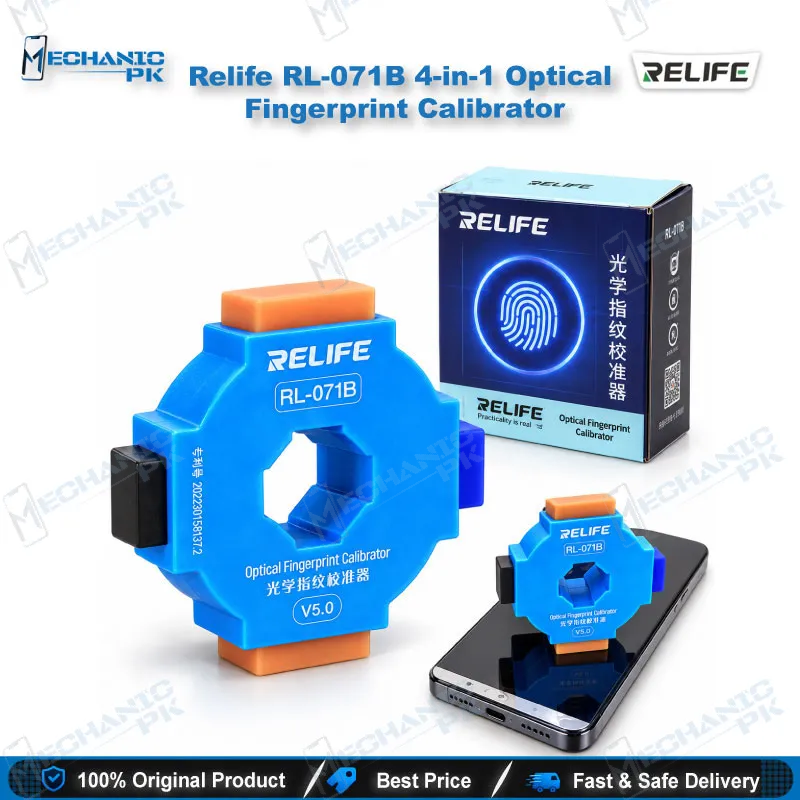
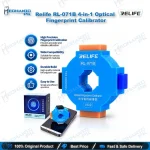
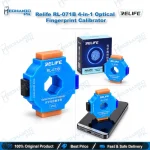
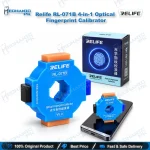
Relife RL-071B 4-in-1 Optical Fingerprint Calibrator
₨ 2,000
RL-071B Optical Fingerprint Calibrator
The Relife RL-071B 4-in-1 Optical Fingerprint Calibrator gives your repair bench a dedicated way to fix under-screen fingerprint failure after an OLED or LCD replacement. It covers Huawei, Xiaomi, OPPO and Vivo phones that use optical in-display sensors, so you recalibrate the sensor to the new panel instead of handing back a phone that refuses to enroll a finger. You run the calibration through the supplier’s software and tutorial procedure, and the compact body fits a crowded bench. Repair shops, service centers and screen-swap technicians in Pakistan can stock it as a task-specific tool for one of the most common post-repair complaints.
In stock
RL-071B Optical Fingerprint Calibrator for Post-Screen-Replacement Repairs
The Relife RL-071B 4-in-1 Optical Fingerprint Calibrator targets one specific fault: an optical under-display fingerprint sensor that stops enrolling or reading after a screen replacement. The RL-071B optical fingerprint calibrator gives you a hardware reference for recalibrating that sensor against the new OLED or LCD panel, so the phone leaves your bench with working fingerprint unlock. Mechanicpk stocks it for Pakistani repair shops and service centers that handle Huawei, Xiaomi, OPPO and Vivo display work every day.
Where the RL-071B Fits in Your Screen Replacement Workflow
A typical screen job starts with panel separation on a pre-heater or one of our Hot Air Stations, continues with a flex and connector check under a Microscope, and ends with the new display seated on the frame. The display problem is solved at that point, but the customer taps the fingerprint prompt and nothing registers. The sensor itself often works fine. It simply lost its calibration against the new panel. You run the RL-071B at this final stage, follow the calibration software and tutorial steps, and finish the job without a second teardown. That step turns a callback into a closed ticket.
Fingerprint Calibration Tool for Android: Technical Scope
This tool serves Android phones with optical under-display fingerprint sensors. The 4-in-1 design covers Huawei, Xiaomi, OPPO and Vivo devices. Support depends on the specific phone model and the calibration method that model needs, so check the handset’s sensor type before you quote the job. Phones with other sensor technologies sit outside the tool’s stated scope, and the RL-071B does not replace sensor-level repair when the fingerprint module itself has a hardware fault. Treat it as a calibration instrument for the screen-replacement failure it was built to solve.
What Calibration Means for Your Repair Quality
Optical in-display sensors read light reflected from the fingertip through the panel. A replacement panel changes that optical path, and the phone’s stored calibration no longer matches it. Customers often describe this as “fingerprint not working after screen change,” and many shops lose time guessing at flex cables or software resets. A dedicated calibrator removes the guesswork. You know the fault category, you apply the matching procedure, and you test enrollment on the spot before the phone leaves your counter.
Why Technicians and Shops Stock This Calibrator
Screen replacement is the highest-volume job on most repair benches, and fingerprint failure after the swap is one of its most frequent side effects. A shop that handles Huawei, Xiaomi, OPPO and Vivo phones meets this fault weekly. The RL-071B stays small enough to live in your tool tray next to your Multimeters, PCB Holders and screen tools, and one calibrator supports several brands, so you avoid buying separate fixtures for each. For technicians who run display jobs at volume, it protects your reputation for finished repairs and cuts the free rework that follows incomplete ones.
Building Out the Screen Repair Bench
Pair the RL-071B with a stable heat source, a reliable microscope and a clean holding fixture, and your screen workflow covers separation, inspection, refit and calibration in one chain. If your bench also handles board-level jobs, our Soldering Stations, Reballing Kits and Test Boxes extend the same setup into deeper repairs. Start with the calibration tool for the fault you meet most, then grow the bench around the work your customers bring.
| Weight | 0.25 kg |
|---|
Key Features
- Fixes fingerprint failure after screen replacement on supported phones
- 4-in-1 design covering Huawei, Xiaomi, OPPO and Vivo
- Built for optical under-display fingerprint sensors
- Corrects the fault without reopening the phone for a second repair
- Works with calibration software and tutorial guidance
- Compact, portable body that fits a busy repair bench
- Slots into the screen replacement workflow after panel refit
- Suits repair shops, service centers and training setups
Specifications
| Brand | Relife |
|---|---|
| Model | RL-071B |
| Category | Optical Fingerprint Calibrator (Mobile Repair Tool) |
| Compatibility | Android phones with optical under-display fingerprint sensors |
| Supported Devices | Huawei, Xiaomi, OPPO, Vivo |
| Technology | Optical under-screen fingerprint sensor calibration |
Common Repair Uses
- Post-screen-replacement fingerprint recovery on optical sensor phones
- Fixing "fingerprint enrollment failed" after an OLED or LCD replacement
- Restoring under-screen fingerprint recognition that stopped after a display swap
- Correcting poor fingerprint input on a newly fitted panel
- Closing out a screen replacement job without a second teardown
- Final functional check before returning a repaired phone to the customer
- Handling repeat fingerprint complaints across Huawei, Xiaomi, OPPO and Vivo jobs
Compatible Devices
- Android phones with optical under-display fingerprint sensors (brand-level scope; support depends on the exact model)
- Huawei phones with optical in-display fingerprint sensors
- Xiaomi phones with optical in-display fingerprint sensors
- OPPO phones with optical in-display fingerprint sensors
- Vivo phones with optical in-display fingerprint sensors
- Android handsets that lose fingerprint enrollment after an OLED or LCD panel swap
FAQ
What is the product name?
What is the brand of this product?
What is the model of this product?
What is this product used for?
Which devices are compatible with this product?
Who should use this product?
Does the RL-071B fix fingerprint failure after a screen replacement?
Does the RL-071B work on every Android phone?
Related products