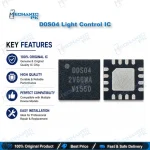
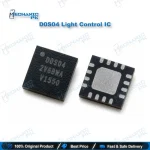
D0S04 Light Control IC – S2DOS04 Light IC for Samsung
₨ 250
D0S04 Light IC for Samsung Display Power Repair
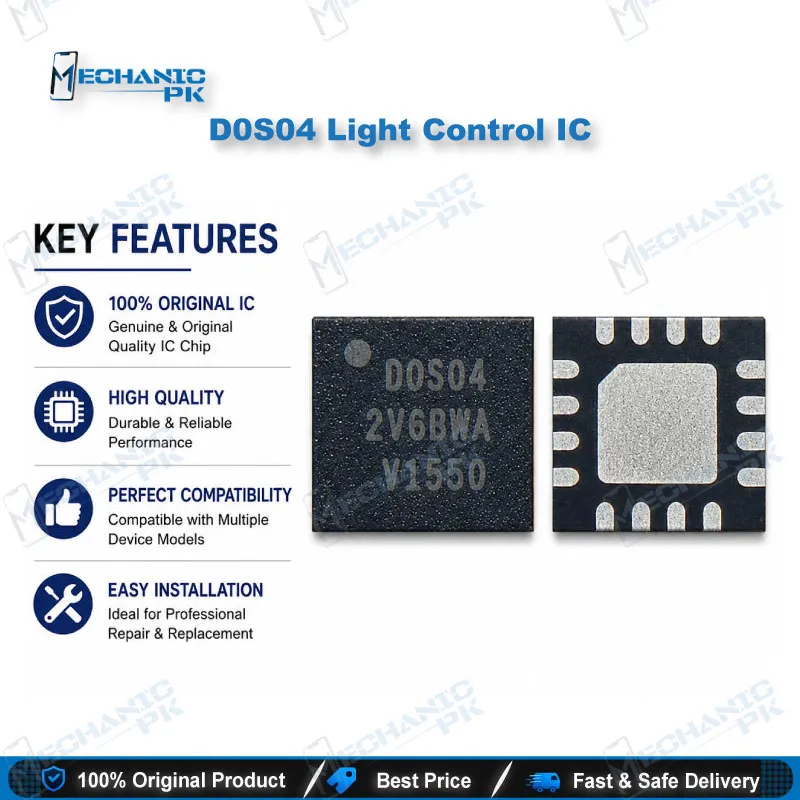
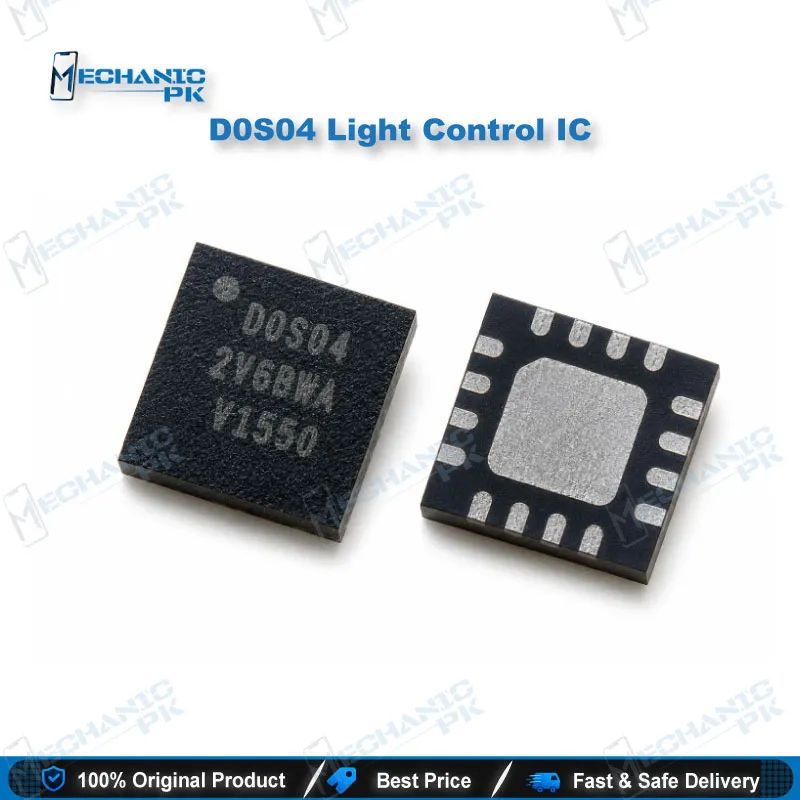
The D0S04 Light Control IC, also marked S2DOS04, drives the display power stage on Samsung Galaxy A510, A710, A910 and A8 2018 (A530) mainboards. When this chip fails, the phone boots, rings and vibrates, yet the screen stays black with no light at all. This D0S04 light IC for Samsung restores the supply rails the AMOLED panel needs, which turns a no-light complaint into a board-level fix instead of a costly display replacement. It suits technicians and service centers that handle IC-level display faults with a hot air station, a microscope and a proper BGA rework setup.
D0S04 Light IC for Samsung: Chip-Level Display Power Control
The D0S04 Light Control IC is a dedicated display power chip that Samsung places on the mainboards of several Galaxy A-series models, including the A510, A710, A910 and the A8 2018 (A530). The part also carries the full marking S2DOS04, and repair suppliers list both codes for the same chip. As a D0S04 light IC for Samsung boards, it sits between the main power supply and the display connector, and it generates the regulated rails the panel needs to light up. When this stage fails, the phone powers on normally while the screen stays dark, a fault technicians across Pakistan describe as a light problem or no-light condition.
What the S2DOS04 Chip Does on the Mainboard
Samsung A-series phones in this range use AMOLED panels, so the screen produces its own light rather than relying on a separate LED backlight strip. The panel still depends on dedicated supply voltages to switch its pixels on, and the S2DOS04 handles that job. Suppliers classify it as a power management and display backlight driver IC, which explains why the repair market calls it a light control IC. If the chip stops regulating, the display receives no usable supply, and the panel shows nothing even though touch, sound and vibration keep working. That symptom pattern points you toward the display power section instead of the AMOLED module itself.
Diagnosing a No-Light Fault Before You Replace the IC
A black screen does not automatically mean the IC has failed, so confirm the fault before you lift any component. Start by testing the phone with a known-good display; if that panel lights up, the original screen caused the problem and the board needs no IC work. If the good panel also stays dark, inspect the display connector under a microscope for burnt pins, corrosion or liquid damage. Next, switch your multimeter to diode mode and check the output lines around the light IC for a short to ground. A shorted output, a missing supply at the chip input, or visible damage around its package all justify an IC change. Liquid-damaged phones and boards that took a short through a faulty display flex often show exactly this pattern.
Replacement Workflow on the Repair Bench
The D0S04 uses a BGA package, so plan the job as standard ball-grid rework rather than a simple pin-to-pin swap. Secure the board in a PCB holder, apply quality flux around the chip, and lift the faulty IC with controlled hot air. Clean the pads with a soldering iron and desoldering wick until each pad sits flat and bright, then inspect them under magnification for lifted or torn pads. Place the new S2DOS04 with the correct orientation, reflow it evenly, and let the board cool before reassembly. Fit a display, power the phone, and confirm stable light across brightness levels before you close the device. A clean, even reflow protects the nearby components that share the display power area.
Compatibility Scope and Part Marking
Supplier listings consistently match this chip to the Samsung Galaxy A510, A710 and A910, and an independent listing confirms the same D0S04 marking on the Galaxy A8 2018 board in its A530N and A530W variants. Samsung reuses display power ICs across board revisions, so the safest practice is to read the marking on your original chip and match it exactly before ordering. A matching D0S04 or S2DOS04 marking on the old part confirms a direct replacement. Avoid substituting look-alike light ICs with different codes, since their output rails and ball assignments do not necessarily match.
Building a Complete Display Power Repair Setup
IC-level display repair rewards a well-equipped bench. A stable hot air station handles BGA removal without overheating the surrounding area, and a temperature-controlled soldering station prepares the pads for the new chip. A stereo microscope lets you verify pad condition and chip alignment, while a reballing kit with the correct stencil helps when you need to restore solder balls on a salvaged part. A digital multimeter covers the short-circuit and voltage checks that confirm the fault in the first place. Shops that handle regular Samsung display repairs keep spare D0S04 chips in stock, because the same light fault returns across many A-series boards that pass through a busy service center.
| Weight | 0.1 kg |
|---|
Key Features
- Full chip marking S2DOS04, matching the D0S04 code printed on original Samsung boards
- Controls the display power stage that AMOLED panels on supported A-series boards depend on
- BGA package built for direct board-level replacement through hot air rework
- Direct match for SM-A5100/A510, A7100/A710 and A9100 mainboards
- Confirmed D0S04 marking on Galaxy A8 2018 A530N and A530W boards
- Fixes no-light faults at chip level without replacing the display module
- Fits a standard BGA workflow: flux, hot air removal, pad preparation and reflow
- Compact single-chip part suited to spare stock in repair shops and service centers
Specifications
| Model | D0S04 (full marking S2DOS04) |
|---|---|
| Category | Mobile Phone IC – Light Control / Display Power IC |
| Compatibility | Samsung Galaxy A-series mainboards carrying the D0S04 / S2DOS04 marking |
| Supported Devices | Samsung Galaxy A510 (A5100), A710 (A7100), A910 (A9100), A8 2018 (A530N / A530W) |
| Technology | Display power management and light control IC, BGA package |
Common Repair Uses
- Board-level display power repair on supported Samsung mainboards
- No light / black screen while the phone rings, vibrates and responds to touch
- Display power IC replacement after liquid damage to the display section
- Shorted display power rail traced to the light IC
- No-display fault after a shorted or damaged display flex
- Board repair when a new screen fails to fix the no-light problem
- BGA IC removal and placement under hot air
- Display restoration during Samsung A-series board refurbishing
- Spare stock for recurring Samsung display power faults in service centers
Compatible Devices
- Samsung Galaxy A-series boards using the D0S04 / S2DOS04 display power IC
- Samsung SM-A5100 / A510 (Galaxy A5 2016)
- Samsung SM-A7100 / A710 (Galaxy A7 2016)
- Samsung SM-A9100 (Galaxy A9 2016 series)
- Samsung Galaxy A8 2018 SM-A530N
- Samsung Galaxy A8 2018 SM-A530W
- Other Samsung boards carrying the identical D0S04 / S2DOS04 marking (verify on the original chip before replacing)
FAQ
What is the product name?
What is the brand of this product?
What is the model of this product?
What is this product used for?
Which devices are compatible with this product?
Who should use this product?
Is D0S04 the same chip as S2DOS04?
How do I confirm the D0S04 IC is faulty before replacing it?
Related products