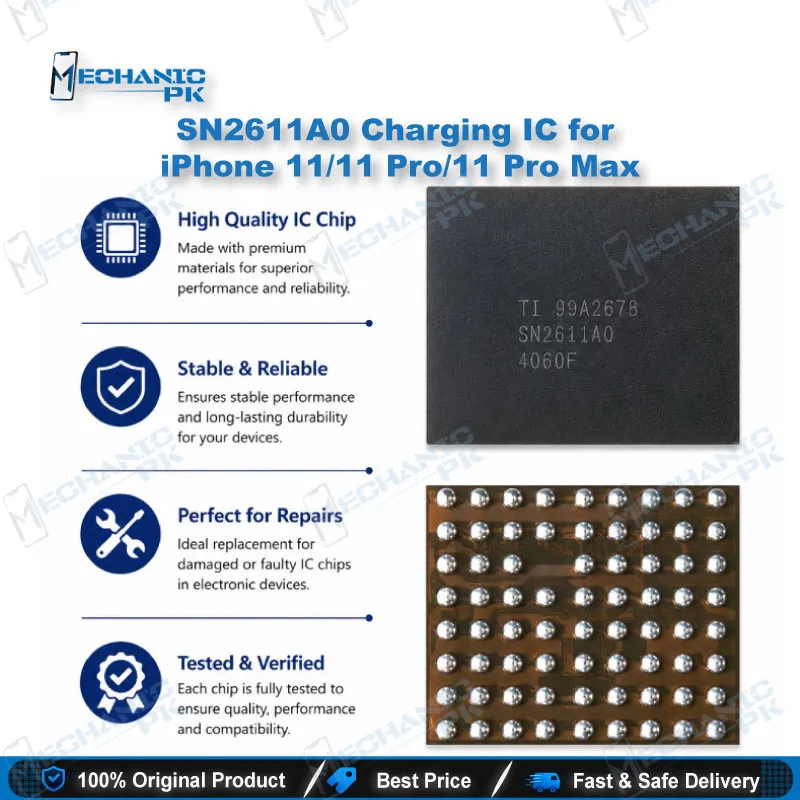
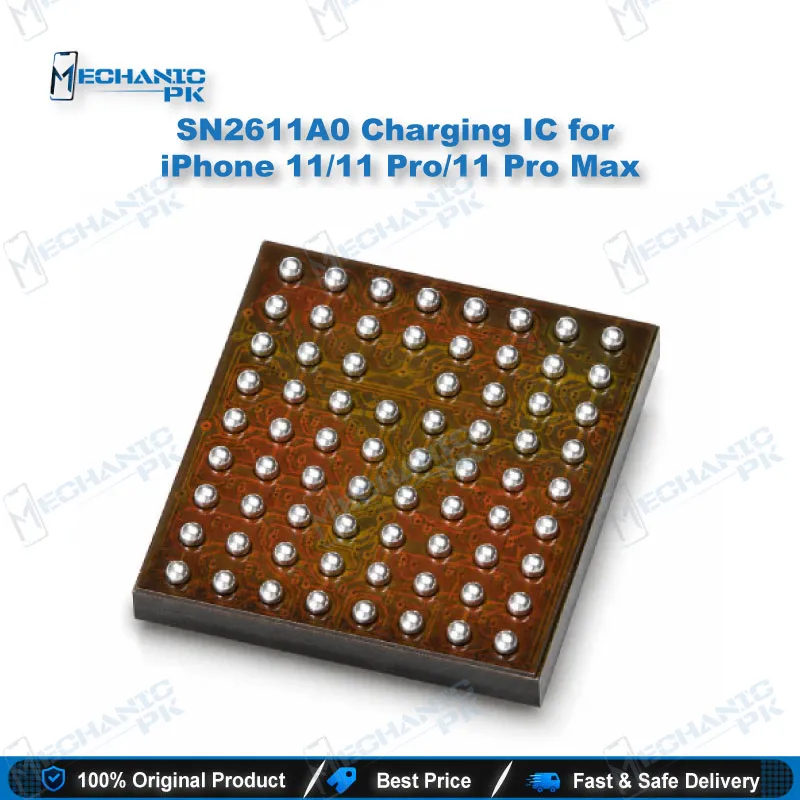
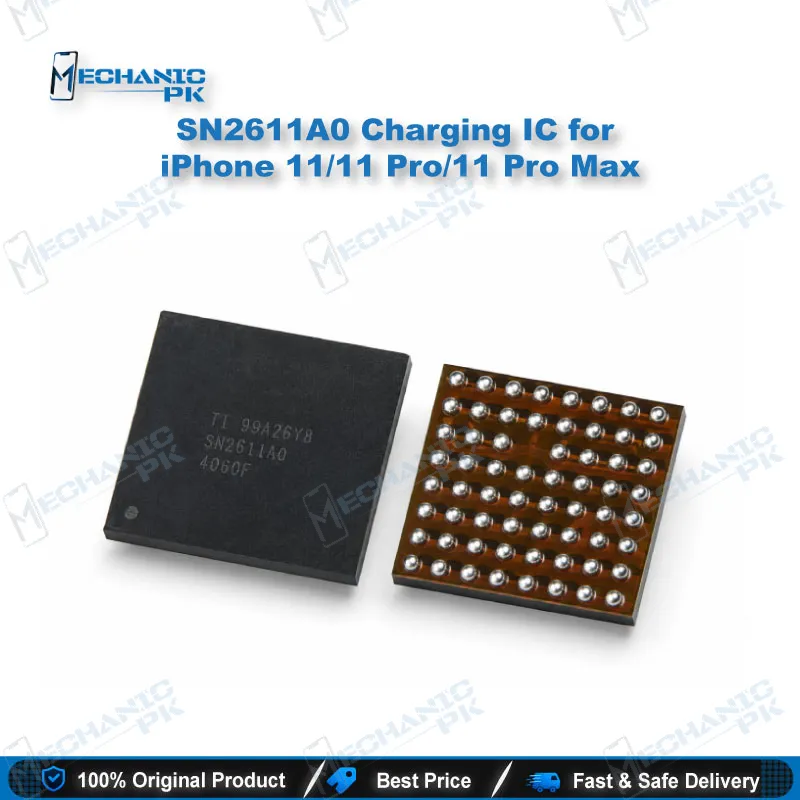
SN2611A0 Charging IC for iPhone 11/11 Pro/11 Pro Max
₨ 450
SN2611A0 Charging IC — U3300 Tigris Charger for iPhone 11 Series
The SN2611A0 Charging IC for iPhone 11/11 Pro/11 Pro Max is the Tigris battery charger controller located at board position U3300 on all three iPhone 11 logic boards. It regulates how USB input power reaches the battery. When it fails, you see a no-charge fault, unstable charging current, or a phone that boots on a DC supply but refuses to charge. This chip shares its footprint with the U4000 position on iPhone 12 series boards, so one stock item covers two generations of charging repairs. It gives technicians a precise, part-matched replacement for board-level charging diagnosis and IC replacement work.
SN2611A0 Charging IC for iPhone 11/11 Pro/11 Pro Max — U3300 Tigris Charger Chip
The SN2611A0 Charging IC for iPhone 11/11 Pro/11 Pro Max is the Tigris charger controller at board position U3300 on all three iPhone 11 logic boards. This SN2611A0 charging IC controls how incoming USB power reaches the battery. When it fails, the phone stops charging, charges intermittently, or becomes a dead phone that only powers up on a DC supply. Mechanicpk supplies this chip for technicians who diagnose charging faults at board level and need a footprint-matched replacement rather than a generic substitute.
What the Tigris Charger IC Controls
Apple uses the Tigris family as the dedicated battery charger stage on its logic boards. The SN2611A0 takes power from the Lightning input path and regulates charging current into the battery. It works alongside the USB port controller and the power management system. On iPhone 11, 11 Pro, and 11 Pro Max, this IC carries the U3300 designator, which makes schematic and boardview lookups straightforward. The same part sits at U4000 on iPhone 12, 12 mini, 12 Pro, and 12 Pro Max boards, so one part number covers two full generations of charging repairs.
Fault Symptoms That Point to U3300
A failed SN2611A0 shows up in predictable ways. A USB ammeter reads zero or near-zero current even with a known-good cable and charger connected. The battery percentage never rises, or the charging icon appears without any real charge gain. Some boards run hot near the charger area, and some stop powering on from the battery alone after liquid exposure or a faulty charger. Before you schedule an IC change, rule out the Lightning port flex, the battery, and the battery connector, because those parts produce similar charging issue complaints at the counter.
Diagnosing Before Replacement
Start on a DC power supply and watch current draw during boot. A clean boot with no charging response narrows the hardware fault toward the charger stage. Take diode mode readings on the charging lines with a multimeter and compare them against a known-good board or boardview reference values. Inspect the U3300 area under a stereo microscope for corrosion, cracked solder joints, or damage from an earlier repair attempt. A shorted line near the charger usually shows up with a quick thermal or rosin check, which saves you from replacing a healthy chip.
Replacement Workflow on the Bench
Lock the logic board in a PCB holder and shield nearby components with heat-resistant tape. Apply quality flux and lift the old chip with a hot air station, keeping airflow controlled so you avoid lifting pads or shifting neighbouring passives. Clean the pads with solder wick on a soldering station, then level them for a flat seat. If your replacement chip needs fresh balls, reball it with a matching stencil from a reballing kit before placement. Align the new SN2611A0 using the pin 1 marker, reflow it, let the board cool, and clean off flux residue before reassembly.
Verifying the Repair
Power the board from a DC supply first, then reconnect the battery and check charging current with a USB ammeter. A healthy SN2611A0 charging IC pulls current into a normal charging range within seconds of plugging in, and the battery percentage starts to climb. Confirm the phone holds charge and does not restart or hang on logo when you plug or unplug the cable. The iPhone 11 series supports 18W fast charging, so test with a USB-C Power Delivery adapter too, which covers both standard and fast charging paths.
Why Workshops Keep This IC in Stock
A charging issue is one of the most common board-level complaints on iPhone 11 series units. Keeping the SN2611A0 in your IC stock lets you close charging jobs the same day instead of waiting on supply. Mechanicpk lists it alongside microscopes, hot air stations, multimeters, and reballing kits, so you can build a complete charging-repair setup from a single distributor.
| Weight | 0.1 kg |
|---|
Key Features
- Exact SN2611A0 part number matching Apple's Tigris charger specification
- Direct footprint match for the U3300 position on iPhone 11, 11 Pro, and 11 Pro Max
- Cross-compatible with the U4000 position on all four iPhone 12 models
- Controls battery charging current from the Lightning input path
- Supports full charging function, including 18W fast charging, once the board is restored
- 71-pin package suited to standard hot air rework and reballing workflows
- Pin 1 marking for accurate alignment during placement
- One stock item covers seven iPhone models across two generations
Specifications
| Part Number | SN2611A0 |
|---|---|
| Category | Mobile Phone ICs > Charging IC |
| Technology | Tigris Battery Charger IC |
| Board Designator | U3300 (iPhone 11 series), U4000 (iPhone 12 series) |
| Pin Count | 71 |
| Compatibility | Apple iPhone 11, 11 Pro, 11 Pro Max, 12 mini, 12, 12 Pro, 12 Pro Max |
Common Repair Uses
- Repairing no-charge faults on iPhone 11 series logic boards
- Replacing a shorted or burnt Tigris IC after a faulty charger or cable event
- Restoring charging after liquid damage corrodes the U3300 area
- Fixing unstable or fluctuating charging current
- Repairing boards that boot on a DC supply but will not charge the battery
- Correcting overheating around the charger stage during charging
- Re-doing a failed earlier IC change with poor solder joints
- Charging-path repairs on iPhone 12 series boards at position U4000
Compatible Devices
- iPhone 11 (U3300)
- iPhone 11 Pro (U3300)
- iPhone 11 Pro Max (U3300)
- iPhone 12 mini (U4000)
- iPhone 12 (U4000)
- iPhone 12 Pro (U4000)
- iPhone 12 Pro Max (U4000)
- Any iPhone logic board that specifies the SN2611A0 Tigris charger in its schematic
FAQ
What is the product name?
What is the brand of this product?
What is the model of this product?
What is this product used for?
Which devices are compatible with this product?
Who should use this product?
Can the SN2611A0 replace the charging IC on iPhone 12 boards?
How do I confirm the U3300 Tigris IC is faulty before replacing it?
Related products