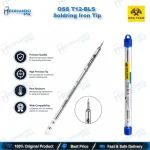
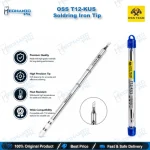
OSS T12-KU Knife Soldering Iron Tip for T12 Stations
₨ 1
OSS T12-KU Knife Tip
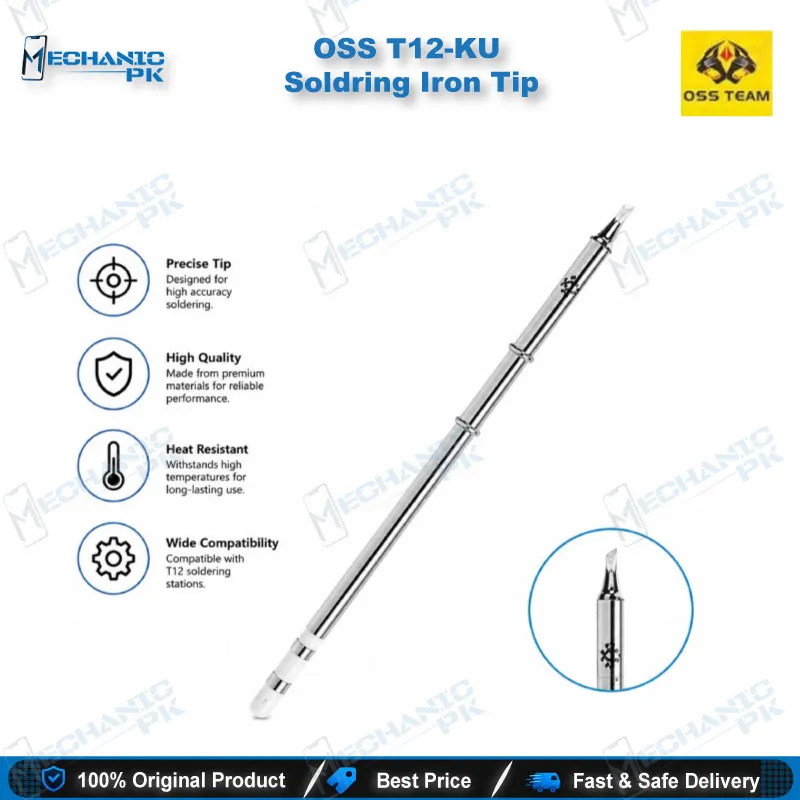
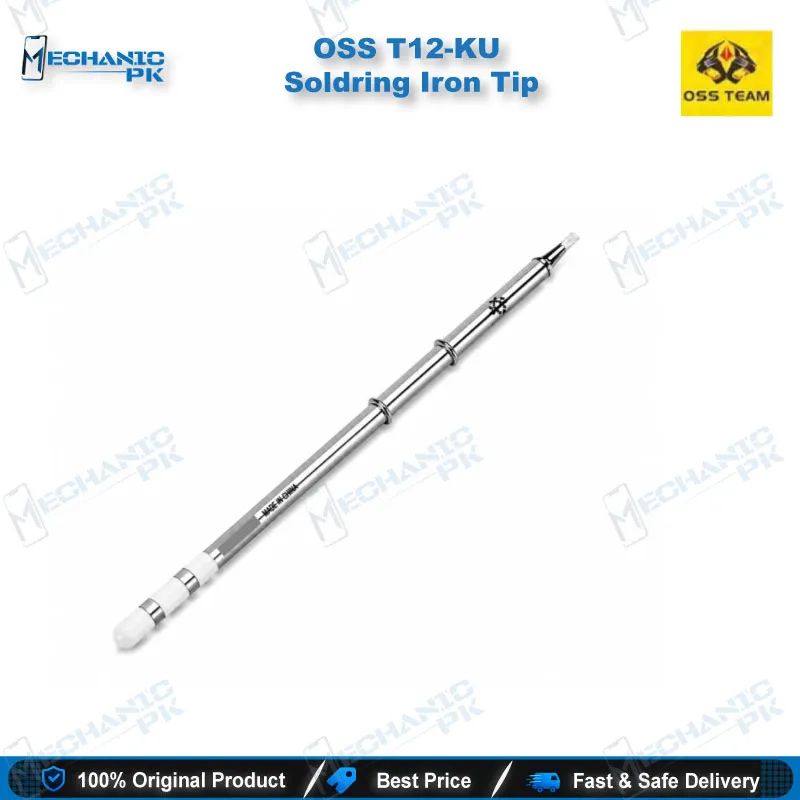
The OSS T12-KU knife soldering tip gives your T12-compatible station a blade-shaped edge for drag soldering, bridge correction and narrow-pitch SMD rework. The heater and temperature sensor sit inside the T12 cartridge, so the tip heats fast and recovers quickly between joints. You get three contact styles from one tip: line, face and point. That range covers connector pins, charging port pads, flex connector pads and wire tinning on your repair bench. Fit it to a T12-format handle and you add a precision rework tool without changing your station.
Out of stock
OSS T12-KU Knife Soldering Tip for Fine-Pitch Board Work
The OSS T12-KU knife soldering tip gives your T12 station a blade-shaped working edge built for narrow-pitch joints and clean bridge correction. The KU shape belongs to the T12 cartridge family, where the heating element and temperature sensor sit inside the tip itself. That construction moves heat straight into the joint, so the tip reaches working temperature quickly and recovers fast between pads. If your bench already runs a T12-compatible station, this tip adds a dedicated tool for drag soldering and detail rework without any new equipment.
Knife Profile: Line, Face and Point Contact
The KU edge works like a small blade. Press the edge down for line contact, lay the flank flat for face contact, or use the corner for point contact. One tip covers three techniques, so you change method without changing tools. Line contact suits drag soldering across a row of connector pins. Face contact pushes more heat into a larger pad, which helps when you tin a wire end or reflow solder around a shield frame. Point contact lets you touch a single small pad without disturbing its neighbours. Tip selection guides for the T12 K-family describe this three-way use, and the KU profile keeps that behaviour.
Where It Fits in Your Board-Level Workflow
Most soldering jobs on a dead phone start after diagnosis. You trace the fault with a multimeter or test box, then reach for the iron. The T12-KU clears solder bridges left by a rushed reflow and cleans pads on a charging port or flex connector. On an IC change karna job, it tidies the pads after your hot air station lifts the chip, then lays fresh solder before you place the new part.
For charging issue, display problem and network issue boards, the knife edge reaches fine-pitch connectors and test points that a round conical tip crowds. Pair it with a microscope and a PCB holder, and you control the bridge and the pad finish before the board goes back together. You also use the same tip for jumper lagana on small traces and for general wire tinning, so it earns its slot in your tip case.
Matching the Tip to Your T12 Station
The T12-KU fits T12-format handles. Distributor listings for the Hakko T12-KU name the FX-950, FX-951 and FX-952 stations and the FM-203 and FM-206 stations with FM-2027 and FM-2028 handpieces. OSS positions its T12 tips for Mechanic, Hakko, Quick and OSS stations. Contact placement can vary slightly between tip makers, so seat the tip fully and confirm your station detects it before you start work.
Build good tip habits from the first session. Tin the blade before you set the iron down, and let the station drop to sleep temperature between joints to extend tip life. The T12 series works with lead-free solder, so you keep one tip for both leaded and lead-free repairs. If your station supports a temperature offset, check the reading against an external thermocouple after you install a new tip.
Mechanicpk stocks the OSS T12-KU alongside soldering stations, hot air stations, reballing kits and PCB holders. Order the tip with the rest of your rework setup and keep your bench ready for the next hardware fault.
| Weight | 0.3 kg |
|---|
Key Features
- Knife (KU) profile for line, face and point contact
- Integrated heater and sensor for fast heat-up and quick recovery
- Fits T12-format soldering handles
- Suited to drag soldering and bridge correction
- Handles narrow-pitch SMD pads and connector pins
- Works with lead-free solder (T12 series)
- Covers wire tinning and general PCB rework
- Replaces a worn KU tip on your existing station
Specifications
| Brand | OSS |
|---|---|
| Model | T12-KU |
| Category | Soldering Iron Tips (T12 Series) |
| Compatibility | T12-series soldering stations and handles |
| Technology | T12 cartridge design with integrated heating element and temperature sensor; knife (KU) tip profile |
Common Repair Uses
- Real workflows where the knife tip does the work:
- Drag soldering on connector pin rows
- Bridge correction on narrow-pitch pads
- SMD rework on mobile logic boards
- Pad cleanup after IC removal
- Charging port and flex connector pad repair
- Wire tinning and jumper lagana
- General desoldering and PCB rework
- Point-contact soldering on small pads
Compatible Devices
- Universal soldering tool for T12-format stations — not specific to any phone model, so it works on boards from any brand you repair (Samsung, Oppo, Vivo, Infinix, Tecno, iPhone). Verified station compatibility:
- Hakko FX-950
- Hakko FX-951
- Hakko FX-952
- Hakko FM-203
- Hakko FM-206
- Hakko FM-2027 handpiece
- Hakko FM-2028 handpiece
- Quicko and OSS T12 stations
FAQ
What is the product name?
What is the brand of this product?
What is the model of this product?
What is this product used for?
Which devices are compatible with this product?
Who should use this product?
What is the T12-KU tip best at on a mobile motherboard?
Can the T12-KU tip work with lead-free solder?
Related products