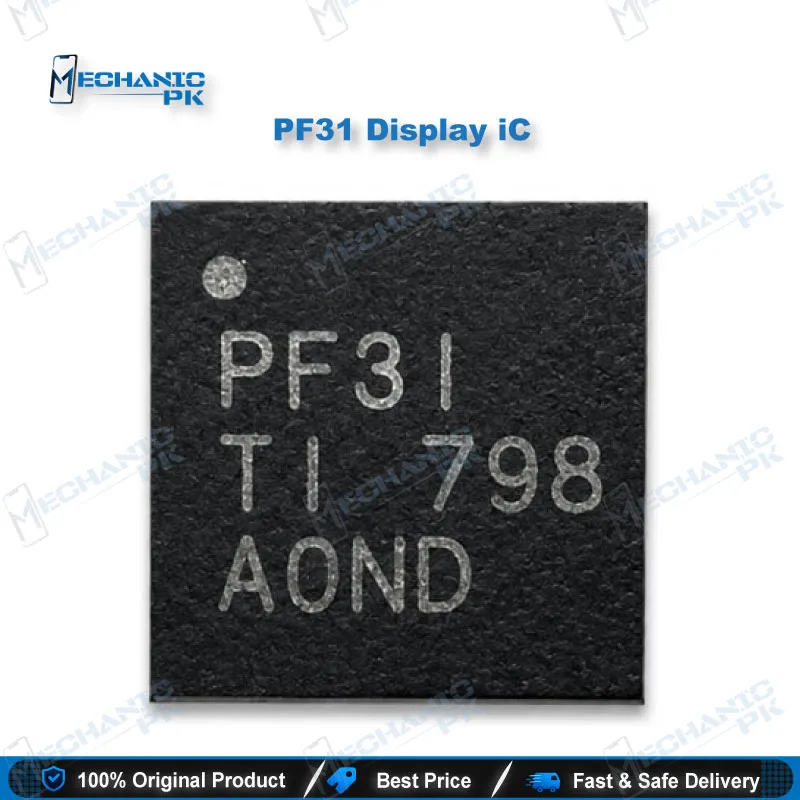
PF31 Backlight Driver IC 16-Pin | Display Repair
₨ 250
PF31 Backlight Driver IC for Dark Screen Repair
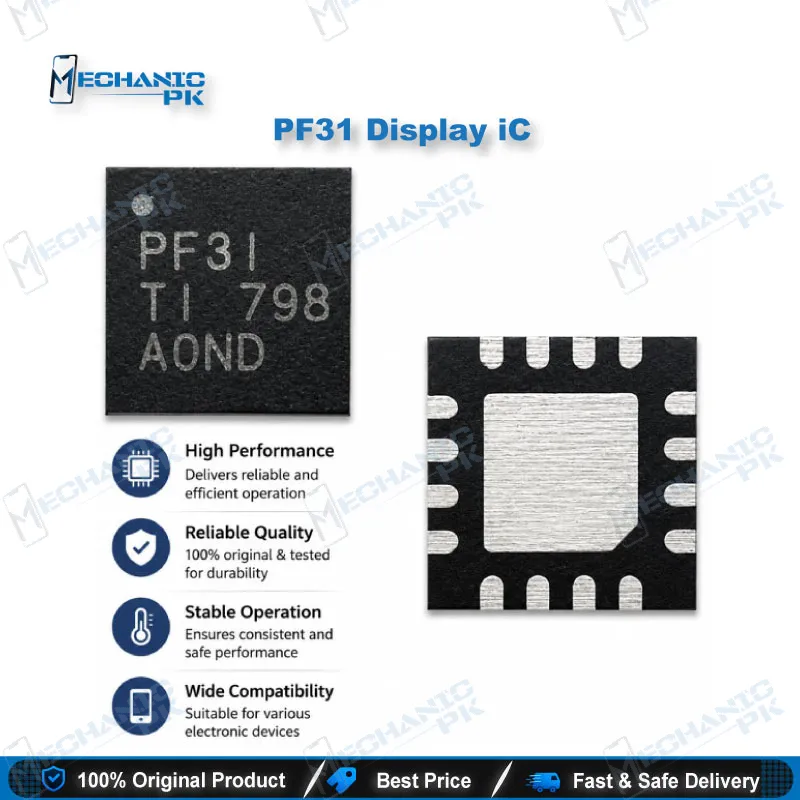
The PF31 backlight driver IC is a 16-pin chip that regulates the voltage and current feeding the LED backlight on several Samsung, Meizu, Oppo, Vivo, and Xiaomi boards. When a display stays dark while touch still responds, this driver is one of the first suspects on the bench. Your workflow starts with a rail check and a light test, then moves to a board-level swap once the fault points to the driver. It fits a standard hot air rework routine, so you can handle the repair without pulling the full display assembly. Always confirm the board revision against a schematic before replacing it.
PF31 Backlight Driver IC for Dark Screen Repair
The PF31 backlight driver IC takes the board’s supply voltage and converts it into the regulated current your LED backlight strip needs. When a phone boots, shows its logo, and the touch panel responds, but the screen stays black, the backlight driver often sits at the center of the fault. Reading that symptom correctly keeps the repair at board level and avoids the cost of a full display assembly. Your workflow begins with fault confirmation, continues with careful hot air removal, and ends with a backlight test before reassembly. Each stage below follows the order a technician would use at the repair bench.
Confirming a Backlight Fault Before You Lift the IC
Start with your multimeter in diode mode on the backlight rail. A dead short usually points straight at the driver or a nearby filter capacitor, so measure before you apply any heat. Power the phone and shine a flashlight at an angle across the screen. A faint image confirms the backlight circuit is failing rather than the panel or the LCD connector. This check protects you from ordering a full screen for a fault that lives on a small driver IC. Take the time here, because a skipped test often leads to replacing the wrong part.
Hot Air Removal and Placement of the PF31
Set your hot air station to a mid-range temperature and apply flux generously around the chip. Lift the IC evenly so you avoid pulling adjacent pads or lifting traces. Clean the footprint with isopropyl alcohol, then inspect it under a microscope for lifted pads or bridged traces. Reball the new PF31 using your usual stencil process, then place it and reflow with even heat distribution. A 16-pin package at this scale rewards steady hands and proper magnification, so keep a fine-tip iron and a microscope within reach. Check the board revision against a schematic or boardview before placement, because driver placement can shift between revisions of the same model.
Testing the Backlight After the Swap
Power the board and test the backlight before you reassemble the display stack. A bad joint caught at this stage costs minutes, while the same fault found after reassembly costs far more. Check that the rail holds its expected voltage and that the image appears under the flashlight test. If the touch responds and the backlight lights, the repair is confirmed. If the fault persists, return to the rail measurement and inspect the neighboring components before you order another part. Record the model, board revision, and test results so future service calls start with the right information.
| Weight | 0.1 kg |
|---|
Key Features
- Board-level replacement for backlight driver faults
- Covers multiple Samsung, Meizu, Oppo, Vivo, and Xiaomi boards
- Addresses dark screens where touch still responds
- Regulates voltage and current to the LED backlight strip
- Fits a standard hot air rework workflow
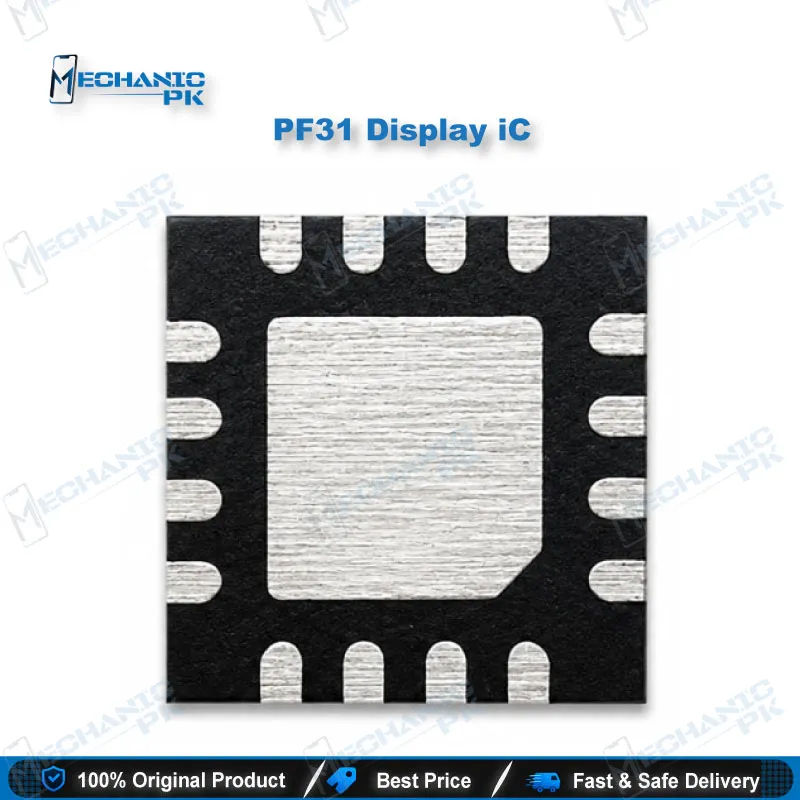
- Compact 16-pin footprint
- Cost-effective alternative to full display replacement
- Useful for quick dark-screen diagnostics on the bench
Specifications
| Model | PF31 |
|---|---|
| Category | Mobile Phone ICs |
| Compatibility | Samsung, Meizu, Oppo, Vivo, and Xiaomi backlight boards, board-level replacement |
| Supported Devices | Samsung Galaxy Note 4 (N910F), Samsung Galaxy On8 (G9008V), Meizu MX5, Meizu MX6, Oppo R9M, Oppo R9S Plus, Oppo R7M, Oppo R11, Vivo X5, Vivo X9, Vivo X20, Xiaomi Mi8 |
| Technology | LED backlight driver, 16-pin package |
| Weight | 0.01 kg |
Common Repair Uses
- Dark screen with a working touch response
- Backlight loss after liquid damage
- Backlight rail short-circuit repair
- Backlight failure after drop or ESD damage
- Board-level display troubleshooting before a full screen replacement
- Hot air removal and reballing of the backlight driver footprint
- Post-swap backlight testing before reassembly
- Reducing unnecessary display assembly replacements
Compatible Devices
- Verified at board and model level, confirm exact board revision against a schematic before replacement
- Samsung Galaxy Note 4 (N910F)
- Samsung Galaxy On8 (G9008V)
- Meizu MX5 and MX6
- Oppo R9M, R9S Plus, R7M, and R11
- Vivo X5, X9, and X20
- Xiaomi Mi8
- Other boards that share the same 16-pin backlight driver footprint, after revision check
- Boards where the backlight rail shows a short after liquid or drop damage
FAQ
What is the product name?
What is the brand of this product?
What is the model of this product?
What is this product used for?
Which devices are compatible with this product?
Who should use this product?
Can the PF31 be used across different phone brands?
How do I confirm the PF31 is the faulty part?
Related products