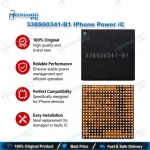
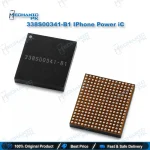
338S00341-B1 iPhone XS Power Management IC
₨ 450
338S00341 iPhone XS PMIC for Board-Level Power Repair
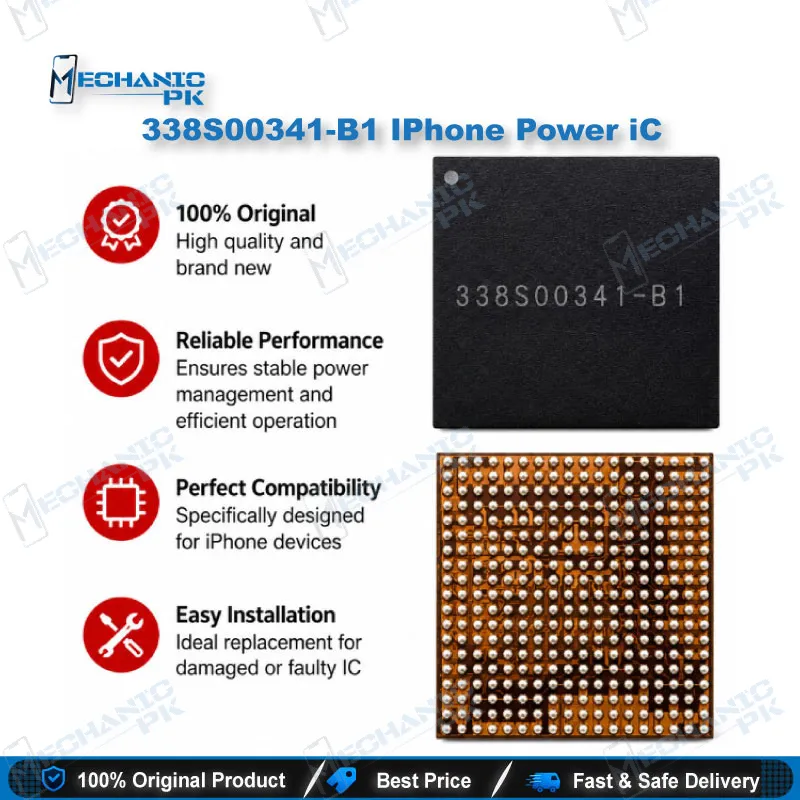
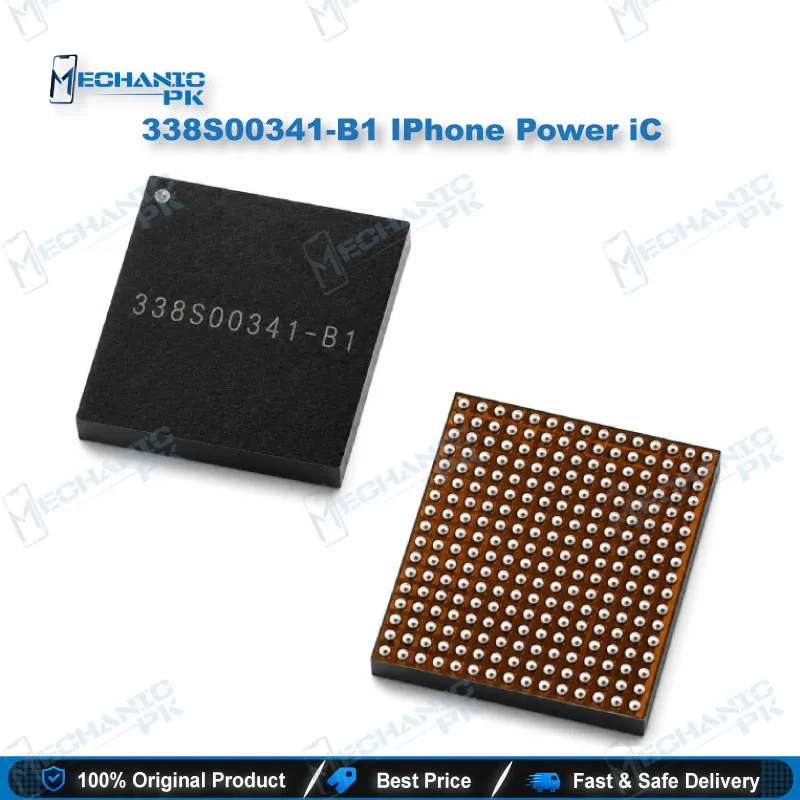
The 338S00341-B1 is the main power management IC in the U2700 position on the iPhone XS and iPhone XS Max. It controls power distribution across the logic board, which makes it central to charging behavior and power-up. When your diagnosis confirms a rail-level fault that traces back to this IC, replacement restores the power path. Pair the work with careful rail testing, clean hot air rework, and a microscope check of the pads. Match the marking on the original component with 338S00341-B1 before you install the new part.
338S00341 iPhone XS PMIC Power IC Replacement
The 338S00341-B1 is the main power management IC that occupies the U2700 position on the iPhone XS and iPhone XS Max logic boards. It controls how power reaches the rest of the board, which makes it central to charging, display backlight, and power-up behavior. When this IC fails, your dead phone may show no power response, unstable charging, or a boot loop that never reaches the logo. Many technicians treat every dead phone as a PMIC problem, but a systematic approach saves parts and time. Your customers expect a fast turnaround, so a structured process keeps your bench productive. This page explains where the part fits in your workflow, how to test before replacement, and how to install it with clean rework technique.
Locating the Fault Before You Replace the IC
Start your diagnosis at the battery connector and the charging port, since a fault upstream can look exactly like a failed power IC. Check the charging IC and the battery line before you condemn the PMIC, because a short on either path can pull the rails down. Set your DC power supply with a low current limit and inject power to watch the current draw on the main rails. A high current draw that disappears when you lift one load often points to a shorted component downstream, not to the PMIC itself. Measure resistance on the main rails and compare the readings against a known good board of the same model. Only when the rails read normal and the IC still fails to respond should you consider replacing the PMIC. This order of checks prevents you from replacing a good component and gives you a clear reason for every part you order.
Hot Air Removal and Installation
This IC uses a BGA package, so removal and installation depend on controlled hot air rework. Secure the logic board in a stable holder and preheat the area evenly to reduce board stress. Keep the hot air nozzle away from nearby capacitors and the shield frame, because excess heat can lift components you did not intend to touch. Once the IC lifts, clean the pads with flux and a fine solder wick, then inspect the pads under your microscope. If the old balls look damaged or uneven, reball the IC with the correct stencil before placement. Apply a thin, even layer of flux before you reflow, because flux controls solder flow across the ball pattern and reduces bridging. Align pin one with the board marking, set the new IC, and reflow with a controlled profile. Keep your tip temperature consistent and log the settings you used, so you can repeat a successful profile on the next board. Test the board on a power supply before you reassemble the phone, because catching a fault at that stage costs far less time.
Verifying the Part Before You Order
Confirm the marking on the original IC before you buy, because the same board position can carry different part codes across iPhone models and revisions. Compare the printed code on your removed IC with 338S00341-B1 and check your board’s part list where available. Ask your supplier for clear photos of the marking on the actual item you will receive. Buy from a source that lists the exact model and marking, because a wrong IC wastes your bench time and can create a second fault on the board. A verified part reduces callbacks and protects your reputation with repeat customers. Store the IC in an anti-static tray until installation to protect its internal circuitry. Keep the old IC until the repaired phone passes your full test routine, since it may still serve as a reference.
| Weight | 0.1 kg |
|---|
Key Features
- Main power management IC in the U2700 position on iPhone XS and XS Max
- Controls power distribution across the logic board
- Supports charging and power-up behavior on the logic board
- BGA package that requires hot air rework and, when needed, reballing
- Part code 338S00341-B1 for direct comparison with the removed IC
Specifications
| Brand | Apple |
|---|---|
| Model | 338S00341-B1 |
| Category | Mobile Phone ICs |
| Compatibility | Apple iPhone XS, iPhone XS Max |
| Supported Devices | iPhone XS, iPhone XS Max |
| Technology | Power Management IC (PMIC), BGA package |
Common Repair Uses
- Replacing a damaged main PMIC after diagnosis confirms a rail-level power fault
- Repairing a charging issue when the upstream charging path tests normal
- Fixing a boot loop or hang on logo after confirmed power IC damage
- Restoring power-up on a liquid-damaged board after the rails are cleaned and tested
- Replacing a PMIC only after the shorted downstream loads are cleared
Compatible Devices
- Apple iPhone XS (U2700 position, main power IC)
- Apple iPhone XS Max (U2700 position, main power IC)
FAQ
What is the product name?
What is the brand of this product?
What is the model of this product?
What is this product used for?
Which devices are compatible with this product?
Who should use this product?
Does a dead phone always mean this PMIC is faulty?
Does this IC need reballing before installation?
Related products