
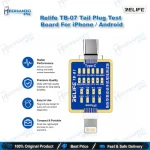
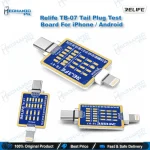
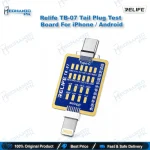
Relife TB-07 Tail Plug Test Board for iPhone & Android
₨ 1
Relife TB-07 Charging Port Test Board
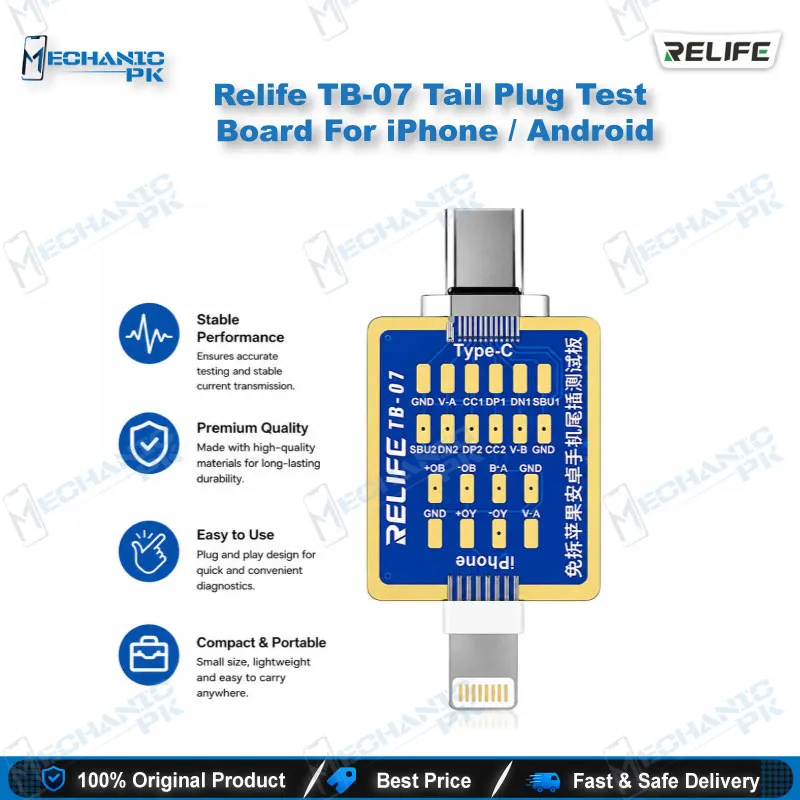
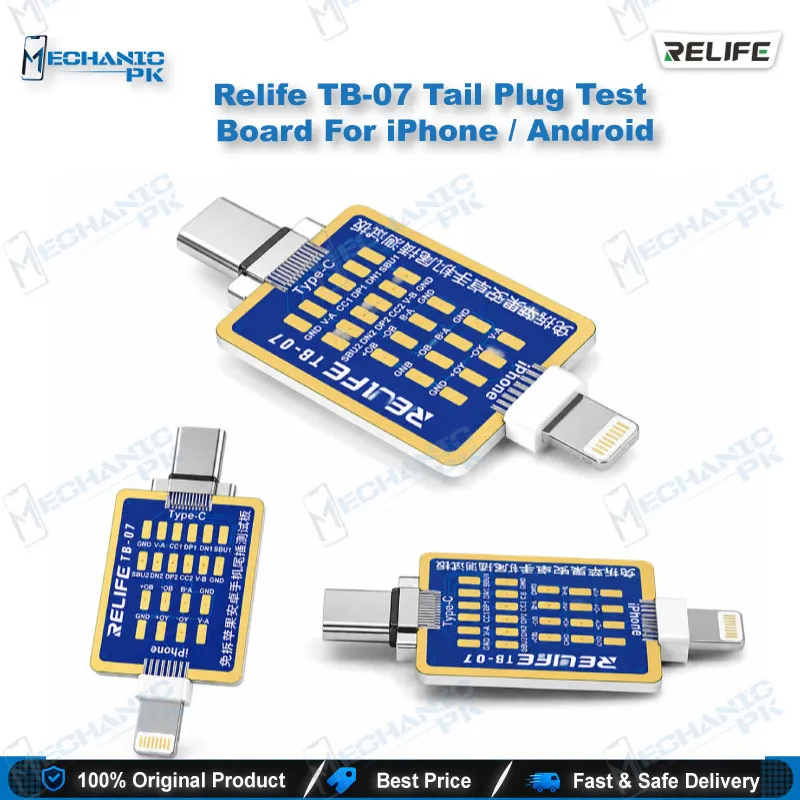
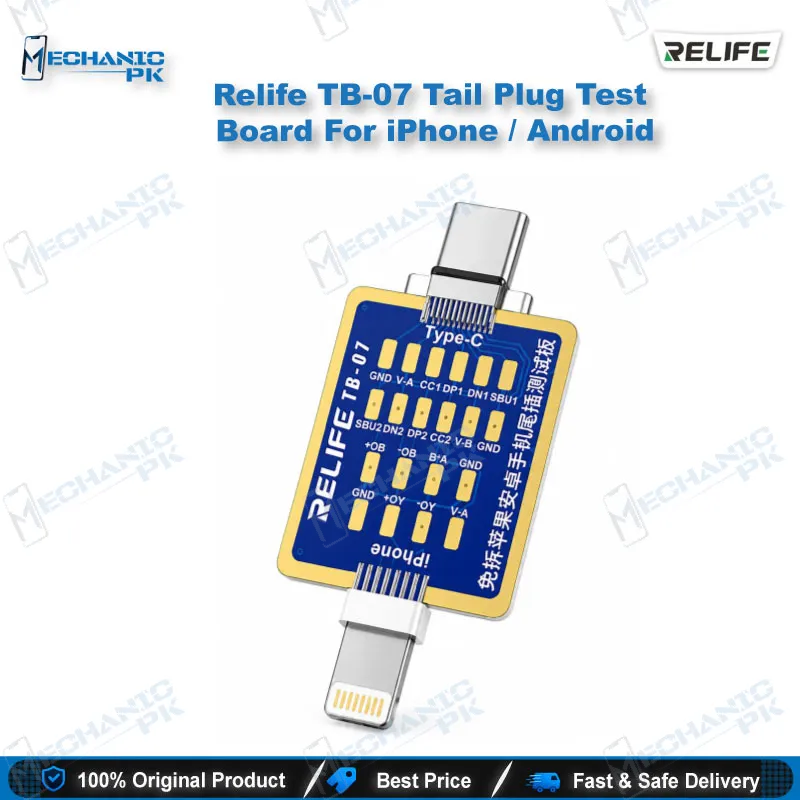
The Relife TB-07 tail plug test board lets you check the charging line of iPhone and Android phones without opening the device. Its 2-in-1 design covers Lightning and Type-C interfaces, so one board handles the two ports you see most on your repair bench. Plug in the matching tail plug, set your multimeter to diode mode, and probe the mapped test points to locate open or shorted USB lines. At 52 x 25 x 3.5 mm and roughly 2.3 g, it stays slim and easy to store. Mechanicpk supplies the Relife TB-07 across Pakistan for technicians who diagnose charging issue jobs daily.
Out of stock
Relife TB-07 Tail Plug Test Board for Charging Fault Diagnosis
The Relife TB-07 tail plug test board gives you a direct way to test the charging line of a phone that refuses to charge, before you open it. You insert the board into the Lightning or Type-C port, switch your multimeter to the diode position, and read the test points mapped to the tail plug pins. Mechanicpk stocks this board for repair benches that handle both iPhone and Android charging jobs every week and need a fast first-level check.
Dual-Interface Design for Lightning and Type-C
The TB-07 combines a Lightning interface and a Type-C interface in one 2-in-1 board, so you reach for a single tool whichever phone lands on your bench. The board measures 52 mm x 25 mm x 3.5 mm and weighs approximately 2.3 g net, which keeps it light enough to sit in a tool tray beside your multimeter. The slim 3.5 mm profile makes it easy to handle on a crowded workstation. Shops that service iPhone models with Lightning ports and Android phones with Type-C ports cover both families with this one accessory.
How the Diode-Mode Test Works
Start by inserting the tail plug that matches the phone’s port. Set your multimeter to diode mode, then place the positive probe on the GND point that corresponds to the tail plug. Touch the negative probe to each test point in turn and note the readings. Compare them with a known-good phone of the same model: an open line, a short, or an abnormal value tells you which USB line carries the fault. You identify the fault point first, then decide whether the job needs a port flex replacement, a board-level check, or a jumper lagana repair on the PCB.
Where It Fits in Your Charging Repair Workflow
Many hardware fault jobs begin with a dead phone or a phone with a charging issue, and the real problem hides somewhere between the port and the board. The TB-07 shortens that diagnosis step because you test the interface from the outside instead of stripping the phone first. That saves bench time on jobs where the port line turns out to be healthy and the fault sits elsewhere.
Pair the board with a quality digital multimeter for stable diode readings. If the test points toward the port area, inspect the pads under a microscope, then rework with a hot air station and a soldering station while a PCB holder keeps the board steady. For wider fault tracing, technicians also pair this board with test boxes and reballing kits from the same Mechanicpk repair tool range. A technician who builds a habit of testing the tail plug line first spends less time guessing and more time repairing.
| Weight | 0.5 kg |
|---|
Key Features
- 2-in-1 design with Lightning and Type-C interfaces
- Tests charging lines without disassembling the phone
- Works with a multimeter in diode mode
- Mapped GND and test points for tail plug detection
- Helps locate fault points quickly on non-charging phones
- Slim 3.5 mm profile
- Lightweight at approximately 2.3 g net
- Suits both iPhone and Android repair jobs
Specifications
| Brand | Relife |
|---|---|
| Model | TB-07 |
| Category | Tail Plug Test Board / Charging Interface Test Tool |
| Compatibility | Lightning and Type-C charging interfaces |
| Supported Devices | iPhone models with Lightning port, Android phones with Type-C port |
| Technology | Multimeter diode-mode testing through tail plug interface |
| Dimensions | 52 mm (L) x 25 mm (W) x 3.5 mm (T) |
Common Repair Uses
- Charging interface fault finding without disassembly
- Testing non-charging iPhone and Android phones without opening them
- Locating open or shorted lines on the Lightning interface
- Locating open or shorted lines on the Type-C interface
- Checking tail plug test points with a multimeter in diode mode
- Separating port faults from board faults on charging issue jobs
- Comparing readings against a known-good phone of the same model
- First-level diagnosis on a dead phone before board-level rework
- Deciding between port replacement and jumper lagana repair
Compatible Devices
- Phones with a Lightning or Type-C charging port (scope is port type, not individual model lists)
- iPhone models with a Lightning charging port
- Android phones with a Type-C charging port
- Samsung phones with Type-C charging port
- Oppo phones with Type-C charging port
- Vivo phones with Type-C charging port
- Infinix phones with Type-C charging port
- Tecno phones with Type-C charging port
- Xiaomi phones with Type-C charging port
FAQ
What is the product name?
What is the brand of this product?
What is the model of this product?
What is this product used for?
Which devices are compatible with this product?
Who should use this product?
Which multimeter mode do you use with the Relife TB-07?
Can you test a phone with a charging issue without opening it using the TB-07?
Related products