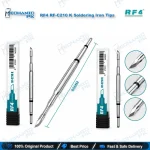
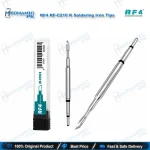
RF4 RF-C210 K Soldering Iron Tip for Mobile Repair
₨ 1
RF4 C210 K Soldering Tip for Fine-Pitch Phone Board Work
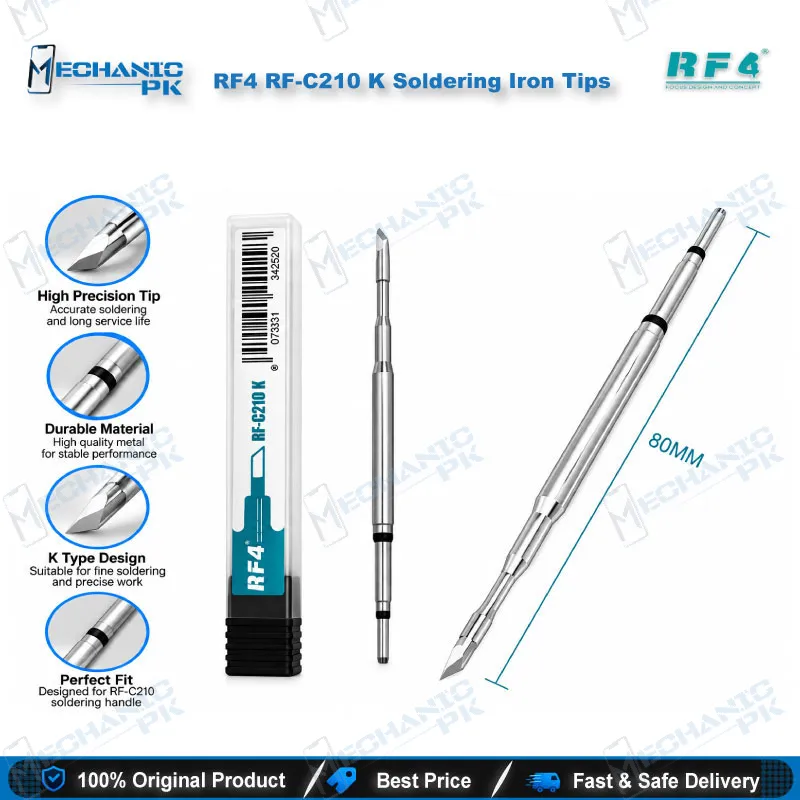
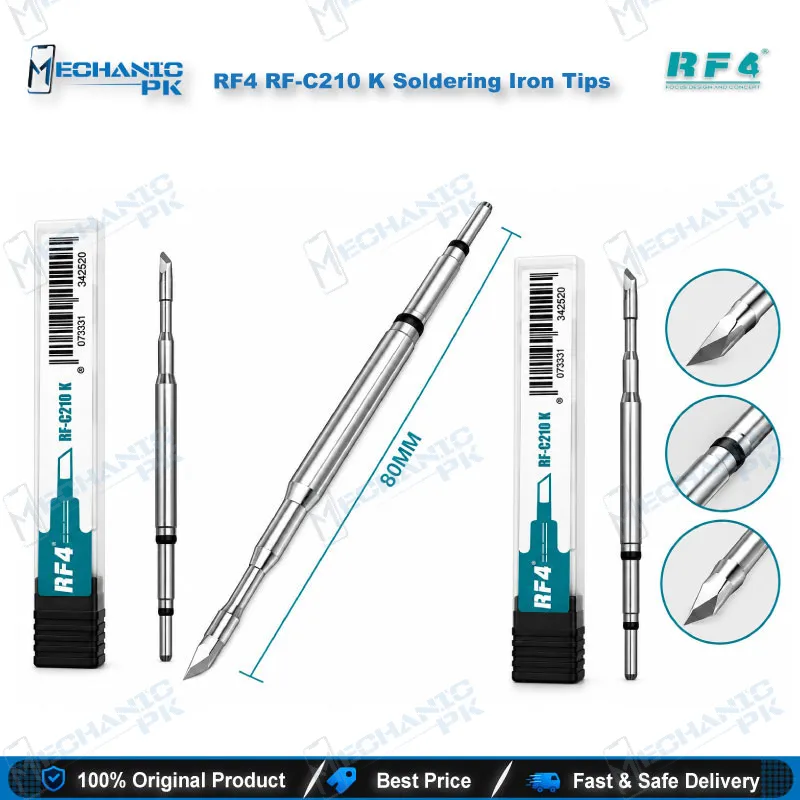
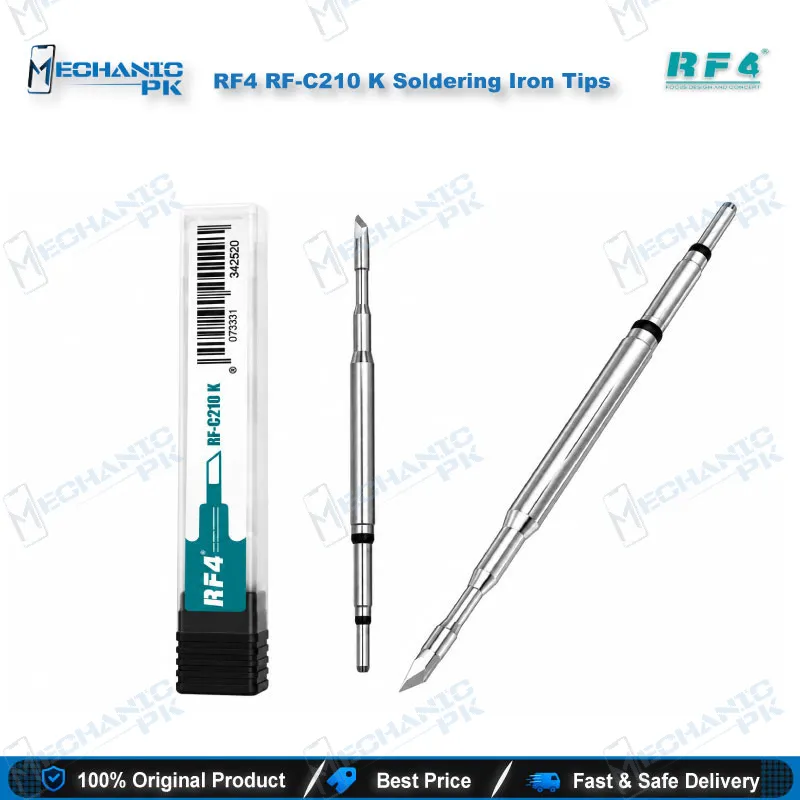
The RF4 RF-C210 K gives your C210-format handle a knife-edge blade for drag soldering, bridge clearing, and small-component removal on mobile boards. The cartridge combines heater and tip in one piece, so you swap profiles without changing the handle. Use it on flying leads, jumper tracks, charging port pads, and fine-pitch IC rows during daily hardware fault repairs. It matches the C210 format that the RF4 RF-S110, RF-S210, RF-S410, and RF-S510 stations list, and it suits technicians who want one dependable blade for precision work. Order it from Mechanicpk and keep a spare on your bench.
In stock
RF4 C210 K Soldering Tip: Knife-Profile Cartridge for Fine Board Work
The RF4 C210 K soldering tip gives your C210-format handle a knife-edge profile for drag soldering, bridge clearing, and small-component removal on mobile phone boards. The C210 design combines the heating element and the tip in a single cartridge, so heat reaches the joint quickly and you change profiles without swapping the whole handle. If your bench runs an RF4 station such as the RF-S110, RF-S210, RF-S410, or RF-S510, those stations list C210 tips, and this K profile adds a dedicated blade for fine-pitch work.
Knife Profile for Fine-Pitch Drag Soldering
The K profile is a flat, knife-shaped blade. It carries a thin film of solder along its edge, so one steady pass along a row of IC pins deposits solder on each pin and pulls excess away. You use the same edge to wipe a solder bridge off neighbouring pads, lift small SMD parts, and tidy pads before you place a new component. A conical C210 tip targets one pin at a time, while the K blade covers a whole pin row in one stroke, which saves time on fine-pitch IC footprints. Keep the blade tinned between passes and wipe it on brass wool so the edge transfers heat evenly. The cartridge format also keeps maintenance simple. Because heater and tip form one piece, a worn tip means replacing one part, and you keep the handle and station you already own. Check the blade surface regularly: a dark, oxidised edge stops wetting solder, and fresh flux plus a quick re-tin usually restores it before you consider replacement.
Where the RF4 C210 K Soldering Tip Fits Your Repair Workflow
On a mobile repair bench, this tip handles the jobs that need a controlled contact point rather than hot air. You solder flying leads and jumper wires onto broken tracks, rebuild pads lifted by a failed charging port, and clean the footprint after an IC change karna job once your hot air station removes the old chip. It earns its place in charging issue and display problem repairs, where connector pins sit close together and bridges appear easily. Pair the tip with a microscope for pin-level visibility, a PCB holder to keep the board steady, and a multimeter to confirm continuity after every jumper lagana. Shops that run daily hardware faults keep a K tip mounted as their default, because it covers cleaning, bridging, and light rework without a tool change. A dead phone that needs a track repair and a charging issue that needs fresh pads both start at the same blade.
Choosing K Over Other C210 Profiles
Stock a K tip when your bench sees mixed fine-pitch work, because the blade covers drag soldering, bridge removal, and component lifting with one cartridge. Add a conical tip for single-pin repairs and a bent profile for awkward angles as your jobs demand. As your repair volume grows, step up to a full soldering station with stable temperature control, a hot air station for BGA and CPU work, and a reballing kit for chip-level jobs. Set the station temperature to match your solder alloy, tin the tip after every session, and store it with a thin solder coat to protect the working surface. Confirm your handle type before you order. The C210 format fits T210-style handles and the RF4 C210 stations named above, but it does not fit 900M-style irons, where the heater sits in the handle instead of the tip. Send Mechanicpk your station model if you want a second check.
| Weight | 0.15 kg |
|---|
Key Features
- K (knife) blade profile for drag soldering and bridge clearing
- Integrated heater-and-tip C210 cartridge design
- Swaps without changing the handle
- Fits C210-format handles and RF4 stations that list C210 tips
- Suits fine-pitch work under a microscope
- Handles flying lead and jumper wire soldering
- Works for pad cleaning after IC change karna jobs
- Replaces one cartridge instead of a whole iron when the tip wears
Specifications
| Brand | RF4 |
|---|---|
| Model | RF-C210 K |
| Category | Soldering Iron Tips |
| Compatibility | C210 cartridge format (T210-style handles); RF4 stations that list C210 tips (RF-S110, RF-S210, RF-S410, RF-S510) |
| Supported Devices | Mobile phone motherboards, universal and not device-specific |
| Technology | Integrated heater-and-tip C210 cartridge, K (knife) profile |
Common Repair Uses
- Fine-pitch and small-component soldering on mobile phone boards
- Drag soldering fine-pitch IC pin rows
- Clearing solder bridges between pins
- Lifting and removing small SMD components
- Cleaning and levelling pads after IC removal
- Soldering flying leads onto damaged pads
- Jumper wire track repair
- Rebuilding charging port pads
- Touching up connector and flex pins
Compatible Devices
- Universal board-level use, not tied to specific phone models; fits C210-format handles and the RF4 stations listed below
- Android phone motherboards (brand-independent)
- iPhone logic boards (brand-independent)
- Tablet motherboards
- RF4 RF-S110 soldering station
- RF4 RF-S210 soldering station
- RF4 RF-S410 soldering station
- RF4 RF-S510 portable soldering iron
- T210-style C210-format handles
FAQ
What is the product name?
What is the brand of this product?
What is the model of this product?
What is this product used for?
Which devices are compatible with this product?
Who should use this product?
Does the RF4 C210 K tip fit 900M-style soldering irons?
Which RF4 stations use C210 soldering tips?
Related products