
















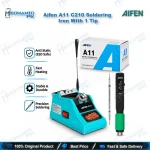
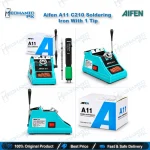
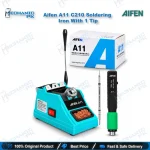
Aifen A11 C210 Soldering Iron With 1 Tip – USB-C
₨ 13,500
Portable USB-C Soldering Iron for Board Repair
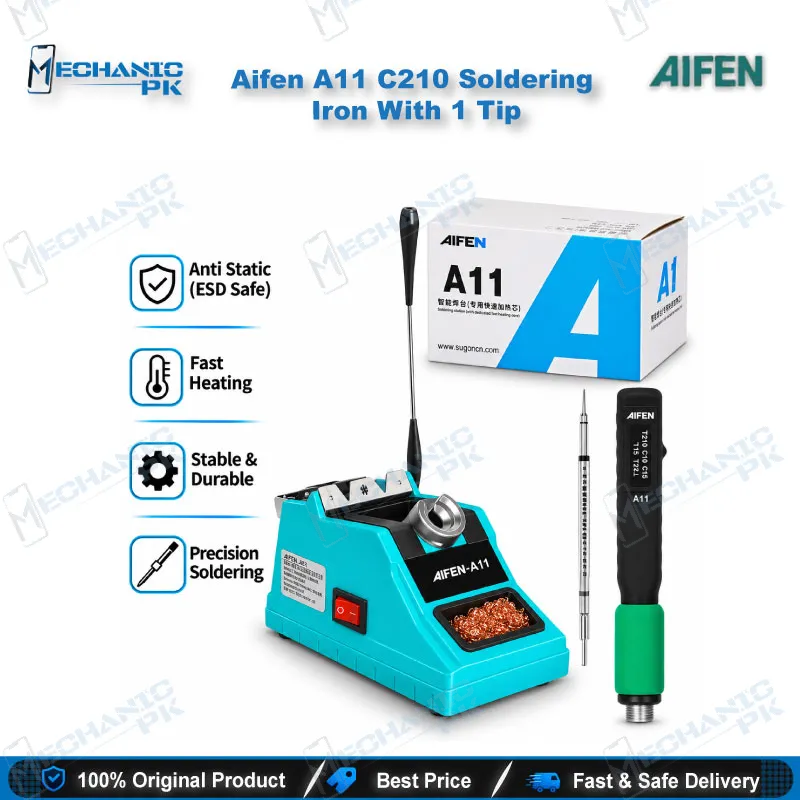
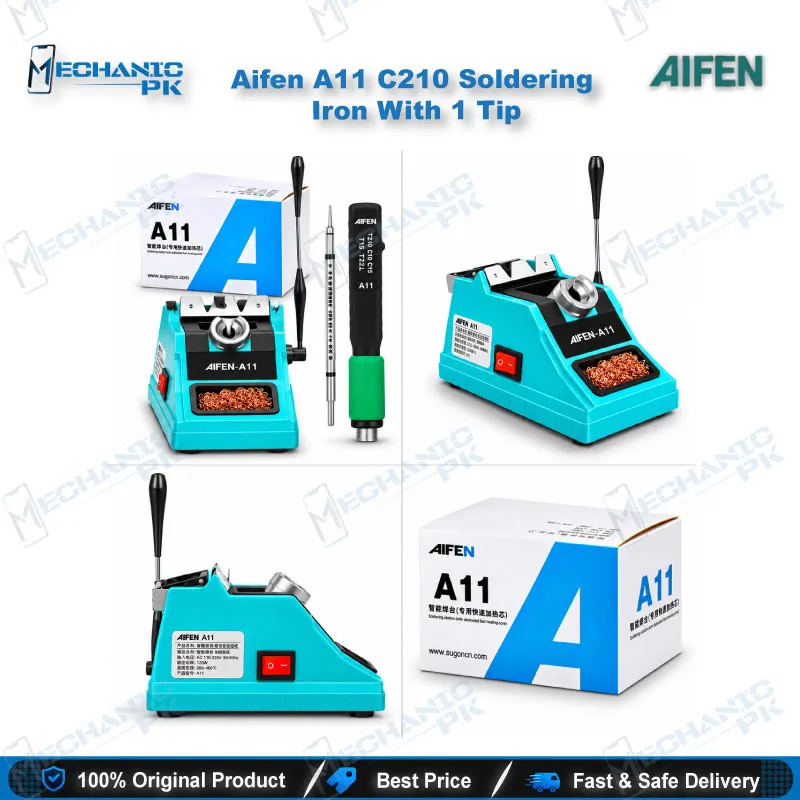
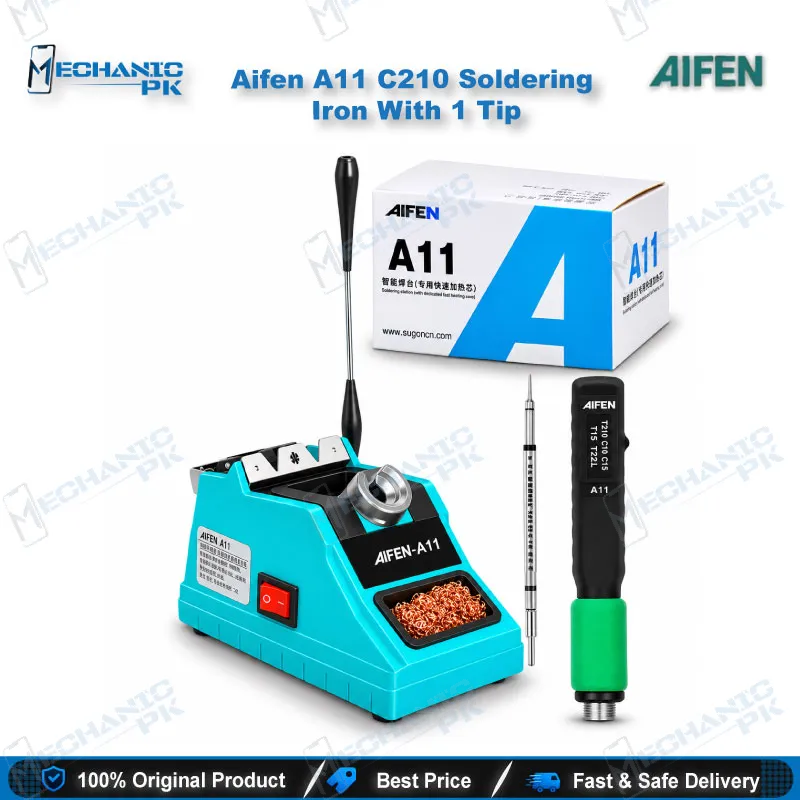
The Aifen A11 C210 Soldering Iron With 1 Tip gives mobile repair technicians a USB-powered handle built around a C210 heating core and a T210 digital display grip. You plug it into a Type-C fast-charge source, such as a QC3.0 or PD charger or a power bank, and the screen shows working status, voltage, power and temperature while you work. Temperature compensation, a Celsius/Fahrenheit switch and a 10-second auto-sleep function keep control simple at the bench or on a field visit. Use it for SMD component work, CPU and BGA pad touch-ups and charging port repairs on phone motherboards in your Pakistan repair workshop.
In stock
Aifen A11 Soldering Iron: Portable C210 Power for Board-Level Repair
The Aifen A11 soldering iron removes the mains-powered base from the equation. Instead of a station, you get a T210 digital display handle with a C210 heating core that draws power over a USB Type-C connection, so a compatible fast-charge adapter or power bank becomes your soldering source. This Mechanicpk listing covers the Aifen A11 C210 Soldering Iron With 1 Tip, built for technicians who want a compact C210 handle for motherboard work on a dead phone, a charging issue or a hardware fault without carrying a full soldering station. Expect a tool suited to SMD, BGA and CPU pad rework rather than heavy wiring jobs.
Power Steps, Fast-Charge Protocols and Display Behavior
The A11 negotiates its working power with the source you plug in. It supports QC3.0, PD, AFC and FCP fast-charge protocols and runs five power steps: 5V at 10W, 9V at 27W, 12V at 45W, 15V at 60W and 18V at 75W. The 18V step works only with the special bracket, which runs from AC 100–240V at 50/60Hz. When you power the iron from a standalone charger, the distributor guidance calls for an adapter with output current above 2A. Check that number on the charger before you start a job.
The screen reports working status, working voltage and power, and live temperature, so you see which step the iron negotiated before the tip touches the board. The temperature range runs from 100°C to 450°C (212°F to 842°F), and a Celsius/Fahrenheit switch lets you read it your way. The handle also carries a temperature compensation function and an automatic sleep function that triggers after 10 seconds without movement, which cuts idle heat while you reposition a phone board under the microscope. The distributor lists heat-up in about 3 seconds and recovery in about 1 second, a figure you can confirm on your own bench.
C210 Tip Compatibility and Bench Handling
The A11 takes C210 series tips, and the distributor lists the K, I and IS types. This listing includes one tip, so plan a few spares in the shapes your regular jobs need before you commit the handle to daily work. Fine tips suit small SMD resistors and capacitors, while broader tips carry more heat into ground pads and shield cans.
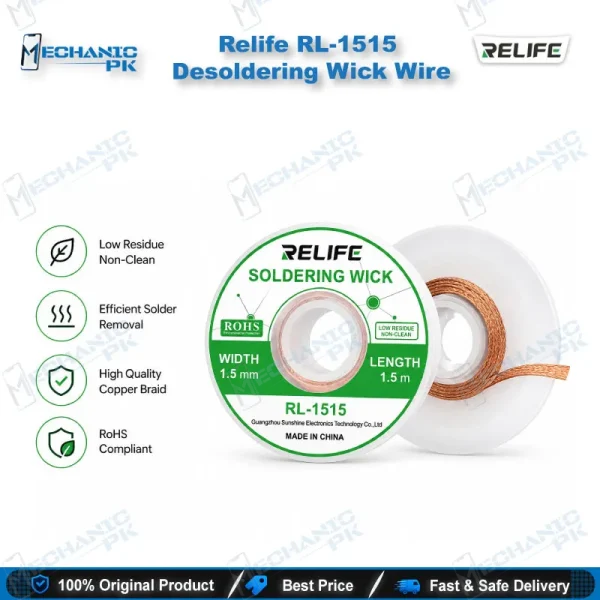
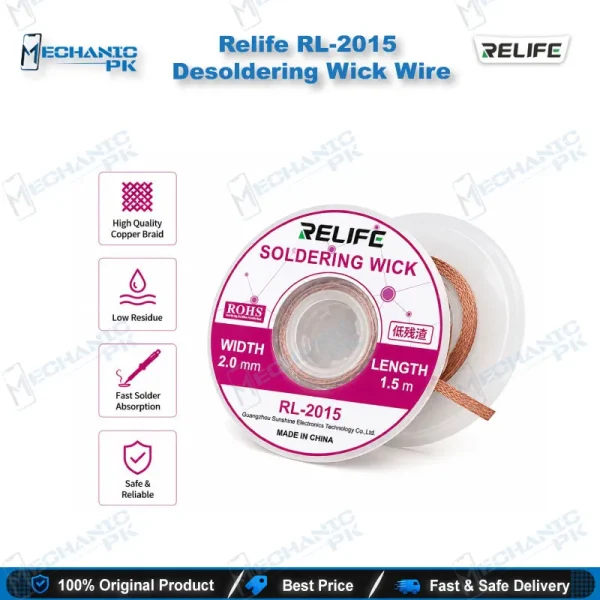
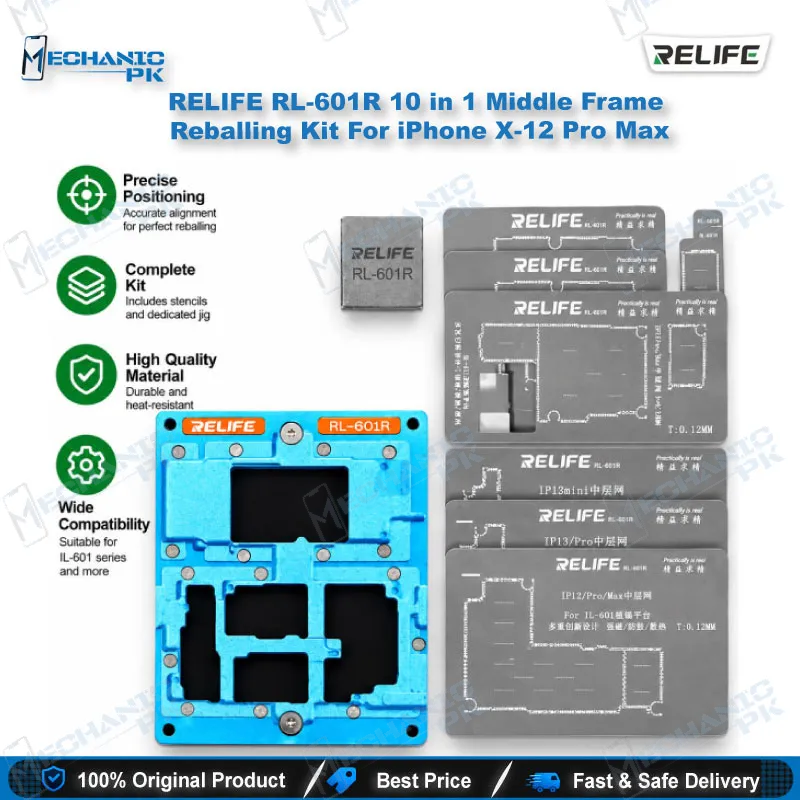
A handheld iron works best with a stable bench around it. Clamp the board in a PCB holder, check for shorts with a multimeter before and after each joint, and keep a microscope on the pads so you see the solder flow instead of guessing. Add flux and a reballing kit for any pad that lost its ball, and you cover most of the soldering steps that surround a CPU or BGA job.
Where the A11 Fits in Your Repair Workflow
Distributor documentation lists daily welding repair on mobile phone motherboards, including CPU, BGA and SMD chip soldering, as the intended use. In practice that covers the jobs that arrive as a dead phone with a charging issue: reflowing a charging connector, replacing a burnt SMD capacitor near the charging circuit, or laying a jumper wire across a broken track. It also covers the quick touch-ups that follow a display problem or a network issue traced back to a lifted pad.
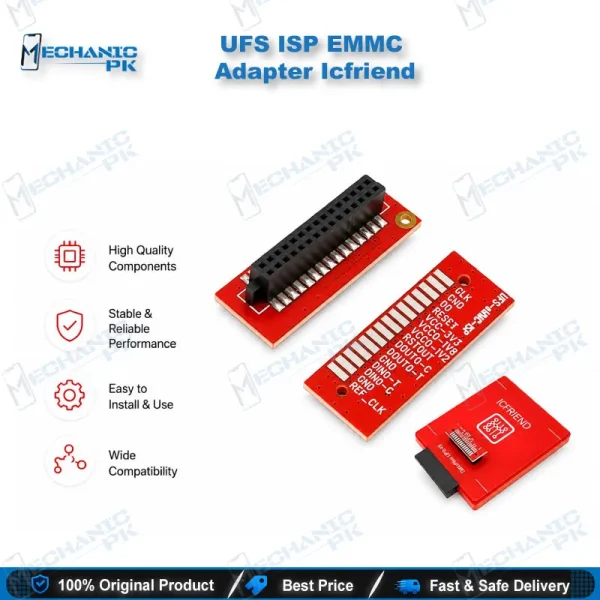
Board-level work often starts before the iron heats. When a phone hangs on logo or stays dead after flash, you may need ISP pinout tools, an eMMC programmer or a UFS adapter to read or rewrite storage, and that setup frequently means soldering fine wires to test points. A low-power, fine-tip iron like this one handles the wire work, while a test box or programmer handles the data side. For full chip removal, bring a hot air station into the workflow and keep the A11 for pad cleanup and finishing.
Choose the A11 when you want portability, a second iron for a second bench or a field-service kit. If your shop needs continuous mains power and heavier thermal load all day, step up to a dedicated soldering station from the Mechanicpk range and keep this handle as your backup iron.
What to Check Before You Buy
Confirm three points before you order. First, the handle accepts C210 tips only, so tips from C245 or C115 systems will not fit. Second, this listing includes one tip, which suits a spare-handle role better than a main-bench role until you add more. Third, the 75W step needs the 18V special bracket, so plan around 60W at 15V when you use a standard fast-charge adapter. Verify your charger’s output current and protocol support, and you avoid the most common setup mistake: a weak adapter that limits heating. Technicians across Pakistan who need a portable second iron for motherboard work will find the A11 matches that job. Buyers who need a single iron for every task all day should look at the soldering station category first.
| Weight | 0.250 kg |
|---|
Key Features
- C210 heating core with T210 digital display handle
- USB Type-C power input with QC3.0, PD, AFC and FCP fast-charge support
- Five power steps from 10W at 5V up to 75W at 18V with the special bracket
- Live display of working status, voltage, power and temperature
- 100–450°C (212–842°F) temperature range with Celsius/Fahrenheit switch
- Temperature compensation function
- Automatic sleep after 10 seconds without movement
- Works with a standard charger, a power bank or the 18V special bracket
Specifications
| Brand | Aifen |
|---|---|
| Model | A11 |
| Category | Soldering Iron |
| Compatibility | C210 soldering iron tips (K, I, IS types) |
| Supported Devices | Mobile phone motherboards (CPU, BGA and SMD chip soldering) |
| Technology | C210 heating core with T210 digital display handle; USB Type-C fast charging (QC3.0, PD, AFC, FCP); temperature range 100–450°C (212–842°F); temperature compensation; Celsius/Fahrenheit switch; auto-sleep after 10 seconds stationary |
| Input Voltage | 5V, 9V, 12V, 15V via USB Type-C; 18V with special bracket (AC 100–240V, 50/60Hz) |
| Power Rating | 10W, 27W, 45W, 60W, 75W (at 5V, 9V, 12V, 15V, 18V respectively) |
Common Repair Uses
- Real-world mobile board soldering jobs where a portable C210 iron fits.
- SMD resistor and capacitor replacement
- CPU pad touch-up and soldering
- BGA pad cleanup and finishing after chip removal
- Charging port and connector pad reflow
- Jumper wire soldering across broken PCB tracks
- Fine wire soldering to ISP and test points on dead phones
- Lifted pad repair after display or network faults
- Portable field repair and second-bench soldering
Compatible Devices
- Universal soldering tool, not tied to specific phone models. It works on any mobile board you can reach with a C210 tip, and it runs from the power sources below.
- Universal use on mobile phone motherboards (not device-specific)
- C210 series soldering tips (K, I and IS types)
- USB Type-C fast-charge adapters
- QC3.0 chargers
- USB PD chargers
- AFC and FCP protocol chargers
- Mobile power banks with fast-charge output
- 18V/75W special bracket (required for the 18V step)
FAQ
What is the product name?
What is the brand of this product?
What is the model of this product?
What is this product used for?
Which devices are compatible with this product?
Who should use this product?
Which soldering tips fit the Aifen A11 soldering iron?
Which chargers can power the Aifen A11 and what wattage do you get?
Related products