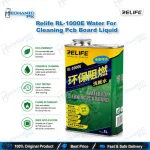
Mechanic 530 PCB Cleaner Spray for Mobile Repair
₨ 1
Mechanic 530 PCB Cleaner Spray for Board-Level Service
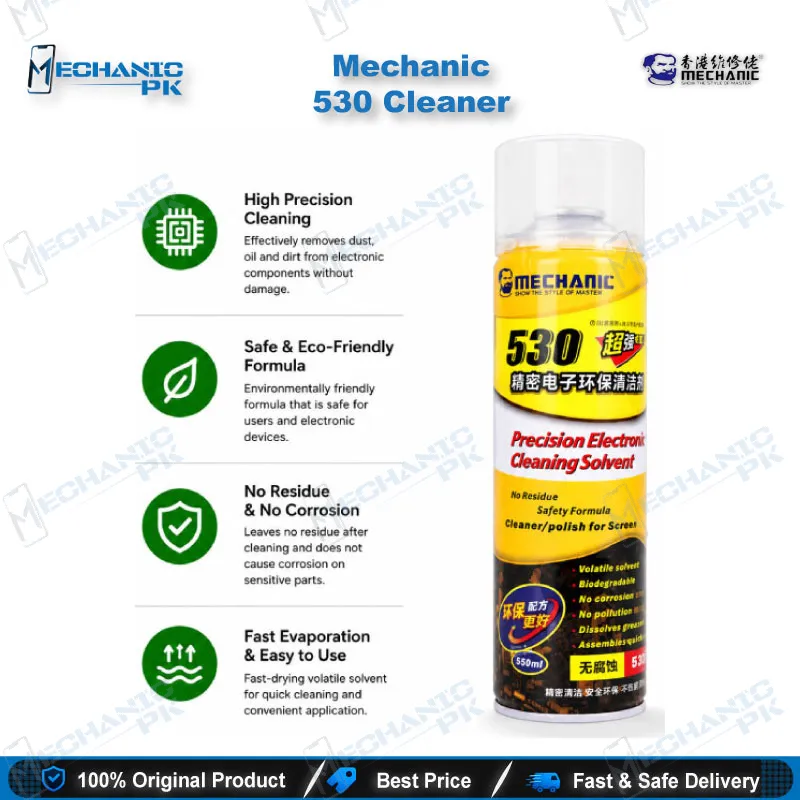
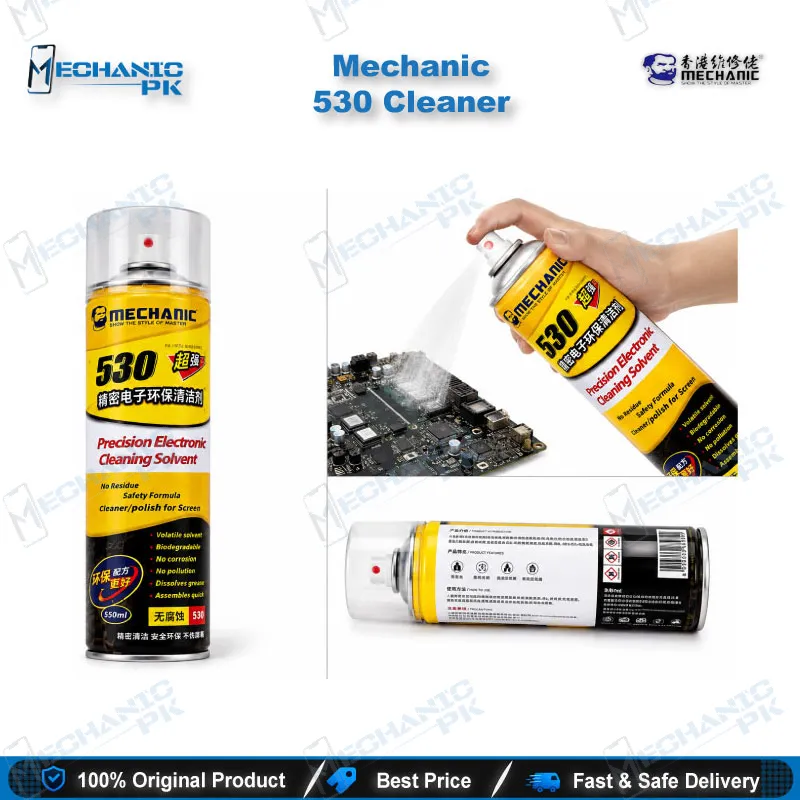
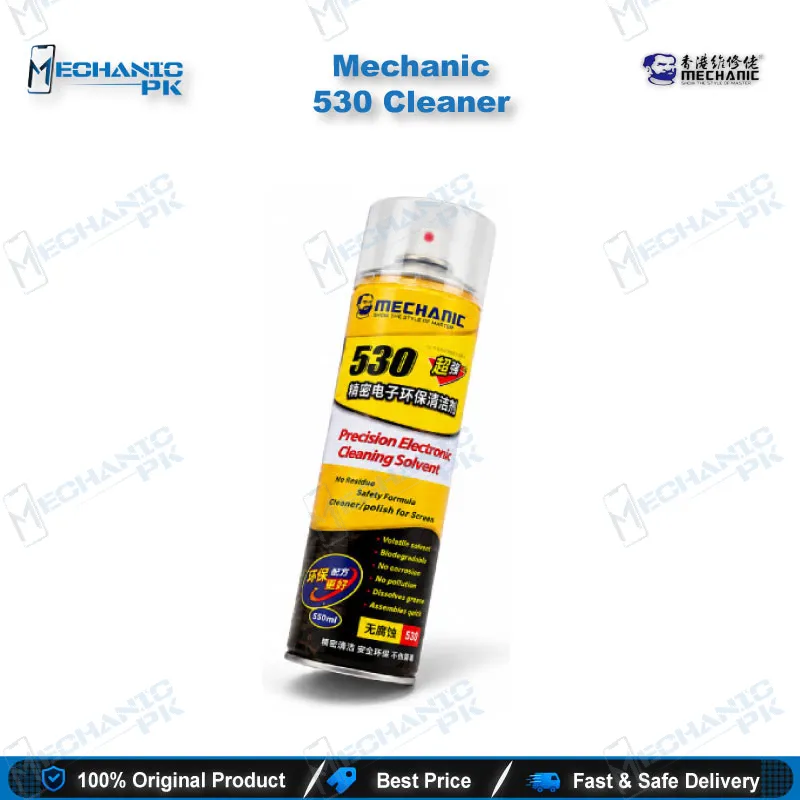
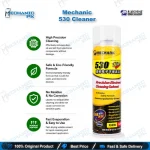
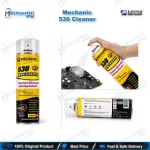
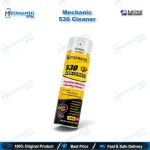
The Mechanic 530 PCB cleaner spray is a fast-drying, non-conductive electronic cleaning solvent for mobile repair benches. It lifts flux residue, grease, oil, dust, fingerprints, and light oxidation from printed circuit boards, connectors, switches, sockets, relays, and sensors. The formula evaporates cleanly and leaves no film that could affect electrical performance. You get a controlled spray for pre-diagnosis cleaning, post-soldering cleanup, and reballing preparation. This electronic contact cleaner suits technicians, repair shops, and service centers that handle PCB repair every day.
Out of stock
Mechanic 530 PCB Cleaner Spray for Precision Board Cleaning
The Mechanic 530 PCB cleaner spray is a fast-evaporating, non-conductive solvent built for electronic servicing. It dissolves flux residue, grease, oil, dust, fingerprints, and light oxidation, then dries without leaving a residue that could interfere with electrical contact. You use it on printed circuit boards, connectors, switches, sockets, relays, and sensors, which covers most surfaces that reach a mobile repair bench. A pressurised spray gives you more control than loose isopropyl alcohol and a rag. Your board comes out clean for inspection, testing, and the next repair step.
How the Solvent Formula Behaves on the Bench
Mechanic 530 uses a quick-evaporating, non-conductive formulation made for precision electronics. The solvent penetrates under flux spatter and oily deposits around IC pads, then flashes off quickly so you do not wait long before you continue work. It leaves no sticky film on the board. Clean surfaces give you accurate multimeter readings and clear microscope views, and they reduce false results during diagnostics. Distributors sell the product in different can sizes, so check the volume printed on your can before you plan how much you need per job.
Where It Fits in Your PCB Repair Workflow
Start with cleaning before diagnostics. Dirt, oil, and old flux hold moisture and create leakage paths, and these paths cause charging issues, display problems, and unstable readings on a dead phone. A quick spray gives you a clean board before you probe test points.
After soldering, use it as a flux remover spray around reworked pads, jumper points, and replaced components. Residue left behind attracts dust and hides cold joints under the microscope. A clean joint lets you inspect your work properly.
Before IC reballing, spray the area to clear old flux, then reball on a clean surface. Pair it with your hot air station, soldering station, PCB holder, and reballing kit for a complete rework routine. Connector service also benefits. SIM trays, memory card sockets, charging port areas, and button contacts respond well when oxidation or grime causes poor contact.
Safe Handling and Drying Time
Always power off the device and remove the battery before you spray. Wait until the cleaner evaporates completely and the surface is dry before you switch the equipment back on. Spray in a ventilated area, and keep the can away from heat sources and open flames, as solvent sprays are flammable. Test on a small, hidden area first when you work on a new type of surface or coating. Hold the nozzle a short distance from the target, and use short bursts instead of soaking the board. Wear gloves if you clean often, and keep the can away from your eyes.
| Weight | 0.55 kg |
|---|
Key Features
- Fast-evaporating formula for short waiting time
- Non-conductive solvent suited to electronic assemblies
- Leaves no residue on cleaned surfaces
- Removes grease, oil, dust, and fingerprints
- Clears flux residue and light oxidation
- Works on PCBs, connectors, switches, sockets, relays, and sensors
- Suits reballing preparation and post-soldering cleanup
- Pressurised spray for controlled application
Specifications
| Brand | Mechanic |
|---|---|
| Model | 530 |
| Category | Electronic Cleaning Solvent Spray |
| Compatibility | Universal — not device-specific |
| Technology | Fast-evaporating, non-conductive solvent formula |
Common Repair Uses
- Cleaning flux residue after IC change karna or component replacement
- Preparing the board area before BGA reballing
- Cleaning boards before diagnostics on a dead phone
- Removing oil, grease, and dust from PCBs
- Restoring contact on oxidised connectors and sockets
- Cleaning charging port areas during charging issue repairs
- Cleaning switches and relays on electronic equipment
- Wiping lenses, sensors, and screens during service
Compatible Devices
- Universal — not device-specific. Use it on PCB surfaces and electronic components across brands and chipset families.
- Smartphone motherboards and sub-boards
- Tablet and iPad PCBs
- Charging port and connector areas
- SIM tray and memory card sockets
- Power, volume, and side-key switch contacts
- Relays and electronic sensors
- Optical lenses and sensor surfaces
- Phone screens before protector application
FAQ
What is the product name?
What is the brand of this product?
What is the model of this product?
What is this product used for?
Which devices are compatible with this product?
Who should use this product?
Can I power on a motherboard right after spraying Mechanic 530?
Can Mechanic 530 clean flux residue after IC reballing or soldering?
Related products