










































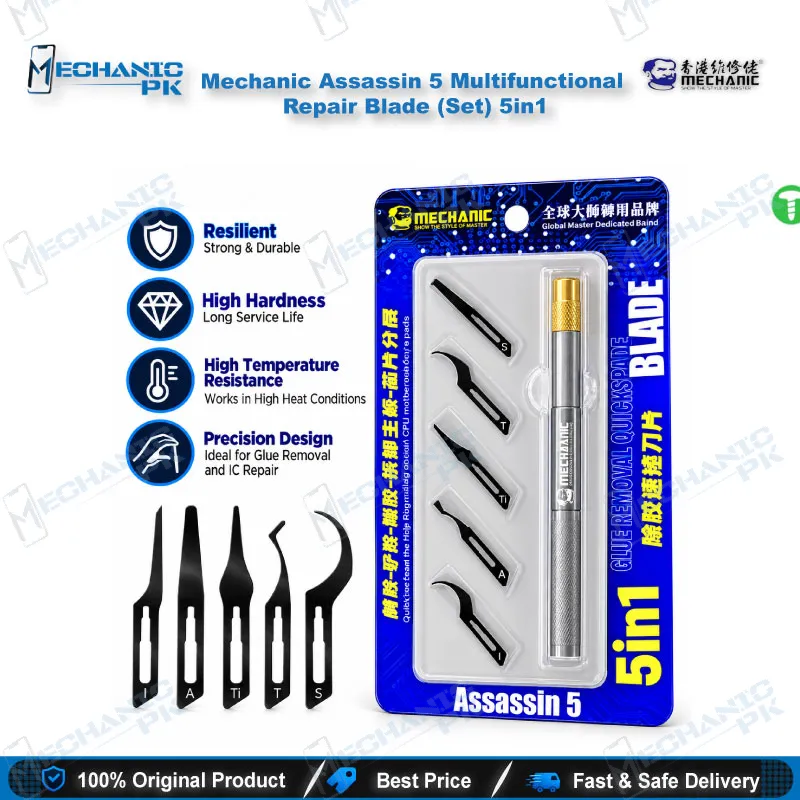
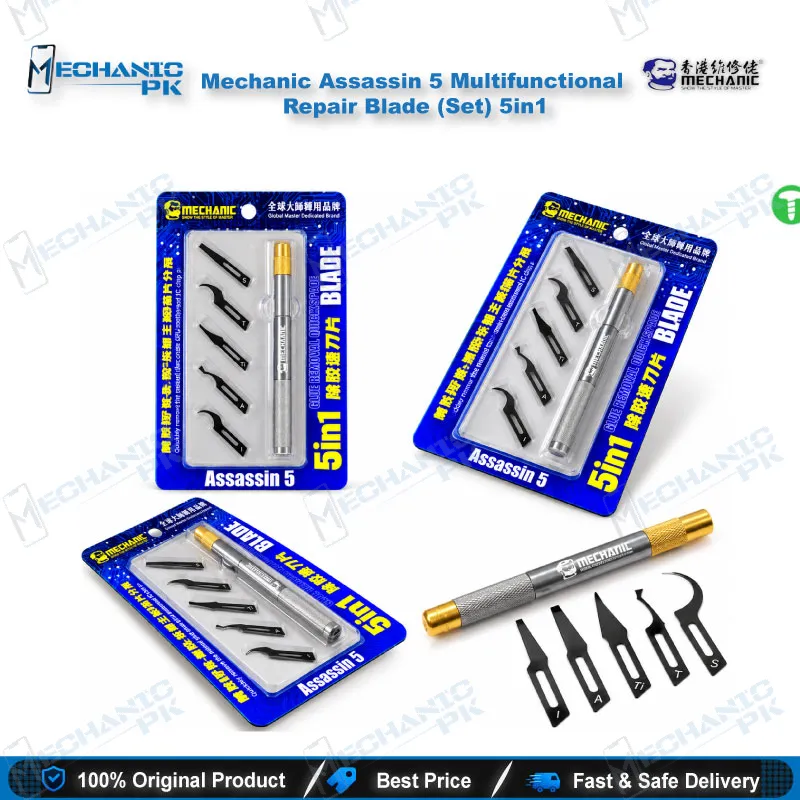
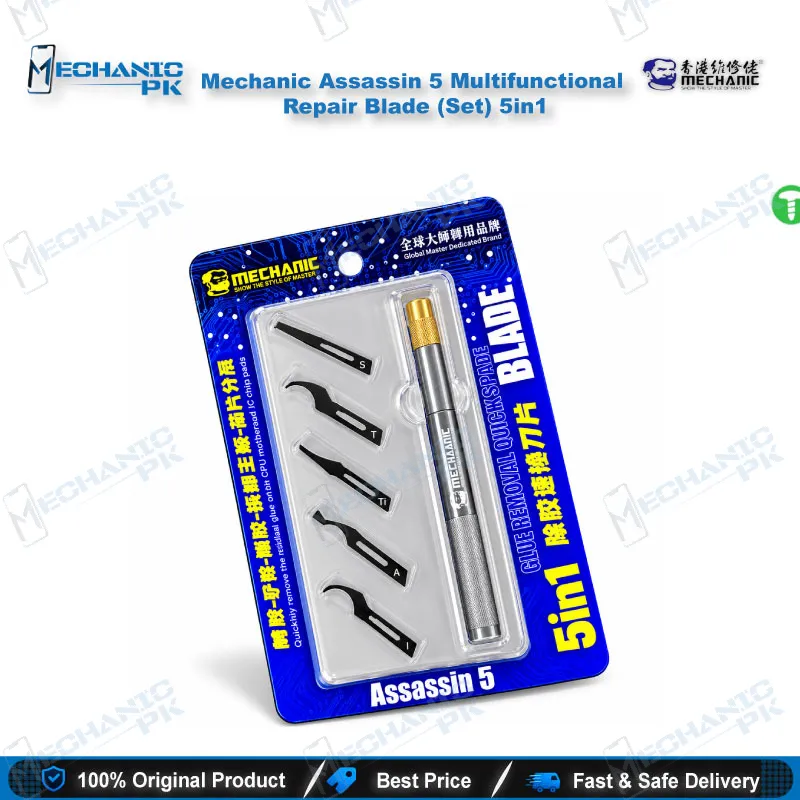
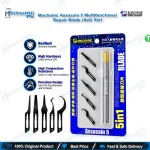
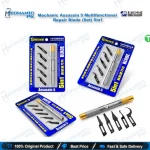
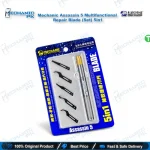
Mechanic Assassin 5 Multifunctional Repair Blade (Set) 5in1
₨ 1,500
Mobile Repair Blade Set for Chip-Level Work
The Mechanic Assassin 5 Multifunctional Repair Blade (Set) 5in1 packs five hand-polished blades and one handle into a compact mobile repair blade set. You get dedicated profiles for edge glue removal, IC and CPU prying, chip-edge cleaning and component separation, so you stop improvising with a single scalpel. Mechanic forms each blade from 301 stainless steel and adds a vacuum-coated surface that resists corrosion and heat near your hot air station. The thin, flexible steel slides under cured glue without gouging the solder mask. Technicians, repair shops and service centres in Pakistan use it to keep boards clean before IC change, reballing and NAND work.
In stock
Mobile Repair Blade Set Built for Board-Level Glue Work
The Mechanic Assassin 5 Multifunctional Repair Blade (Set) 5in1 gives your bench a dedicated mobile repair blade set for the step that slows down most board-level work: clearing glue and epoxy around chips without scarring the PCB. Mechanic supplies five hand-polished blades and one handle, so you change profiles in seconds instead of hunting for a scalpel that almost fits. Mechanicpk stocks this set for technicians and shop owners who treat glue removal as a controlled stage of the repair process, not an afterthought that damages pads before the real work starts.
Five Blade Profiles on One Handle
Each blade targets a different job: lifting edge adhesive, prying an IC or CPU package, cleaning glue from chip edges, and separating components that sit tight against the board. The single handle accepts all five, so your grip stays identical while the cutting edge changes. You choose a thin profile for narrow gaps between components and a stiffer profile when a package needs leverage. Mechanic makes the blades from 301 stainless steel and finishes the surface with a vacuum coating that resists corrosion and heat. That coating matters when you work beside a hot air station on preheated boards. The blades stay thin and flexible, so they flex under pressure and return to shape instead of snapping or digging into the solder mask. Hand polishing gives each edge the sharpness to bite into cured glue rather than skate across it, which keeps your pressure light and your hand steady. Light pressure matters on dense boards, where one slipped edge can lift a pad or cut a trace and turn a simple IC change into a jumper job.
Where It Fits in Your Repair Workflow
Glue removal opens almost every IC change, CPU reflow and NAND or eMMC replacement. You preheat the board with your hot air station, run the right blade along the chip edge to break the glue bond, and lift the package once the solder liquefies. Never force a cold package; heat first, then pry. On a dead phone with a hardware fault, that clean start protects neighbouring pads and traces, and it shortens the cleanup that follows. The same blades scrape leftover residue after the chip comes off, so the board sits flat before you place a stencil from your reballing kit. Work under a microscope when edge glue hides small passives, and clamp the board in a PCB holder so both hands stay free. After cleaning, check the rails with your multimeter before you reflow the new chip, and keep a consistent blade angle so you never score the copper. Work in short, controlled strokes, wipe the blade between passes, and clean the area with flux remover so you can inspect every pad before you continue.
Why Technicians Add It to the Bench
A single compact kit replaces five single-purpose tools, which saves time on every charging issue, boot loop issue and dead-after-flash board that needs chip-level attention. Pair it with your soldering station, ISP pinout tools and eMMC programmers, and one bench covers glue removal, chip removal and data-level recovery in sequence. The blades suit smartphone, tablet and laptop boards, and the set slips into a repair kit for service centres that move between jobs. Training institutes also use it because the profiles teach students how each edge behaves on real boards. For shop owners buying in quantity, the uniform five-blade layout makes it easy to hand one kit to each technician and keep every bench equipped the same way. That consistency also helps when a colleague picks up a board mid-repair and needs the same tool in the same place. When your volume grows, step up to multi-blade graver sets or heated rework tools from the Mechanicpk catalogue and keep this set as your everyday glue-removal blade.
| Weight | 0.35 kg |
|---|
Key Features
- Five interchangeable blades with one handle
- Separate profiles for glue removal, prying, scraping and chip separation
- 301 stainless steel blade construction
- Vacuum-coated surface that resists corrosion and heat
- Thin, flexible blades that hold their edge when bent
- Hand-polished edges for consistent sharpness
- Ergonomic handle with a stable grip
- Compact set for easy storage and bench organisation
Specifications
| Brand | Mechanic |
|---|---|
| Model | Assassin 5 |
| Category | Mobile Repair Tools – Repair Blades and Glue Removal Tools |
| Compatibility | Universal hand tool, not device-specific |
| Material | 301 stainless steel blades with vacuum-coated surface |
Common Repair Uses
- Real-world glue removal, prying and cleaning scenarios on the bench.
- Edge glue removal around ICs and CPUs
- Prying and lifting CPU, IC and NAND packages after preheating
- Cleaning glue residue from chip edges
- Scraping leftover glue before reballing
- Preparing pads for IC change
- Separating tightly seated components from the board
- Cutting and removing glue on motherboards
- Board cleaning before inspection under a microscope
Compatible Devices
- Universal hand-tool compatibility. It works on any board where glue or chip prying is needed and is not locked to specific phone models.
- Smartphone motherboards
- Tablet motherboards
- Laptop motherboards
- BGA CPU and SoC packages
- NAND flash and eMMC chips
- Glued IC packages on phone boards
- Boards with edge glue around components
- Hard drive PCBs
FAQ
What is the product name?
What is the brand of this product?
What is the model of this product?
What is this product used for?
Which devices are compatible with this product?
Who should use this product?
What blade material does the Mechanic Assassin 5 use?
Do I need a hot air station when prying a CPU or NAND chip with this set?
Related products







