

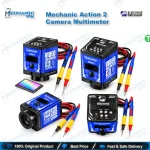

Mechanic Action 2 Camera Multimeter Microscope Camera
₨ 27,500
Microscope Camera With Live Multimeter
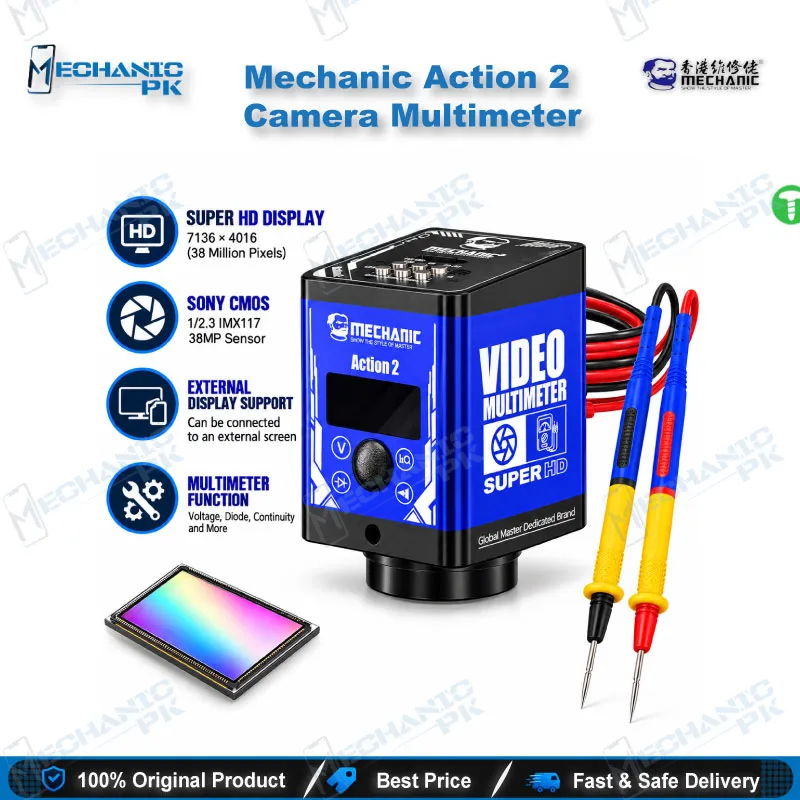
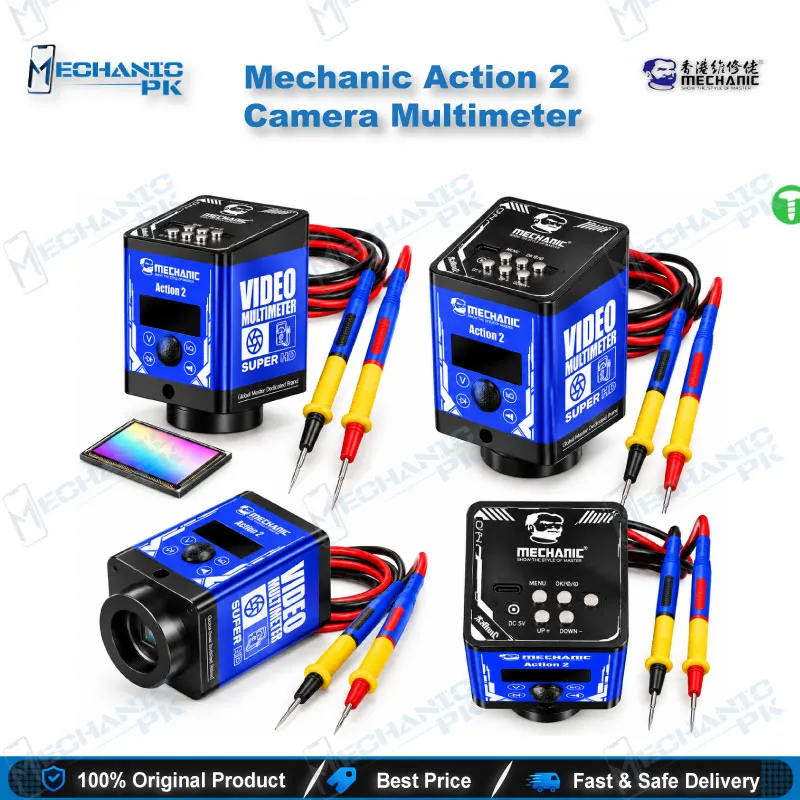
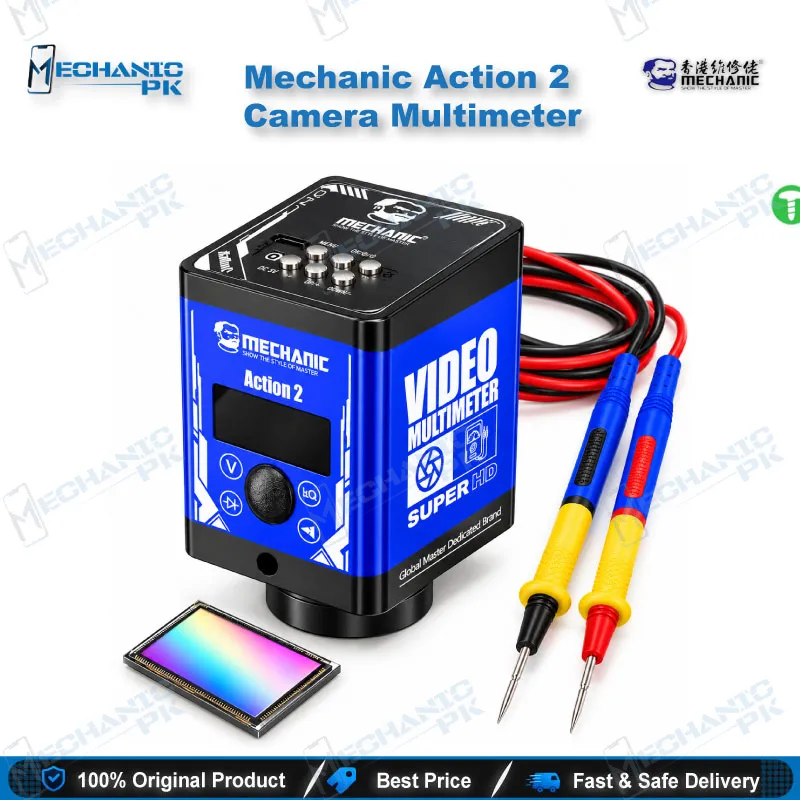
The Mechanic Action 2 Camera Multimeter puts a 1/2.3-inch Sony CMOS microscope camera and a multimeter pen into one bench unit. You probe a rail, read the voltage on screen, and watch the probe tip land on the pad over HDMI at 1080p and 60 FPS, without looking away from the board. It records 2560×1440 video at 30 FPS, saves to TF cards up to 512GB, and accepts C/CS mount lenses. Mobile repair technicians use it for dead phone diagnosis, charging issue tracing, and micro soldering inspection on PCBs.
In stock
Mechanic Action 2 Camera Multimeter for Board-Level Mobile Repair
The Mechanic Action 2 camera multimeter solves a problem every board-level technician knows: you cannot hold a probe steady, read a meter, and keep your eyes on a 0402 pad at the same time. The Action 2 closes that gap. A Sony 1/2.3-inch CMOS sensor sends a live image to an HDMI monitor, and the multimeter pen overlays its readings on the same picture. On a dead phone, a charging issue, or a hang on logo fault, you chase a short or a missing rail while the probe tip and the measured value stay in one frame. Mechanicpk supplies the Action 2 to Pakistani repair shops that want one camera-and-meter workflow instead of a separate microscope camera and handheld multimeter.
Imaging Performance and Output Options
The sensor is a Sony 1/2.3-inch CMOS, and the camera captures still images at 7136×4016. Video records at 2560×1440 and 30 FPS straight to a TF card of up to 512GB, so you keep a before-and-after record of every rework job and every customer board. HDMI output runs at 1920×1080 and 60 FPS, which keeps probe movement smooth on a bench monitor. A USB output connects the camera to a computer when you need to capture frames on a PC. A 5x digital zoom pushes in on fine-pitch pads and ball rows when the lens framing alone falls short. The standard C/CS interface accepts C/CS mount lenses, so you choose the lens that matches your working distance instead of living with a fixed optic. The menu supports English plus eight other languages, including Chinese, French, German, Russian, and Turkish.
Multimeter Pen and On-Screen Measurement
The multimeter side covers voltage, resistance, diode, and continuity checks through a pen-style probe line that carries a 20A rating. Readings appear on the camera screen and on the external monitor at the same moment, so a trainee watching the big screen sees exactly what you measure and where you place the probe. The unit stores 20 sets of measurement data in real time. That memory helps when you log rail values from a known-good board and compare them against a faulty one during a boot loop or charging issue job. Keep one limit in mind: a PC connection does not record measurement data, so read and note your values on the camera or the HDMI display.
Where the Action 2 Fits in Your Repair Workflow
Mount the Action 2 on a stand above a PCB holder and it covers three steps in sequence: inspect, measure, verify. You inspect the board for corrosion, lifted pads, and liquid damage after a display problem or network issue complaint. You measure rails and diode values with the pen while the screen shows the exact test point. After you rework a joint with your hot air station or soldering station, you check solder quality on the monitor before you reconnect a test box or an ISP pinout tool and bring the phone back up. For eMMC and UFS jobs, the camera shows pad alignment and residue on a reballing kit stencil before you apply heat, which cuts wasted attempts on expensive memory ICs.
Who Should Buy It and What to Pair It With
Repair shops and service centers get the most from the Action 2 when several technicians share quality checks, because the external screen lets a senior technician demonstrate fine-pitch work live. Individual technicians who already own a stereo microscope gain a recorded-evidence workflow and a meter that reads on the same display. Pair it with a temperature-controlled soldering station, a stable hot air station, and a firm PCB holder. Keep a standalone multimeter on the bench as well for any measurement you want to take away from the microscope stand. Buyers upgrading from a basic USB microscope camera gain HDMI output and an onboard meter in one step.
| Weight | 0.385 kg |
|---|
Key Features
- Sony 1/2.3-inch CMOS sensor for sharp board imaging
- Built-in multimeter pen with voltage, resistance, diode, and continuity testing
- Measurement readings show on the camera screen and the external monitor together
- 1920×1080 HDMI output at 60 FPS for smooth live viewing
- 2560×1440 video recording at 30 FPS to TF card, up to 512GB
- 7136×4016 still image capture
- 5x digital zoom and standard C/CS lens interface
- Stores 20 sets of measurement data in real time
Specifications
| Brand | Mechanic |
|---|---|
| Model | Action 2 (Tanying Action 2) |
| Category | Microscope Accessories / Camera Multimeter |
| Compatibility | Universal, not device-specific; standard C/CS lens mount |
| Supported Devices | Mobile phone, tablet, and laptop motherboards for PCB-level inspection and measurement |
| Technology | Sony 1/2.3-inch CMOS sensor with integrated multimeter pen |
| Still Image Resolution | 7136×4016 |
| Video Recording | 2560×1440 at 30 FPS |
| HDMI Output | 1920×1080 at 60 FPS |
| Storage | TF card, up to 512GB |
| Dimensions | 50 × 50 × 80 mm |
| Weight | 380 g (net) |
Common Repair Uses
- Real workflows where this tool earns its place on the bench.
- Dead phone diagnosis with live rail and diode measurement
- Charging issue tracing on charging ICs and USB ports
- Micro soldering inspection and joint verification after rework
- Liquid damage and corrosion inspection on PCBs
- Short circuit hunting with a probe in frame
- eMMC and UFS pad inspection before reballing
- Boot loop and hang on logo fault checks at the hardware level
- Recording before-and-after evidence for customer jobs
Compatible Devices
- Universal bench tool. It does not tie to specific phone models and works on any PCB you can place under the lens.
- Samsung Galaxy motherboards
- Oppo and Realme motherboards
- Vivo motherboards
- Infinix and Tecno motherboards
- Xiaomi and Redmi motherboards
- iPhone logic boards
- Tablet motherboards
- Laptop motherboards
FAQ
What is the product name?
What is the brand of this product?
What is the model of this product?
What is this product used for?
Which devices are compatible with this product?
Who should use this product?
What HDMI output resolution does the Mechanic Action 2 support?
Can the Mechanic Action 2 save multimeter readings when connected to a PC?
Related products