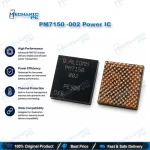
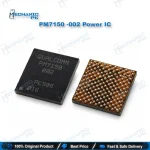
PM7150-002 Power IC – Qualcomm PMIC for Snapdragon 730/732G
₨ 1
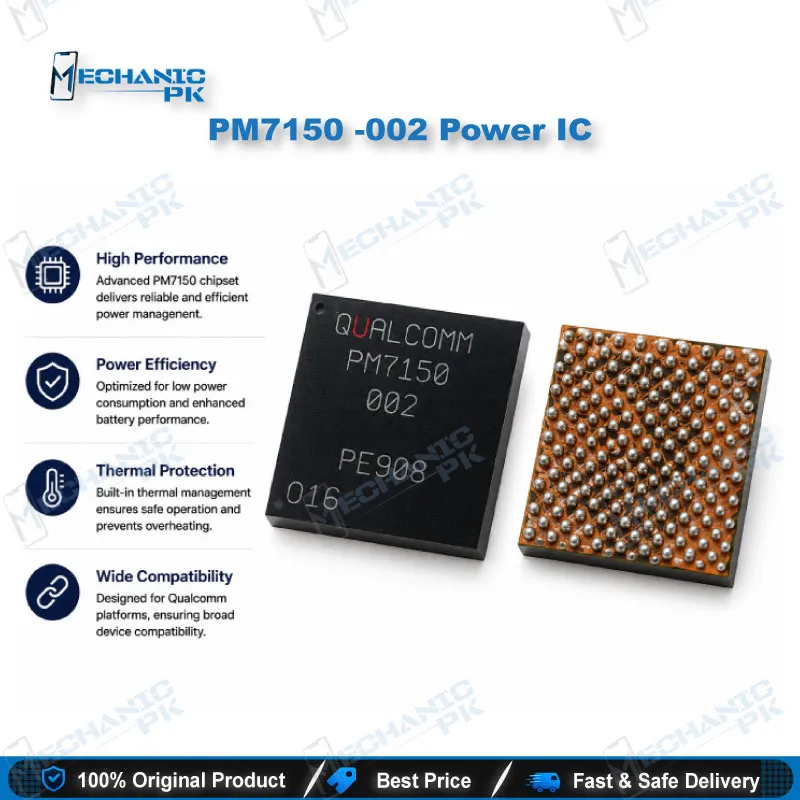
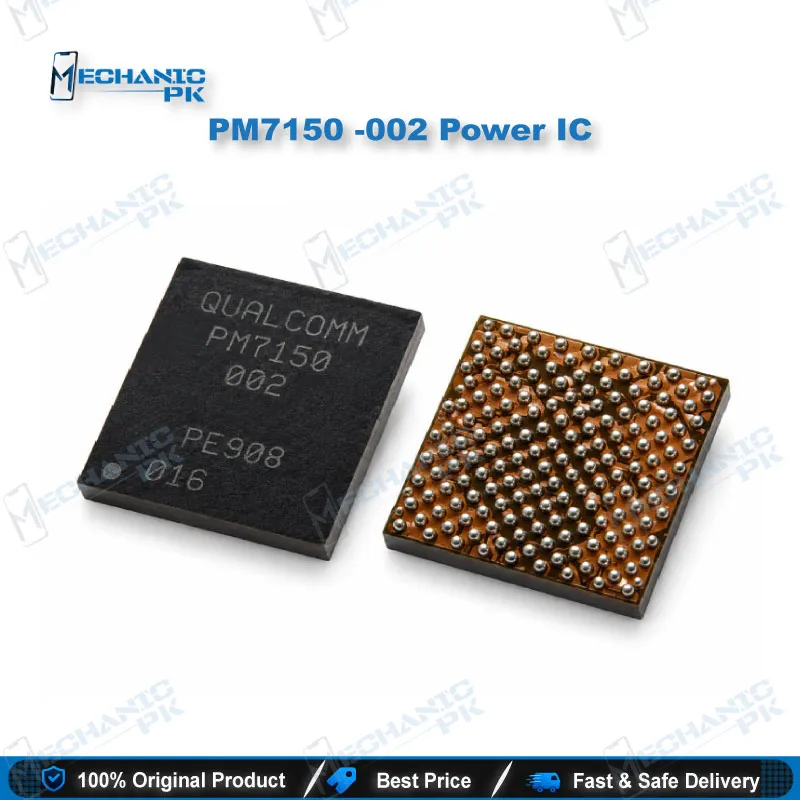
PM7150-002 Power IC for Snapdragon 730 Series Boards
The PM7150-002 Power IC is the main Qualcomm power management IC on Snapdragon 730, 730G and 732G (SM7150) motherboards. It sits at the centre of the power-up chain, so a failed unit typically shows up as a dead phone, no current draw on the DC power supply, boot loop or hang on logo. Technicians use this PM7150-002 power IC on Redmi K20, Mi 9T, Galaxy A80 and Poco X3 boards after confirming a PMIC fault through rail checks. It suits board-level repair benches equipped with a hot air station, BGA reballing stencil and microscope for precise IC replacement work.
PM7150-002 Power IC: The Primary PMIC Behind Snapdragon 730 Platforms
The PM7150-002 Power IC is the primary Qualcomm power management IC that Qualcomm pairs with the SM7150 application processor, the silicon behind Snapdragon 730, 730G and 732G phones. On these boards, the PM7150-002 power IC shares the power architecture with a separate companion PMIC, the PM7150L, and the two chips together generate and sequence the rails that the CPU, memory and peripheral circuits need at boot. When the main PMIC fails, the entire boot sequence stops before the processor ever executes code, which makes this IC one of the first suspects in any no-power diagnosis on these models.
Where the PM7150 Sits in the Power Chain
Think of the PMIC as the controller between the battery line and every downstream rail. It switches its buck converters and LDO outputs on in a defined order, monitors the power key, and holds the processor in reset until its supplies stabilise. A damaged PM7150 breaks that chain at its source. You see the result on your DC power supply: either no current movement on power key press, a short-circuit draw the moment you connect the battery line, or a current reading that climbs and drops back in a loop. Each pattern points to a different failure, so read the meter before you reach for the hot air station.
Fault Symptoms That Point to This Snapdragon 730 PMIC
Common field symptoms on SM7150 boards include a completely dead phone after water damage, a dead after flash complaint where the phone never powered on again, overheating near the PMIC area, a boot loop issue that firmware reflashing does not fix, and charging issue reports where the battery line behaves abnormally. These symptoms overlap with CPU, memory and charging-circuit faults, so a confirmed diagnosis matters. Check the main PMIC outputs with a multimeter in diode mode against a known-good board, use a thermal camera or rosin to locate a shorted rail, and inspect the area under a microscope for corrosion or cracked solder joints before you commit to replacement.
Replacement Workflow on the Bench
A clean PMIC replacement follows the standard BGA rework process. Secure the motherboard in a PCB holder, shield nearby plastic connectors and underfill-sensitive parts, then apply flux and lift the old IC with controlled hot air. Clean the pads with a soldering iron and desoldering wick until every pad sits flat and bright, because a single bridged or lifted pad causes the same fault you set out to fix. Reball the new chip with a matching BGA reballing stencil if it arrives without solder balls, align it carefully, and reflow. After installation, verify current draw on the DC power supply before you attach the display and battery.
Choosing the Correct Part Number
Part numbers in this family look similar but serve different roles. The PM7150-002 is the main PMIC variant, while the PM7150L works as a separate companion chip on the same SM7150 board, and the PM7150A appears as a distinct variant on other boards. These chips do not substitute for one another. Always match the marking on the faulty IC, and check the board schematic or boardview when you work on a model you have not repaired before. Sourcing the exact marking prevents the frustrating scenario where the phone powers on briefly and then drops into a boot loop due to a mismatched PMIC.
Building a Complete PMIC Repair Setup
Professional PMIC work depends on the tools around the chip as much as the chip itself. A stable hot air station, a temperature-controlled soldering station, a stereo microscope, a quality multimeter and a regulated DC power supply form the minimum setup. Add a BGA reballing kit with SM7150-area stencils and a rigid PCB holder for consistent results across Redmi, Samsung and Poco boards. Mechanicpk stocks this full workflow, so you can move from diagnosis to replacement to testing without waiting on a second supplier.
| Weight | 0.1 kg |
|---|
Key Features
- Main Qualcomm PMIC for the SM7150 Snapdragon 730 series platform
- Exact PM7150-002 marking for direct board-level replacement
- Works with the PM7150L companion PMIC in the original power design
- Restores the full boot power sequence on confirmed PMIC failures
- Fits Redmi K20, Mi 9T, Galaxy A80 and Poco X3 motherboards
- BGA package suited to standard hot air rework and reballing workflow
- Single-unit supply for workshop and service centre repair stock
- Pairs with Mechanicpk hot air stations, reballing kits and microscopes
Specifications
| Brand | Qualcomm |
|---|---|
| Model | PM7150-002 |
| Category | Power Management IC (PMIC) |
| Compatibility | Qualcomm SM7150 platform (Snapdragon 730 / 730G / 732G) |
| Technology | BGA power management IC, works alongside PM7150L companion PMIC |
Common Repair Uses
- Dead phone repair with no current draw on power key press
- Short-circuit on the main battery line traced to the PMIC
- Boot loop issue that persists after firmware reflash
- Hang on logo faults linked to unstable power rails
- Dead after flash recovery when hardware damage occurred
- Water-damaged board restoration around the PMIC area
- PMIC overheating and abnormal current draw diagnosis
- BGA reballing and reflow of a cracked or lifted PMIC
Compatible Devices
- Xiaomi Redmi K20
- Xiaomi Mi 9T
- Samsung Galaxy A80 (SM-A805F)
- Samsung Galaxy A80 (SM-A805F/DS)
- Samsung Galaxy A80 (SM-A805N / SM-A8050)
- Xiaomi Poco X3
- Snapdragon 730 / 730G (SM7150) boards using the PM7150-002 main PMIC
- Snapdragon 732G boards using the PM7150-002 main PMIC (confirm the marking on the original chip)
FAQ
What is the product name?
What is the brand of this product?
What is the model of this product?
What is this product used for?
Which devices are compatible with this product?
Who should use this product?
Which Snapdragon chipsets use the PM7150-002 power IC?
Can I use PM7150L in place of PM7150-002?
Related products