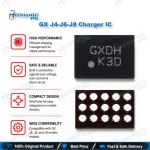
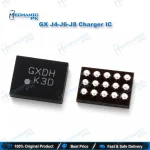
GX J4-J6-J8 Charger IC for Samsung Galaxy J4, J6, J8
₨ 300
GX J4-J6-J8 Charger IC for Samsung Galaxy J4, J6 and J8
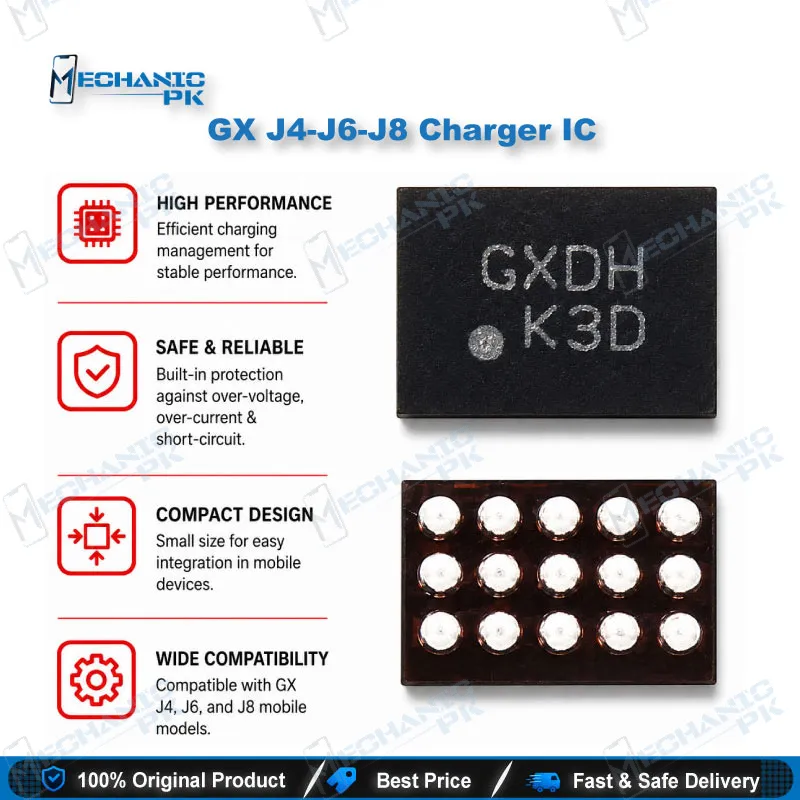
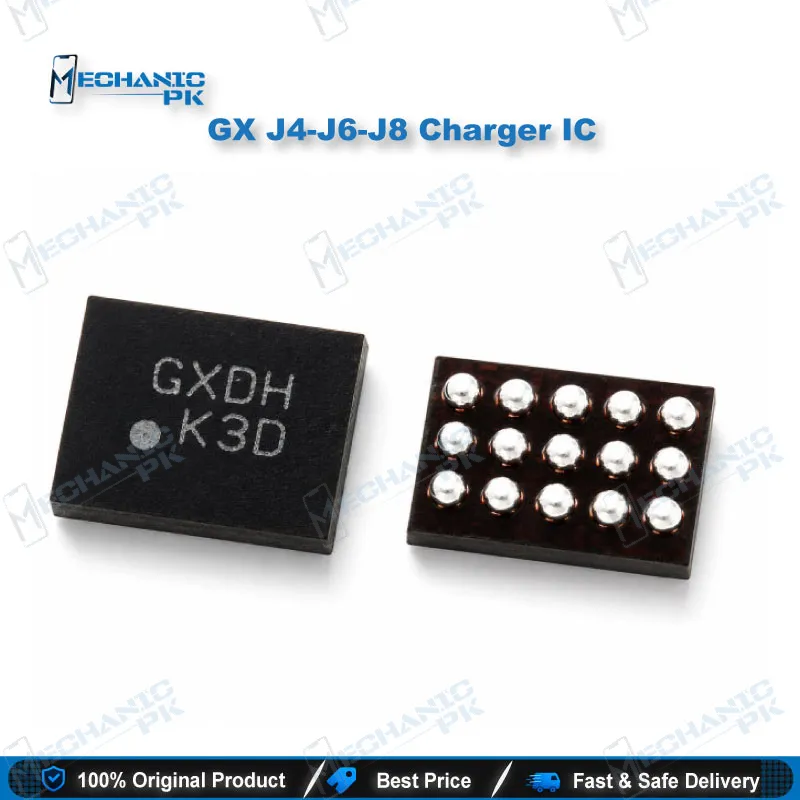
The GX J4-J6-J8 Charger IC is a dedicated Samsung J4 J6 J8 charger IC for restoring the battery charging circuit on Galaxy J4 (2018), J6 (2018) and J8 (2018) motherboards. Use it when a phone shows no charging response, fake charging, or a dead phone condition, and your testing points to a shorted or burnt charger IC after you have ruled out the charging port, cable and battery. One part covers three Galaxy J-series models, so your workshop can stock fewer IC variants and still handle the most common charging faults on these boards. Install it with a hot air station, quality flux and a microscope for clean, reliable rework.
GX J4-J6-J8 Charger IC: Samsung J4 J6 J8 Charger IC for Board-Level Charging Repair
The GX J4-J6-J8 Charger IC is a Samsung J4 J6 J8 charger IC that Mechanicpk supplies to technicians who repair the charging section of Galaxy J4 (2018), Galaxy J6 (2018) and Galaxy J8 (2018) motherboards. Sometimes a phone still refuses to charge after you replace the charging port, cable and battery. When that happens, the fault sits deeper on the board, and the charger IC is the next component to test. This IC controls how incoming power from the USB port reaches the battery. A damaged chip can stop charging completely, create a fake charging symptom, or short the input line and leave you with a dead phone.
Where the Charger IC Sits in the Charging Path
Power enters through the micro USB charging port, travels along the VBUS line, and reaches the charger IC. The IC regulates current and voltage before passing energy to the battery. Every stage of that path can fail. A worn port blocks power at the entry point. A cracked battery connector stops it at the end. When the port and connector test fine but the battery still receives nothing, the charger IC becomes the prime suspect. Understanding this path lets you skip guesswork and isolate the hardware fault in minutes instead of swapping parts blindly.
Testing a Faulty Samsung J6 Charging IC Before Replacement
The same diagnostic logic applies to the J4 and J8 boards. Start with a USB ammeter between the charger and the phone. A reading stuck at zero, or a current spike that drops instantly, tells you the charging circuit is not accepting load. Next, put your multimeter in diode mode and check the VBUS line against ground. A near-zero reading confirms a short. Inject a low voltage from a DC power supply and watch the board under a thermal camera or with rosin smoke. If the charger IC heats first, you have found your faulty component. A Samsung J6 charging IC that runs hot the moment you connect a charger almost always needs replacement, not reflow.
Replacement Workflow for the GX J4-J6-J8 Charger IC
Lock the motherboard in a PCB holder so it stays flat and stable during heating. Shield nearby plastic connectors and small capacitors with heat-resistant tape. Apply flux around the old chip, then lift it with a hot air station at a controlled temperature and airflow setting. Clean the pads using a soldering station and desoldering wick until the surface looks flat and bright. Inspect every pad under a microscope, since a single lifted pad can cause a repeat failure. If the pads need fresh solder, a reballing kit stencil helps you lay down even solder before placement. Align the new IC with the pin-1 marker, reflow it, clean the flux residue, and verify charging current with your USB ammeter before you close the phone.
Why One IC for Three Galaxy J-Series Models Matters
Galaxy J4, J6 and J8 units still reach repair counters across Pakistan. Charging issues rank among their most common hardware complaints, often after the owner uses a cheap or damaged charger. Stocking a single part number for all three models simplifies your inventory and shortens turnaround time. You quote the job, replace the IC, and return the phone the same day instead of waiting on separate parts for each model.
Tools That Complete Your Charging Repair Setup
A reliable charger IC replacement depends on the tools around it. A digital multimeter handles short detection and voltage checks. A DC power supply with current display speeds up fault isolation. A hot air station and a temperature-controlled soldering station handle the rework itself, and a stereo microscope confirms your pad and solder quality. If your bench already covers basic port and battery replacements, these tools form the natural upgrade path toward IC-level repair, and they cover far more than this one job.
Buying the Samsung J4 J6 J8 Charger IC from Mechanicpk
Mechanicpk supplies mobile phone ICs and professional repair equipment to technicians, repair shops and service centers across Pakistan. When you order this Samsung J4 J6 J8 charger IC, you get a part chosen for board-level charging repair on the Galaxy J-series. Before installation, match it against the marking on the original chip on your board. That habit protects every IC change you make and keeps your comeback rate low.
| Weight | 0.1 kg |
|---|
Key Features
- Dedicated charger IC replacement for Samsung Galaxy J4, J6 and J8 (2018) motherboards
- Restores the battery charging path between the USB charging port and the battery
- Targets charging faults that persist after port, cable and battery replacement
- One part covers three Galaxy J-series models, which simplifies your workshop inventory
- Fits standard hot air and soldering station rework workflows
- Supports same-day charging repairs on high-volume Galaxy J-series jobs
- Suited to repair shops, service centers and technical training institutes
- Supplied by Mechanicpk for professional board-level mobile repair
Specifications
| Model | GX J4-J6-J8 Charger IC |
|---|---|
| Category | Mobile Phone IC – Charging IC |
| Compatibility | Samsung Galaxy J4 (2018), Galaxy J6 (2018), Galaxy J8 (2018) |
| Supported Devices | Samsung Galaxy J4, J6, J8 |
| Technology | Battery charging management IC |
Common Repair Uses
- Board-level charging circuit repair on supported Galaxy J-series motherboards
- Phone not charging at all after the charging port, cable and battery test good
- Fake charging, where the charging icon appears but the battery percentage does not rise
- Dead phone caused by a shorted charger IC on the VBUS line
- Charger IC heating up as soon as a charger is connected
- Board damage after using a faulty or non-original charger
- Liquid-damaged boards with corrosion around the charging section
- Slow or interrupted charging after ruling out the adapter, cable and port
- Charger IC replacement during refurbishment of J4, J6 and J8 motherboards
Compatible Devices
- Samsung Galaxy J-series (2018) models named in the product title
- Samsung Galaxy J4 (2018) – SM-J400 series
- Samsung Galaxy J6 (2018) – SM-J600 series
- Samsung Galaxy J8 (2018) – SM-J810 series
FAQ
What is the product name?
What is the brand of this product?
What is the model of this product?
What is this product used for?
Which devices are compatible with this product?
Who should use this product?
How do I confirm the charger IC is faulty on a Samsung J6 before replacing it?
Why does my Samsung J4 or J8 show charging but the battery percentage does not increase?
Related products