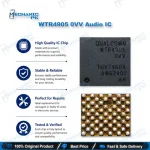
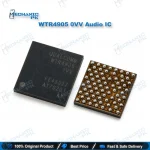
WTR4905 0VV RF Transceiver IC for iPhone 7 / 7 Plus
₨ 400
WTR4905 0VV RF Transceiver IC for Qualcomm iPhone 7 Boards
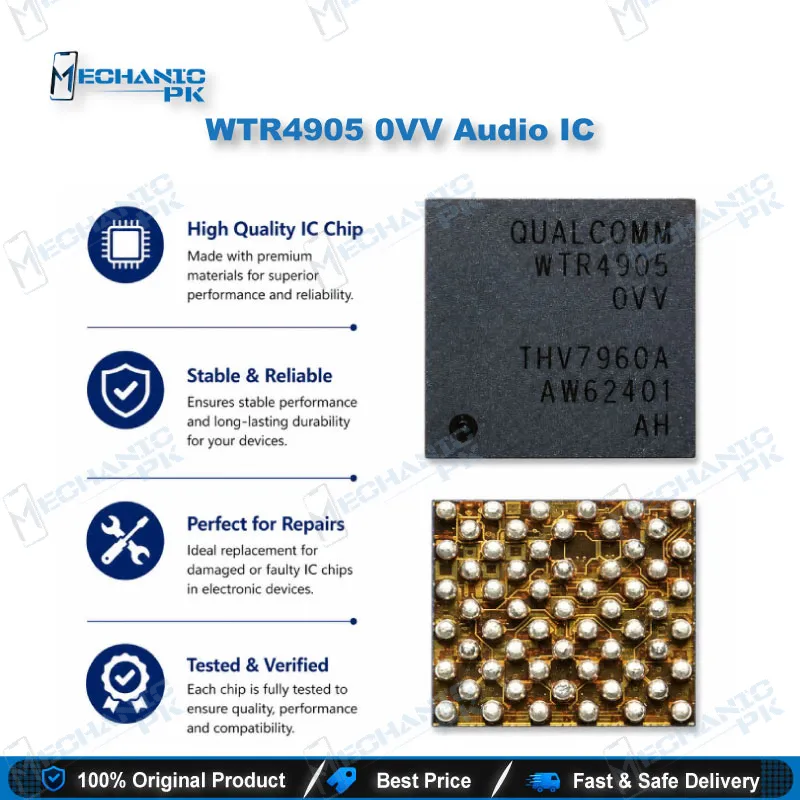
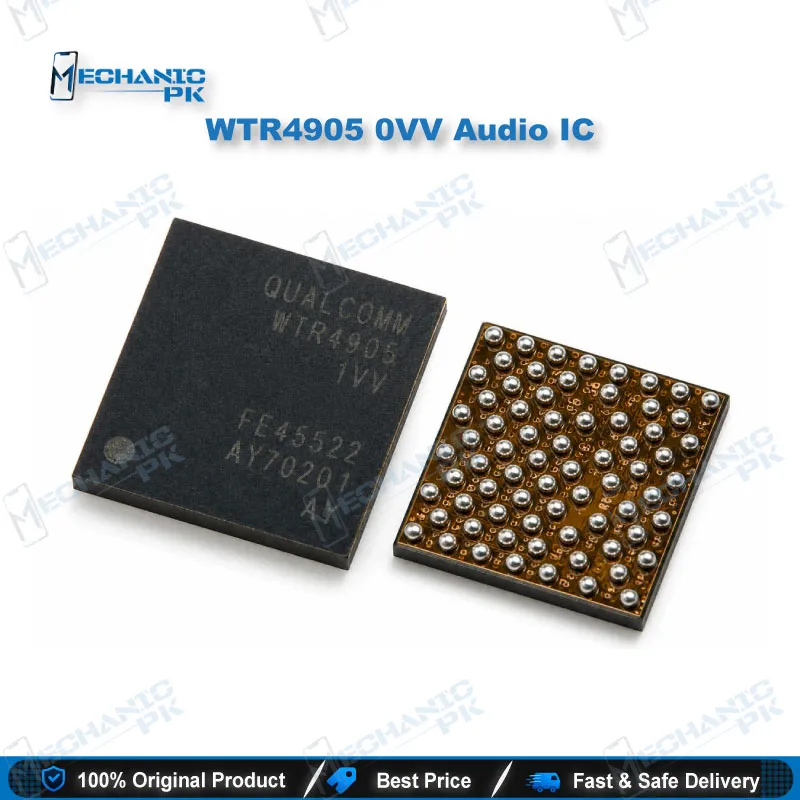
The WTR4905 0VV is Qualcomm’s multimode LTE RF transceiver. It sits at the XCVR1_RF position on Qualcomm-version iPhone 7 and iPhone 7 Plus logic boards. It links the baseband modem to the antenna-side RF front end, so a failed chip shows up as No Service, endless Searching, or lost mobile data. Mechanicpk supplies this 60-pin BGA part for technicians who diagnose network faults at board level and need the exact transceiver for a clean replacement. Install it with hot air, a matching reballing stencil, and microscope alignment, then verify signal on a live SIM before handback.
WTR4905 0VV RF Transceiver IC: The Qualcomm LTE Link on iPhone 7 Boards
The WTR4905 0VV RF transceiver IC is the Qualcomm multimode LTE transceiver mounted at the XCVR1_RF position on Qualcomm-version iPhone 7 and iPhone 7 Plus logic boards. It converts signals between the baseband modem and the RF front end, and it handles both the transmit and receive paths for the bands the modem supports. When this chip fails or loses contact with its pads, the phone usually drops to No Service, shows Searching without end, or loses mobile data while Wi-Fi keeps working. Mechanicpk supplies the WTR4905 0VV as a board-level replacement for technicians who diagnose RF faults at chip level and need the correct transceiver ready on the bench.
Where the WTR4905 Sits in the iPhone 7 RF Chain
Apple built the iPhone 7 and 7 Plus in two modem families. Qualcomm-version boards pair a Qualcomm baseband with transceivers from Qualcomm’s WTR line, and Intel-version boards use an Intel modem with a completely different transceiver. The WTR4905 0VV belongs only to the Qualcomm board. On that board it works alongside a second Qualcomm transceiver, the WTR3925, and supplier documentation places the WTR4905 at the XCVR1_RF designator with a 60-pin BGA footprint. Confirm the board family before you order anything, because an Intel board will never accept this part.
Diagnosing an iPhone 7 Intermediate Frequency IC Fault
Replace the WTR4905 only after your measurements point to it. Common symptoms include No Service with a valid SIM, signal loss after a drop, and a network issue that starts after liquid damage. Start with the antenna flex and coaxial connections, then inspect the transceiver area under a stereo microscope for corrosion, cracked joints, or missing nearby passives. Take diode readings on the surrounding lines with a multimeter and compare them against a known-good Qualcomm board. Drop damage often cracks the BGA joints under the transceiver, and a careful reflow or reball can restore signal without a new chip. When the original IC shows a short or internal failure, the WTR4905 0VV becomes the correct fix for that hardware fault.
Replacement Workflow for the WTR4905 0VV
Lock the logic board in a PCB holder and shield nearby components before you apply heat. Lift the old IC with a hot air station and an appropriate nozzle. If you find underfill around the chip, remove it slowly with a fine scraper and controlled heat so you keep the pads intact. Clean the pads with flux, a soldering station with a fine tip, and desoldering wick until the surface sits flat and bright. Reball the new chip with the correct stencil from a reballing kit, align it to the pad outline under the microscope, and seat it with steady, even airflow. After the board cools, repeat your diode checks, reassemble the phone, and test signal, calls, and mobile data on a live SIM.
Why Repair Shops Keep This Part in Stock
Shops that take iPhone board work regularly receive older models with network issue complaints, and a confirmed transceiver fault turns into a same-day job only when the correct IC already sits in your drawer. The WTR4905 0VV removes the guesswork that comes with mixed or relabeled parts, since the marking matches the XCVR1_RF position technicians reference on Qualcomm iPhone 7 boards. Pair it with tools from the Mechanicpk catalog: Hot Air Stations for removal, Soldering Stations for pad prep, Reballing Kits for the BGA stencil, Microscopes for alignment, Multimeters for diagnosis, and PCB Holders for stable board work. Browse the RF and network IC range for the companion WTR3925 and other iPhone intermediate frequency ICs when your diagnosis points elsewhere in the RF chain.
| Weight | 0.1 kg |
|---|
Key Features
- Genuine Qualcomm WTR4905 multimode LTE RF transceiver part number
- 0VV marking variant listed by suppliers for iPhone 7 / 7 Plus XCVR1_RF
- 60-pin BGA footprint for direct board-level replacement
- Built for Qualcomm-version boards that use the Qualcomm baseband platform
- Handles transmit and receive conversion between baseband and RF front end
- Multimode operation that covers legacy GSM/GPRS alongside LTE paths
- Works with the WTR3925 companion transceiver on the same board
- Suited to professional BGA rework with hot air, stencil, and microscope
Specifications
| Brand | Qualcomm |
|---|---|
| Model | WTR4905 0VV |
| Category | RF Transceiver IC / Intermediate Frequency IC |
| Compatibility | iPhone 7 and iPhone 7 Plus (Qualcomm version), XCVR1_RF position |
| Supported Devices | iPhone 7 (Qualcomm), iPhone 7 Plus (Qualcomm) |
| Technology | Multimode LTE RF transceiver, BGA package, 60 pins |
Common Repair Uses
- No Service fault repair on Qualcomm iPhone 7 / 7 Plus
- Endless Searching or lost signal after a drop
- Mobile data failure while Wi-Fi works normally
- Network issue repair after liquid damage and board cleaning
- Transceiver replacement after a confirmed short or internal IC failure
- BGA reball of the transceiver area during RF chain repair
- Board-level RF diagnostics alongside the WTR3925 companion transceiver
- Donor-chip replacement in refurbishment of Qualcomm iPhone 7 boards
Compatible Devices
- Verified fitment covers Qualcomm-modem iPhone 7 series boards only. Intel-version boards do not accept this part.
- iPhone 7, Qualcomm version
- iPhone 7 Plus, Qualcomm version
- Board position: XCVR1_RF transceiver location
- Qualcomm-baseband iPhone 7 series logic boards only
- Not compatible with Intel-modem iPhone 7 / 7 Plus boards
FAQ
What is the product name?
What is the brand of this product?
What is the model of this product?
What is this product used for?
Which devices are compatible with this product?
Who should use this product?
How do I know if my iPhone 7 uses the WTR4905 or an Intel transceiver?
Will replacing the WTR4905 always fix No Service on iPhone 7?
Related products