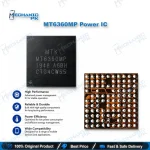
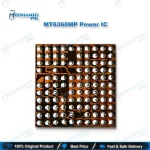
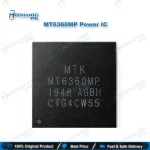
MT6360MP Power IC | MediaTek PMIC for Mobile Repair
₨ 400
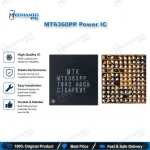
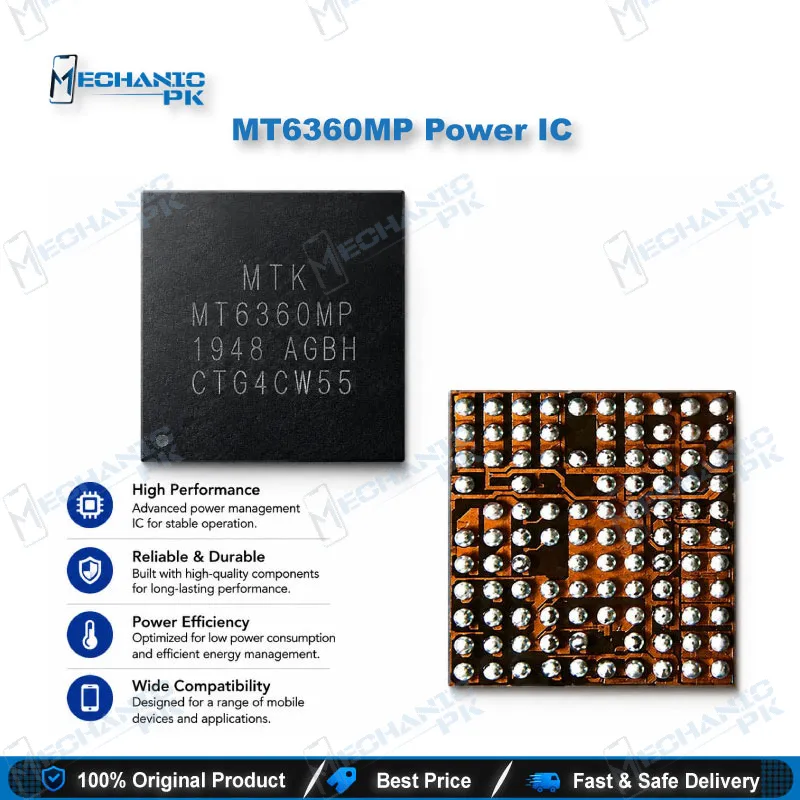
MT6360MP Power IC for Board-Level Mobile Repair
The MT6360MP is a MediaTek power management IC from the MT6360 family, combining charging, regulator, USB Type-C port control, and LED driver functions in one chip. For a technician, that means a single component can sit behind several symptoms at once, from a phone that won’t charge to one that shows a charging icon but never boots. This page covers the verified family scope, where the PMIC fits in a board-level workflow, and what to confirm before you order or replace one on your bench.
MT6360MP Power IC for Mobile Repair Benches
The MT6360MP power IC is a MediaTek PMIC built to manage several power functions inside one package. When a phone shows charging faults, missing rails, or power-on failures, this chip often sits near the center of the diagnosis. Board-level technicians need to know where it fits before they touch the solder pads. This guide covers the verified family-level scope, how the part fits into your repair workflow, and what to check before you commit to a replacement.
Where This PMIC Fits in Your Repair Workflow
The MT6360 family combines a battery charger, buck regulators, LDO outputs, a USB Type-C port controller block, and an LED driver. The host processor controls these blocks over an I2C interface, and the family’s device-tree binding exposes each one as a separate sub-module. You get a practical benefit from that structure: a fault in one sub-module can appear as a symptom somewhere else on the phone. Start by measuring the input path and the main rails with your bench supply. Confirm the input behavior before you assume the IC has failed.
Diagnosing Charging and Power Rail Faults
A phone that doesn’t charge has several suspects, and the PMIC is only one of them. Check the charging port, the battery connector, and any fuse or protection component on the input line before you remove the IC. If the input looks clean but the rails are missing or unstable, the PMIC becomes a stronger candidate. Liquid damage and corrosion around the power section cause the same symptoms, so clean the board thoroughly first. A shorted capacitor can also pull a rail down, so measure the rails before you condemn the chip.
Replacement, Variant Matching, and Post-Repair Testing
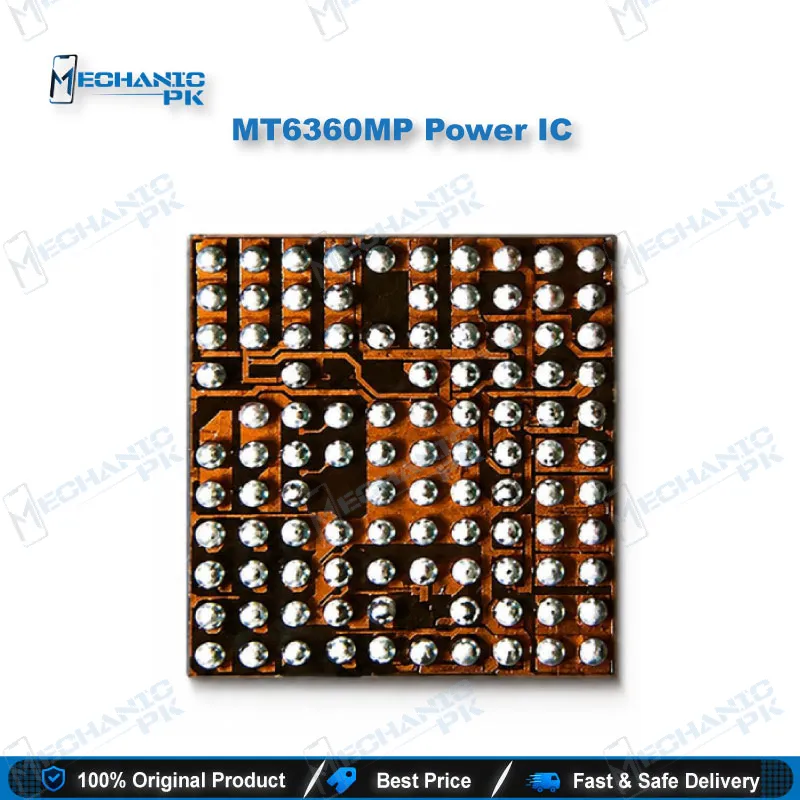
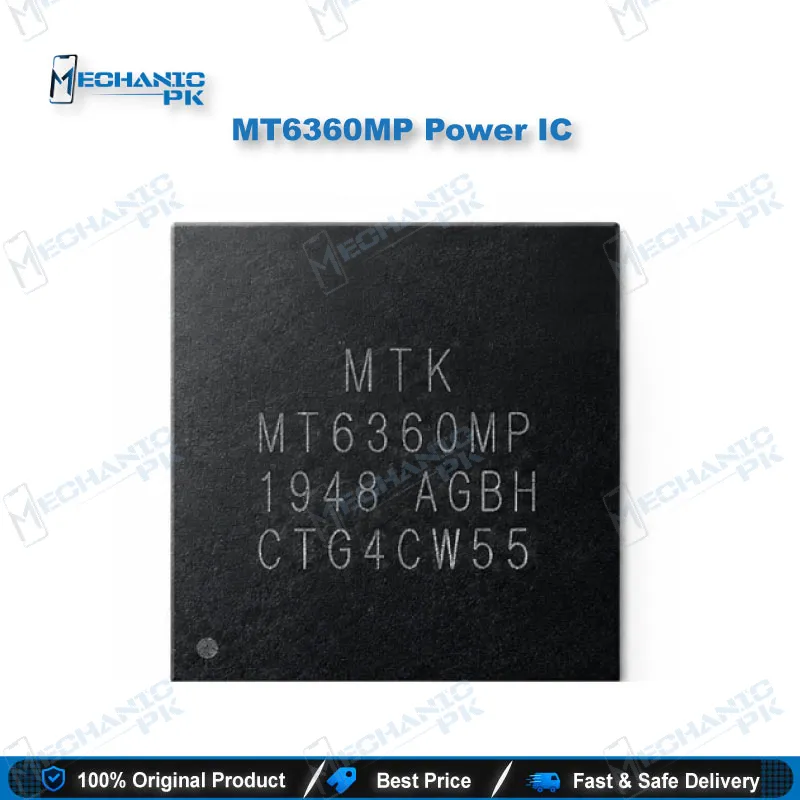
The MT6360 family includes several variants with different suffixes, and mismatched variants are a common cause of failed repairs. Read the chip marking and the board schematic before you order. For rework, use a BGA stencil matched to the package, proper flux, and a hot air station with a controlled temperature profile. Lead-free solder needs higher temperatures, so protect neighboring components. After reinstalling, power the board on a bench supply with a current limit set before you connect a battery. Check each rail, confirm charging behavior, and only then reassemble the phone.
| Weight | 0.1 kg |
|---|
Key Features
- I2C control interface for power management registers
- Integrated battery charging function
- Multiple buck regulators for core rails
- Several LDO outputs for peripheral rails
- USB Type-C port control block for power role handling
- LED driver function integrated in the same chip
- Sub-module structure that helps isolate faults
- Variant suffix system that requires precise matching
Specifications
| Brand | MediaTek |
|---|---|
| Model | MT6360MP |
| Category | Power Management IC (PMIC) |
| Technology | I2C-controlled PMIC with charger, buck regulators, LDO outputs, USB Type-C port controller, and LED driver (family scope) |
| Compatibility | Variant-specific, match the exact part marking before ordering |
| Supported Devices | MT6360 family PMIC boards, confirmed per board schematic |
Common Repair Uses
- Diagnosing phones that show a charging icon but do not boot
- Checking power rails after liquid damage or corrosion near the PMIC area
- Replacing a PMIC after a confirmed fault on the charger input path
- Tracing dead-phone faults caused by a missing buck or LDO output
- Verifying charging behavior during a charging-port repair
- Checking power-on sequencing in boot loop cases after board repair
- Reballing or reworking the PMIC pad area during board-level repair
- Confirming the power section before a full IC-level board repair
Compatible Devices
- MediaTek phone logic boards with an MT6360 family PMIC in the power section
- Boards where the printed chip marking reads MT6360MP
- Boards where the schematic confirms the MT6360 charger and power path
- Phones using I2C-controlled power sequencing from the MT6360 family
- Board-level PMIC replacement jobs on MediaTek-based phones
- Scope is chipset-family level, not device-specific, so confirm fit per board
- Jobs that require matching a single variant suffix
- Rework benches equipped for BGA PMIC replacement
FAQ
What is the product name?
What is the brand of this product?
What is the model of this product?
What is this product used for?
Which devices are compatible with this product?
Who should use this product?
Which interface controls the MT6360 family PMIC?
Why does the variant suffix matter when replacing this IC?
Related products