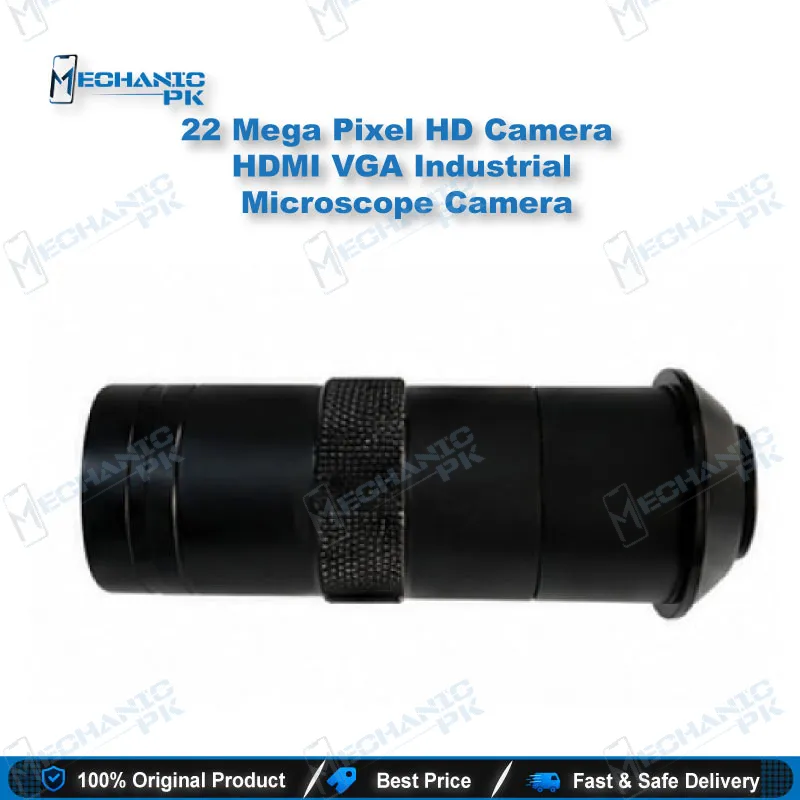
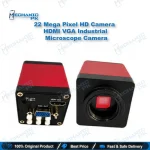
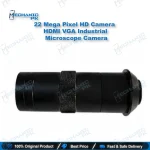
HDMI VGA Industrial Microscope Camera
₨ 1
HDMI VGA Industrial Microscope Camera for Repair Benches
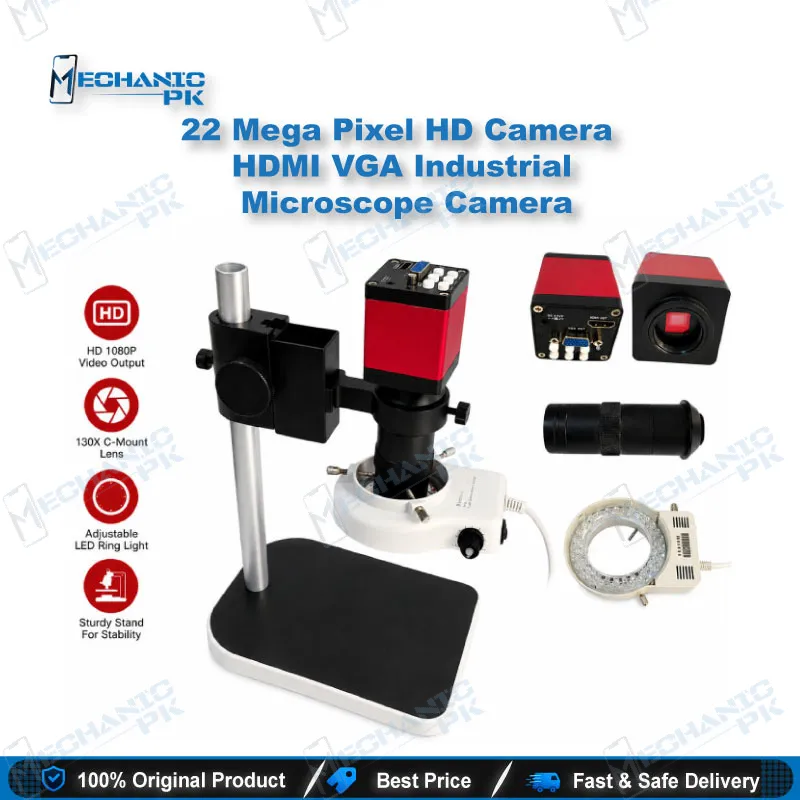
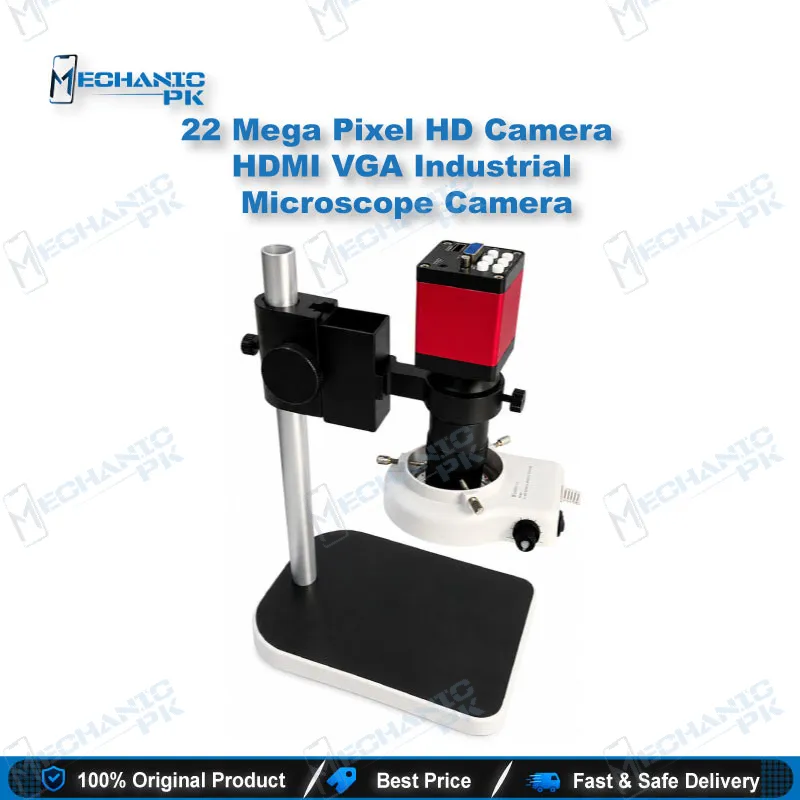
Connect this HDMI VGA industrial microscope camera to a monitor and see your board, component, or solder joint on screen in real time. You get a shared view that is easier to check with a technician or customer than peering through eyepieces alone. Use HDMI for modern monitors and VGA for older displays with no HDMI port. It fits PCB inspection, IC pin checks, and solder joint review on a standard microscope setup.
Out of stock
HDMI Microscope Camera for Mobile Repair Workflows
An HDMI microscope camera changes how you work at the bench. Instead of holding your eye to the eyepieces for every check, you watch the live image on a monitor while your hands stay on the board. This HDMI VGA industrial microscope camera gives you two output options, so you can match it to the display you already have. The sections below cover where it fits in your workflow, how to connect it, and how to set up your bench.
Where It Fits in Your Repair Workflow
Visual inspection comes first on most boards. Before you touch a component, check the pads, traces, and solder joints on screen at a steady magnification. The same view helps you spot lifted pads, cold joints, and burnt areas before you begin rework. Use the live image to identify components before replacement, so you compare the part you have with the part on the board.
Connecting to a Monitor
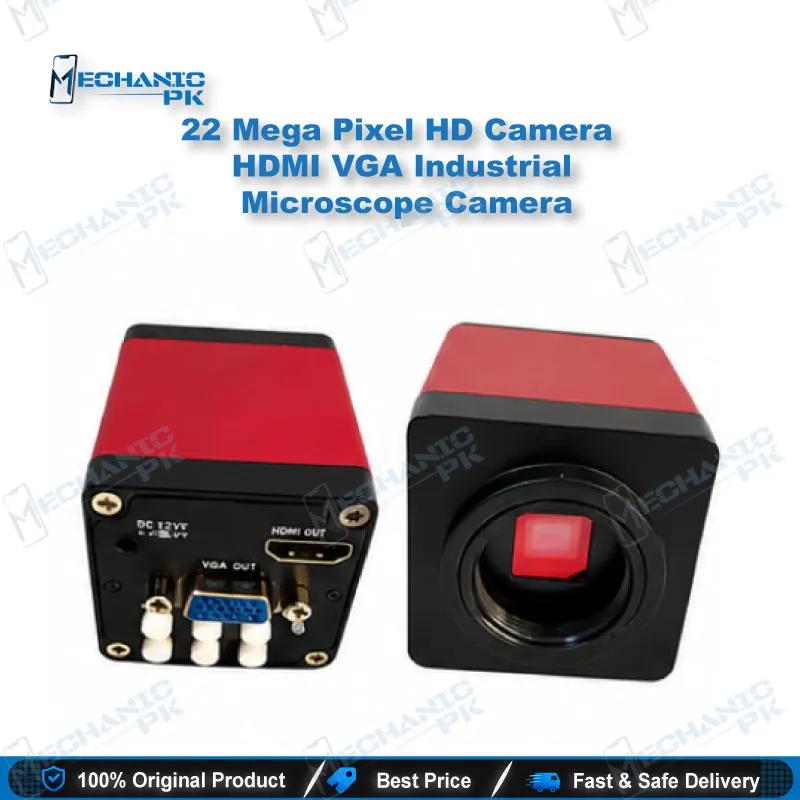
Use the HDMI output for monitors and displays with an HDMI input. For older screens with only a VGA port, use the VGA output. Pick the output that matches your display, then check the picture before you start working. A clear live image lets you keep your focus on the board instead of adjusting the setup.
Setting Up Your Bench
Check the mount on your microscope head before you buy. The camera has to attach securely so the image stays in focus during long sessions. Keep the cable routed away from your soldering area and hot air station. A stable setup reduces eye strain and makes the image easier to share with a customer or trainee.
| Weight | 2.0 kg |
|---|
Key Features
- HDMI output for monitor display
- VGA output for older displays
- Live image on a monitor during inspection
- Suitable for microscope-based PCB inspection
Specifications
| Product Entity | HDMI VGA Industrial Microscope Camera |
|---|---|
| Technology Entity | HDMI and VGA video output |
| Compatible Device Entities | Monitors with HDMI or VGA input |
| Repair Process Entity | PCB visual inspection |
| Industry Entity | Mobile repair and electronics repair, Pakistan |
Common Repair Uses
- Visual inspection of PCBs before repair
- Checking solder joints and pads
- Inspecting IC pins before rework
- Identifying components before replacement
- Showing board faults to customers on a monitor
- Training new technicians with a shared live view
Compatible Devices
- Universal, not device-specific. Works with monitors and displays that have a matching input.
- Universal, not device-specific
- Monitors with an HDMI input
- Monitors with a VGA input
- Standard microscope setups that accept the camera mount
FAQ
What is the product name?
What is the brand of this product?
What is the model of this product?
What is this product used for?
Which devices are compatible with this product?
Who should use this product?
Which video outputs does this camera provide?
Which monitor should I use with the HDMI output?
Related products