
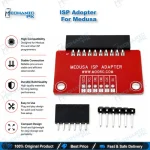
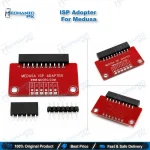
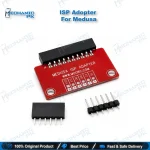
ISP Adapter for Medusa Box | eMMC ISP Tool
₨ 1,200
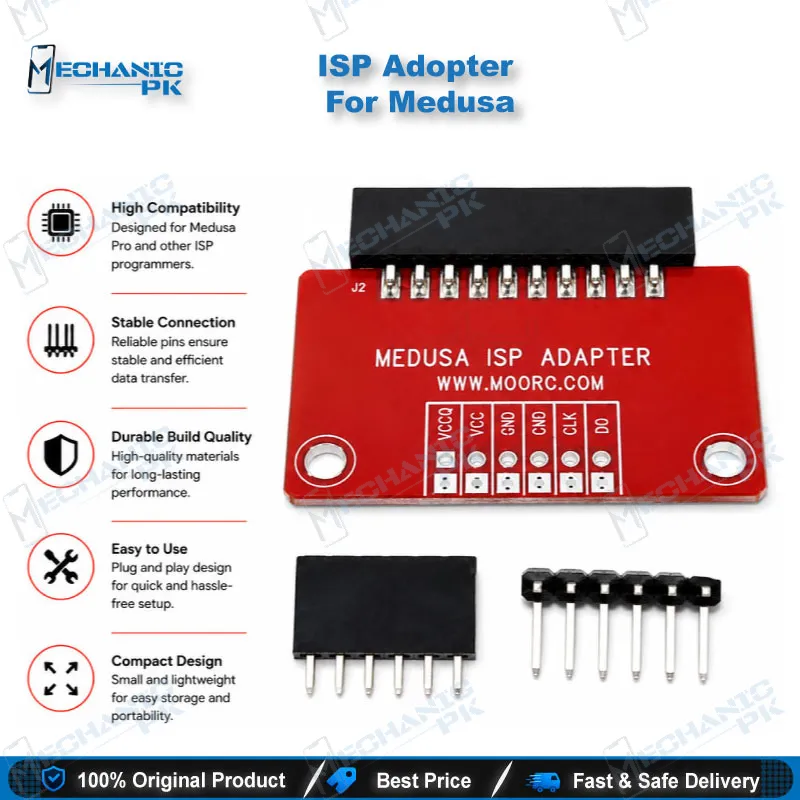
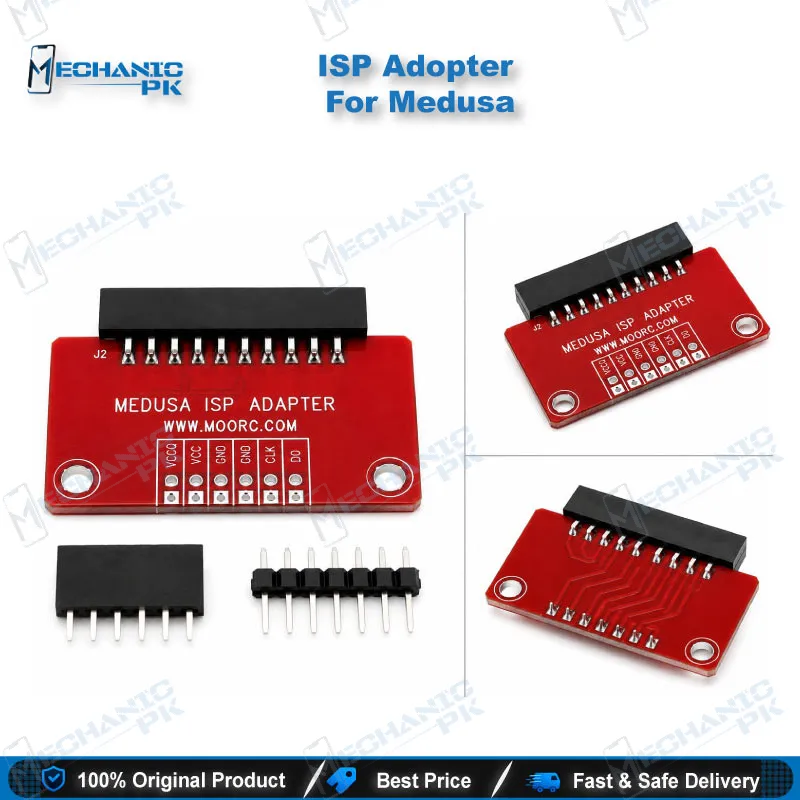
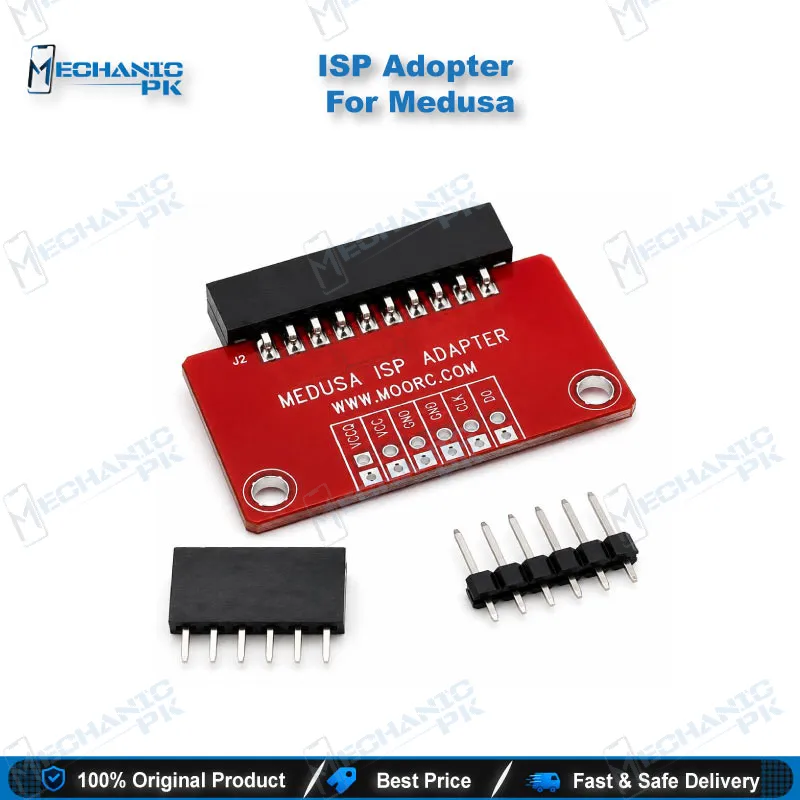
ISP Adapter for Medusa Box: eMMC Access Without Chip-Off
The ISP adapter for Medusa box connects your Medusa interface to the eMMC in-system programming points on a phone PCB. You read, write, and repair the eMMC while it stays soldered to the board. That saves you a hot air chip-off, reballing, and the risk of lifting pads. Use it on a dead phone, a boot loop issue, or a device that is dead after flash. It fits technicians who already work with Medusa software and want a direct, repeatable ISP connection. Pair it with a good ISP pinout reference and a steady soldering station for clean results on your repair bench.
In stock
ISP Adapter for Medusa Box: Direct eMMC Connection for Dead Phone Repair
The ISP adapter for Medusa box gives your Medusa setup a controlled route to the eMMC through in-system programming points. You solder or pogo-contact the ISP lines on the PCB, plug the adapter into the box, and let the Medusa software talk to the memory without removing it. Medusa software targets dead-boot recovery on many handset brands, and this adapter supplies the hardware link for the eMMC side of that job. You get a repeatable connection that suits repair shops handling hardware faults daily.
How the Adapter Connects Medusa to the eMMC
Every eMMC chip exposes command, clock, and data lines that the phone’s processor normally drives. In ISP mode, your box takes over those lines directly on the board. The adapter carries these signals between the Medusa box and the test points you prepare on the PCB, along with the power and ground reference the memory needs.
The adapter keeps the signal path short and organized. A loose jumper wire often causes read errors or dropped connections mid-write, so a fixed adapter lowers the chance of a failed session. You still need the correct ISP pinout for each board. Locate CMD, CLK, DAT0, and the supply points from a verified pinout or board view before you solder anything. Clean, short wires from the PCB to the adapter give you the most stable communication with the eMMC.
Where It Fits in Your Dead Phone Workflow
Start with diagnosis. Check the supply current on the bench power supply, confirm the phone does not respond to USB, and rule out charging issue faults first. If the eMMC still looks like the cause, open the ISP route.
Connect the adapter, run Medusa, and read the eMMC identification first. A clean ID read confirms your wiring before you attempt anything heavier. From there, you can back up data, repair boot partitions, or write firmware to recover a phone stuck on logo or dead after flash. Technicians in Pakistan use this method for FRP lock and pattern unlock cases where the standard USB route fails, and for hang on logo devices that never reach download mode.
After the repair, remove the ISP wires, clean the test points, and run a full boot test before you close the phone. If the ISP read fails, check your solder joints and voltage lines before you blame the memory.
Why an ISP Adapter for Medusa Box Beats Chip-Off
Chip-off needs a hot air station, flux, a BGA socket or reballing, and a steady hand. Every heat cycle stresses the PCB and the memory. ISP skips that entire stage. You solder a handful of fine wires, finish the job, and leave the eMMC untouched.
ISP also speeds up your bench. A chip-off job eats an hour or more, while an ISP read and write can finish in a fraction of that once you know the pinout. You lose less time on dead phone queues, and you keep customer boards safer. Chip-off still has a place when ISP points are unreachable or damaged, but for most eMMC phones the ISP adapter for Medusa box is the faster and gentler first choice. Pair it with a microscope and a fine-tip soldering iron to keep every joint clean.
| Weight | 0.1 kg |
|---|
Key Features
- Links the Medusa box to eMMC ISP points on the PCB
- Reads and writes eMMC without removing the chip
- Shortens the signal path for stable communication
- Reduces heat stress on the board compared to chip-off
- Supports dead-boot recovery workflows in Medusa software
- Fits Medusa Pro and Medusa Pro II box setups
- Works with fine-wire or pogo-pin ISP connections
- Suits daily use in repair shops and service centers
Specifications
| Brand | Medusa |
|---|---|
| Model | ISP Adapter for Medusa Box |
| Category | ISP Pinout Tools |
| Compatibility | Medusa box (Medusa Pro / Medusa Pro II series) |
| Technology | eMMC ISP (in-system programming) |
Common Repair Uses
- ISP-based eMMC repair workflows on soldered memory
- Recovering a dead phone that no longer responds over USB
- Fixing a boot loop issue caused by corrupted eMMC partitions
- Repairing dead after flash cases
- Clearing hang on logo faults at the memory level
- Backing up user data from a phone that will not boot
- Removing FRP lock or pattern unlock when the USB route fails
- Reading eMMC identification to confirm memory health
- Replacing chip-off with a non-destructive in-board repair
Compatible Devices
- eMMC-based handsets supported by Medusa software, used through the Medusa box
- Medusa Pro box
- Medusa Pro II box
- Samsung eMMC models supported in Medusa software
- Huawei eMMC models supported in Medusa software
- LG eMMC models supported in Medusa software
- Xiaomi eMMC models supported in Medusa software
- Oppo eMMC models supported in Medusa software
- Motorola, Lenovo, ZTE, and Sony eMMC models supported in Medusa software
FAQ
What is the product name?
What is the brand of this product?
What is the model of this product?
What is this product used for?
Which devices are compatible with this product?
Who should use this product?
Which ISP points do I need to connect on the PCB for eMMC ISP repair?
How do I confirm the ISP adapter for Medusa box is wired correctly before writing?
Related products