

















Amaoe MU5 Stencil for MediaTek Dimensity CPU Reballing
₨ 599
Amaoe MU5 Stencil for MediaTek CPU Reballing
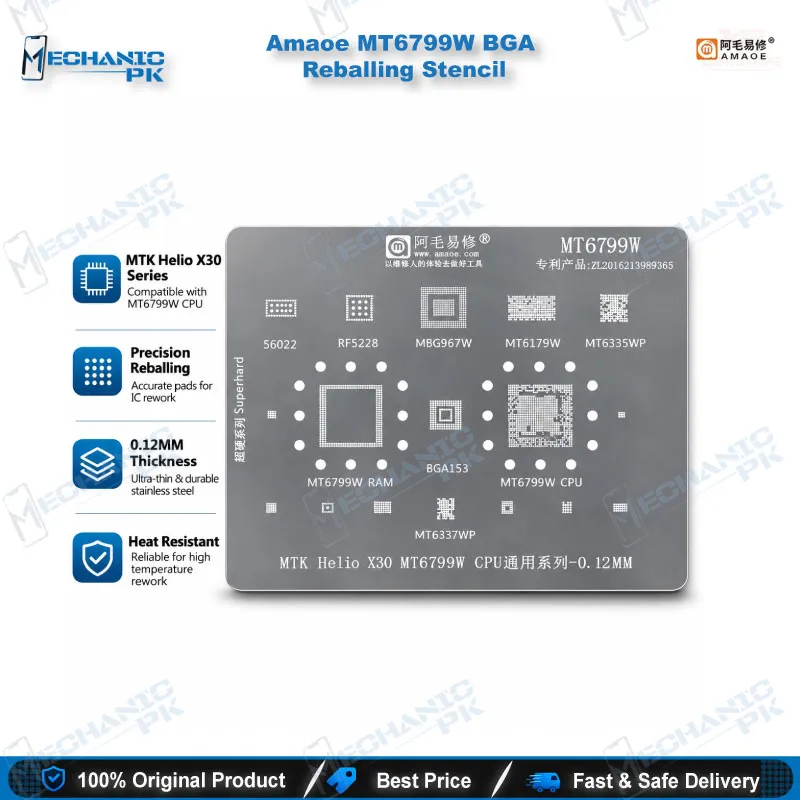
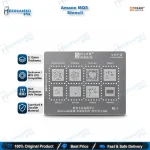
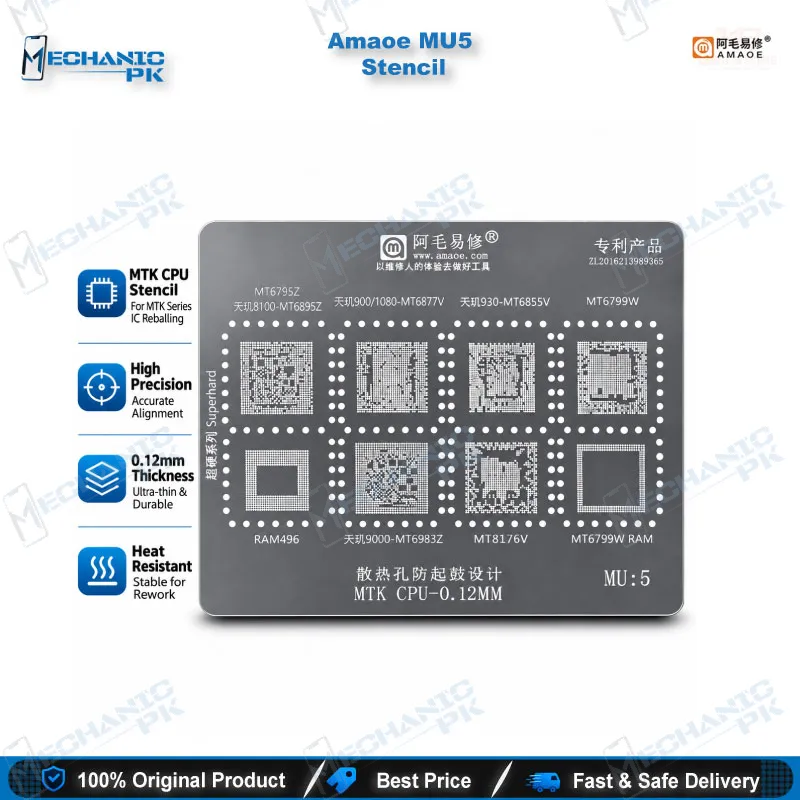
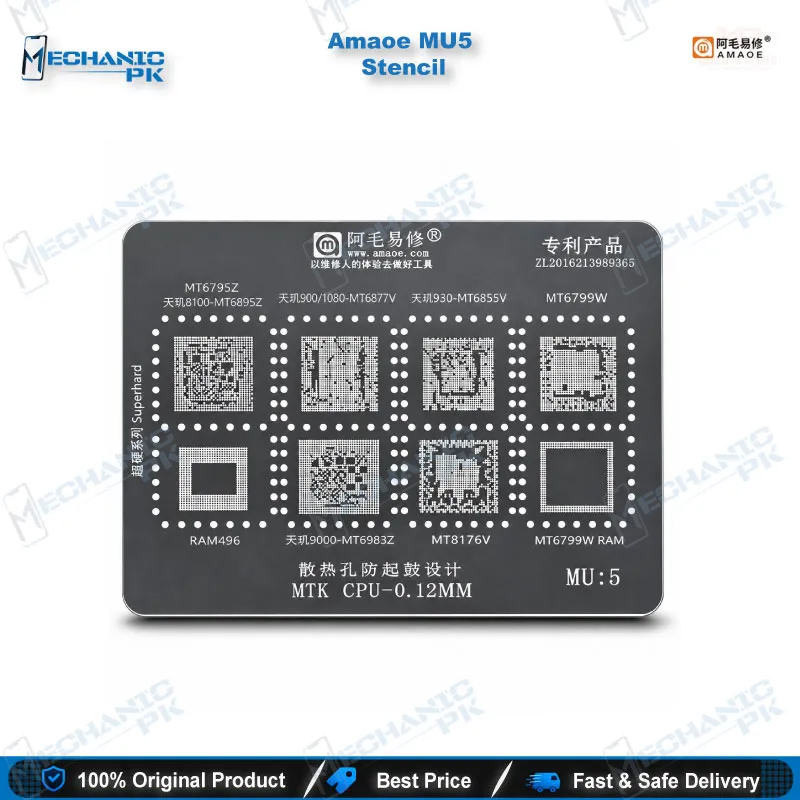
The Amaoe MU5 Stencil is a steel mesh BGA reballing template for MediaTek Dimensity boards, covering MT6895Z, MT6877V, MT6855V, MT6983Z, MT6799W, MT8176V and RAM496. Its square hole apertures and fixed pin locations match the chip footprint, so you place solder balls or paste with repeatable accuracy after every CPU removal. Use it on dead phone and hang on logo repairs where board-level reballing is the confirmed fix. Mechanicpk supplies the Amaoe MU5 Stencil to repair shops, service centers and training institutes across Pakistan that want a model-specific MediaTek template instead of a universal mesh.
In stock
Amaoe MU5 Stencil for MediaTek Dimensity CPU Reballing
The Amaoe MU5 Stencil gives you a steel mesh BGA reballing template cut for a defined group of MediaTek chips: MT6895Z (Dimensity 8100), MT6877V (Dimensity 900/1080), MT6855V (Dimensity 930), MT6983Z (Dimensity 9000), MT6799W, MT8176V and the RAM496 footprint. When a dead phone lands on your bench with a confirmed CPU-level hardware fault, a template that matches the pad layout decides whether the reball holds. MU5 covers this Dimensity-heavy block of boards in one stencil, so you stop guessing between universal meshes.
Choosing a MediaTek BGA Reballing Stencil for Dimensity Boards
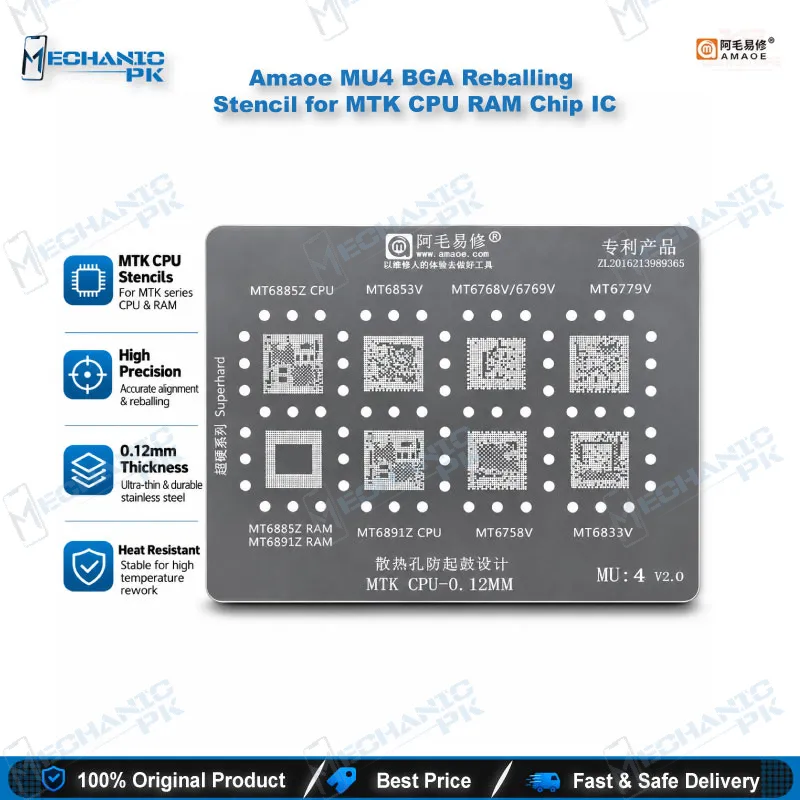
Amaoe splits its MediaTek stencils into numbered models, and MU5 owns the upper-mid and flagship Dimensity block. The listing names MT6895Z, MT6877V, MT6855V and MT6983Z, along with MT6799W, MT8176V, RAM496 and MT6799W RAM, which extends the template to memory-side work on those boards. Neighbouring models cover different chips. MU4 handles MT6885Z, MT6853V, MT6769V, MT6779V and MT6891Z, while MU6 handles MT6989W, MT6985W, MT6886V, MT6781V, MT6897Z, MT6878V and MT6835V. Read the marking on the lifted chip before you order, because a stencil from the wrong model will not line up with the pads.
Build Quality and Reballing Workflow
Amaoe cuts MU5 from deformation-resistant steel mesh, so the template stays flat while you work under hot air. The apertures use a square hole design, and the pin locations follow the chip footprint, which keeps every ball position fixed. Flat, undistorted mesh matters most on fine-pitch Dimensity packages, where a warped template shifts balls and creates bridges.
Start by lifting the CPU with your hot air station. Clean the pads with solder wick and flux under a microscope until every pad sits flat and bright. Clamp the board in a PCB holder, align the Amaoe MU5 Stencil over the pads, and push your solder paste or place balls through the holes. Heat the board until the balls form, lift the stencil, and inspect the result before you refit the chip. Check for shorts with a multimeter before you power the board. Technicians chasing a boot loop issue or a hang on logo fault often reach this step after a software reflash fails to fix the unit. Clean the stencil with flux remover after each job so it stays ready for the next chip.
Where MU5 Fits in Your Rework Line
MU5 works as one part of a complete rework setup. Your soldering stations and hot air stations handle chip removal and refit, reballing kits supply the solder balls and tools, and microscopes plus PCB holders keep the work steady. If your queue also includes mid-range MediaTek boards, step across to MU4 in the same range. If it includes newer Dimensity chips, MU6 covers them. Repair shops and service centers in Pakistan that handle MediaTek boards from several brands get the most from MU5 as a dedicated template: you reach for one stencil for this chip group and keep your universal meshes for everything else.
| Weight | 0.1 kg |
|---|
Key Features
- Model-specific MU5 template for a defined MediaTek Dimensity chip group
- Covers MT6895Z, MT6877V, MT6855V and MT6983Z
- Extends to MT6799W, MT8176V, RAM496 and MT6799W RAM
- Steel mesh construction that resists deformation
- Square hole apertures for clean ball and paste placement
- Precise pin locations that follow the chip footprint
- Works with solder paste or solder balls in tin planting
- Sits within the Amaoe MU1–MU6 MediaTek stencil range for easy upgrade or lateral choice
Specifications
| Brand | Amaoe |
|---|---|
| Model | MU5 |
| Category | BGA Reballing Stencil |
| Compatibility | MediaTek CPU and RAM footprints (MT6895Z, MT6877V, MT6855V, MT6983Z, MT6799W, MT8176V, RAM496) |
| Technology | BGA reballing (tin planting) with square hole apertures |
| Material | Steel mesh |
Common Repair Uses
- Reballing a MediaTek CPU after removal with a hot air station
- Replacing solder balls on a lifted MT6895Z, MT6877V or MT6855V
- Reballing MT6983Z on Dimensity 9000 boards
- Memory-side reballing on MT6799W RAM and RAM496 footprints
- Tin planting a replacement CPU before refit
- Rework on dead phone boards with a confirmed CPU-level hardware fault
- Board-level rework on hang on logo and boot loop units after software fixes fail
- Training institute practice on fine-pitch MediaTek BGA packages
Compatible Devices
- Verified scope is the MediaTek chip family below. The listing does not name individual phone models, so compatibility follows the chip on the board.
- MT6895Z (Dimensity 8100)
- MT6877V (Dimensity 900/1080)
- MT6855V (Dimensity 930)
- MT6983Z (Dimensity 9000)
- MT6799W CPU
- MT6799W RAM
- MT8176V
- RAM496
FAQ
What is the product name?
What is the brand of this product?
What is the model of this product?
What is this product used for?
Which devices are compatible with this product?
Who should use this product?
Which MediaTek chips does the Amaoe MU5 stencil cover?
Can I use the MU5 stencil for MT6891Z or MT6885Z?
Related products