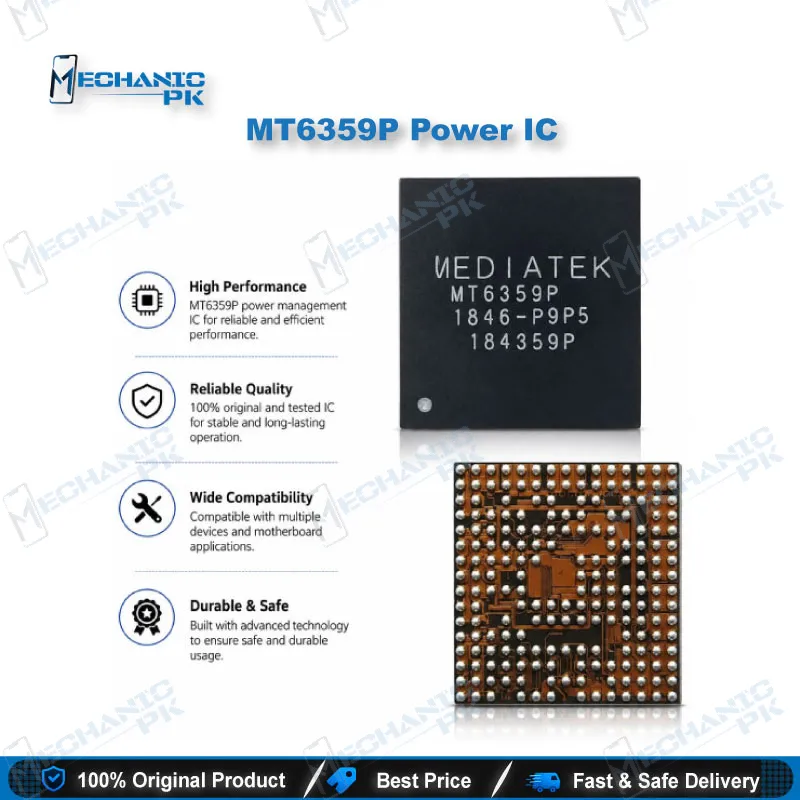
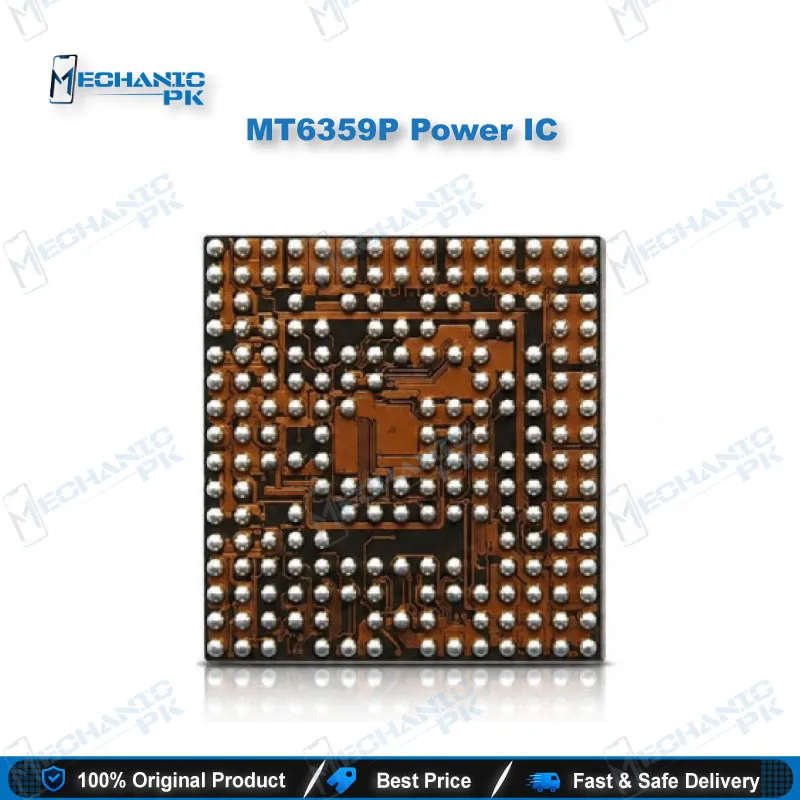
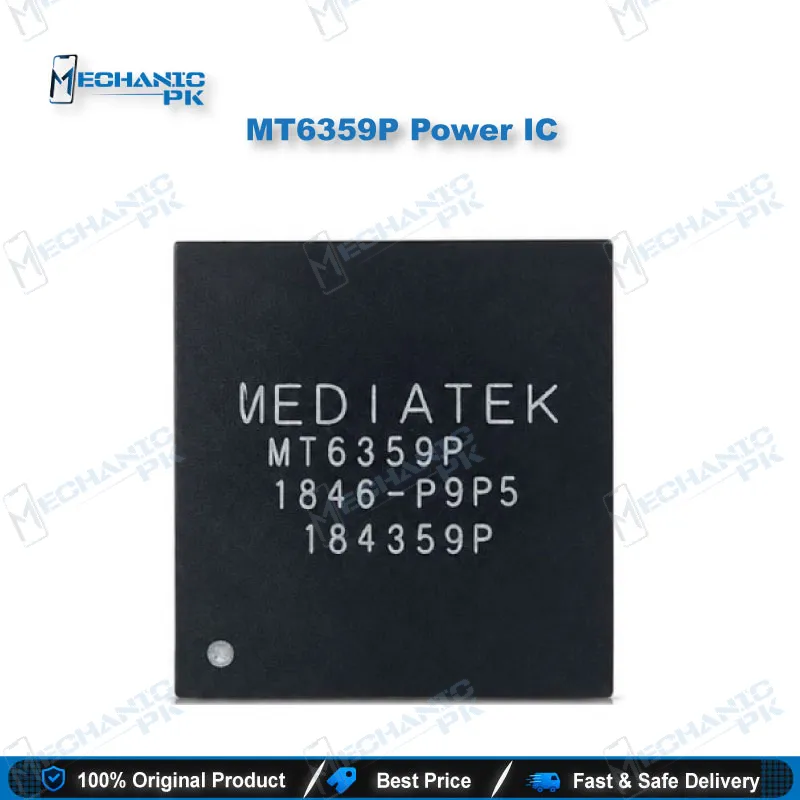
MT6359P Power IC – MediaTek PMIC for Mobile Repair
₨ 600
MT6359P Power IC for Bench-Level Mobile Repair
The MT6359P is a MediaTek power management IC that supplies and sequences the rails feeding the processor, core logic, GPU, and modem on boards built around the MT6359 family. If you work on a dead phone, a short on a main rail, or a boot loop issue that survives a clean reflash, this IC is a replacement part you check early. It talks to the SoC through MediaTek’s PMIC wrapper over an SPI link, so a failed unit stops the whole power tree from coming up. Match the marking on your donor board before you order, then pair it with your hot air station, microscope, and multimeter for a clean IC change.
MT6359P PMIC for Mobile Repair: MediaTek Power Management IC
The MT6359P PMIC for mobile repair is the MediaTek power management IC that generates and sequences supply rails on boards built around the MT6359 family. It connects to the SoC through MediaTek’s proprietary PMIC wrapper over an SPI link, and the Linux regulator driver supports MT6359P as its own variant alongside the base MT6359. When a board shows no power-up behavior, a hot PMIC area, or a short on a core rail, this IC sits at the top of your suspect list. You get a replacement part sized for IC-level work on your repair bench, not a module swap.
What the MT6359P Does on the Board
MediaTek’s MT6359 regulator binding names the rails this PMIC controls. The buck converters carry labels such as VPROC1, VPROC2, VCORE, VGPU11, VMODEM, VPU, VS1, VS2, VPA, and VCORE_SSHUB, and a bank of LDO regulators handles the lower-current supplies. Each buck maps to a block you recognise from the repair side: processor clusters, core logic, GPU, and modem. The MT6359 driver family also covers the real-time clock function. When one of these rails sags or never appears, the phone shows it as a dead phone, hang on logo, or a boot loop issue, and a network issue can trace back to the modem supply rather than the radio itself. Charging and USB power paths often sit on companion chips next to the PMIC, so you confirm the fault on the rail before you blame this part. Because the SoC reaches the PMIC over the wrapper link, a dead PMIC also cuts the communication path the processor needs to configure its own supplies. That explains why some boards give no sign of life at all, even with a healthy battery connector and a good display flex.
Where It Fits in Your Repair Workflow
Start with the basics: put the board on a bench supply, watch the current draw, and run a diode-mode check on the main rails with your multimeter. A shorted rail or a PMIC that heats up within seconds points toward IC change karna. Rule out software first. If the phone stays dead after flash, a clean software marna with your box separates a firmware problem from a hardware fault. Once the PMIC is your target, you lift the old IC with your hot air station, clean the pads under the microscope, and place the new part on a stable PCB holder. A BGA reballing kit helps when you prepare a donor chip. After the swap you test the rails again, then run a full boot and a network check. If your bench lacks a microscope with enough magnification for fine-pitch pads, that is your first upgrade path. Browse our Power ICs, Hot Air Stations, Microscopes, Multimeters, and PCB Holders for the rest of the workflow.
Matching the MT6359P to Your Board
Compatibility depends on the board, not on the phone brand. Kernel documentation lists the MT6359 as the primary PMIC on the MT6779 platform, and device trees pair it with MT8192, MT8195, and MT8188 boards. Do not assume other chipsets use it. Read the marking on the original IC, confirm the full part number including the P suffix, and compare it with this listing before you order. The base MT6359 and the MT6359P carry separate driver support, so you do not swap one for the other without confirming the board. Check the surrounding capacitors and resistors for damage before you install the new PMIC, because a burnt component near the old IC kills the replacement. Keep a record of the board model and the rails you measured, and you repeat the repair faster the next time the same fault shows up. Work at a controlled hot air temperature, preheat the board from below, and keep airflow low so you do not lift neighbouring parts. Lead-free solder needs more heat than leaded, so give the pads time to flow before you pull the old IC, and let the board cool before you power it.
| Weight | 0.1 kg |
|---|
Key Features
- MediaTek-made power management IC for the MT6359 family
- MT6359P variant with dedicated Linux regulator driver support
- Multiple buck converters for processor, core, GPU, modem, and VPU rails
- LDO bank for lower-current supplies
- SPI link to the SoC through MediaTek's PMIC wrapper
- RTC function covered by the MT6359 driver family
- Suited to hot air IC-level replacement on a PCB repair bench
Specifications
| MediaTek Model | MT6359P |
|---|---|
| Category | Power Management IC (PMIC) |
| Compatibility | MediaTek MT6359-family platforms (MT6779, MT8192, MT8195, MT8188 boards) |
| Technology | Multi-rail PMIC with buck converters and LDO regulators, SPI interface through the PMIC wrapper |
Common Repair Uses
- Scenarios where the PMIC is a logical suspect after rail checks.
- Dead phone with no power-up and abnormal current draw on the bench supply
- Short on a main supply rail traced to the PMIC area
- Overheating PMIC after power is applied
- Boot loop issue that continues after a clean reflash
- Hang on logo caused by an unstable processor or core rail
- Network issue traced to a missing modem supply rail
- Dead after flash cases where software repair fails and the rails read wrong
- Replacing a burnt PMIC on a donor board during IC change
Compatible Devices
- Verified chipset-family scope. Device-level compatibility depends on the board marking, so confirm the part number on your donor board.
- MediaTek MT6779 platform boards
- MediaTek MT8192 platform boards
- MediaTek MT8195 platform boards
- MediaTek MT8188 platform boards
- Boards that carry an MT6359P marking on the original PMIC
- Not universal: boards marked with a different PMIC need their own matching part
FAQ
What is the product name?
What is the brand of this product?
What is the model of this product?
What is this product used for?
Which devices are compatible with this product?
Who should use this product?
Which power rails does the MT6359P supply?
How do I confirm an MT6359P fits my board before IC change?
Related products