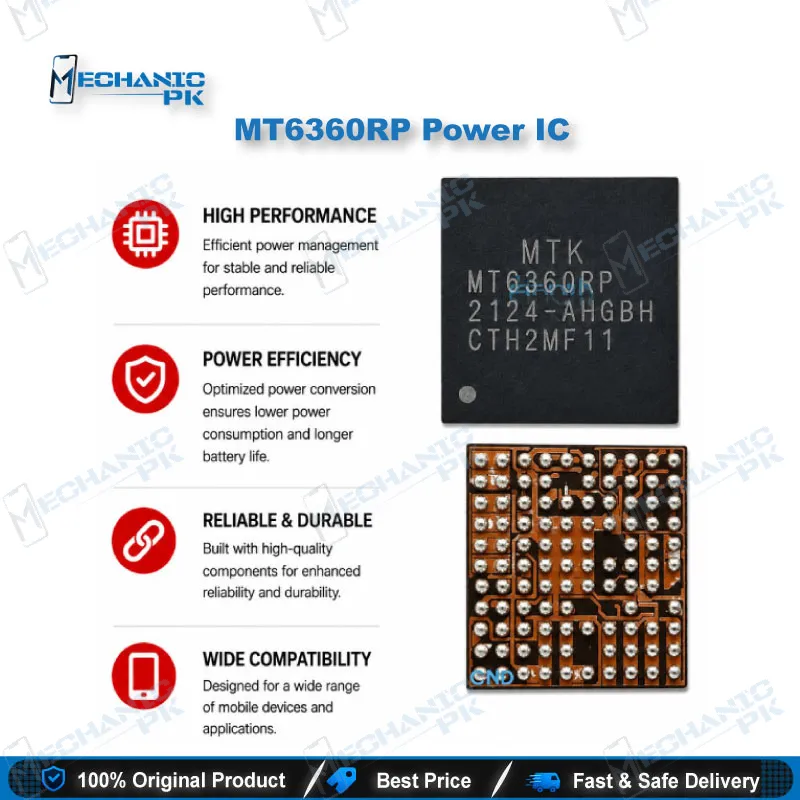
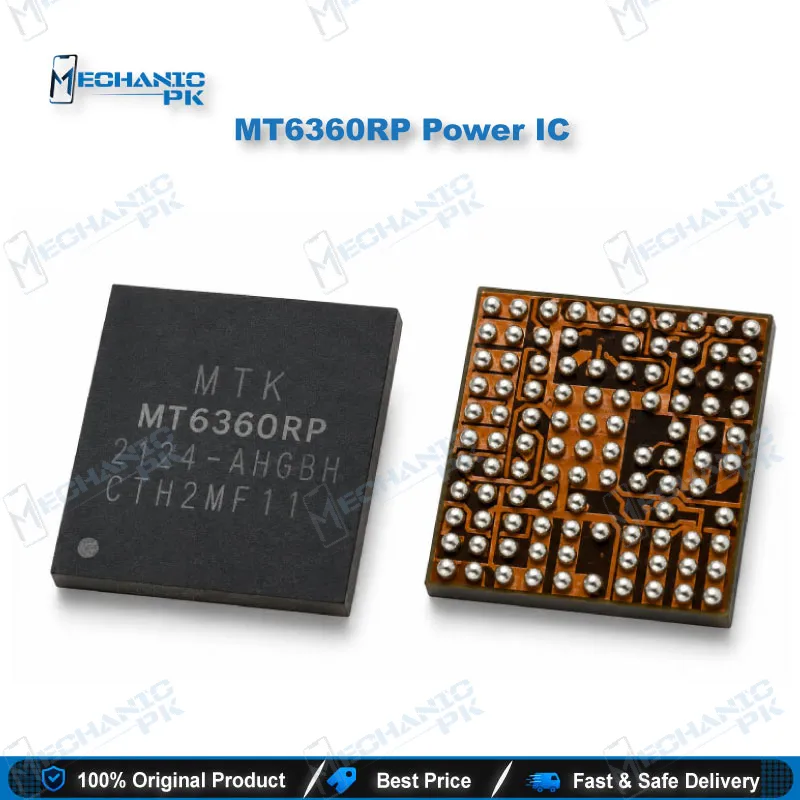
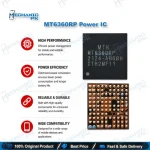
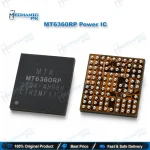
MT6360RP Power IC MediaTek Charging PMIC for Mobile Repair
₨ 350
MT6360RP Power IC for MediaTek Charging and Power Rail Repair
The MT6360RP power IC is a MediaTek MT6360-family companion PMIC that handles battery charging, USB Type-C Power Delivery, flash LED drive, and several system power rails on MediaTek smartphone and tablet boards. One chip combines a single-cell Li-ion switching charger, a PD 3.0 controller, two 3A buck converters, and six LDOs feeding the fingerprint, touch, storage card, and DRAM rails. When it fails, you see charging issues, dead flashlight, missing touch, or a phone that hangs on logo. This replacement part restores all of those functions with one IC change on your repair bench.
Out of stock
MT6360RP Power IC: MediaTek Charger, PD Controller and PMIC in One Package
The MT6360RP power IC belongs to MediaTek’s MT6360 family, a companion PMIC that sits beside the main power chip on MediaTek smartphone and tablet boards. One package combines a single-cell Li-ion/Li-polymer switching charger, a USB Type-C and Power Delivery controller, dual flash LED current sources, an RGB indicator driver, a moonlight LED driver, two buck converters, and six LDOs. When this chip fails, the fault rarely stays in one place. The phone stops charging, the flashlight goes dark, the memory card disappears, or the board refuses to boot past the logo. You get a single replacement part that brings every one of those rails back.
Charger and USB PD Architecture Inside the MT6360 PMIC
The charger block runs a synchronous 1.5 MHz PWM controller with integrated power MOSFETs and current-sense resistors. Firmware programs charge current from 0.3A to 3A in 0.1A steps and average input current from 0.1A to 3.25A in 50 mA steps. The recommended charger input range spans 4V to 14V, and four I2C-selectable input over-voltage thresholds (5.5V, 6.5V default, 11V, 14.5V) protect the board from a bad adapter. The Type-C side reads CC1 and CC2 for attach and cable orientation, supports USB PD 3.0, dead-battery start, and VCONN with programmable over-current protection. BC1.2 D+/D- detection and MediaTek Pump Express timing support sit in the same die. A 12-bit ADC tracks VBUS, VBAT, VSYS, input current, battery current, and junction temperature, so the system reports charging data directly from this chip. If a phone shows the charging icon with no current, rejects a fast charger, or fails OTG, check this block right after the charging port and VBUS line.
Power Rails That Depend on the MT6360RP
Two buck converters deliver a programmable 0.3V to 1.3V at up to 3A each. The six LDOs feed specific subsystems: LDO1 powers the fingerprint unit, LDO2 the touch panel, LDO3 and LDO5 the SD and UFS card rails, and LDO6 and LDO7 the DRAM rails. The flash driver pushes up to 1.5A per channel in strobe mode (2.5A combined) and 25 mA to 400 mA in torch mode. This rail map gives you a strong diagnostic shortcut. When touch, fingerprint, and charging fail together, you look at this MediaTek charging IC first instead of chasing three separate components. A missing DRAM rail explains a hang on logo or boot loop issue that survives every software flash attempt, so you stop “software marna” and move to hardware fault tracing.
Replacement Workflow for Your Repair Bench
The chip uses a WL-CSP-103B package measuring 4.64 × 4.14 mm, so it needs proper BGA-level rework discipline. Start with the marking: MediaTek ships the MT6360 in several suffix variants, and you should match the RP marking on the original chip or in the board schematic. Use a multimeter in diode mode to check VBUS, VSYS, and VBAT for shorts, then confirm a heating PMIC with rosin or a thermal camera. Mount the board in a PCB holder, warm it with a preheater, and lift the old IC with a hot air station and quality flux. Clean the pads with solder wick and a soldering station, and inspect every pad under a microscope before you seat the new chip. The part carries a 2 kV HBM ESD rating, so you handle it with grounded tweezers. After reflow, measure the buck and LDO outputs before you reconnect the battery. For heavy board-level volume, a dedicated BGA rework station with bottom heating gives you more consistent results than hot air alone.
| Weight | 0.1 kg |
|---|
Key Features
- Single-cell Li-ion/Li-polymer switching charger with 1.5 MHz synchronous PWM
- Charge current programmable from 0.3A to 3A in 0.1A steps
- USB Type-C controller with PD 3.0, dead-battery support, and VCONN OCP
- BC1.2 D+/D- charger detection and Pump Express support
- Two buck converters, 0.3V–1.3V output, 3A each
- Six LDOs for fingerprint, touch, SD/UFS card, and DRAM rails
- Dual flash LED driver: up to 1.5A per channel, 2.5A total strobe current
- 12-bit ADC monitoring VBUS, VBAT, VSYS, currents, and temperature
Specifications
| Brand | MediaTek |
|---|---|
| Model | MT6360RP |
| Category | Power Management IC (PMIC) / Charging IC |
| Compatibility | MediaTek platforms using the MT6360-family companion PMIC |
| Supported Devices | Single-cell Li-ion/Li-polymer smartphones and tablets |
| Technology | Switching charger, USB Type-C PD 3.0 controller, 2 buck converters, 6 LDOs, dual flash LED driver, RGB and moonlight LED drivers, 12-bit ADC, WL-CSP-103B package |
| Input Voltage | 4V–14V (charger input, recommended range) |
| Output Voltage | Buck 0.3V–1.3V programmable; OTG 4.85V–5.825V |
| Power Rating | 4.44W maximum power dissipation at 25°C |
| Dimensions | 4.64 × 4.14 mm |
Common Repair Uses
- Phone not charging or charger not detected
- Fake charging: charging icon shows but battery current stays at zero
- Fast charging or USB PD negotiation failure
- OTG function not working
- Flashlight or camera flash not working
- Dead phone with a VSYS or VBAT short traced to the PMIC
- Touch, fingerprint, and memory card failing together (LDO rail fault)
- Hang on logo or boot loop issue caused by a missing DRAM rail
Compatible Devices
- Verified at chipset-family level — MediaTek boards using the MT6360 companion PMIC
- MediaTek-based smartphones that use the MT6360-family charger PMIC
- MediaTek-based tablets that use the MT6360-family charger PMIC
- MediaTek Genio 1200 platform designs
- Boards with a single-cell Li-ion or Li-polymer battery
- USB Type-C charging designs with Power Delivery
- Boards with Micro-B USB ID pin detection
- Portable instruments, desktop POS, and kiosk hardware on MediaTek platforms
- Any board where the original chip carries the MT6360RP marking
FAQ
What is the product name?
What is the brand of this product?
What is the model of this product?
What is this product used for?
Which devices are compatible with this product?
Who should use this product?
Can I replace MT6360RP with MT6360UP or MT6360PP?
Which faults point to a bad MT6360 PMIC on a MediaTek board?
Related products