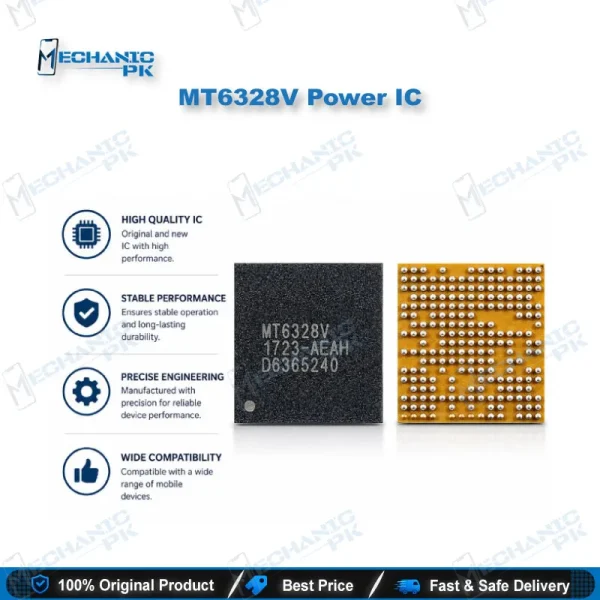
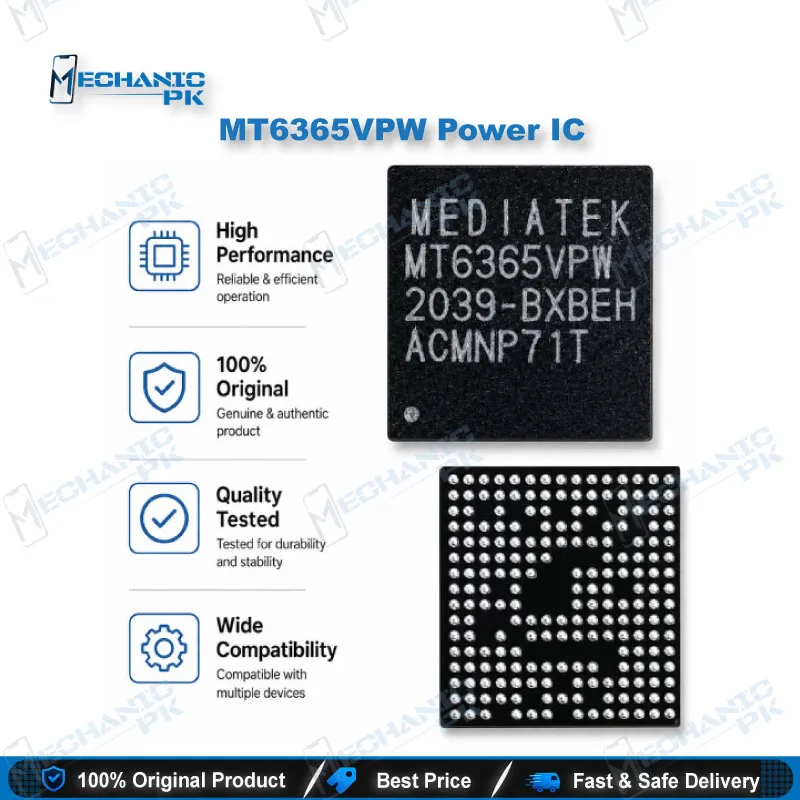
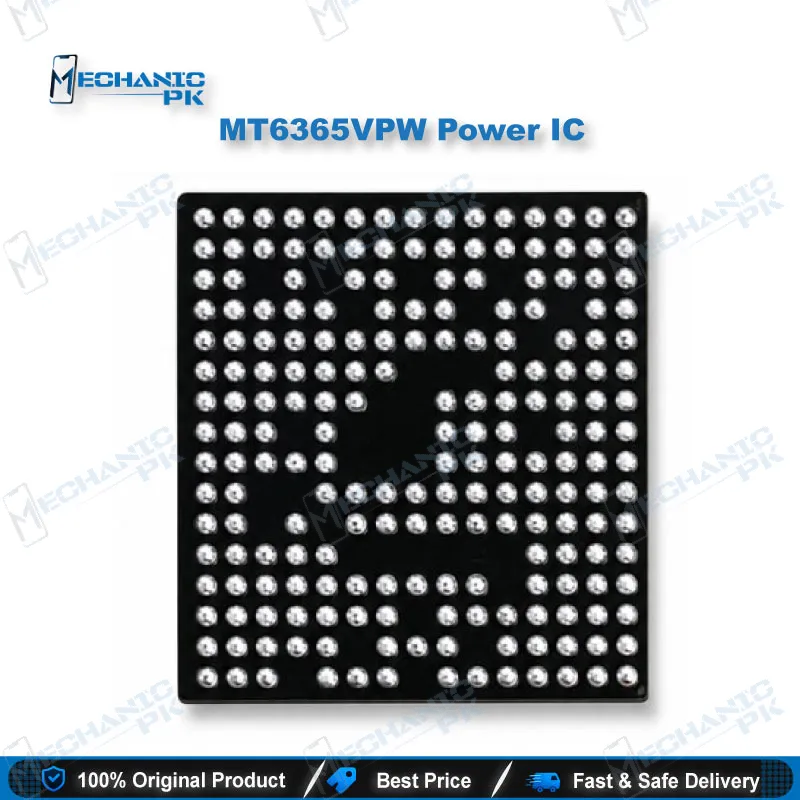
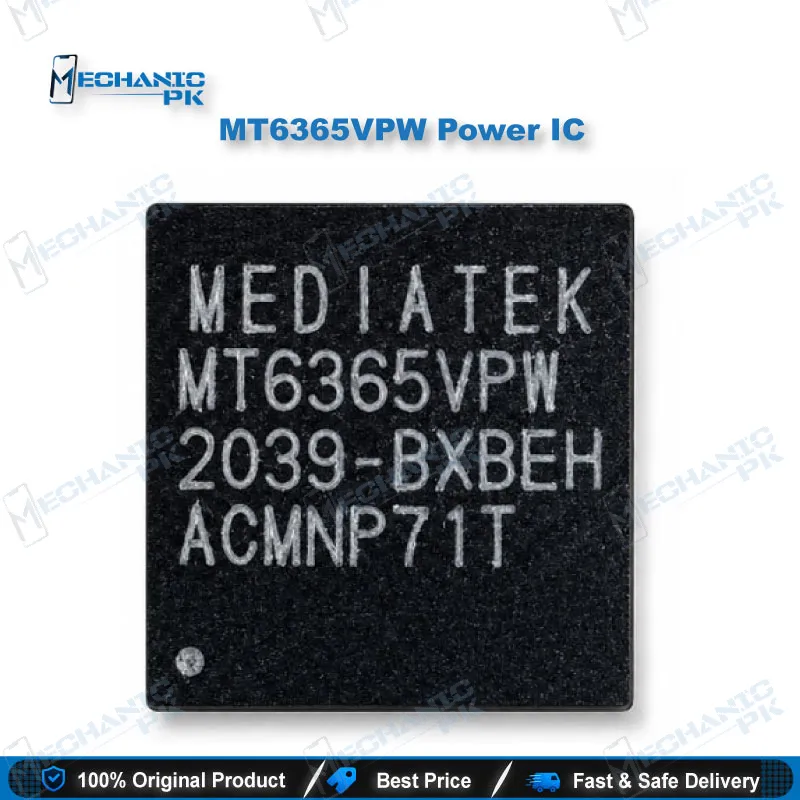
MT6365VPW Power IC – MediaTek PMIC for Mobile Repair
₨ 350
MT6365VPW Power IC for MediaTek Board Repair
The MT6365VPW power IC is a MediaTek power management IC from the MT6365 family, which MediaTek positions for smartphones. You use it to replace a confirmed failed PMIC on MediaTek-based mainboards. Typical faults include a dead phone, abnormal current draw on the battery line, or a board that never reaches the logo. The part suits hot air rework on your repair bench. Match the full MT6365VPW marking on the failed chip before you order, because MediaTek lists more than one MT6365 ordering variant.
Long Description:
MT6365VPW Power IC for MediaTek Board-Level Repair
The MT6365VPW power IC belongs to MediaTek’s MT6365 power management family, a PMIC series built for smartphone mainboards. On a MediaTek-based board, this chip regulates the supply rails that feed the processor, memory, and peripherals. A failure here usually shows up as a dead phone, a short on the battery line, or a board that draws no current at all. You buy this part to replace a PMIC you have already confirmed as faulty, not to guess at a fault. The sections below explain how to match it to your board and where it fits in your repair workflow.
What the MT6365 PMIC Does on the Board
MediaTek publishes the MT6365 as a power management IC with a product brief aimed at smartphones, and it keeps the full datasheet behind an NDA. That tells you two things. The chip handles power conversion and supply distribution for the platform, and detailed pin-level data is not public. You work from the board schematic and the marking printed on the failed chip instead. MediaTek also lists more than one MT6365 ordering variant, so the suffix matters. Compare the complete MT6365VPW marking on the IC you lift off the board, and do not rely on the first six characters alone.
Where It Fits in Your Repair Workflow
Start with diagnosis. Connect the board to a DC power supply at the battery connector and watch the current draw. A dead phone with zero draw points toward a missing rail or a failed power stage. A fixed high draw points toward a short. Check the main rails with your multimeter in diode mode, then use a thermal camera or controlled freeze spray to find the component that heats up. If the PMIC shows the fault and the surrounding capacitors test clean, the IC change becomes your repair path. You then remove the chip with your hot air station under a microscope, clean the pads, and fit the replacement. After the IC change, you power the board on the DC supply again and confirm the draw settles to a normal standby level.
Handling and Replacement Notes
Preheat the board before you apply hot air so you protect neighboring pads and components. Use quality flux, and use lead-free-rated solder paste or a reballing stencil and balls that match your process. Inspect every pad before placement, because a lifted pad on a PMIC area turns a simple job into a jumper job. Keep your airflow low and your temperature controlled so you do not cook the new chip or the nearby shield pads. Once the phone powers on, treat any hang on logo or boot loop issue as a separate question. At that stage you move to your flashing tools and check memory, not the PMIC you just replaced.
Buying Checklist for Pakistani Repair Shops
Confirm the full marking on the failed chip, compare it against MT6365VPW, and confirm the board runs a MediaTek platform. Keep a small stock if your shop handles MediaTek boards regularly, because PMIC faults repeat across similar boards. Pair the IC with the right rework gear. A stable hot air station, a PCB holder, and a reballing kit cover the physical side of the job. If you suspect memory damage alongside the power fault, bring in your eMMC programmer or ISP pinout tool before you close the repair.
| Weight | 0.1 kg |
|---|
Key Features
- MediaTek MT6365 family power management IC
- Positioned by MediaTek for smartphone power management
- Replacement part for a confirmed faulty PMIC on matching boards
- Suits hot air rework and BGA-style board-level repair
- Targets dead phone and no-power faults tied to the PMIC
- Fits a DC power supply and multimeter diagnosis workflow
- Full MT6365VPW marking match reduces wrong-variant risk
- Useful repair stock for shops handling MediaTek boards
Specifications
| Brand | MediaTek |
|---|---|
| Model | MT6365VPW |
| Category | Power IC (PMIC) |
| Compatibility | MediaTek-platform smartphone mainboards that use the MT6365 PMIC |
| Technology | Power management IC |
Common Repair Uses
- Real PMIC-level scenarios on MediaTek boards.
- Replacing a failed PMIC on a dead phone with no current draw
- Fixing boards with a fixed high current draw caused by a PMIC short
- Restoring missing supply rails after a diagnosis with a DC power supply
- Repairing boards that fail to reach the logo because of a power fault
- Replacing an overheating power IC found with a thermal camera
- Recovering boards after liquid damage once the PMIC tests faulty
- Rework after a failed earlier repair that damaged the power section
- Stocking a common replacement part for MediaTek board repair jobs
Compatible Devices
- Scope verified at chipset-family level. MediaTek-platform smartphone mainboards that use the MT6365 power management IC. Device-level compatibility depends on the marking on your board.
- MediaTek-based smartphone mainboards using the MT6365 PMIC family
- Boards where the failed power IC reads MT6365VPW
- Boards whose schematic lists MT6365 as the main PMIC
- Dead phone boards with no current draw on a MediaTek platform
- MediaTek boards with a short on the main battery line traced to the PMIC
- Boards you confirm by comparing the full chip marking before ordering
- MediaTek platform boards sent to your shop for power-section repair
- Donor-matched repair jobs where the PMIC marking matches exactly
FAQ
What is the product name?
What is the brand of this product?
What is the model of this product?
What is this product used for?
Which devices are compatible with this product?
Who should use this product?
Is MT6365VPW the same as MT6365ICW/B?
How do I confirm a dead phone needs an MT6365VPW replacement?
Related products