

















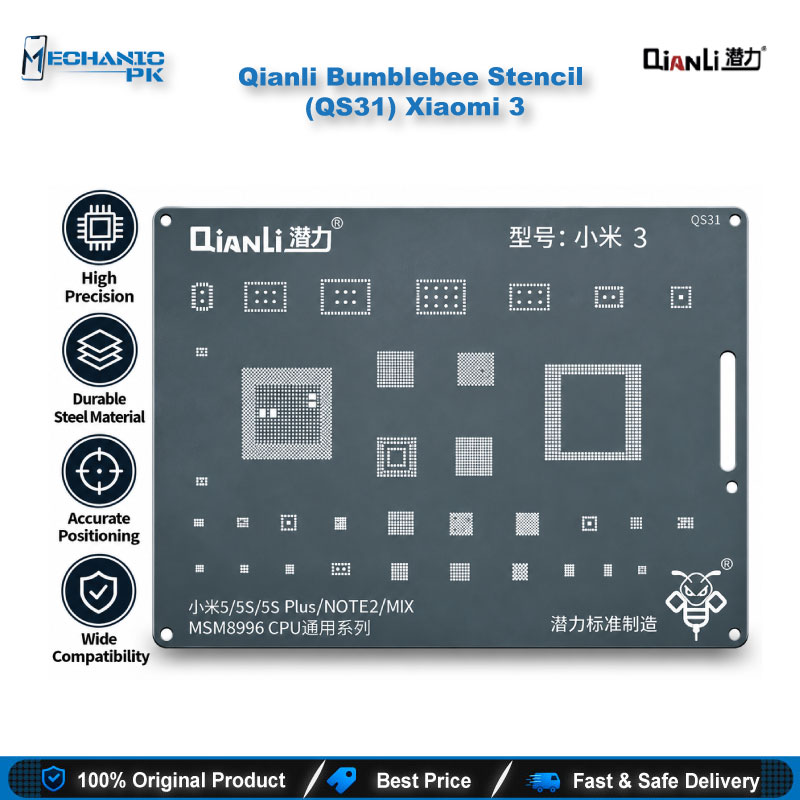
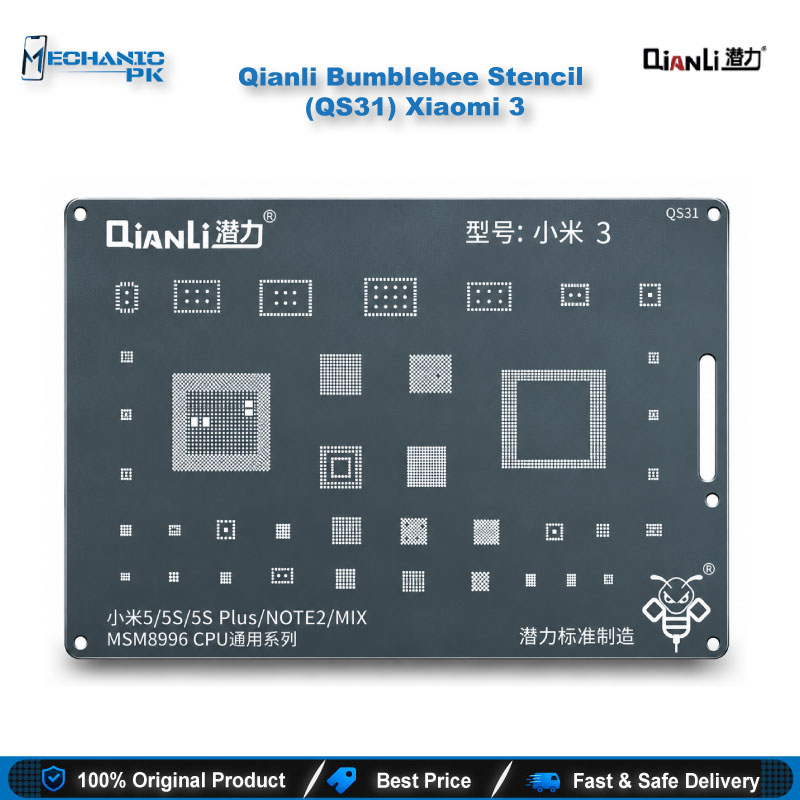
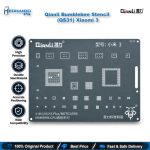
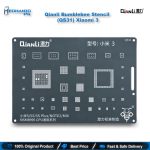
Qianli Bumblebee Stencil (QS31) Xiaomi 3
₨ 600
Qianli QS31 Bumblebee Stencil for Xiaomi
The Qianli Bumblebee Stencil (QS31) Xiaomi 3 is a Qualcomm CPU reballing stencil for Xiaomi board work on your repair bench. Square holes with rounded angles guide solder balls onto clean pads, and Qianli’s updated material and surface treatment keep the template precise and durable across repeated reballing jobs. You lift the processor with a hot air station, clean the pads, align the stencil under a microscope and reflow. Technicians in Pakistan who fix a dead phone or a hang on logo fault that traces back to weak CPU joints choose the Qianli QS31 Bumblebee stencil for even, repeatable ball placement. Each order includes one stencil.
In stock
Qianli QS31 Bumblebee Stencil for Xiaomi 3 CPU Reballing
The Qianli Bumblebee Stencil (QS31) Xiaomi 3 gives your bench a dedicated reballing template for Xiaomi boards that carry a Qualcomm CPU. The Qianli QS31 Bumblebee stencil comes from Qianli’s Bumblebee series of BGA stencils, which use square holes with rounded angles. It covers the step that decides whether a reworked processor sits flat and conducts on every pad: placing a clean, even set of solder balls after you lift the chip. A fitted stencil takes the guesswork out of that step, so you spend your bench time on diagnosis and reflow instead of correcting uneven balls by hand.
Stencil Design and Build Highlights
Qianli designs the Bumblebee series around square apertures with rounded corners, a hole shape the brand positions for precise ball and paste placement on BGA packages. The QS31 carries the series’ updated surface treatment and materials, which Qianli describes as sturdy, precise and durable over time. For you, that means a template built for repeated use on a busy bench, not a single-job consumable. The QS31 is a single-model stencil, so you do not adjust or trim it between jobs. You match it to the Xiaomi 3 CPU footprint, seat it on the pads and start placing balls. Qianli ships the stencil as a single piece, so you slot it straight into your existing stencil drawer next to the rest of your Qianli Bumblebee range. The square-hole layout also keeps the placement step simple for newer technicians, because each aperture shows exactly where a ball belongs and any gap stands out before you reflow.
Where the QS31 Fits in Your CPU Reballing Workflow
Every CPU reball follows the same sequence, and the stencil sits in the middle of it. You preheat the board and lift the processor with a hot air station, then clean old solder from the board and chip pads with a soldering station and desoldering wick. Inspect the cleaned pads under a microscope before you continue. Next, clamp the board in a PCB holder, flux the chip, seat the QS31 over the pads and fill every aperture with balls or paste from your reballing kit. Reflow, lift the stencil away, confirm that every ball formed, and set the CPU back on the board. A tidy stencil step shortens the whole rework, because a missing or merged ball sends you back to the start of the cycle. Mechanicpk stocks Hot Air Stations, Soldering Stations, Microscopes, PCB Holders and Reballing Kits, so you can complete the bench around this stencil.
Repair Scenarios That Call for This Stencil
Technicians in Pakistan reach for a CPU reballing stencil when a Xiaomi board shows a dead phone, a hang on logo fault, a boot loop issue or a hardware fault after a drop or heat exposure, and the diagnosis points to weak CPU solder joints. Confirm the fault before you reball. Take readings with a multimeter and a current-reading power supply so you never lift a healthy chip. If a phone goes dead after flash and the CPU readings look normal, work through your Test Boxes, ISP Pinout Tools and eMMC Programmers first, then commit to a reball only when the board-level evidence supports it. A workshop that handles a mixed Xiaomi queue can build a stencil library model by model, and the QS31 covers the Xiaomi 3 slot in that library. Dedicated stencils replace freehand ball placement, which gives your service center repeatable results from one technician to the next. Repair shop owners also benefit on the business side: a technician who reballs with a proper template finishes CPU jobs with fewer redo cycles, and that keeps your repair bench free for the next board in the queue.
| Weight | 0.1 kg |
|---|
Key Features
- Square holes with rounded angles for precise BGA ball placement
- Sturdy and durable construction built for repeated use
- Updated surface treatment and new materials for easier, more accurate reballing
- Dedicated Qualcomm CPU stencil for the Xiaomi 3
- Part of the Qianli ToolPlus Bumblebee series
- Single-model design, so no adjustment between jobs
- Fits a standard hot air, microscope and reballing kit workflow
- Supplied as 1 stencil
Specifications
| Brand | Qianli |
|---|---|
| Model | QS31 |
| Category | BGA Reballing Stencil |
| Compatibility | Xiaomi 3 |
| Technology | Bumblebee series, square holes with rounded angles |
Common Repair Uses
- CPU-level reballing on Xiaomi 3 boards
- Reballing a CPU after removal with a hot air station
- Restoring even solder ball placement on a lifted processor
- Board-level rework on a dead phone with weak CPU joints
- Hang on logo repair where diagnosis points to CPU solder joints
- Boot loop issue rework after confirming a CPU joint fault
- Hardware fault repair after drop or heat damage
Compatible Devices
- Single-model stencil for Xiaomi 3, not universal
- Xiaomi 3 (Qualcomm CPU board)
- Xiaomi 3 CPU reballing and rework
FAQ
What is the product name?
What is the brand of this product?
What is the model of this product?
What is this product used for?
Which devices are compatible with this product?
Who should use this product?
Is the Qianli QS31 stencil universal or model-specific?
What hole shape does the Qianli Bumblebee QS31 use?
Related products