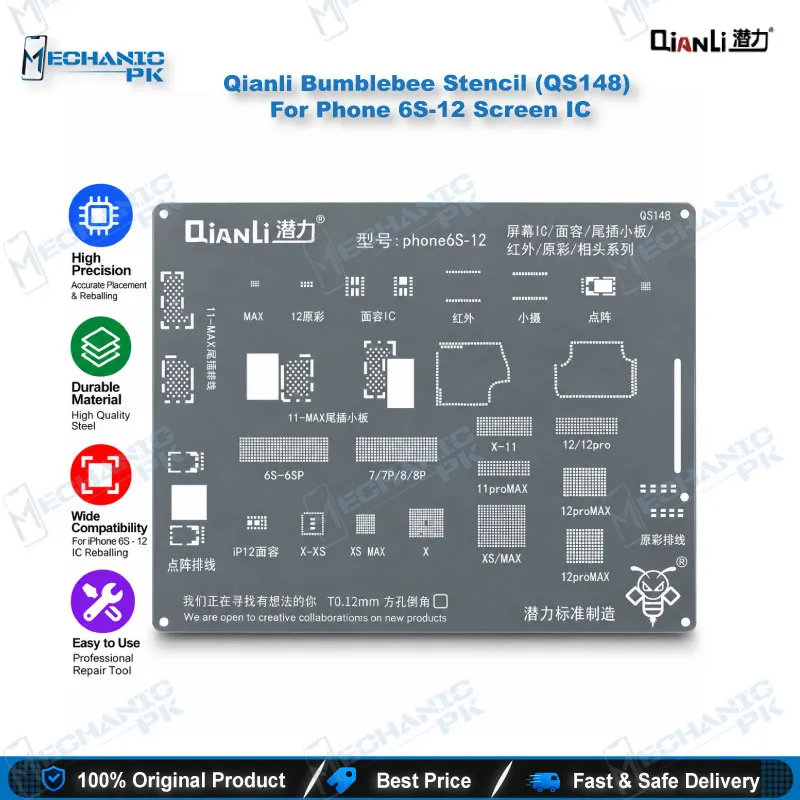
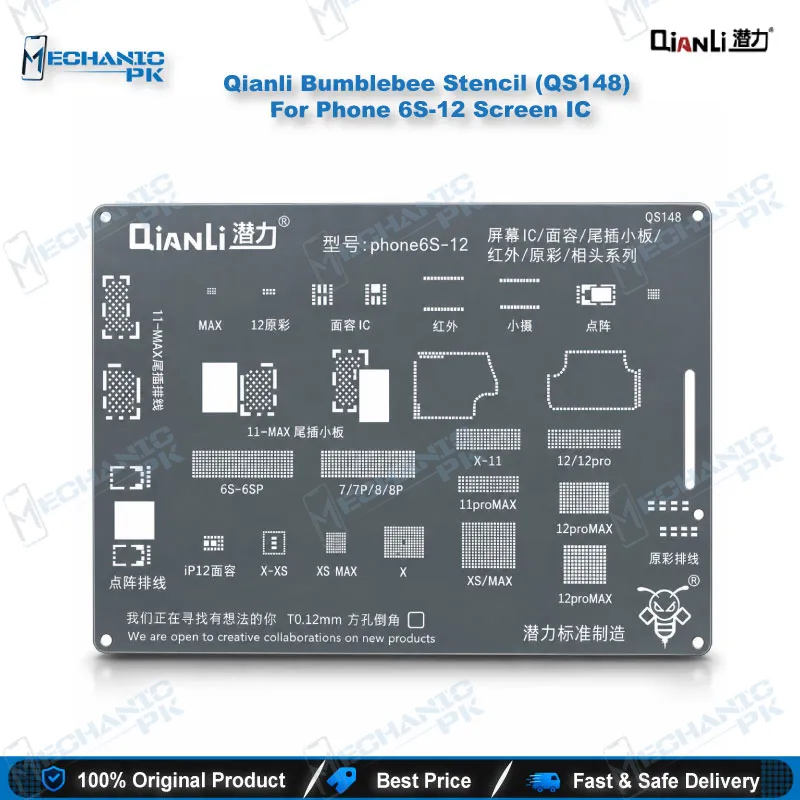
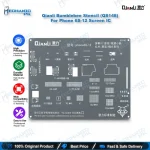
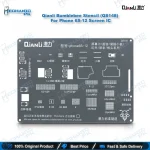
Qianli Bumblebee Stencil (QS148) For Phone 6S-12 Screen IC
₨ 799
Qianli QS148 Stencil for iPhone 6S-12 Screen ICs
The Qianli Bumblebee Stencil (QS148) For Phone 6S-12 Screen IC gives you one reballing template for the screen IC, Face ID, tail plug, infrared, True Tone and camera series on iPhone 6S through iPhone 12 boards. The Bumblebee line uses square holes with rounded angles, so you place solder paste or balls directly on the pads of the part you are repairing. Pair it with a hot air station, a microscope and a PCB holder, and you cover display problem, Face ID fault and tail plug repair jobs from one stencil. Mechanicpk supplies this Qianli stencil to technicians and repair shops across Pakistan.
In stock
Qianli QS148 Stencil for iPhone Screen IC and Face ID Reballing
The Qianli Bumblebee Stencil (QS148) For Phone 6S-12 Screen IC targets the fine BGA and connector pads around the display, camera and Face ID sections of an iPhone logic board. If you reball iPhone boards at your bench, the Qianli QS148 stencil gives you one template for the screen IC, Face ID, tail plug, infrared, True Tone and camera series across the iPhone 6S to iPhone 12 range. Qianli builds the Bumblebee line as square-hole, round-angle BGA stencils, and QS148 follows that design. Mechanicpk supplies it to repair shops that want a dedicated display-side stencil instead of a generic universal sheet.
Where the QS148 Fits in Display and Face ID Repair
A display problem on an iPhone does not always start at the panel. The fault can sit on the screen IC, the tail plug pads or the Face ID section of the board, and you only find it after you pull the part and inspect the pads under a microscope. Once you lift the failed component with hot air, the pads need fresh solder before the replacement goes back on. The QS148 handles that reballing step for the screen IC group and the neighbouring infrared, True Tone and camera series. You use it after board cleaning and before you place the new chip, so it sits between diagnostics and final rework in your PCB repair workflow. Liquid damage, a dropped phone and a failed earlier repair all leave pads in different condition, so you clean each pad flat, apply flux and check the surface before the stencil touches the board.
Why Technicians Pick the Qianli QS148 Stencil
The model number tells you the scope. One stencil name covers six function groups on iPhone 6S to iPhone 12 boards: screen IC, Face ID, tail plug, infrared, True Tone and camera. That keeps your stencil drawer organised around the repair you are doing, not around loose sheets you have to identify by eye. The square holes with rounded angles belong to the Bumblebee series design, and they suit hand reballing with solder paste or pre-formed balls. You line the stencil up on the pads, apply your solder, lift the stencil away and check the result under the scope before reflow. Because the QS148 targets iPhone boards only, you keep a separate Bumblebee stencil for Qualcomm, Kirin or Exynos Android boards in the same range. Check the stencil layout against the part you removed before you start, and confirm the pad pattern matches your board revision, because iPhone generations from 6S to 12 do not share one layout.
Building a Reballing Setup Around the QS148
A stencil works as one part of a bench routine. Start with a stable hold on the board, so a PCB holder or reballing platform keeps the logic board flat while you work. Add a hot air station for component removal and reflow, a soldering station with a fine tip for pad cleanup, and a microscope to confirm pad condition before and after reballing. After reflow, a multimeter in continuity mode confirms that you left no short between neighbouring pads, which matters most on dense camera and Face ID sections. Hold the stencil flat with steady pressure, keep your heat low and even, and let the board cool before you lift it so the solder keeps its shape. Beginners who start with a single stencil can move up to a full reballing kit as the workload grows, and shops that handle daily dead phone and hardware fault jobs often keep a test box and extra stencils within reach. Browse the matching Hot Air Stations, Soldering Stations, Microscopes, PCB Holders and Reballing Kits on Mechanicpk to complete the setup.
| Weight | 0.1 kg |
|---|
Key Features
- Bumblebee series square-hole, round-angle BGA stencil design
- One stencil number for six function groups: screen IC, Face ID, tail plug, infrared, True Tone and camera
- Scope covers iPhone 6S through iPhone 12
- Suits hand reballing with solder paste or pre-formed balls
- Fits a microscope, hot air station and PCB holder workflow
- Gives iPhone display-side repairs a dedicated stencil in place of a universal sheet
- Made by Qianli, a recognised name in mobile repair tooling
- Sits in the Bumblebee range beside Qualcomm, Kirin and Exynos stencils
Specifications
| Brand | Qianli |
|---|---|
| Model | QS148 |
| Category | Bumblebee BGA Reballing Stencil |
| Compatibility | iPhone 6S to iPhone 12 screen IC, Face ID, tail plug, infrared, True Tone and camera series |
| Supported Devices | iPhone 6S to iPhone 12 series |
| Technology | Square-hole, round-angle BGA stencil design (Bumblebee series) |
Common Repair Uses
- Reballing of display-side, Face ID and camera-section ICs and pads on iPhone boards
- Screen IC reballing after removal
- Face ID section pad reballing
- Tail plug pad reballing
- Infrared sensor IC reballing
- True Tone IC reballing
- Camera series IC reballing
- Display problem repair after a failed IC
- Pad rework after liquid damage or a failed earlier repair
Compatible Devices
- iPhone 6S to iPhone 12 series (screen IC, Face ID, tail plug, infrared, True Tone and camera series)
- iPhone 6S and 6S Plus
- iPhone 7 and 7 Plus
- iPhone 8 and 8 Plus
- iPhone X
- iPhone XR
- iPhone XS and XS Max
- iPhone 11 series
- iPhone 12 series
FAQ
What is the product name?
What is the brand of this product?
What is the model of this product?
What is this product used for?
Which devices are compatible with this product?
Who should use this product?
Which ICs does the Qianli QS148 stencil cover on iPhone boards?
Can I use the QS148 stencil on Android phones?
Related products