
















Amaoe BCM1 BGA Stencil – BCM WiFi/Bluetooth IC
₨ 1
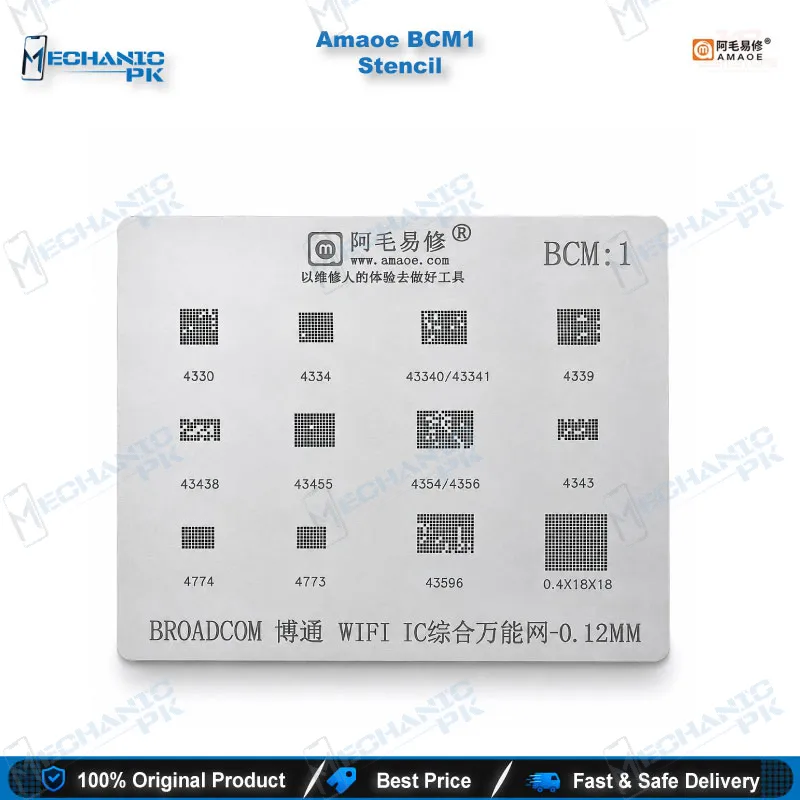
Amaoe BCM1 BGA Stencil for BCM WiFi/BT ICs
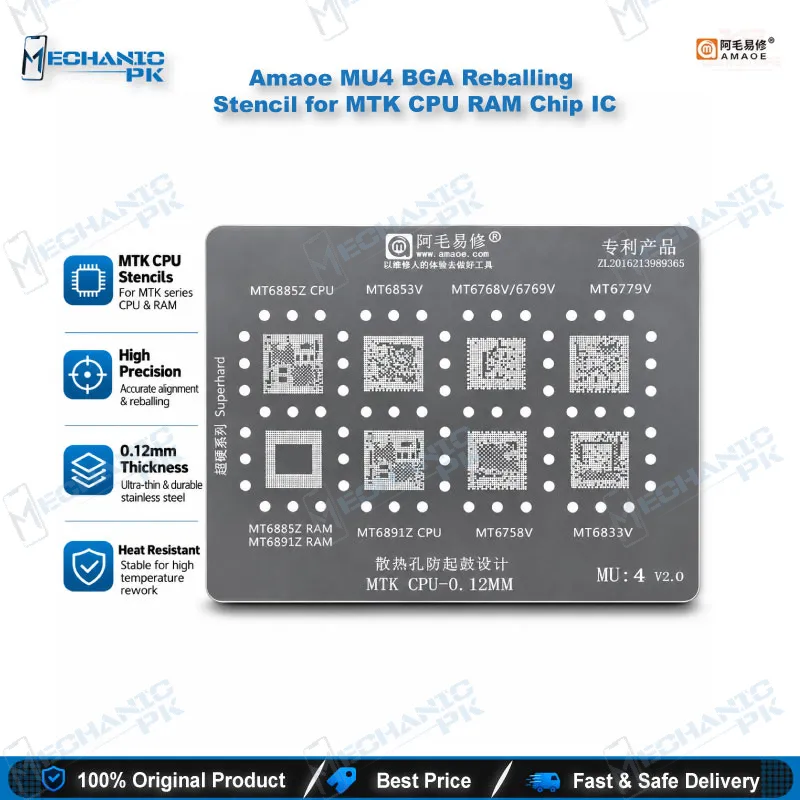
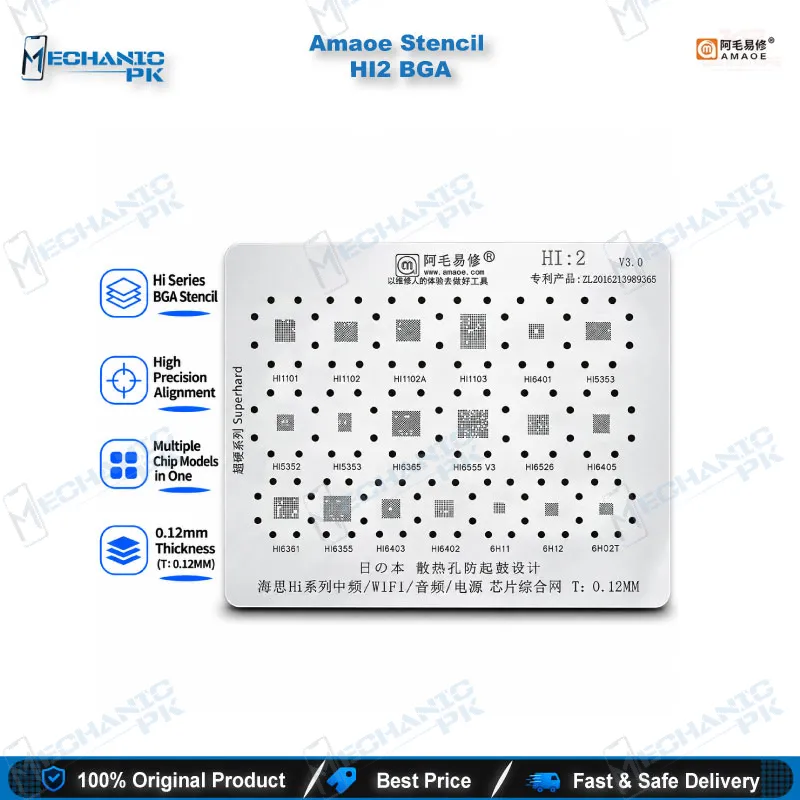
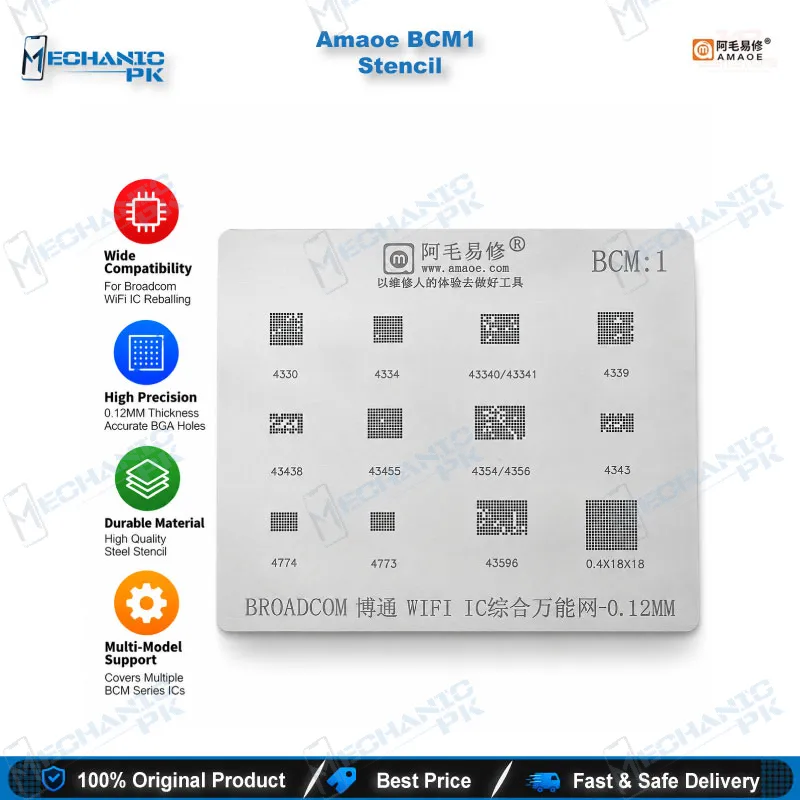
The Amaoe BCM1 BGA stencil gives you a purpose-built reballing template for Broadcom BCM WiFi and Bluetooth chips. When a WiFi IC comes off a board with damaged balls, this stencil lets you rebuild the ball array with every ball in position instead of placing them by hand. Sellers list it for the BCM4330, BCM4334, BCM4354, BCM4356, BCM4343 and BCM4339 families, so one template covers a wide share of wireless-chip jobs. Pair it with a hot air station, a microscope and a PCB holder for clean chip-level WiFi and Bluetooth repair.
Out of stock
Amaoe BCM1 BGA Stencil for Broadcom WiFi and Bluetooth Chip Reballing
The Amaoe BCM1 BGA stencil gives you a dedicated reballing template for Broadcom BCM WiFi and Bluetooth combo chips. Sellers list it against BCM4330, BCM4334, BCM4354, BCM4356, BCM4343 and BCM4339 parts, among others, so it covers a wide spread of the wireless ICs a repair bench meets. When you lift a damaged WiFi chip, the original balls rarely survive, and balls placed by hand produce uneven joints. A stencil matched to the chip’s ball pattern removes that guesswork and keeps every ball in its position. Mechanicpk offers the BCM1 for technicians who handle WiFi and Bluetooth faults at chip level.
Where the BCM1 Fits in a WiFi and Bluetooth Repair Workflow
A WiFi switch that stays greyed out, Bluetooth that never finds a device, or a board that loses wireless after a drop all point to a hardware fault around the wireless IC. In a Pakistani workshop, the customer usually describes it as a WiFi issue or Bluetooth not working. You confirm the fault first: check the supply rails with a multimeter and inspect the area under a microscope for lifted pads or liquid residue. If the chip is the culprit, you move to IC change karna. The BCM1 enters the workflow after the chip comes off. You clean the pads with your soldering station, reball the chip through the stencil, and refit it with a hot air station. This sequence sits inside PCB repair and rework, and the stencil handles the reballing step that decides whether the new joints hold or fail again.
Reballing Steps You Follow with the Stencil
Fix the chip face-up on a flat, heat-safe surface or inside a PCB holder so it cannot slide. Lay the stencil over the chip and line up each aperture with its pad under the microscope. Misalignment by even a fraction of the ball pitch ruins the result, so take your time at this stage. Fill the apertures with solder balls or paste, depending on the method your bench uses, and clear the surplus. Apply heat from your hot air station until the balls melt and settle, then let the chip cool before you lift the stencil away. Inspect the finished balls for uniform size and spacing before you refit the chip. If you reball daily, a full reballing kit next to the Amaoe BCM1 BGA stencil saves you time on flux, balls and small tools.
What the BCM1 Covers and Where Its Limits Sit
The BCM1 is a chip-family stencil, not a phone-specific one. No verified phone model list exists for it, so you match the stencil to the chip marking on your board rather than to a handset name. The chip models that sellers publish for the BCM1 differ from one listing to another, and some titles end with “etc.”, so treat the chip list on this page as a guide. Compare your chip’s ball layout against the stencil before you start the repair. That habit protects you from a wrong template on a customer’s phone and from a second hardware fault you created yourself.
Shop owners can keep one stencil per chip family they reball most. When your work grows beyond WiFi chips into CPU, eMMC and UFS reballing, step up to the matching stencils, a complete reballing kit, and a stable microscope and PCB holder so every pass stays accurate.
| Weight | 0.1 kg |
|---|
Key Features
- Chip-family stencil for Broadcom BCM WiFi and Bluetooth ICs
- Amaoe brand, model BCM1
- Apertures follow the chip's ball pattern for aligned ball placement
- Fits a hot air station reflow workflow
- Suits board-level WiFi and Bluetooth fault repair
- Supports reballing after IC removal
- Single-purpose template that sits easily beside a PCB holder and microscope
- Works alongside reballing kits for complete chip rework
Specifications
| Brand | Amaoe |
|---|---|
| Model | BCM1 |
| Category | BGA Reballing Stencil |
| Compatibility | Broadcom BCM WiFi/Bluetooth chips (chip-family scope, not phone-specific) |
| Technology | BGA reballing stencil |
Common Repair Uses
- Chip-level reballing of Broadcom BCM WiFi and Bluetooth ICs on mobile boards.
- Reballing a removed BCM WiFi IC before refitting
- Fixing WiFi greyed out or not connecting caused by a hardware fault
- Fixing Bluetooth not working after IC rework
- Replacing a damaged WiFi chip (IC change karna)
- Rebuilding balls after a drop or liquid damage near the wireless IC
- Reballing a salvaged donor-board chip for reuse
- Repairing network issue complaints traced to the wireless chip
- Reballing practice on scrap boards before customer jobs
Compatible Devices
- Chip-family compatibility with Broadcom BCM WiFi/Bluetooth chips. No phone model list is verified, so match the stencil to the chip marking on your board.
- BCM4330 WiFi/Bluetooth chip
- BCM4334 WiFi/Bluetooth chip
- BCM4354 WiFi/Bluetooth chip
- BCM4356 WiFi/Bluetooth chip
- BCM4343 WiFi/Bluetooth chip
- BCM4339 WiFi/Bluetooth chip
- BCM43455 WiFi/Bluetooth chip
- BCM4774 chip
FAQ
What is the product name?
What is the brand of this product?
What is the model of this product?
What is this product used for?
Which devices are compatible with this product?
Who should use this product?
Which BCM chips does the Amaoe BCM1 stencil support?
Is the BCM1 stencil phone-specific or chip-specific?
Related products