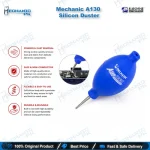
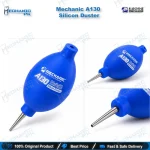
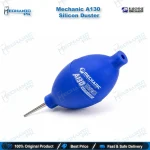
Mechanic A130 Silicone Dust Blower Ball for Mobile Repair
₨ 499
Silicone Air Blower Ball for PCB Cleaning
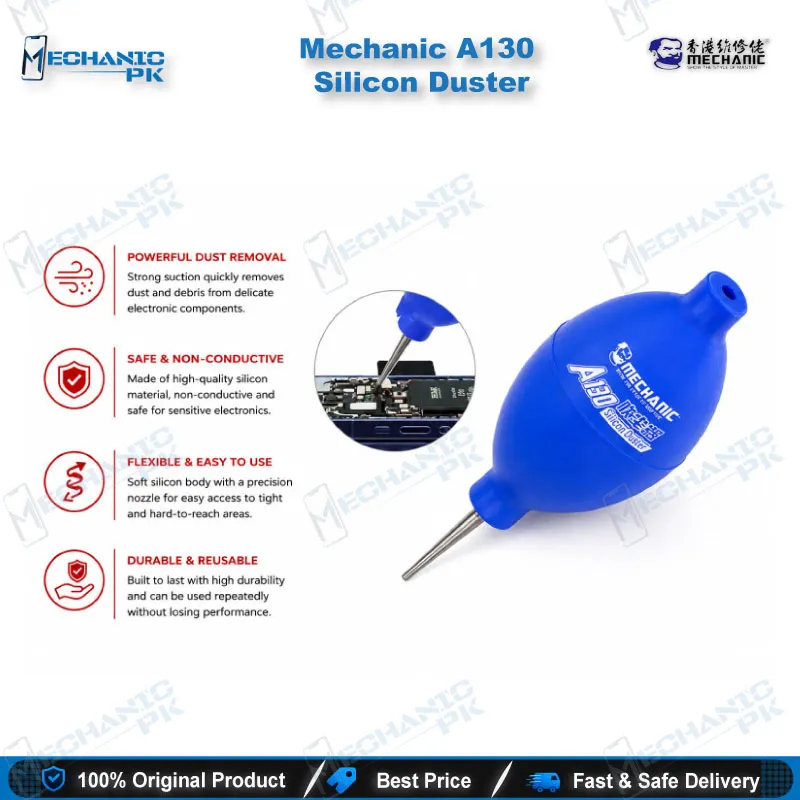
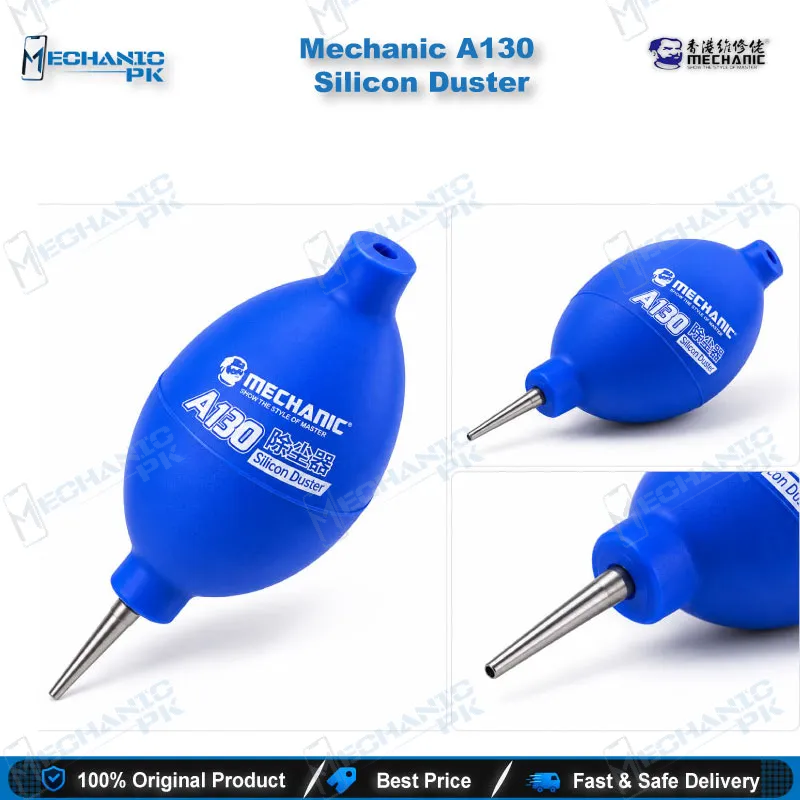
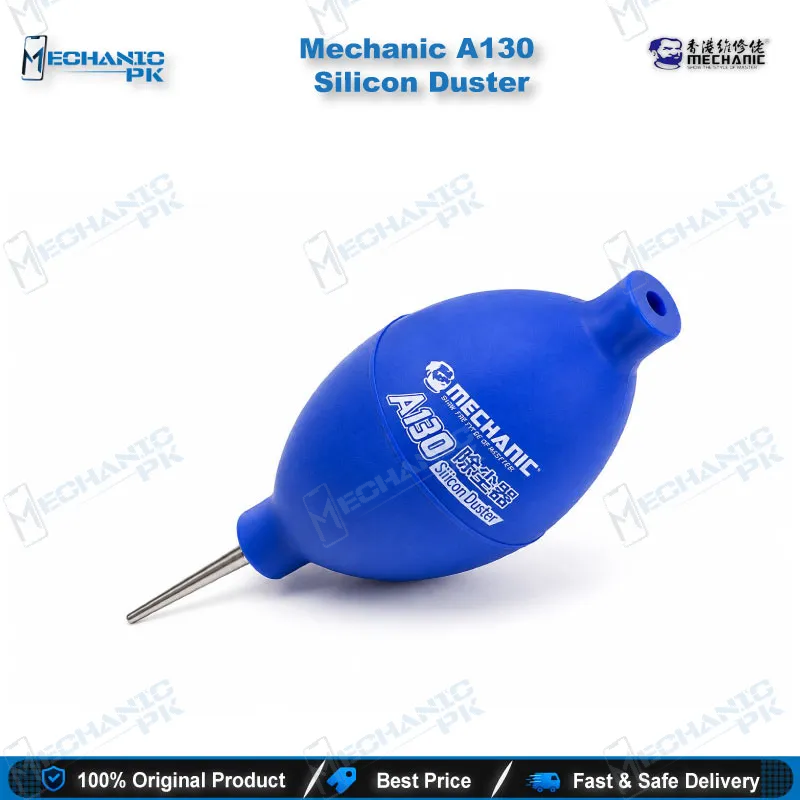
The Mechanic A130 gives your repair bench a refill-free way to clear dust from boards, camera modules and LCD screens. You squeeze the 56 mm by 160 mm silicone body and the nozzle delivers a focused air stream with no heat, liquid or contact. At 59 g net weight, it stays comfortable in one hand while the other hand holds your board or tweezers. Use it before microscope inspection, after IC work and before you close the phone. Mechanicpk supplies the A130 to repair shops and service centers across Pakistan that want a clean finish on every job.
In stock
Mechanic A130 Silicone Dust Blower for Mobile Repair Benches
The Mechanic A130 is a silicone dust blower for mobile repair benches where loose debris decides whether a job leaves clean or comes back as a complaint. You squeeze the 56 mm by 160 mm silicone body, and it pushes a focused stream of air through the nozzle with no heat, no liquid and no contact. Many technicians reach for it right after they open a phone and again just before they close it. At 59 g net weight, it sits in one hand while the other hand holds tweezers or a board.
Why a Hand-Squeezed Air Ball Suits the Repair Bench
Aerosol cans run empty mid-job and add a recurring cost to every shop. A silicone air ball has no refill and no expiry. The A130 uses a soft, high-elastic silicone body that springs back after each squeeze, so you refill the chamber and fire again in a steady rhythm. The supplier listing describes the material as wear-resistant, which matters when you squeeze it dozens of times a day. The compact shape keeps the airflow strong while the tool stays small enough to live next to your microscope.
Where It Fits in the PCB Repair Workflow
Dust and fine debris hide cracked pads, lifted traces and tiny shorts, so a clean board makes your microscope inspection faster and more reliable. After IC change karna or reballing work, loose solder balls and flux flakes sit around the footprint. Blow them clear before you power the board, so they cannot bridge anything under a shield can. The same habit helps on a hardware fault diagnosis: lint packed around a charging port often explains a charging issue that looks serious on first inspection, and a quick blast clears it before you start swapping parts.
Display work benefits too. A speck of dust trapped under glass turns into a display problem the customer notices immediately. You blow the LCD, frame and camera window before the final press and avoid opening the phone a second time.
Cleaning Beyond the Motherboard
The listing positions the A130 for mobile phone parts, computer motherboards, digital cameras, camera lenses, color filters, LCD screens, viewfinders and PC keyboards. That range makes it a shared tool across the whole workshop, from the phone bench to the laptop bench. Keep it within reach of your soldering station, hot air station and PCB holder so you clean the board without lifting your hands from the job.
The air ball moves loose particles only. Sticky flux, oxidation and dried residue still need a brush and a suitable cleaning solution, and you should use the blower afterward to clear what the brush lifts. Pair it with a multimeter check or a reballing kit session and you finish every board in the same clean order.
What to Know Before You Buy
Mechanic sells this style of blower in three sizes. The A130 measures 56 mm by 160 mm and gives you the tallest body of the range, while the A120 measures 56 mm by 135 mm and the B110 measures 51 mm by 125 mm. Choose the A130 when you want the larger body for longer cleaning sessions on bigger boards. The retail packing measures 60 mm by 58 mm by 124 mm with a gross weight of 129 g, and each pack contains one dust blower.
Store the blower away from direct sunlight and high temperatures, since heat shortens the life of any silicone part. If your shop runs several benches, buy one per technician. Shared tools drift, and a blower that stays at your station stays clean.
Mechanicpk stocks the Mechanic A130 for repair shops, service centers and technicians across Pakistan who want a reliable, low-maintenance way to keep every repair clean.
| Weight | 0.6 kg |
|---|
Key Features
- Soft, high-elastic silicone body that springs back after each squeeze
- Wear-resistant material for daily workshop use
- Compact 56 mm x 160 mm body with a focused air stream
- Lightweight at 59 g net weight
- Two-in-one design for PCB and optical cleaning
- No heat, liquid or contact during cleaning
- No refills or consumables
- Retail pack with one dust blower
Specifications
| Brand | Mechanic |
|---|---|
| Model | A130 |
| Category | Cleaning Tools / Dust Blower |
| Compatibility | Universal, not device-specific |
| Material | Silicone |
Common Repair Uses
- Dust and debris removal at every stage of a repair
- Clearing dust from the PCB before microscope inspection
- Blowing loose solder balls and debris off the board after IC change karna
- Cleaning the board area after reballing work
- Clearing lint and dust from the charging port area
- Removing dust from the LCD and frame before display assembly
- Cleaning camera modules and lenses
- Dusting under shield areas after opening them
- Cleaning laptop and PC keyboards
Compatible Devices
- Universal manual cleaning tool for these electronics and components
- Mobile phone PCBs and components
- Computer motherboards
- Digital cameras
- Camera lenses
- Color filters
- LCD screens
- Viewfinders and optical instruments
- PC keyboards
FAQ
What is the product name?
What is the brand of this product?
What is the model of this product?
What is this product used for?
Which devices are compatible with this product?
Who should use this product?
Is the Mechanic A130 safe to use on a phone PCB with components fitted?
What is the size difference between the Mechanic A130 and A120 air blower?
Related products