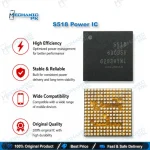
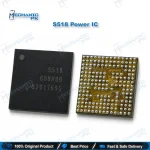
S518 Power IC for Samsung Galaxy S20 / S20+ / S20 Ultra
₨ 850
S518 Power IC – Main PMIC for Samsung S20 Series Boards
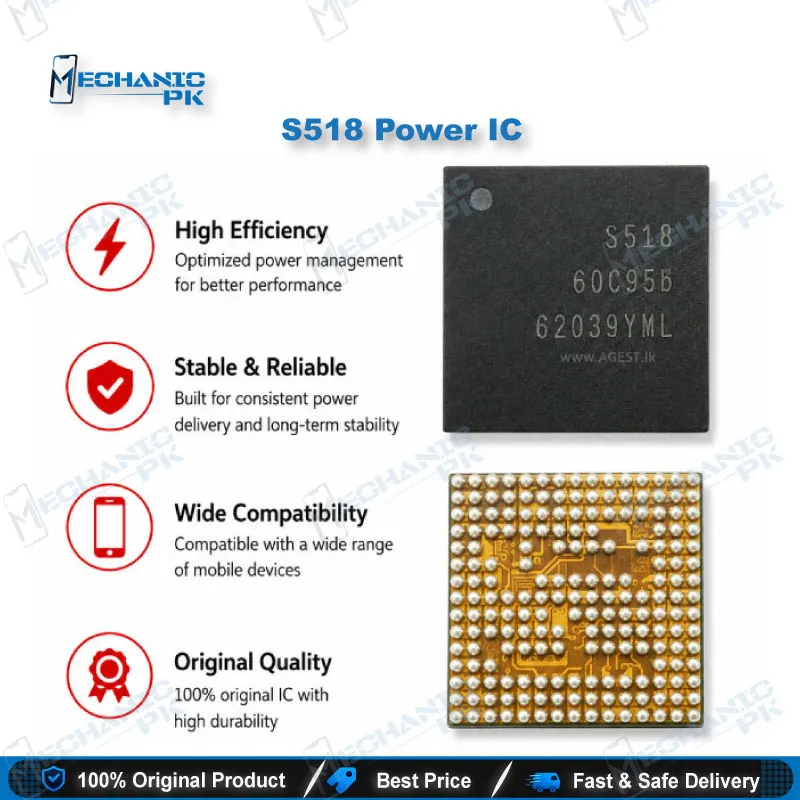
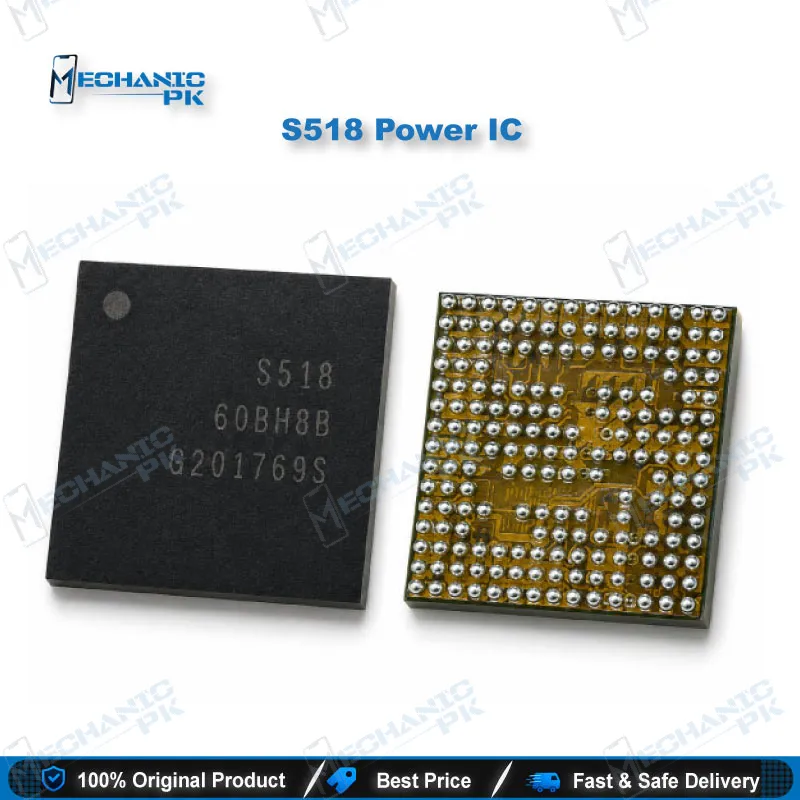
The S518 Power IC is the main power management chip on Samsung Galaxy S20, S20+ and S20 Ultra motherboards. It takes the battery feed, builds the supply rails your SoC needs, and controls the power-on sequence. When the S518 fails, you get a dead phone, a board that pulls a short on the DC supply, or a charging issue that survives a new battery and port. Mechanicpk supplies this BGA PMIC for technicians who repair at board level, so you can fix the fault on your own bench and save the original motherboard instead of replacing it.
S518 Power IC: The Main PMIC Behind Samsung S20 Series Power Rails
The S518 Power IC is the main power management IC (PMIC) on Samsung Galaxy S20, S20+ and S20 Ultra motherboards. It receives the battery feed and distributes regulated rails to the processor, memory and support circuits. When this chip fails, the whole board stops responding. Pakistani technicians usually meet the fault as a dead phone with no current draw, a phone that hangs on logo, or a charging issue that a new battery and charging port do not cure. Mechanicpk supplies the S518 as a standalone BGA replacement, so you complete the repair on your own bench and keep the customer’s original board alive.
Where the S518 PMIC Sits in the S20 Power Architecture
A flagship board runs many supply rails, and the main PMIC decides their order. When you press the power key, the S518 brings those rails up in sequence, and the SoC boots only after it sees stable voltages. A fault anywhere in that chain stops the sequence early. Repair reports describe the S518 as the central power controller on S20 boards, working under SoC supervision, and place it near the charging section of the board. This role tells you why one damaged chip produces such different symptoms. Samsung uses several S-series PMIC markings across generations, including S515, S535 and S555, and each marking belongs to a specific board design. Always read the marking on the original chip before you order a replacement.
Diagnosing a Faulty S518 Power IC Before IC
Start every diagnosis on a DC power supply instead of the battery. A board that pulls a dead short the moment you connect power points to a shorted rail. Inject a low voltage into that rail and use rosin or a thermal camera to find the hot spot. If the heat comes from the PMIC body itself, a replacement makes sense. If the board draws no current at all when you trigger the power key, measure the power key line and the main battery input before you condemn the chip. A phone in a boot loop issue after liquid damage often hides corrosion around the PMIC, so clean the area and inspect it under a microscope first. Diode-mode readings on the capacitors around the S518 give you a fast comparison against a known-good S20 board. That comparison separates a true PMIC hardware fault from a shorted capacitor or a failed charging IC, and it saves you an unnecessary IC change.
Replacing the S518 Power IC: Rework Workflow
The S518 uses a BGA package, so the job needs a controlled hot air rework station, a stereo microscope, quality flux, solder wick and a reballing stencil that matches the chip. Lock the board in a PCB holder, remove the shield, and protect nearby connectors and plastic parts with heat-resistant tape. Clean off any underfill residue carefully so you do not lift pads. Heat the old chip evenly, lift it straight up, and wick the pads flat. Inspect every pad under magnification, since a single torn pad on a power rail will undo the whole repair. Reball the new S518 if it arrives without balls, align it using the pin-one marker, and reflow with steady airflow. Let the board cool naturally, then test current draw on the DC supply before you connect the battery. A clean power-on curve confirms the rails now come up correctly. If S20-series boards reach your shop regularly, a better microscope is the logical upgrade for this work, because BGA pad inspection decides the success rate more than any other step.
| Weight | 0.1 kg |
|---|
Key Features
- Main power management IC for Samsung Galaxy S20, S20+ and S20 Ultra boards
- Controls rail sequencing that the SoC needs to boot
- BGA package for professional micro-soldering and rework
- Direct replacement for a failed chip marked S518
- Clear top marking for fast part matching on the bench
- Fits a standard hot air, flux and reballing stencil workflow
- Lets you repair at board level instead of replacing the motherboard
- Suits repair shops, service centers and training institutes
Specifications
| Brand | Samsung |
|---|---|
| Model | S518 |
| Category | Power Management IC (PMIC) |
| Compatibility | Samsung Galaxy S20 series motherboards |
| Supported Devices | Galaxy S20, Galaxy S20+, Galaxy S20 Ultra |
| Technology | Main power management IC, BGA package |
Common Repair Uses
- Board-level power faults on S20 series motherboards
- Dead phone with no current draw on power key press
- Short on a main supply rail traced to the PMIC
- Hang on logo or boot loop caused by unstable supply rails
- Charging issue that remains after battery and charging port replacement
- Liquid-damaged boards with corrosion around the PMIC area
- Abnormal heating near the PMIC during standby
- Motherboard salvage instead of full board replacement
- BGA PMIC rework practice in training institutes
Compatible Devices
- Samsung Galaxy S20 series boards that carry the original S518 PMIC marking
- Samsung Galaxy S20
- Samsung Galaxy S20+
- Samsung Galaxy S20 Ultra
- Any Samsung motherboard where the original main PMIC carries the S518 marking
FAQ
What is the product name?
What is the brand of this product?
What is the model of this product?
What is this product used for?
Which devices are compatible with this product?
Who should use this product?
Can a faulty S518 power IC cause a Samsung S20 dead phone with no current?
Do I need to reball the S518 power IC before installing it?
Related products