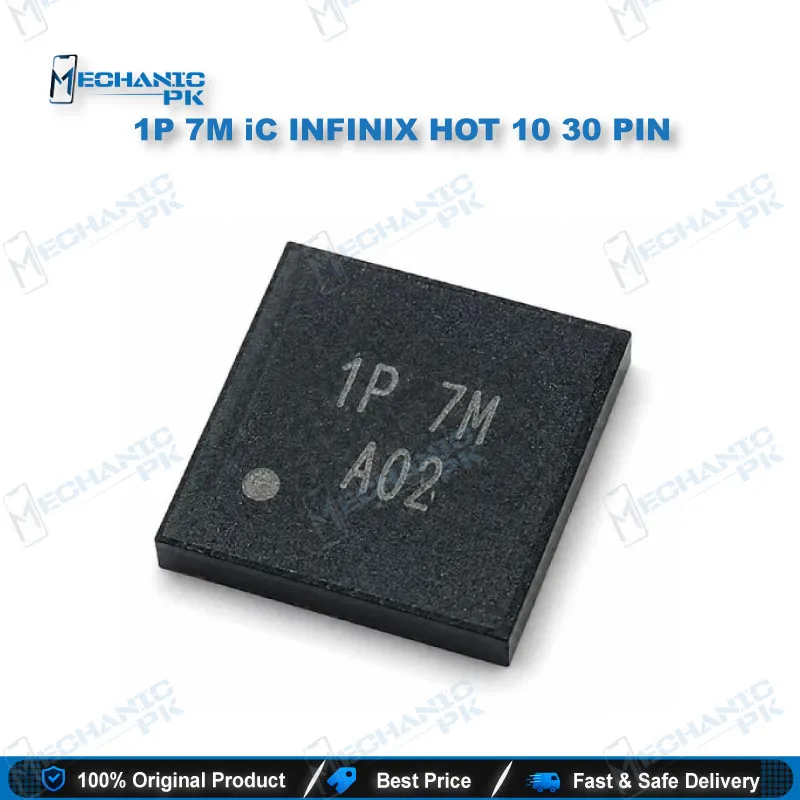
1P 7M iC INFINIX HOT 10 30 PIN Charging IC Pakistan
₨ 300
Charging IC for Infinix Hot 10 30 Pin Dead Charging Repair
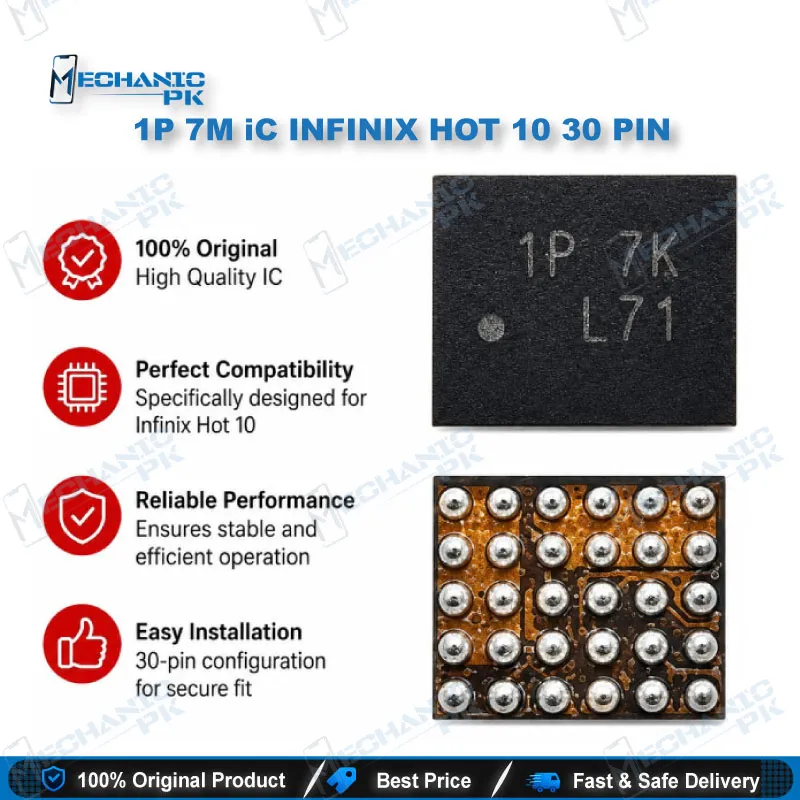
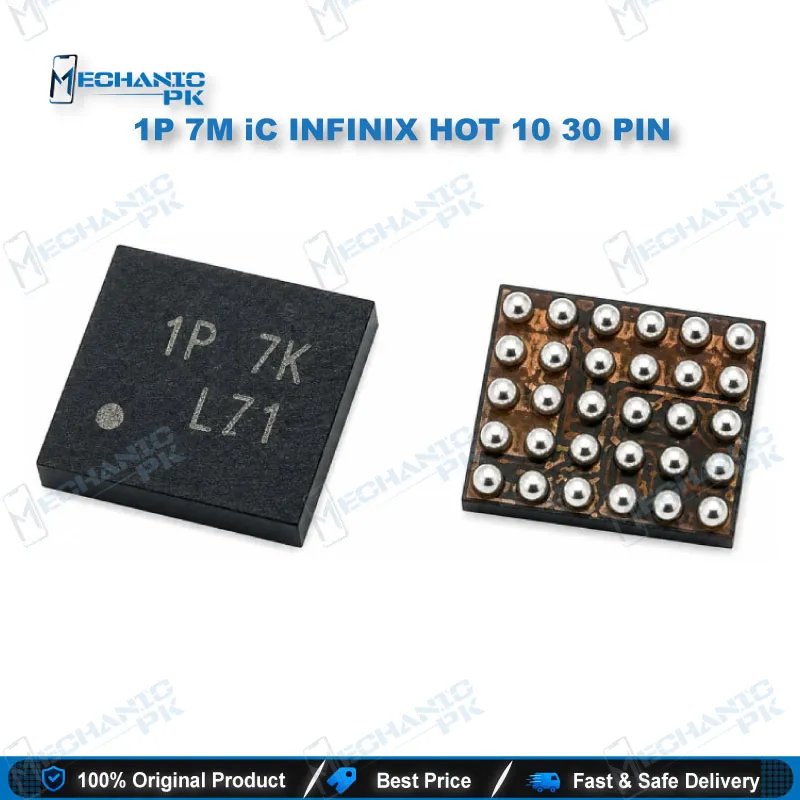
1P 7M iC INFINIX HOT 10 30 PIN is a charging IC for Infinix Hot 10 boards with the 30 pin charging connector. Technicians use it to fix dead charging, no power after the charger goes in, and slow or unstable charging when the fault traces back to the board rather than the port or battery. Confirm the fault with a visual check and a power draw test before you remove the chip, since that saves time and protects the board. It suits GSM repair shops, service centers, and hardware engineers working on board-level charging repairs. Pair it with a hot air station, a reballing kit, and a microscope for pad inspection.
The 1P 7M iC INFINIX HOT 10 30 PIN is a charging IC built for Infinix Hot 10 boards that use the 30 pin charging connector layout. When a customer brings in a phone that shows no response after the charger goes in, the charging path is usually the first place to check, and this chip sits in that path between the charging connector and the main power rail. Technicians stocking this part get a direct replacement option for the most common charging fault on this board, which is a dead or non-charging unit that boots nothing after power is applied. Before you pull the old chip, confirm the fault really sits on the charging line. A cracked connector, a broken trace, a weak battery, or a liquid-damaged port can mimic an IC failure, so run a visual board inspection first and check the power draw on the bench supply. In a typical workflow, you start by checking the connector pads under the microscope for lifted or broken pins, then measure the current the board draws when the charger line is powered. If the board shows no draw or a fault pattern that matches a dead IC, you move to removal. Set your hot air station to a controlled temperature, preheat the board from below if your fixture allows it, and lift the old IC evenly so the neighboring pads stay intact. Clean the pad area with flux and a fine brush, then tin the pads lightly before placing the new chip. Reballing is where most failed charging repairs go wrong. Use a reballing stencil that matches the chip footprint, apply fresh solder paste, and reflow carefully. Inspect the pads again under magnification before you power the board, because a single bridged pad can pass a quick charge test and then fail a few days later. After mounting, power the phone with a known good charger and cable, watch the charging indicator, and confirm the board responds to a full boot cycle. A stable charge at the correct current is the real test, so do not stop at a brief light flash. Run the phone for several minutes, then restart it cold and check again, because a board that charges once and then drops still has a hardware fault. If the phone still fails, check the battery connector, the charging port, and the surrounding passive components before you blame the replacement chip. This IC also belongs in your broader Infinix stock. A bench that handles Hot 10 charging faults usually sees dead after flash cases, no power after connecting the charger, and slow charging complaints on the same board family, so keeping this part on the shelf shortens turnaround. Used ICs pulled from scrap boards can carry hidden heat damage that shows up after a few charge cycles, which is why many technicians prefer a new chip for the final repair. Pair the chip with a good reballing kit, a stable PCB holder, and a microscope with at least moderate magnification, and the whole job becomes repeatable from removal to final test.
| Weight | 0.1 kg |
|---|
Key Features
- Charging IC for Infinix Hot 10 boards with the 30 pin charging connector
- Targets dead charging and no-power faults at board level
- Suitable for hot air removal and reballing workflows
- Helps isolate IC faults from connector and battery circuit faults
- Supports board-level diagnostics separate from software charging faults
- Useful for technicians stocking Infinix Hot 10 charging repair parts
- Works with standard BGA rework tools already on most repair benches
- Available as a single replacement IC for charging repair jobs
Specifications
| Brand Entity | Infinix |
|---|---|
| Product Entity | 1P 7M iC INFINIX HOT 10 30 PIN |
| Technology Entity | Charging IC, Power Management Chip, BGA reballing |
| Compatible Device Entities | Infinix Hot 10 (30 pin charging connector variant) |
| Repair Process Entity | Charging port repair, IC reballing, board-level power diagnostics |
| Industry Entity | Mobile repair, GSM repair, Pakistan mobile repair market |
Common Repair Uses
- Dead charging repair on Infinix Hot 10 boards
- No power after the charger connects
- Slow or unstable charging traced to the board
- Board-level isolation of charging port faults
- Power management IC replacement during reballing work
- Dead after flash cases where the charging line shows no current draw
Compatible Devices
- Infinix Hot 10 boards with the 30 pin charging connector layout
- Scope is limited to the 30 pin variant; confirm the board revision before fitting
FAQ
What is the product name?
What is the brand of this product?
What is the model of this product?
What is this product used for?
Which devices are compatible with this product?
Who should use this product?
How do I confirm the charging IC is faulty before replacing it?
Should I inspect the pads after reballing this IC?
Related products