
















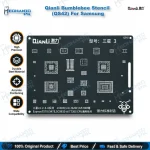
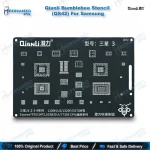
Qianli Bumblebee Stencil (QS42) For Samsung J1/J2/J3/J4
₨ 600
Samsung J Series BGA Reballing Stencil
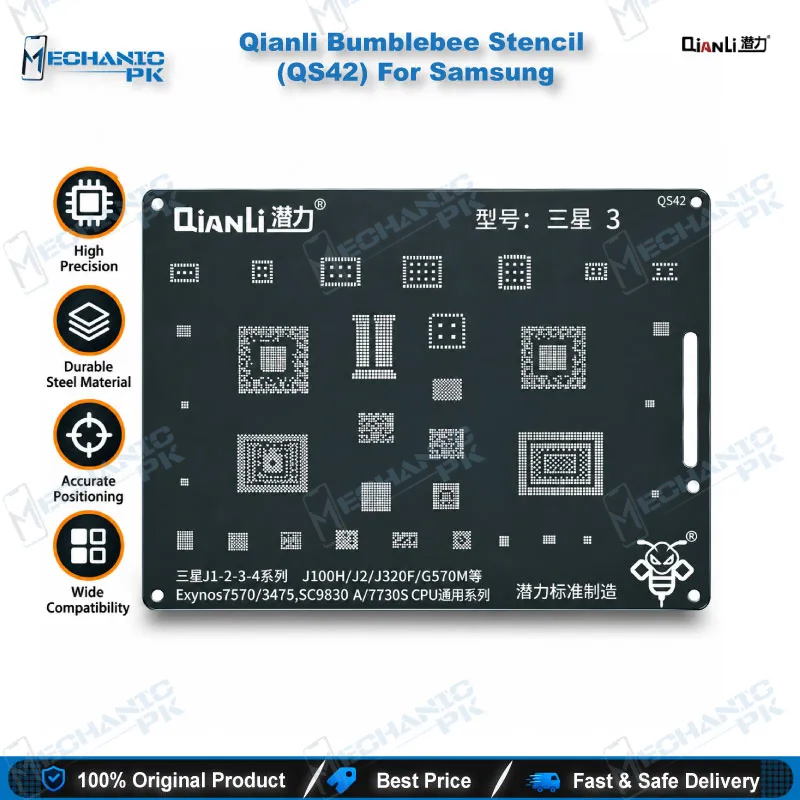
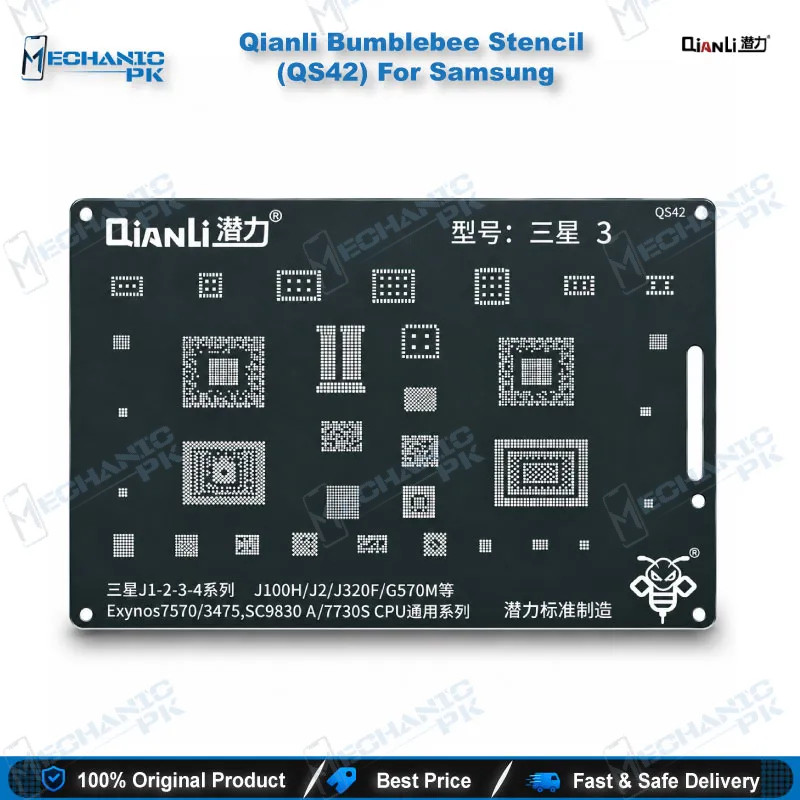
The Qianli Bumblebee Stencil (QS42) For Samsung gives your bench a dedicated BGA reballing stencil for the Galaxy J1, J2, J3 and J4 family. Qianli sells it as a CPU Universal Series stencil for the Exynos 7570, Exynos 3475, SC9830A and 7730S processors, so one stencil covers every listed model that shares those chips. The square holes and rounded angles follow Qianli’s Bumblebee layout, and the brand describes the stencil as sturdy and durable over time. When you reball CPUs on dead phone boards, boot loop cases or hang on logo faults, this stencil keeps your Samsung J series reballing process repeatable from board to board.
In stock
BGA Reballing Stencil for Samsung J Series: Qianli QS42 Overview
The Qianli Bumblebee Stencil (QS42) For Samsung is a BGA reballing stencil for Samsung J series boards, and it covers four processor families: Exynos 7570, Exynos 3475, SC9830A and 7730S. Qianli sells the QS42 under the CPU Universal Series label, which groups the stencil by processor instead of by single phone model. If your workshop reballs Galaxy J1, J2, J3 and J4 boards every week, one stencil on your repair bench serves several models. Mechanicpk supplies the QS42 to technicians across Pakistan who work at board level and want a stencil with a clearly stated chipset scope.
Verified CPU and Model Scope
Check the CPU marking before you order. The QS42 covers the Samsung Galaxy J1, J2, J3 and J4 range, and Qianli lists four processors against it: Exynos 7570, Exynos 3475, SC9830A and 7730S. Retail listings from other suppliers also cite model codes such as J100H, J320F and G570M, which helps when a customer hands you a board that shows only a model code. Match the processor on the board to this list instead of trusting the phone name alone, because Samsung built several J series variants on different chipsets. Qianli does not position this stencil for Samsung A, S or Note boards. Those models use their own Qianli stencils, such as the QS40 for the J3, J5 and A5 with MSM8916 and MSM8953 CPUs, so choose the stencil that matches the CPU in front of you. Order the QS42 only when your board’s CPU appears on Qianli’s list, because a stencil built for another processor will not match the pad layout and wastes solder balls and bench time.
Square Hole, Rounded Angle Stencil Design
Qianli builds the Bumblebee range with square holes and rounded angles, and the QS42 follows that layout. Each opening corresponds to one CPU pad, so you place one solder ball per pad and lift the stencil away after heating. Qianli states that the current version uses a new surface treatment and new materials, which it says make the stencil easier to handle and more precise. The brand also describes the stencil as sturdy and durable over time, so you can reuse it across many boards on a busy workshop day. Keep it flat, wipe the openings with flux remover after every job, and store it apart from your other stencils so residue and bent edges never build up. Square openings also let you check ball fill by eye, so you spot an empty pad before you heat the balls.
Where the QS42 Fits in Your Reballing Workflow
The stencil sits in the middle of a CPU reball job. Clamp the board in one of your PCB holders, lift the CPU with a hot air station, and clean the leftover solder from the pads with a soldering station and desoldering wick. Check the pads under a microscope before you go further, because a lifted or scratched pad changes the whole repair. Align the QS42 over the cleaned pads, fill the openings with balls from your reballing kit, heat them and release the stencil. Reflow the CPU back onto the board, then confirm continuity with a multimeter and your test box.
The QS42 earns its place on dead phone boards, boot loop cases and hang on logo faults where a weak CPU joint is the suspect. If the phone still hangs on logo after a clean reball, move to the software side: check firmware with your flash tools, and reach for eMMC programmers and ISP pinout tools when you suspect storage instead of the CPU. Working through those checks in order stops you from reballing a good CPU twice. As your bench grows, you can step up from this single stencil to a full set of Qianli Bumblebee stencils and a stronger hot air station. Mechanicpk stocks the hot air stations, soldering stations, microscopes, reballing kits and PCB holders that complete this workflow.
| Weight | 0.1 kg |
|---|
Key Features
- Dedicated BGA reballing stencil for Samsung Galaxy J1, J2, J3 and J4
- CPU Universal Series coverage: Exynos 7570, Exynos 3475, SC9830A, 7730S
- Square holes with rounded angles
- Qianli Bumblebee Stencil range
- New surface treatment and materials, per Qianli
- Sturdy and durable over time, per Qianli
- One stencil serves every listed model that shares these CPUs
- Fits a workflow with hot air stations, reballing kits and microscopes
Specifications
| Brand | Qianli |
|---|---|
| Model | QS42 |
| Category | BGA Reballing Stencil (Bumblebee Stencil series) |
| Compatibility | Samsung Galaxy J1 / J2 / J3 / J4 |
| Supported Devices | Samsung Galaxy J1 / J2 / J3 / J4 (model codes cited by suppliers: J100H, J320F, G570M) |
| Technology | Square holes, rounded angle BGA stencil, CPU Universal Series (Exynos 7570 / Exynos 3475 / SC9830A / 7730S) |
Common Repair Uses
- CPU-level BGA reballing on supported Samsung J series boards
- Reballing a CPU after removal with a hot air station
- Restoring ball grid on a cleaned CPU before reflow
- Reballing during board-level work on a dead phone
- Reballing for hang on logo faults caused by weak CPU joints
- Reballing for boot loop cases that trace back to the CPU solder joints
- Placing one solder ball per pad with consistent alignment
- Reballing a reused CPU across repeat jobs in a busy workshop
- Training technicians on Samsung J series CPU reball technique
Compatible Devices
- Samsung Galaxy J1 / J2 / J3 / J4 models built on the Exynos 7570, Exynos 3475, SC9830A and 7730S CPUs
- Samsung Galaxy J1 (J100H)
- Samsung Galaxy J2
- Samsung Galaxy J3 (J320F)
- Samsung Galaxy J4
- Exynos 7570 CPU boards
- Exynos 3475 CPU boards
- SC9830A CPU boards
- 7730S CPU boards
FAQ
What is the product name?
What is the brand of this product?
What is the model of this product?
What is this product used for?
Which devices are compatible with this product?
Who should use this product?
Which CPUs does the Qianli QS42 stencil support?
What hole shape does the QS42 BGA stencil use?
Related products