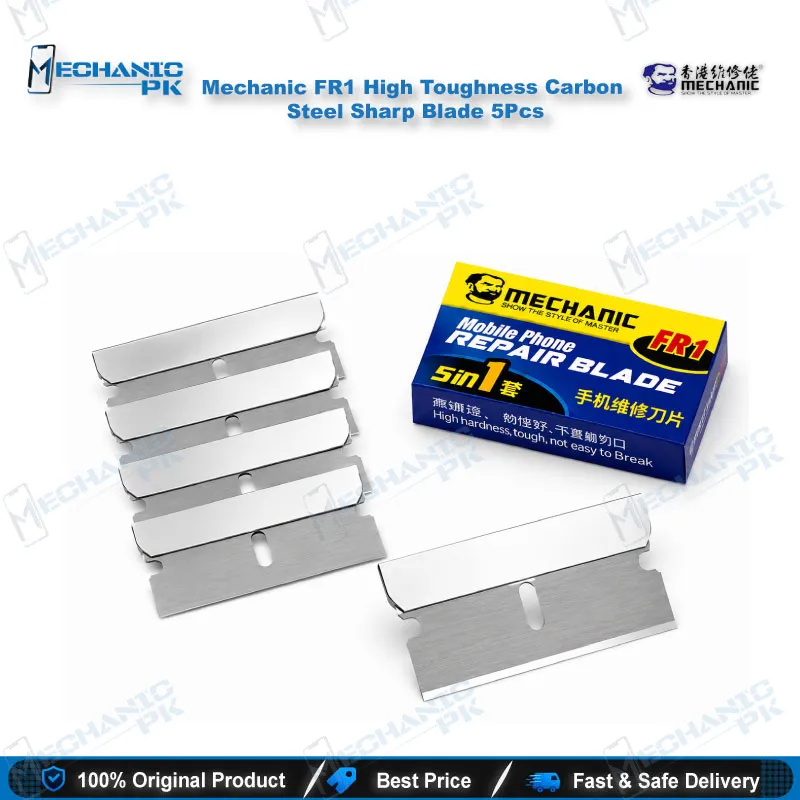
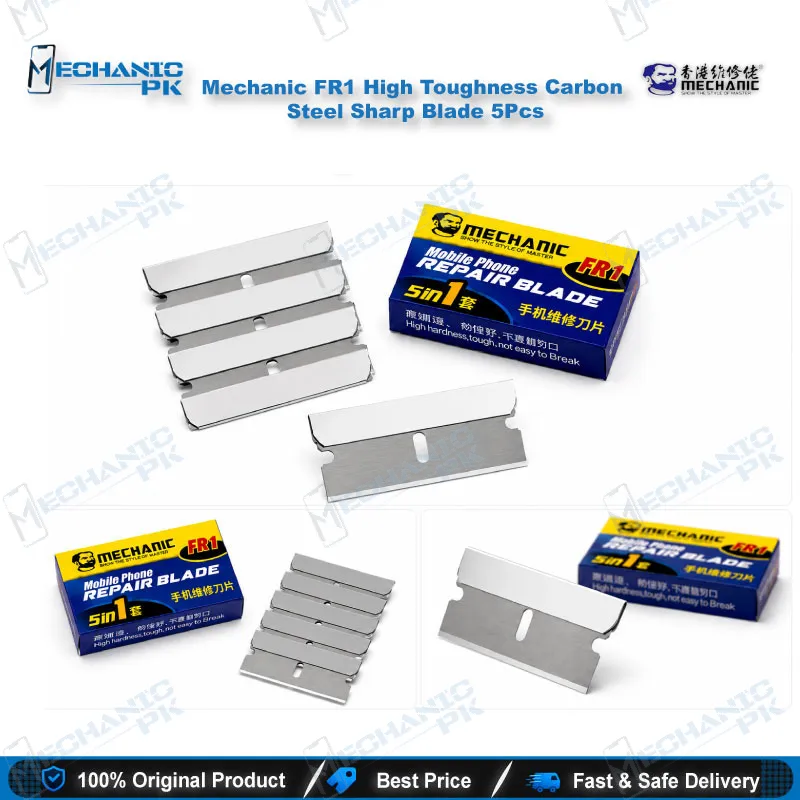
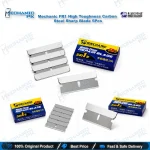
Mechanic FR1 Carbon Steel Blade 5Pcs for Mobile Repair
₨ 150
Mechanic FR1 Blade Set, 5 Pieces
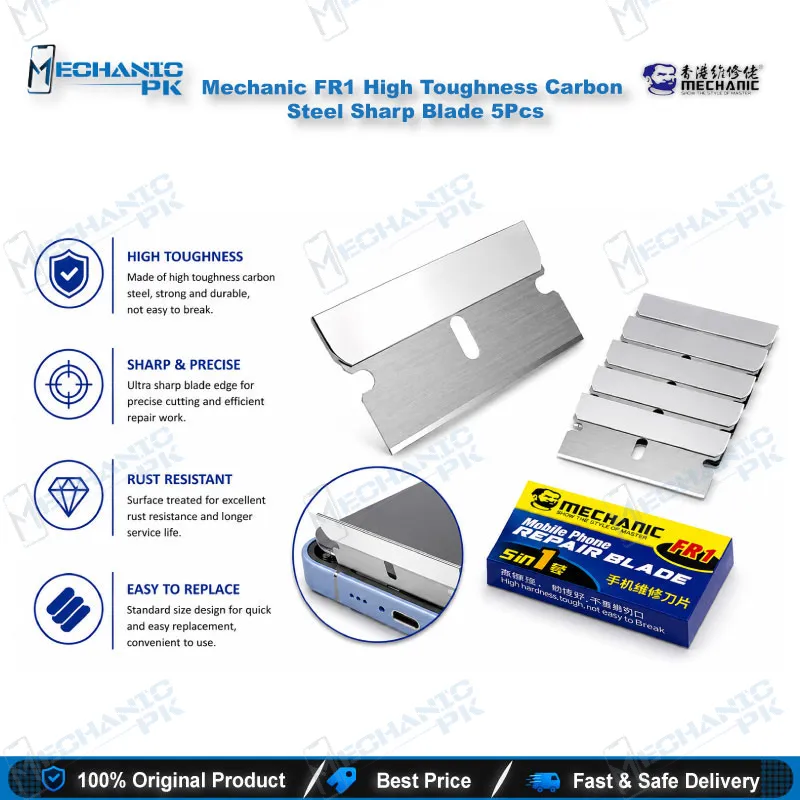
The Mechanic FR1 is a carbon steel blade for mobile repair that comes as a box of five high-toughness blades. You use it to open screens, separate LCD frames, cut wire, and remove OCA glue and polarizer film during display jobs. The sharp carbon steel edge slips into tight gaps, and five blades per box let you swap in a fresh edge instead of fighting a dull one. Repair shops, service centers, and training institutes in Pakistan rely on it as an everyday bench blade for screen replacement and refurbishing work. Order the Mechanic FR1 from Mechanicpk and keep your separation step clean and repeatable.
In stock
Carbon Steel Blade for Mobile Repair: Mechanic FR1 Five-Piece Set
A carbon steel blade for mobile repair earns its place on your bench the moment a glued LCD assembly refuses to separate. The Mechanic FR1 gives you five high-toughness carbon steel blades in one box, so a fresh edge is always within reach for screen opening, frame cutting, and adhesive cleanup. Mechanicpk supplies the FR1 to technicians who run screen jobs all day and cannot afford to stall a repair on a dull blade. You swap in a new edge, hold the same cutting angle, and move straight to the next device. For repair shops across Pakistan, that rhythm turns a messy separation step into a repeatable one.
Where the FR1 Fits in Display Repair
Display replacement starts with separation, and separation decides how clean the rest of the job goes. The FR1 slips into the gap between the LCD, the frame, and the adhesive layer, where a thicker tool struggles to find purchase. As an OCA glue remover blade, it also cuts away OCA (optically clear adhesive) and polarizer film residue before you fit a new screen or refurbish a touch glass.
A typical refurbishing sequence runs like this: you separate the frame, lift the film, scrape the leftover glue, and clean the surface before lamination. The FR1 covers the first three steps with a single tool, which keeps your bench uncluttered and your hands on one blade instead of three. Warm the panel edge first to soften the adhesive, then work along the edge in short, low-angle strokes to protect the display flex and the frame.
Carbon Steel Construction and Edge Life
Carbon steel gives the FR1 a keen edge, and the high-toughness grade resists chipping under the sideways pressure that frame work puts on a thin blade. Respect the material anyway: apply steady pressure, cut away from your fingers, and replace the blade when the edge starts to drag instead of forcing it through the adhesive.
The box holds five blades, so you rotate in a new edge rather than resharpen, and your results stay consistent from the first screen of the morning to the last one before closing. The same blade also cuts wire, which means one box covers cable trimming alongside your display work.
Workshop Uses Beyond the Screen
Technicians describe the FR1 as a universal blade, and workshops use it that way. It opens screens, cuts frames, trims wire, and scrapes glue, and it handles precision cutting jobs outside electronics when you need surgical control.
Most hardware fault jobs, including charging issue repairs, display problem replacements, and dead phone diagnosis, start with opening the device. When a fault sends you into IC change karna, the FR1 clears the display and frame first. Then your microscope, hot air station, and PCB holder take over for the board-level work, while reballing kits and your soldering station handle the later stages. The FR1 handles the opening. Those tools handle the rework.
Buying Notes for Repair Shops
Shops and service centers that process several display jobs a day benefit from keeping spare boxes in stock, since every technician at the counter wants a fresh edge on demand. A five-piece box keeps the cost per blade low and the replacement routine simple. Pick this carbon steel blade for mobile repair when your daily work centers on screens, frames, and adhesive. For fine glue around chips on the board, pair it with a dedicated IC-glue blade set.
Store the blades in their case between jobs, handle them with care because the edges are sharp, and keep your workspace clean and organized. If you source tools for a training institute, the FR1 gives students a reliable first blade for learning screen separation without a heavy tool kit.
| Weight | 0.03 kg |
|---|
Key Features
- Box of five blades for quick edge replacement
- High-toughness carbon steel construction
- Sharp edge for tight screen and frame gaps
- Removes OCA glue from LCD assemblies
- Lifts polarizer film during screen refurbishing
- Cuts frames and wire in one tool
- Universal use across mobile phone brands
- Handles precision cutting beyond phone repair
Specifications
| Brand | Mechanic |
|---|---|
| Model | FR1 |
| Category | Mobile Repair Blades |
| Compatibility | Universal — manual cutting blade, not device-specific |
| Material | Carbon Steel |
Common Repair Uses
- Opening glued LCD screens
- Separating the screen from the frame
- Cutting phone frames
- Removing OCA glue from LCD and touch glass
- Removing polarizer film
- Scraping leftover glue residue
- Cutting wire and cable
- Precision cutting and trimming outside electronics
Compatible Devices
- Samsung phone screens and frames
- iPhone screens and frames
- Oppo phone screens and frames
- Vivo phone screens and frames
- Infinix phone screens and frames
- Tecno phone screens and frames
- Xiaomi and Realme phone screens and frames
- Other glued LCD and touch glass assemblies
FAQ
What is the product name?
What is the brand of this product?
What is the model of this product?
What is this product used for?
Which devices are compatible with this product?
Who should use this product?
Can the Mechanic FR1 blade remove OCA glue and polarizer film from LCD screens?
Can I use the Mechanic FR1 for IC or CPU removal on a motherboard?
Related products