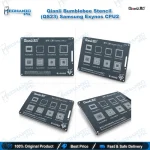
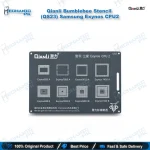
Qianli Bumblebee Stencil (QS23) Samsung Exynos CPU2
₨ 799
Qianli QS23 Exynos BGA Stencil
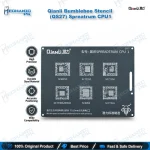
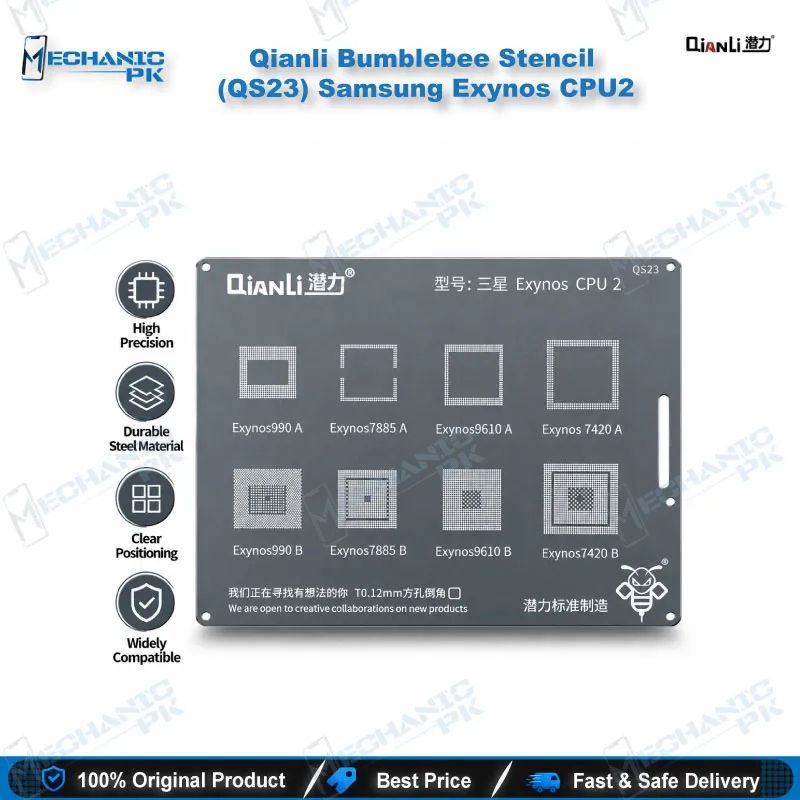
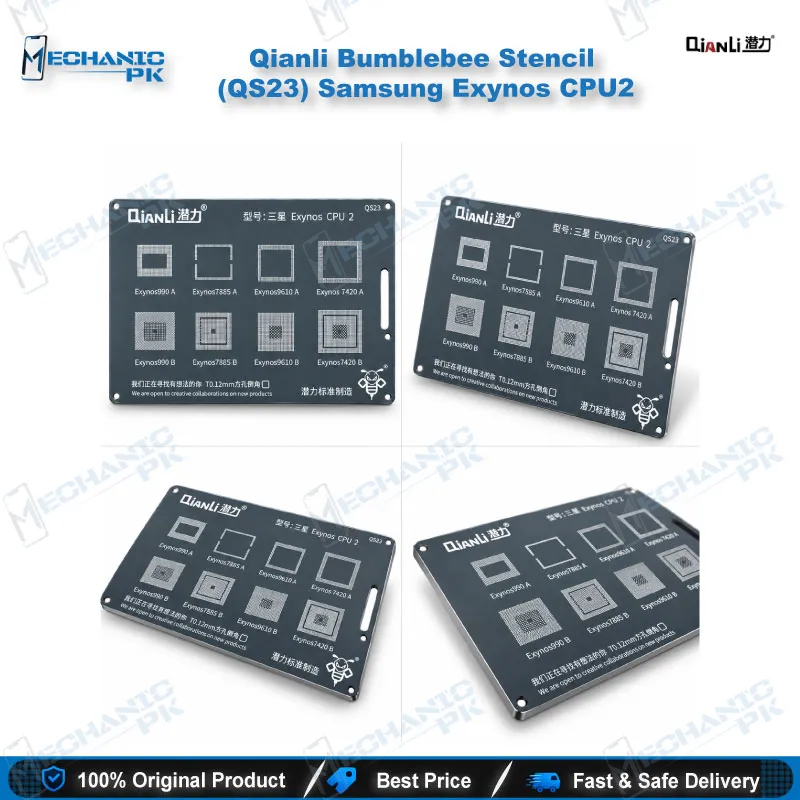
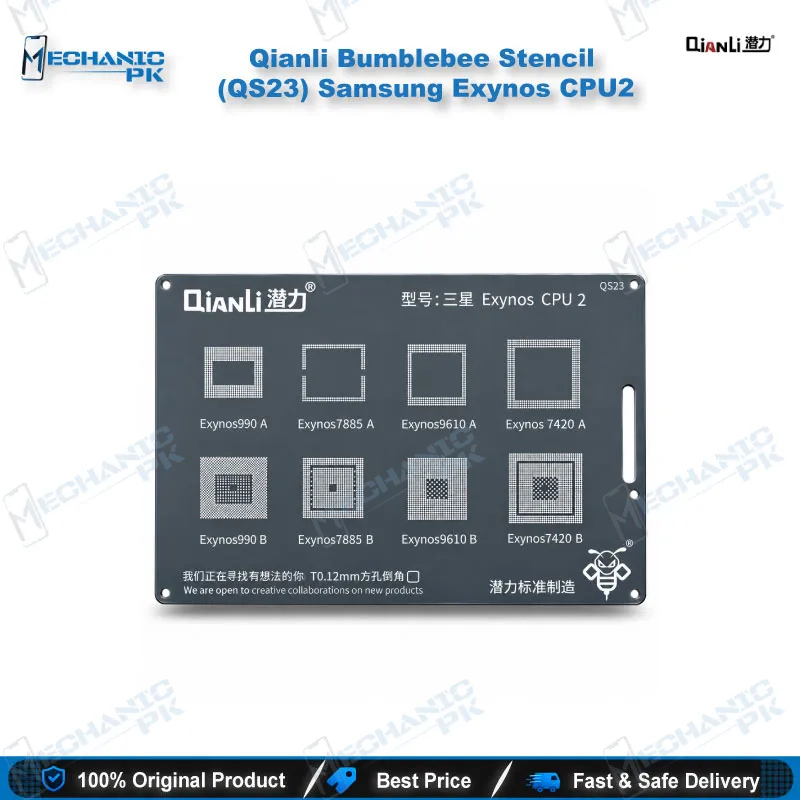
The Qianli Bumblebee Stencil (QS23) Samsung Exynos CPU2 gives your repair bench a dedicated reballing template for four Exynos CPU families: 990, 7885, 9610 and 7420, in both A and B variants. Square holes with rounded corners guide solder balls onto each pad of the lifted processor, so you rebuild the BGA array evenly after a CPU lift. Mechanicpk supplies this Qianli QS23 Exynos BGA stencil to technicians and service centers across Pakistan who handle Samsung board-level work and want a model-specific template instead of a universal guess.
In stock
Qianli QS23 Exynos BGA Stencil for Samsung CPU Reballing
Qianli Bumblebee Stencil (QS23) Samsung Exynos CPU2 sits between QS22 (CPU1) and QS24 (CPU3) in Qianli’s Samsung Exynos range, and it does one job: it rebuilds the solder ball array on an Exynos processor after you lift the chip from the board. If you search for a Qianli QS23 Exynos BGA stencil, you want a template cut for the exact chipset on your bench, not a generic mesh. QS23 covers the Exynos 990, 7885, 9610 and 7420, each in A and B variants, and it uses square holes with rounded corners.
Chipset Coverage You Can Check Before You Order
Qianli lists eight supported CPU variants on this template: Exynos 990 A and B, Exynos 7885 A and B, Exynos 9610 A and B, and Exynos 7420 A and B. Read the marking on the CPU you removed and match it to this list before you open the stencil, because QS23 treats the A and B variants as separate entries. The range runs from the Exynos 7420, the chipset inside the Galaxy S6, up to the Exynos 990 generation, so one template serves several Samsung generations on your repair bench. If your chip sits outside the list, such as the Exynos 9810 or 9820, Qianli’s QS24 CPU3 stencil covers those chipsets instead. Qianli sells it under the Bumblebee name as a 2D stencil, so store it flat in a labelled sleeve to protect the apertures between jobs. Pick the stencil by chipset, never by phone name alone, because Samsung ships the same phone model with different processors in different regions.
Square Holes with Rounded Corners: Why Aperture Shape Matters
Qianli cuts this series with square holes and rounded angles. That geometry lets solder paste or pre-formed balls settle into each aperture and release cleanly from the pad, which keeps ball height even across the array. Even height matters on a CPU, because one low ball leaves an open joint after reflow and the phone comes back as a dead phone or hangs on logo. Clean the pads first, apply fresh flux, and hold the stencil flat against the chip with a PCB holder or fixture so no gap opens under the template. Heat the paste with your hot air station at a controlled setting, let the chip cool, then lift the stencil straight off to leave a uniform ball grid. Work in short, controlled passes: if balls fail to form on the first heat cycle, clean the pads and the stencil and start again instead of stacking extra paste. The stencil survives repeated use when you clean its apertures between jobs.
Where QS23 Fits in the Samsung CPU Repair Workflow
You reach for QS23 after diagnosis, not before it. Exynos boards reach Pakistani repair shops as a dead phone after a drop or liquid exposure, and a matched stencil turns the CPU reball into a repeatable step instead of a gamble. Start with a multimeter and a microscope to confirm the board shows a hardware fault around the CPU, such as a short on the main power rails or a boot loop issue that survives a clean flash. Lift the processor with your hot air station, strip the old solder from the pads with a soldering station and wick, and inspect every pad under the microscope. Reball the chip with QS23, then reflow it back onto the board. After the rebuild, test the board with a test box or a flash tool to confirm the phone boots and holds its network. Pair this stencil with a reballing kit for paste, flux and spare balls, and look at QS22 and QS24 when your next Samsung job uses a different Exynos chipset. Mechanicpk stocks the full Qianli Bumblebee range, so you can build a complete stencil set around the chipsets your customers bring in most.
| Weight | 0.5 kg |
|---|
Key Features
- Dedicated Exynos CPU2 reballing template under Qianli model code QS23
- Covers Exynos 990 in both A and B variants
- Covers Exynos 7885 in both A and B variants
- Covers Exynos 9610 in both A and B variants
- Covers Exynos 7420 in both A and B variants
- Square holes with rounded corners for clean solder ball release
- Sturdy build suited to repeated reballing jobs when you clean it after use
- Fits the Qianli Bumblebee sequence alongside QS22 (CPU1) and QS24 (CPU3)
Specifications
| Brand | Qianli |
|---|---|
| Model | QS23 |
| Category | BGA Reballing Stencil (Bumblebee 2D series) |
| Compatibility | Samsung Exynos CPU2 series — Exynos 990, 7885, 9610 and 7420 (A and B variants) |
| Supported Devices | Samsung devices built on the Exynos 990, 7885, 9610 and 7420 CPUs |
| Technology | Square-hole, round-angle BGA stencil design |
Common Repair Uses
- Samsung Exynos CPU reballing and board-level rework
- Reballing an Exynos CPU after lifting it from the board
- Rebuilding the ball grid on a dead phone with a CPU hardware fault
- Restoring joints on a CPU that causes a boot loop issue
- Re-tinning a cleaned CPU before reflow onto the motherboard
- Reworking a CPU after liquid damage cleaning and pad repair
- Refreshing the ball array before a CPU change on a Samsung board
- Reballing a CPU that hangs on logo because of open joints
- Training technicians on BGA reballing technique with a matched template
Compatible Devices
- Samsung Exynos CPU2 chipset scope (chipset-family compatibility; stencil is not for Qualcomm or MediaTek CPUs)
- Samsung Exynos 990 A CPU
- Samsung Exynos 990 B CPU
- Samsung Exynos 7885 A CPU
- Samsung Exynos 7885 B CPU
- Samsung Exynos 9610 A CPU
- Samsung Exynos 9610 B CPU
- Samsung Exynos 7420 A CPU (Galaxy S6 chipset)
- Samsung Exynos 7420 B CPU
FAQ
What is the product name?
What is the brand of this product?
What is the model of this product?
What is this product used for?
Which devices are compatible with this product?
Who should use this product?
Which Exynos CPUs does the Qianli QS23 stencil support?
Which Qianli stencil do I need for Exynos 9810 or 9820 instead of QS23?
Related products