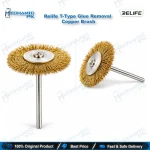
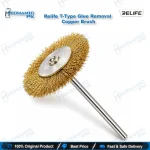
Relife T-Type Glue Removal Copper Brush for Mobile Repair
₨ 200
Glue Removal Copper Brush for Mobile Repair
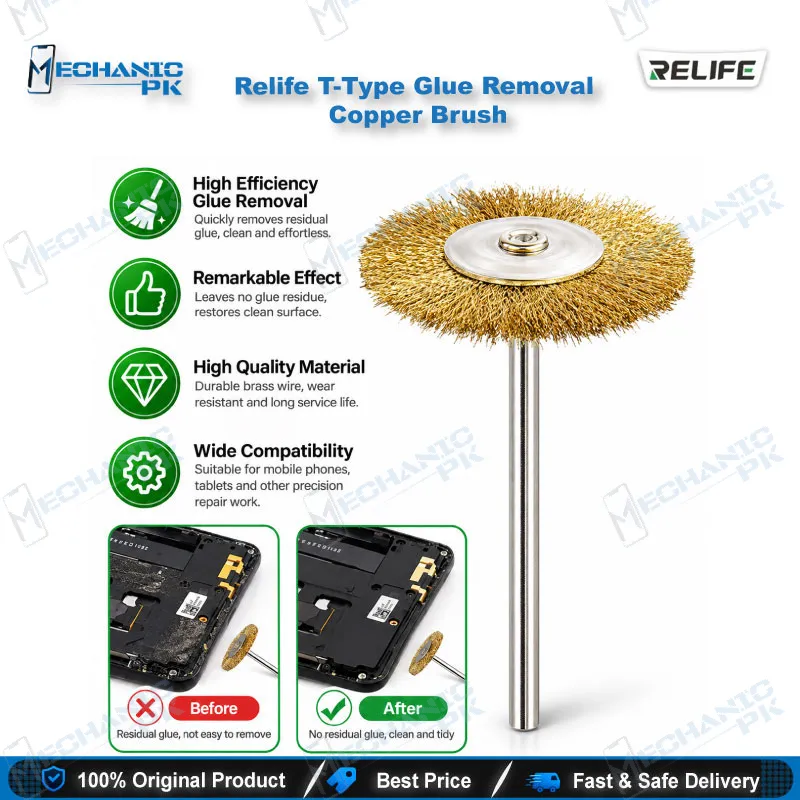
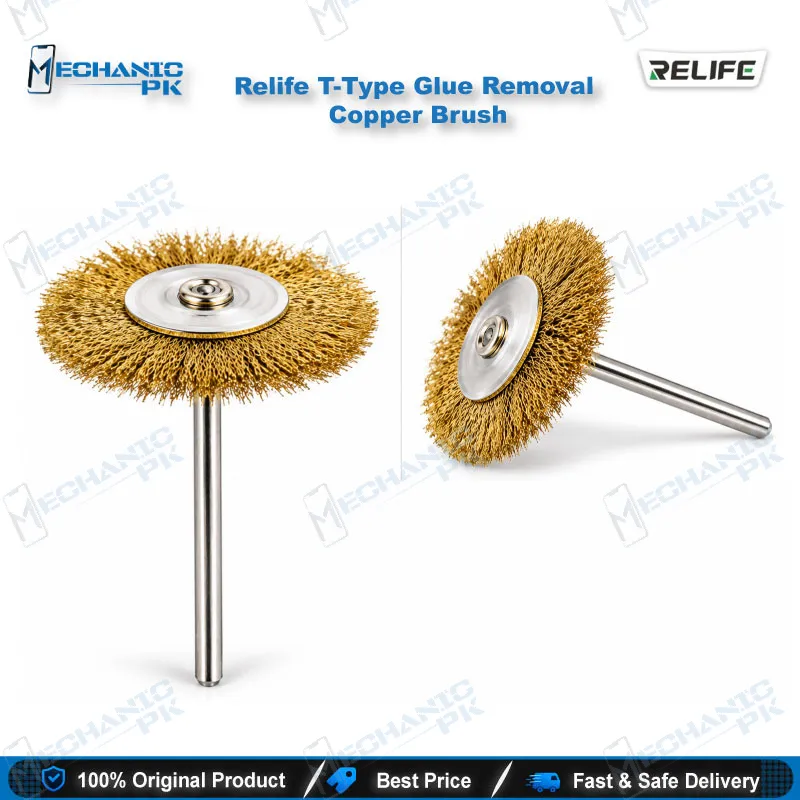
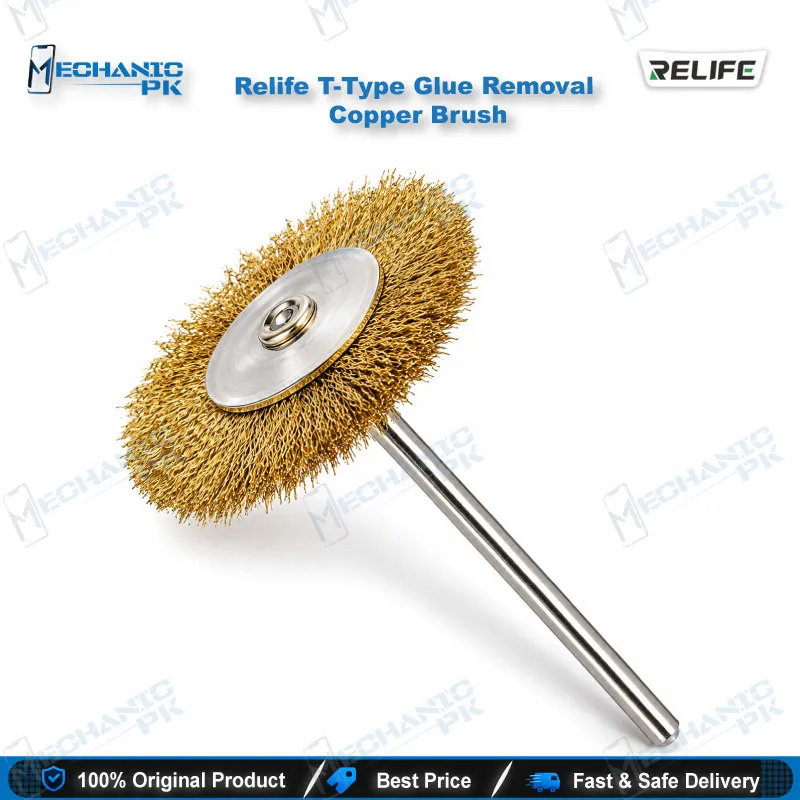
The Relife T-Type Glue Removal Copper Brush gives your repair bench a dedicated hand tool for clearing cured glue, flux residue and loose contamination from boards, frames and chip pads. The T-shaped handle lets you press and sweep with control, and the copper brush head works across the surface without the hard bite of a metal scraper. Use it before reballing, after IC removal or while cleaning a mid-frame for a fresh battery or screen. This glue removal copper brush for mobile repair pairs naturally with hot air stations, soldering stations and microscopes in any workshop that handles daily board-level jobs.
In stock
Glue Removal Copper Brush for Mobile Repair: Relife T-Type Cleanup Tool
Every board-level job starts with a clean surface. The Relife T-Type Glue Removal Copper Brush is a glue removal copper brush for mobile repair that targets the leftovers technicians fight daily: hardened chip-edge glue, dried flux and loose debris around pads and frames. Mechanicpk supplies it as a focused cleaning accessory for benches that handle IC, CPU, eMMC and UFS work, where one dirty pad can ruin a reball.
Why the T-Shaped Copper Head Suits Glued Boards
The T-shaped body puts your palm over the tool instead of making you pinch a thin handle. You press evenly, sweep in short strokes and keep the brush flat against the surface. That control matters on a dead phone board where glue sits thick around a CPU or storage chip and you need steady pressure, not a nervous scrub. The copper brush head clears adhesive residue, glue and flux from circuit boards, frames and components. Technicians reach for copper bristles when nylon is too soft for cured residue and a metal scraper feels too aggressive for the pads underneath.
Where It Fits in Your Repair Workflow
Start by softening the glue. Most technicians warm the area with a hot air station at a controlled temperature, then brush while the residue stays pliable. After an IC change or a chip lift, sweep the pad area to remove leftover glue and flux, wipe it down with isopropyl alcohol and inspect the result under a microscope. Clean pads let solder balls seat evenly, so this step belongs right before a reballing kit comes out and right before your soldering station tins the pads.
Boards that arrive with a boot loop issue or hang on logo often need CPU or eMMC rework, and those boards usually carry heavy corner glue. A hardware fault around a charging connector or a board-to-board socket also leaves old adhesive and flux behind. In each case the brush becomes the first tool you pick up and saves you from improvising with a blade or a screwdriver tip. Pattern unlock and FRP lock jobs that end in a board swap or chip replacement follow the same routine: clean first, then solder.
Handling Tips and Bench Setup
Secure the board in a PCB holder before you brush. A steady board lets you work one direction at a time and keeps your strokes away from small neighbouring components. Use light pressure and let the bristles do the work, because heavy force scratches solder mask on any board. Copper conducts electricity, so brush the area clean of loose bristle strands and fine copper dust before you reconnect the battery or power the board. Keep the brush dry and store it head-up so the bristles hold their shape.
Placed beside your other bench tools, this brush covers the prep stage of a repair. The cleaning step comes first, then you move to diagnostics with a multimeter and test box, and then to chip-level work with ISP pinout tools, eMMC programmers and UFS adapters when the fault sits in storage. Technicians who build their bench in that order spend less time fixing preventable pad damage and more time closing jobs. If you already run a hot air station, a soldering station and a microscope, the Relife T-Type Glue Removal Copper Brush fills the gap between removing a chip and preparing the board for the next one.
A repair shop or service centre in Pakistan that handles IC change and reball work every day goes through glue-removal tools quickly. A dedicated T-shaped copper brush gives each technician a personal cleaning tool, so shared tools stop disappearing mid-job and your board prep stays consistent from one bench to the next. Order a few pieces for the whole workshop and your technicians always have a clean brush ready when the next glued-down board lands on the bench.
| Weight | 0.10 kg |
|---|
Key Features
- T-shaped ergonomic handle for steady, controlled pressure
- Copper brush head for removing glue, flux and adhesive residue
- Cleans circuit boards, frames and components
- Suits glue cleanup around CPU, eMMC and UFS chip areas
- Prepares pads before reballing and soldering
- Works with hot air station softening for faster residue removal
- Compact hand tool that fits any repair bench
- Handles daily board prep in shops and service centres
Specifications
| Brand Entity | Relife |
|---|---|
| Product Entity | Relife T-Type Glue Removal Copper Brush |
| Technology Entity | Copper bristle brush, T-shaped handle |
| Compatible Device Entities | Android phone motherboards, iPhone logic boards, mobile phone frames |
| Repair Process Entity | Glue and flux residue removal, pad preparation before reballing |
| Industry Entity | Mobile phone repair, PCB repair, BGA chip rework |
Common Repair Uses
- Removing hardened glue around CPU and storage chips
- Cleaning pads after IC removal
- Clearing dried flux after soldering and rework
- Preparing pads before reballing
- Cleaning mid-frame adhesive residue before a new battery or screen
- Cleaning residue around charging connectors
- Prepping boards before eMMC or UFS rework
- General board maintenance and contamination cleanup
Compatible Devices
- Universal hand tool, not device-specific
- Android phone motherboards
- iPhone logic boards
- Mobile phone middle frames and mid-frame edges
- Board areas around CPU chips
- Board areas around eMMC and UFS chips
- Charging port and connector areas on PCBs
- Flux-covered pads after IC removal
- Small electronic components needing residue cleanup
FAQ
What is the product name?
What is the brand of this product?
What is the model of this product?
What is this product used for?
Which devices are compatible with this product?
Who should use this product?
Should I heat the board before using a glue removal copper brush?
Can I brush a board that is still powered or has the battery connected?
Related products