

















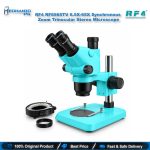

RF4 RF6565TV 6.5X-65X Trinocular Stereo Microscope
₨ 1
RF6565TV Trinocular Microscope
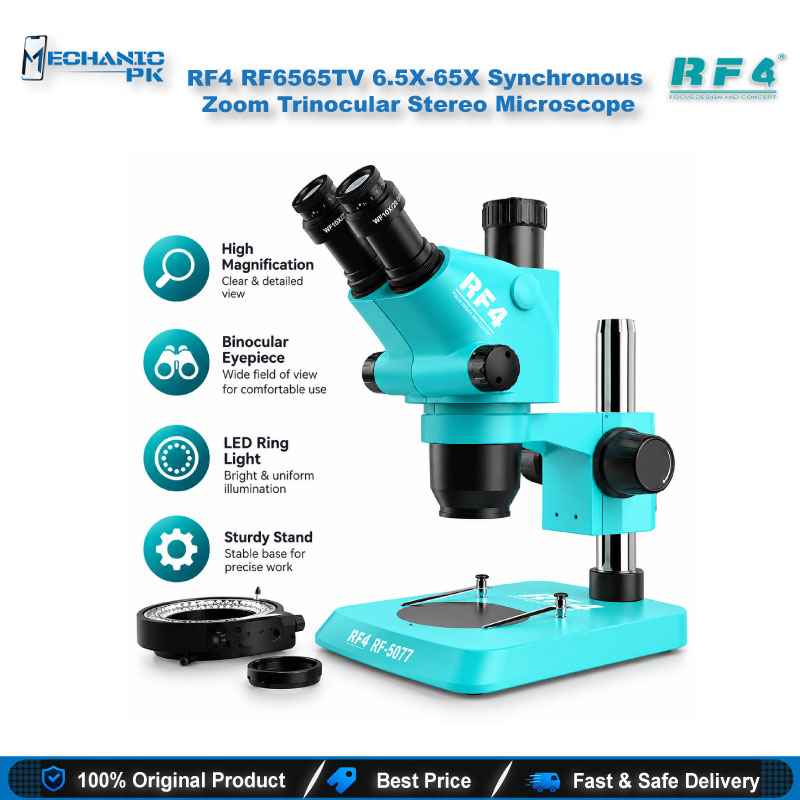
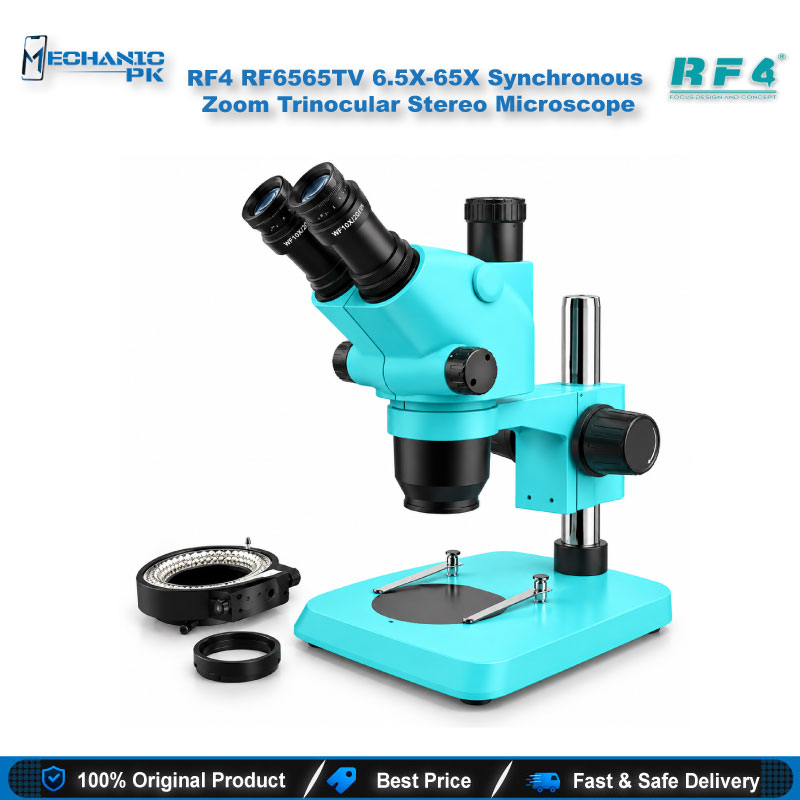
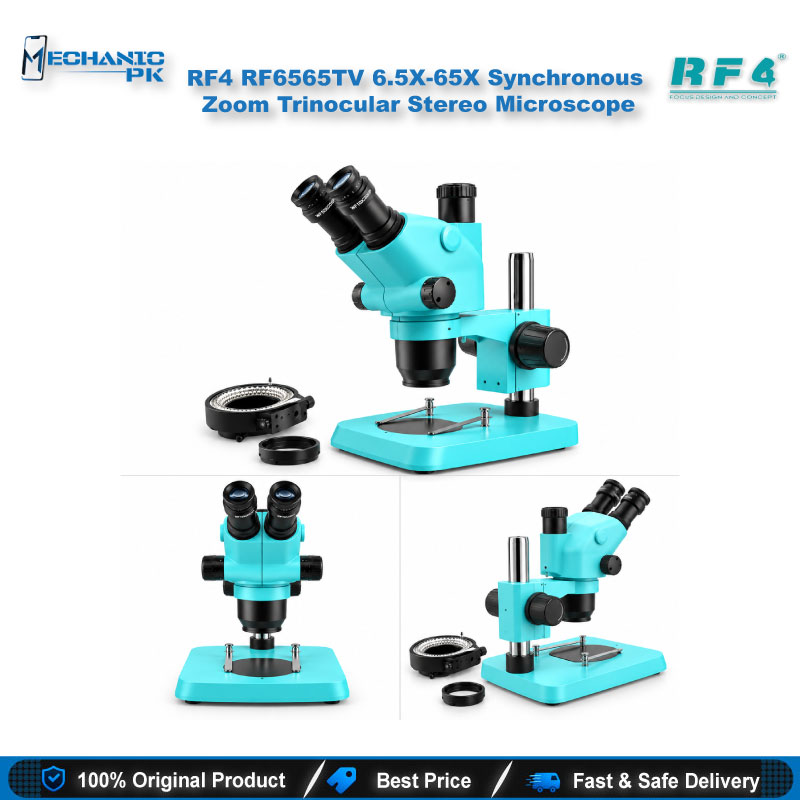
The RF4 RF6565TV 6.5X-65X Synchronous Zoom Trinocular Stereo Microscope gives your repair bench a continuous 6.5X to 65X zoom range with a 45-degree inclined, 360-degree swivel head. WF10X/22mm eyepieces, a 110 mm working distance and a 144-LED ring light let you inspect mainboards, IC pads and solder joints with clear stereo depth. The third trinocular port accepts a camera through a CTV adapter, so you can show, record or document board-level work on a screen. A large base plate holds the board and small parts under the lens, and the focusing bracket travels 50 mm for steady, repeatable focus.
Out of stock
Trinocular Stereo Microscope for Mobile Repair: RF6565TV Overview
The RF4 RF6565TV 6.5X-65X Synchronous Zoom Trinocular Stereo Microscope gives your repair bench a continuous optical zoom from 6.5X to 65X. As a trinocular stereo microscope for mobile repair, it pairs a 45-degree inclined, 360-degree swivel head with a third port for camera attachment. You inspect a board through the eyepieces and show or record the same view on a screen. Workshops that move between quick connector jobs and board-level IC work choose this model because it delivers a true stereo view with depth, not a flat image.
Optical Specifications That Matter at Your Bench
The RF6565TV pairs WF10X/22mm eyepieces with a 0.65X to 6.5X zoom objective, and that combination produces the 6.5X to 65X range. At 6.5X you see a whole mainboard with its connectors, flex cables and shield cans. At 65X you read solder joints, flux residue and hairline damage on small pads. The zoom runs continuously, so you stop at any value in that range instead of clicking between fixed steps. Stereo optics give each eye its own angle, and that depth cue helps when you place tweezers on a small passive component or guide an iron tip onto a BGA edge. The effective working distance is 110 mm, which leaves room under the lens for a soldering iron, a hot air nozzle and your hands. Optional auxiliary objective lenses extend the working distance between 30 mm and 287 mm, so you can trade clearance against magnification to suit your own style of work.
Trinocular Head and Camera Port
The head tilts at 45 degrees and rotates through 360 degrees. You turn it toward your seat or toward a colleague without moving the stand. The third port sits on top of the head and takes a camera through a CTV adapter lens. Technicians use that port to put the live board image on a monitor, record a reballing job or show a trainee exactly where a fault sits. Camera models are optional additions, so you match the output to your screen and recording setup instead of paying for hardware you do not need. When you trace a hardware fault on a dead phone, a photo of the board before you touch it also gives you a reference when you rebuild the area.
Where It Fits in a Repair Workflow
Put the microscope at the start of the PCB repair process. Before you heat any joint, check the board for liquid damage, corrosion, lifted pads and burnt parts. On a phone with a charging issue, you trace around the charging IC, check the USB connector pins and look for shorted passive components under magnification. On a display problem or network issue, you follow the flex connector and RF section pad by pad. For IC change jobs on PMICs, audio ICs and network ICs, you confirm orientation and solder quality before and after the work.
CPU, eMMC and UFS work depends on what you see after removal. You check pad condition, confirm ball alignment after reballing and spot bridging before the chip goes back on the board. On a boot loop or hang on logo phone that needs ISP, the 6.5X to 65X range helps you find the right test points and solder thin wires without touching neighbouring pads. The microscope sits beside your hot air station, soldering station, reballing kit and PCB holder, so the board stays in one place from inspection to rework. A multimeter and a test box then confirm what you found: you locate the suspect area optically, then measure it.
Base, Lighting and Bench Ergonomics
The standard big base gives you a 195 x 256 mm plate. That is enough room for a mainboard, a PCB holder and loose small parts under the lens. A 144-LED ring light around the lens lights the work area evenly, and you adjust its brightness to cut glare on shiny shield cans and flux. The focusing bracket offers 50 mm of vertical travel, and you adjust the tension of the focusing handwheel so the head holds its position when you let go. These details matter during long sessions, because a head that drifts down in the middle of a joint breaks your focus and your rhythm.
Choosing and Upgrading Your Microscope Setup
Choose the RF6565TV if your shop needs a stereo microscope for mobile repair with camera expansion available later. Start with the eyepiece view, then add a camera when you begin training staff or documenting jobs. A 6.5X-65X zoom stereo microscope gives you something a camera-only digital scope cannot: live depth perception without screen delay while your hands work. If your current microscope tops out at a lower zoom or lacks a camera port, this model gives you a clear step up in both. Board-level IC repair uses the upper end of the zoom range most, while screen, connector and charging-port jobs stay comfortable at lower zoom. Check the Microscopes category on Mechanicpk for auxiliary lenses and cameras that match this model, then build your bench around it with soldering stations, hot air stations and reballing kits.
| Weight | 6.0 kg |
|---|
Key Features
- Continuous 6.5X to 65X zoom through a 0.65X–6.5X objective and WF10X/22mm eyepieces
- Stereo optics that give true depth for tweezers and iron work
- 45-degree inclined head with 360-degree swivel
- Trinocular port that accepts a camera through a CTV adapter lens
- 110 mm effective working distance, extendable to 30–287 mm with optional auxiliary objective
- 144-LED ring light with adjustable brightness
- 195 x 256 mm base plate for boards, holders and small parts
- 50 mm focusing bracket travel with adjustable handwheel tension
Specifications
| Brand | RF4 |
|---|---|
| Model | RF6565TV |
| Category | Trinocular Stereo Microscope |
| Compatibility | Universal — not device-specific |
| Supported Devices | Universal — inspection works on any mobile or electronic board |
| Technology | Optical stereo microscope with continuous (synchronous) zoom |
| Magnification | 6.5X–65X continuous zoom |
| Eyepiece | WF10X/22mm |
| Objective | 0.65X–6.5X zoom objective |
| Head | 45-degree inclined, 360-degree swivel trinocular |
| Working Distance | 110 mm effective; extendable to 30–287 mm with optional auxiliary objective |
| Light Source | 144-LED ring light with adjustable brightness |
| Base Plate Size | 195 x 256 mm |
| Focus Travel | 50 mm |
Common Repair Uses
- Board-level inspection, IC rework and documentation in mobile repair workshops
- Inspecting boards for liquid damage and corrosion
- Checking the charging IC, USB connector and passive parts on charging issue phones
- IC change work on PMIC, audio and network ICs
- Checking pads and ball alignment during BGA reballing
- Finding ISP test points and soldering thin wires on boot loop or hang on logo phones
- Tracing hardware faults on dead phones
- Inspecting connector, flex and display-related pad damage
- Recording or displaying repair work through a camera for training and records
Compatible Devices
- Universal — not device-specific; works with any board you can place under the lens
- Smartphone mainboards from Samsung, Oppo, Vivo, Infinix, Tecno, Xiaomi and other brands
- iPhone logic boards
- Tablet PCBs
- Charging port and USB connector sub-boards
- Flex cable and FPC connector pads
- BGA chips such as eMMC, UFS and CPU for pad and ball inspection
- Optional camera attachment through the CTV adapter lens
- Other small electronics boards used in general electronic repair
FAQ
What is the product name?
What is the brand of this product?
What is the model of this product?
What is this product used for?
Which devices are compatible with this product?
Who should use this product?
Can I connect a camera to the RF6565TV for recording board repairs?
What working distance does the RF6565TV give for soldering and rework?
Related products
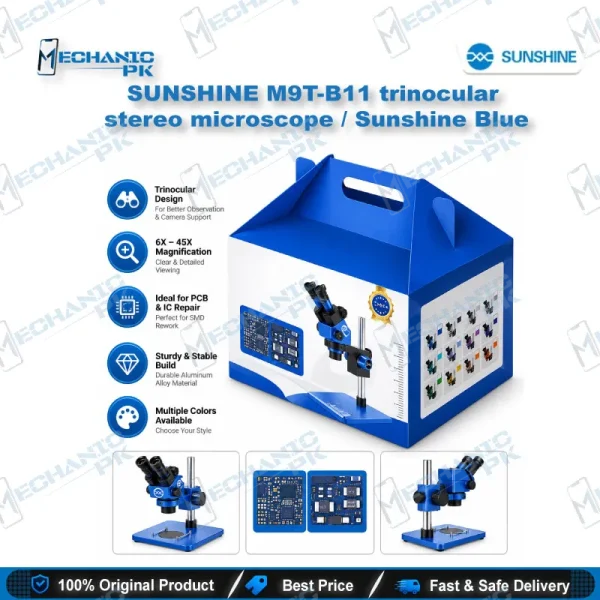
Sunshine M9T-B11 Trinocular Microscope – 6-45X Stereo Zoom with 0.5CTV Interface (Sunshine Blue)
In stock