
BS-02 2-in-1 Antistatic Double-Ended Cleaning Brush
₨ 350
BS-02 Antistatic Double-Ended Cleaning Brush
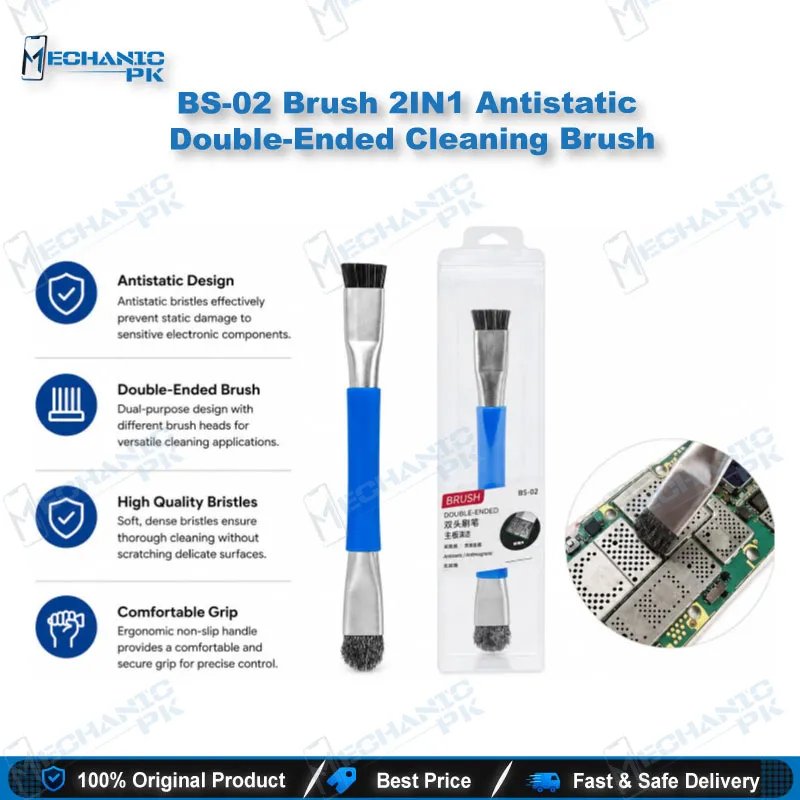
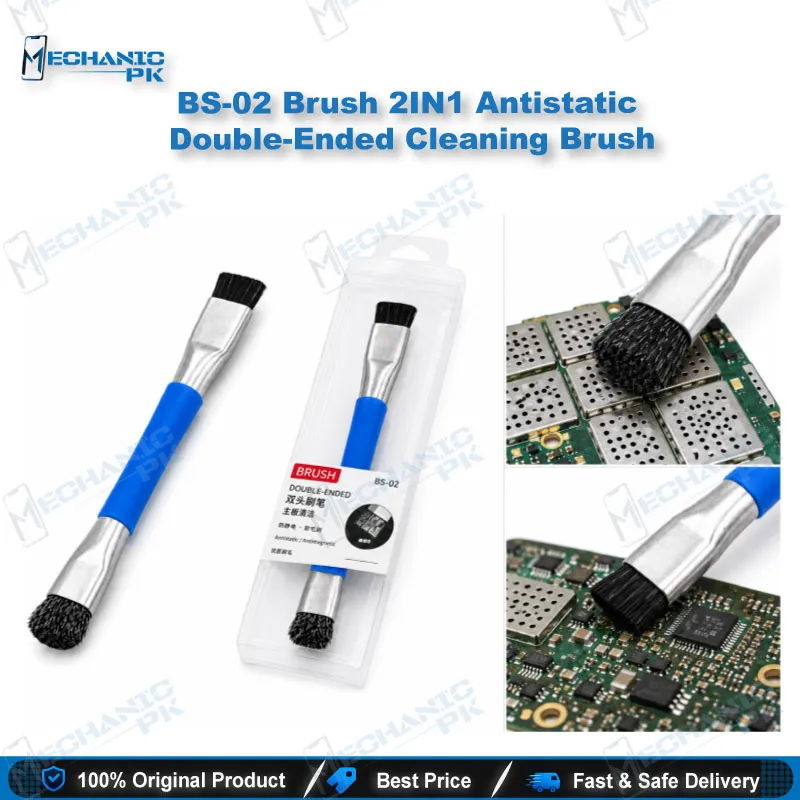
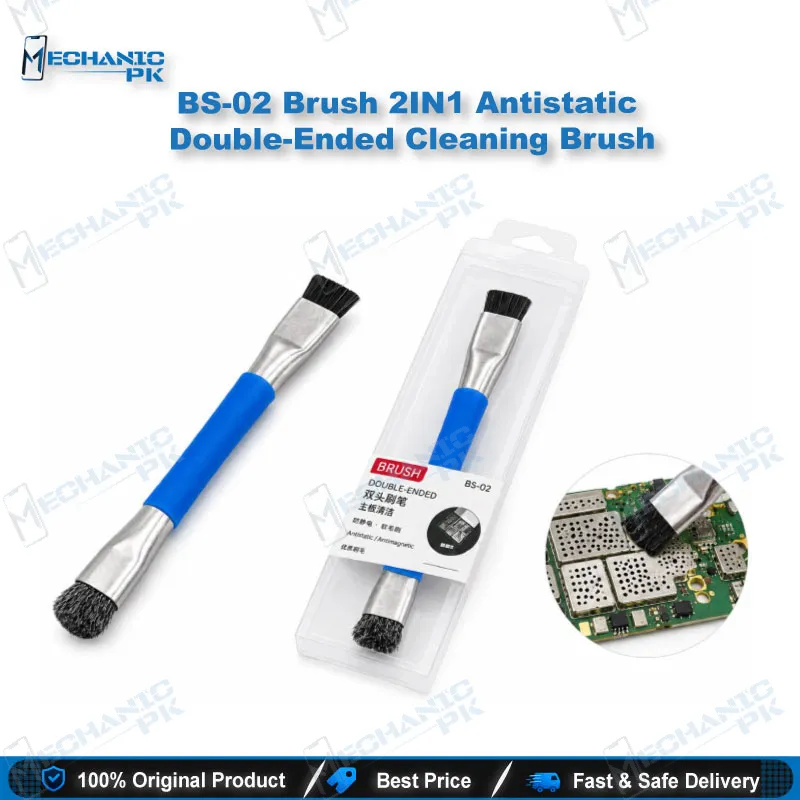
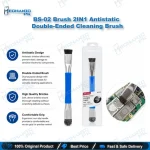
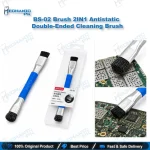
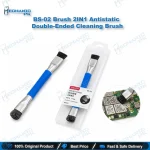
The BS-02 antistatic double-ended cleaning brush puts two working heads on one tool with a plastic handle. It removes dust, flux, and light debris from circuit boards, mobile phone IC pads, and small electronic parts. Its anti-static bristles support ESD-safe cleaning on sensitive motherboards. The compact body fits a technician’s tool roll and a shop’s daily bench work. Use it on keyboards, computer fans, notebook components, and glue residue on motherboards. Each pack includes one brush, so you can keep a dedicated tool at each workstation.
In stock
BS-02 Antistatic Cleaning Brush for Motherboard and IC Pad Work
The BS-02 antistatic cleaning brush gives your repair bench a dual-ended tool for dust, flux, and residue on circuit boards. The vendor lists a metal brush head on one end and a plastic brush head on the other, so you switch between them without reaching for a second tool. Mobile technicians use it on phone motherboards, while repair shops also apply it to laptop boards, keyboards, and computer fans. The anti-static bristle construction supports ESD-safe handling at the bench. This brush covers the cleaning step that comes before soldering, testing, or reassembly, and it works well as a double ended cleaning brush for mobile repair tasks.
Using the Double-Head Layout in Your Board Workflow
Clean the board before you start soldering or rework, not after. Dust and flux under a component can change how your next step behaves, so a clean surface makes your inspection more reliable. Start with the plastic head on loose dust and light residue. Move to the metal head when residue sticks to the pads or the solder mask. Keep your strokes short and in one direction, and check the pad under magnification before you continue. The two heads let you shift between a firmer and a softer surface without swapping tools, which saves time when you clean several boards in one session. If one bristle set starts to wear, the other head still gives you a working surface while you plan a replacement.
Anti-Static Handling at the Repair Bench
The brush carries anti-static bristles, which lower the risk of electrostatic discharge when you clean sensitive circuits. Anti-static bristles do not replace a grounded work surface, though. Connect your wrist strap and ground your mat before you touch a motherboard with the brush. Keep the brush away from high-voltage areas and do not drag it across exposed battery terminals. When you clean a board that has already powered up, disconnect the battery and the charger first. Store the brush in a dry drawer so the bristles keep their shape and their anti-static properties. Good ESD discipline protects the board, the component, and your repair time.
Motherboard Tasks Where This Brush Fits
Phone IC pad cleaning is the most common task for this brush. Use the bristles to clear debris from the pads around a processor, power IC, or charging IC before you apply new flux. The vendor also describes glue removal on mobile motherboards, so you can clear adhesive residue left by an earlier repair. Computer and notebook technicians use the same motion on keyboard contacts, cooling fan blades, and board edges. Keep one brush for IC work and a separate brush for keyboard and fan work, so residue from one task does not travel to the next board.
Care and Replacement
Keep the bristles dry and free of old flux before you store the brush. Clean the brush head with a dry cloth when debris builds up between the bristles. Replace the brush when the bristles splay, lose their stiffness, or start to shed onto the board. A brush that sheds fibers leaves debris on the pads you just cleaned, which undoes the cleaning step. Store separate brushes for IC work and keyboard work so the bristles stay clean for their intended task.
| Weight | 0.15 kg |
|---|
Key Features
- Double-ended design with a metal brush head and a plastic brush head
- Anti-static bristles that support ESD-safe cleaning
- Removes dust, flux, and light debris from circuit boards
- Vendor lists resistance to bristle deformation and shedding
- Plastic handle with a compact, lightweight body
- Suited to IC pad cleaning and glue removal on mobile motherboards
- Suited to keyboards, computer fans, and notebook components
- One brush included per pack
Specifications
| Model | BS-02 |
|---|---|
| Category | Double-Ended Cleaning Brush |
| Compatibility | Universal, not device-specific |
| Supported Devices | Mobile phone motherboards, laptop and notebook boards, keyboards, computer fans |
| Technology | Anti-static bristles (ESD-safe) |
| Material | Plastic handle |
Common Repair Uses
- Verified cleaning workflows for this brush.
- Cleaning dust and debris from motherboards and PCBs
- Removing flux residue from circuit boards
- Cleaning IC pads on phone motherboards
- Removing glue residue from mobile motherboards
- Cleaning keyboard contacts
- Cleaning computer fans and notebook components
Compatible Devices
- Universal, not device-specific. The verified use scope covers the device types below.
- Universal, not device-specific
- Mobile phone motherboards (IC pad areas)
- Laptop and notebook computer boards
- Computer keyboards
- Computer fans
FAQ
What is the product name?
What is the model of this product?
What is this product used for?
Which devices are compatible with this product?
Who should use this product?
Does the BS-02 brush have anti-static bristles for ESD-safe cleaning?
Can the BS-02 brush remove glue and flux from mobile phone IC pads?
Related products