









































Mechanic QR12 Soldering Tip Refresher | Oxide Remover
₨ 500
Restore Oxidized Soldering Tips Fast
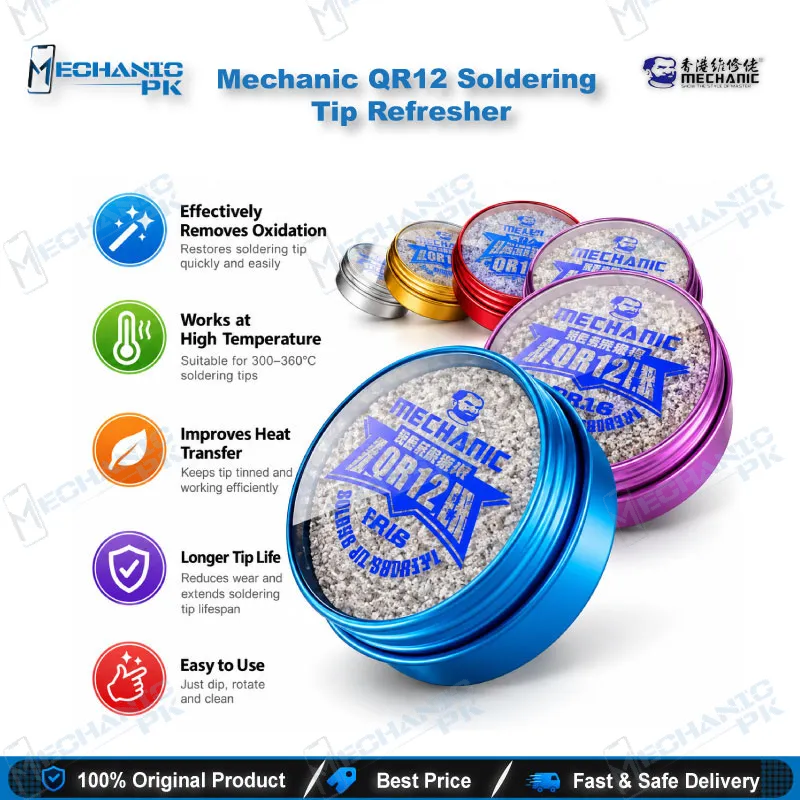
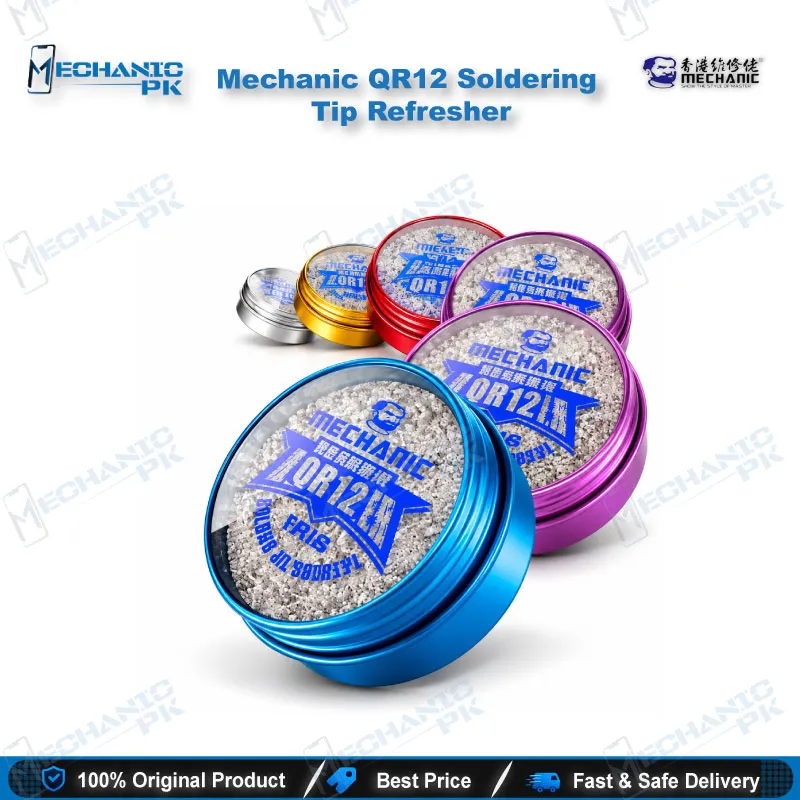
The Mechanic QR12 Soldering Tip Refresher is a lead-free tin paste that removes black oxide and dirt from hot soldering iron tips. Heat your tip to 300–360°C, rub it into the paste for about 5 seconds, then wipe it on a solder sponge or steel ball to bring back a bright, tinned surface. This soldering tip refresher for mobile repair keeps solder wetting cleanly on charging port, connector and IC work, and it extends the working life of every tip on your bench. Mechanicpk stocks the 12 g QR12 tin for repair shops, service centers and technicians across Pakistan.
In stock
Soldering Tip Refresher for Mobile Repair: Mechanic QR12 Overview
A blackened tip ruins fine-pitch work before the iron even reaches the pad. The Mechanic QR12 Soldering Tip Refresher is a lead-free tin paste that strips black oxide from a hot tip and restores solder wetting. If you run a soldering station or a handheld iron on your repair bench, this soldering tip refresher for mobile repair keeps heat moving from the tip into the joint instead of stalling at a dead oxide layer. Mechanicpk supplies the QR12 to technicians, repair shops and service centers across Pakistan.
Why a Black Oxide Layer Slows Every Joint
Oxide builds up on a tip each time it sits hot without a fresh coat of solder. The black layer blocks solder from wetting the metal, so molten solder beads up and rolls away instead of flowing onto the pad. You then raise the temperature to compensate, and the extra heat oxidizes the tip faster and puts thin mobile PCB pads at risk. The QR12 breaks that cycle. Its non-stick tin paste cleans oxide and surface dirt off the tip and leaves a thin tinned film, so heat transfers into the joint the way it did when the tip was new. You get a working tip back without ordering a replacement.
How to Use the QR12 at 300–360°C
Set your soldering station between 300°C and 360°C, the working range for this refresher. Press the hot tip into the paste, rotate it and rub for about 5 seconds. Rotate the tip through a solder sponge or steel ball to wipe off the loosened oxide. If the black layer stays visible, repeat the paste and wipe cycle once, then tin the tip with fresh solder before you touch the board. Keep the lid closed between uses so the paste stays clean. Stay inside the 300–360°C window for the refresh step, because that is the range the manufacturer specifies.
What You Get in the QR12 Tin
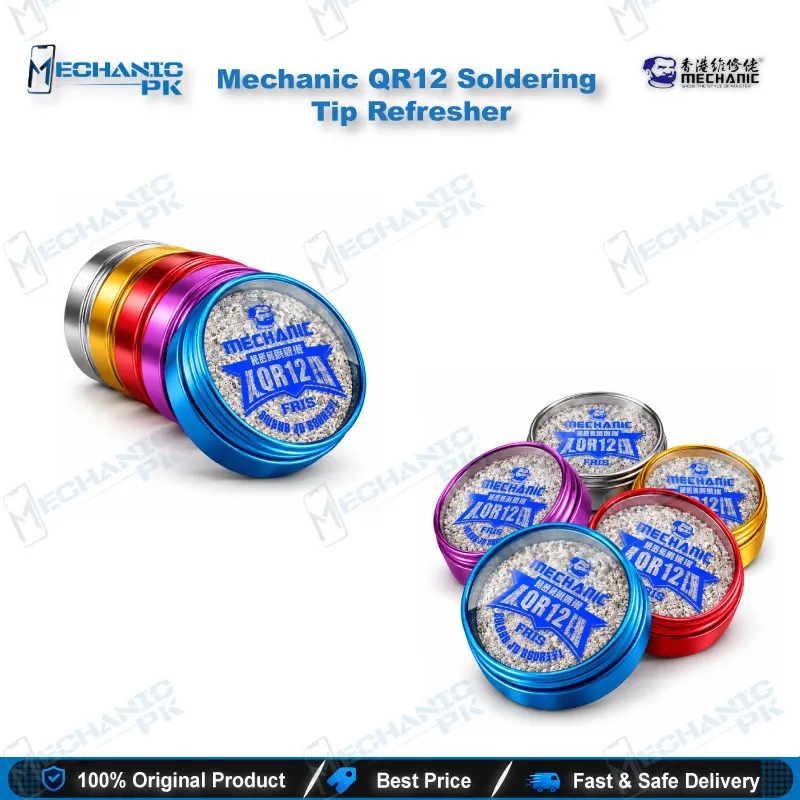
The QR12 ships as a compact tin with 12 g of net paste weight and 16 g gross weight, so it fits in a tool drawer or a technician’s kit bag. The formula is lead-free, and it works as a universal tip care product. It does not target one phone brand or one iron model; it cleans soldering iron tips in general. Buyers who compare soldering consumables on capability will find a single-purpose product with a clear temperature window and a simple routine.
Where the QR12 Fits in Your Repair Workflow
Every soldering job on a phone board starts with a tip that wets properly. Whether you resolder a charging port after a charging issue, run a jumper wire across a broken trace, or replace a power IC on a dead phone, a clean tip decides how fast and how cleanly the joint forms. Keep the QR12 beside your soldering stations and refresh whenever the tip turns dark or solder stops flowing. Pair it with a microscope and a PCB holder so you can inspect the tinned surface before the tip meets the pad.
When you prep pads for BGA reballing or rework an eMMC or UFS socket next to a hot air station, a clean iron tip tins pads evenly and keeps your reballing kit work consistent. Technicians who solder fine wires to ISP pinout test points for eMMC programmers need a tip that wets cleanly on tiny pads. If one tip keeps blackening quickly, check your station’s temperature setting before you blame the tip.
| Weight | 0.10 kg |
|---|
Key Features
- Lead-free, non-stick tin paste formula
- Removes black oxide and dirt from soldering tips
- About 5 seconds per refresh cycle
- Works within a 300–360°C temperature range
- Restores solder wetting on dull tips
- Extends soldering tip working life
- Compact 12 g net-weight tin
- Universal use across soldering iron tips
Specifications
| Brand | Mechanic |
|---|---|
| Model | QR12 |
| Category | Soldering Iron Tip Refresher / Soldering Consumables |
| Compatibility | Universal — soldering iron tips (not phone-model specific) |
| Material | Lead-free tin paste |
| Working Temperature | 300–360°C |
| Net Weight | 12 g |
| Gross Weight | 16 g |
Common Repair Uses
- Tip maintenance before and during board-level soldering work
- Removing black oxide from a tip before fine-pitch IC soldering
- Restoring wetting before charging port and connector resoldering
- Re-tinning a tip before jumper wire work on damaged traces
- Preparing the tip for pad tinning before BGA reballing
- Cleaning the tip between ISP and eMMC test point wire soldering
- Reviving a dull tip after a long idle period on the bench
- Extending tip life in a busy repair shop
- Teaching tip care at technical training institutes
Compatible Devices
- Universal soldering iron tip care — not phone-model specific
- Oxidized or blackened soldering iron tips
- Tips that no longer wet solder properly
- Tips on temperature-controlled soldering stations
- Tips on handheld soldering irons
- Tips running within the 300–360°C refresh range
- Tips used on mobile phone PCB repair
- Tips used on general electronics repair benches
- Tips that need regular bench maintenance
FAQ
What is the product name?
What is the brand of this product?
What is the model of this product?
What is this product used for?
Which devices are compatible with this product?
Who should use this product?
What temperature should I use with the Mechanic QR12 tip refresher?
Is the Mechanic QR12 soldering tip refresher lead-free?
Related products







