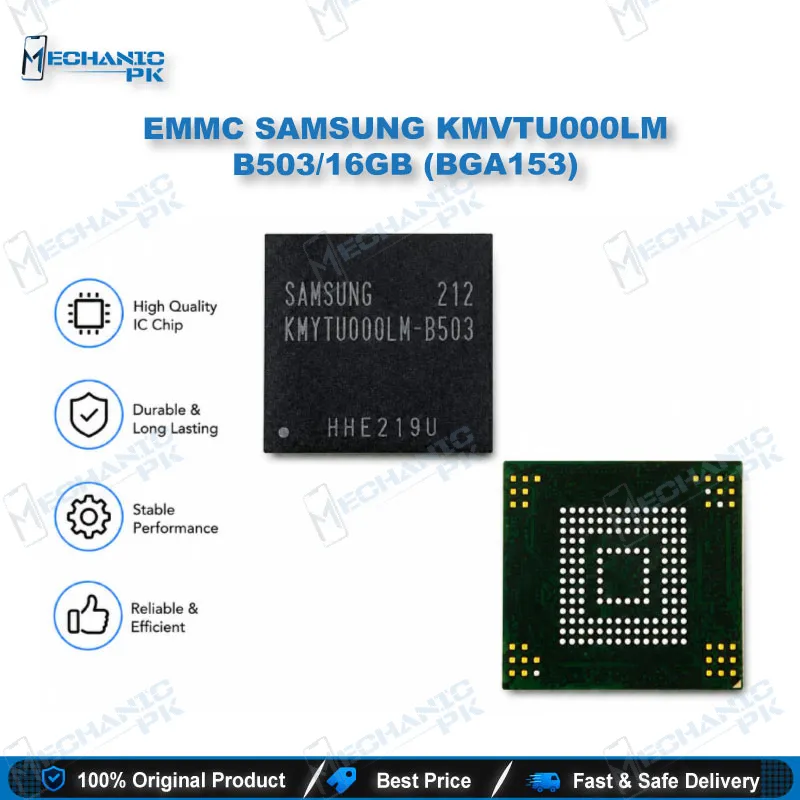
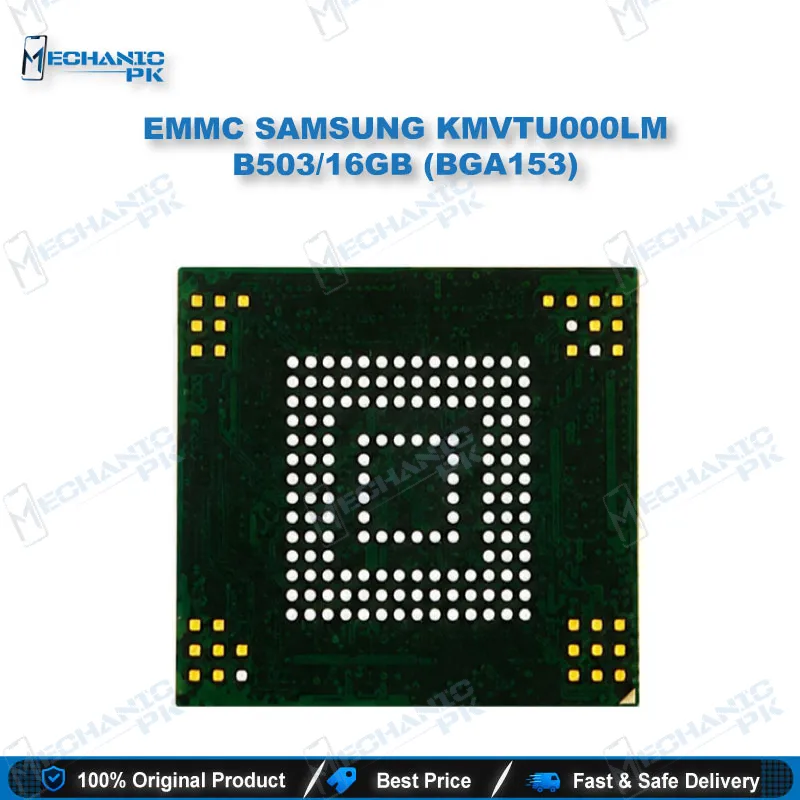
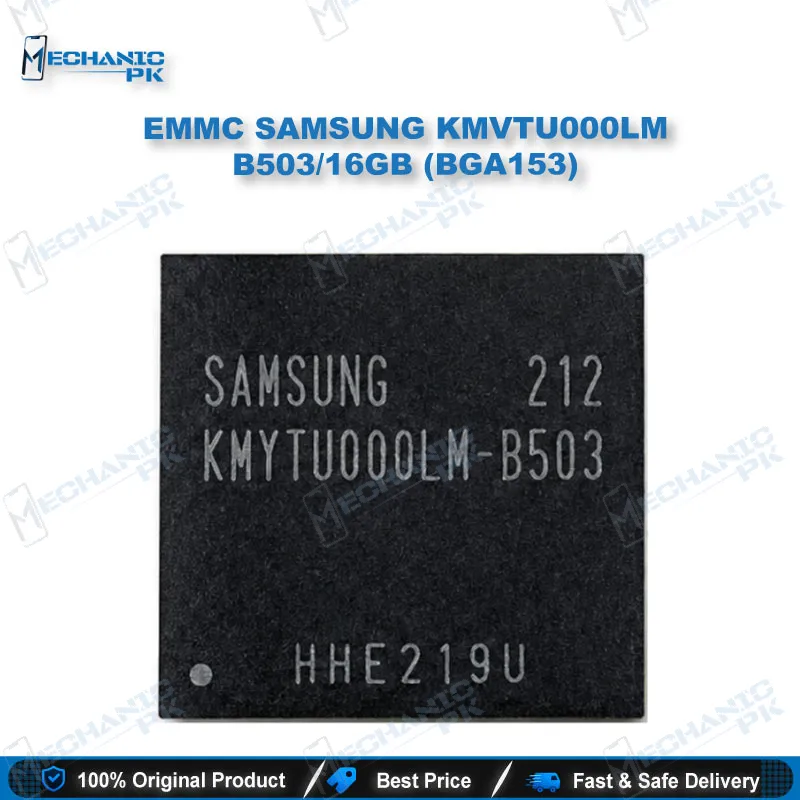
Samsung KMVTU000LM-B503 16GB eMMC BGA153 Chip
₨ 1
Samsung KMVTU000LM-B503 eMMC Chip for BGA153 Repair Work
This 16GB Samsung eMMC is a BGA153 storage IC used in repair and replacement work on the Galaxy S3 (I9300) and Galaxy Note 2 (N7100). It is a practical choice for technicians handling storage faults, boot failures, and board-level chip replacement.
Out of stock
Samsung KMVTU000LM-B503 eMMC for Board-Level Storage Repair
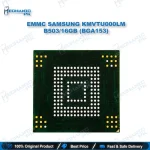
The Samsung KMVTU000LM-B503 is a 16GB embedded MMC (eMMC) storage chip in a 153-ball BGA package. An eMMC combines NAND flash and its controller in one package, so the phone’s processor reads and writes it as a single block device. In a repair workflow, the chip is usually the first thing to check when a phone is dead, stuck on boot, or failing to save data.
Where This Chip Fits in Your Repair Workflow
Storage faults often look like a software problem at first. A phone that hangs on the logo, loops on boot, or shows a dead screen after a failed flash may have a damaged eMMC. Confirm the fault with your programmer and board-level tests before you lift the chip. Replacing a good eMMC wastes time and can introduce a new fault on the board.
Compatibility and Replacement Scope
Retailer listings tie this part to the Samsung Galaxy S3 (I9300) and Galaxy Note 2 (N7100). Confirm the exact board revision and the original chip’s markings before you order. Your replacement chip should match the original part number and package, and the BGA153 footprint must line up with the board’s pads.
Reballing, Soldering, and Chip Replacement
Removing and installing a BGA153 eMMC needs a hot air station, flux, and a stencil or reballing kit if the chip is being reballed. Use a microscope to check the pads for lifted traces before you place the new chip. Keep the hot air temperature and dwell time controlled so the PCB and nearby components are not damaged.
Programming and Data Recovery Use
Once the chip is on the board or on an adapter, a programmer can read and write its contents for backup, cloning, or restoring firmware. Read a backup before you write anything, so you can recover the original data if the write goes wrong.
| Weight | 0.1 kg |
|---|
Key Features
- BGA153 package for board-level replacement
- Standard eMMC interface, read and written by a programmer or the phone’s processor
- 16GB storage capacity
- Works with a hot air station and reballing kit for chip replacement
- Suits technicians handling storage faults on Samsung boards
Specifications
| Brand | Samsung |
|---|---|
| Model | KMVTU000LM-B503 |
| Category | eMMC Storage IC |
| Technology | eMMC (NAND flash with integrated controller) |
| Compatibility | Samsung Galaxy S3 (I9300), Samsung Galaxy Note 2 (N7100) |
| Capacity | 16GB |
Common Repair Uses
- Replacing a failed eMMC on a board that will not boot
- Fixing a phone stuck on the logo after a failed flash
- Replacing storage on a board with bad eMMC data
- Reballing and re-seating the eMMC during board-level repair
- Reading a backup of the eMMC before a software repair
- Writing firmware back to the chip after a board-level repair
Compatible Devices
- Retailer-verified scope only. Confirm against your board before replacement.
- Samsung Galaxy S3 (I9300)
- Samsung Galaxy Note 2 (N7100)
FAQ
What is the product name?
What is the brand of this product?
What is the model of this product?
What is this product used for?
Which devices are compatible with this product?
Who should use this product?
Which programmer supports the KMVTU000LM-B503 eMMC?
Does a BGA153 eMMC need reballing before installation?
Related products