
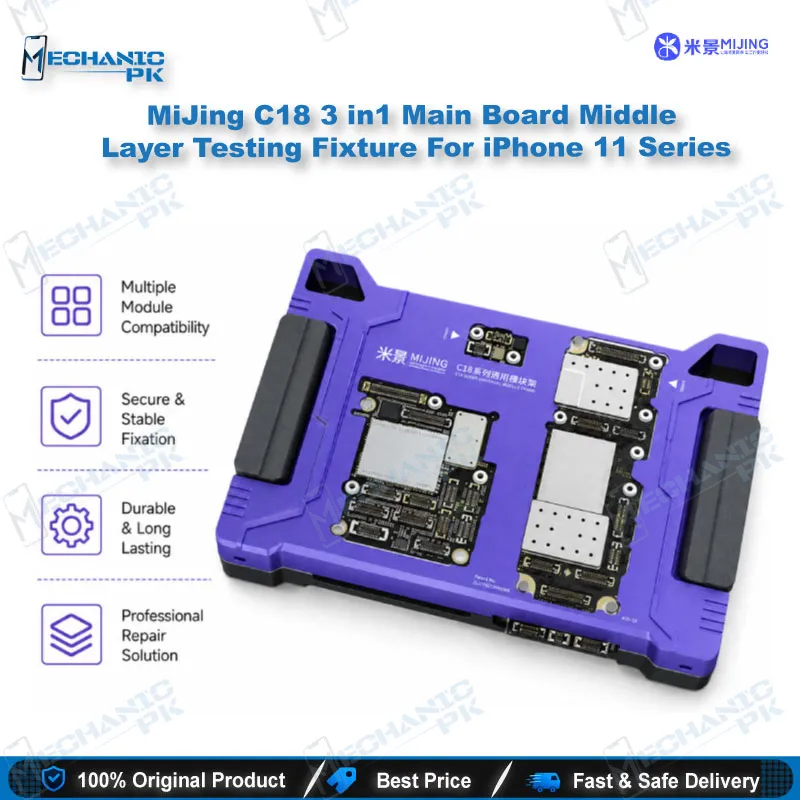
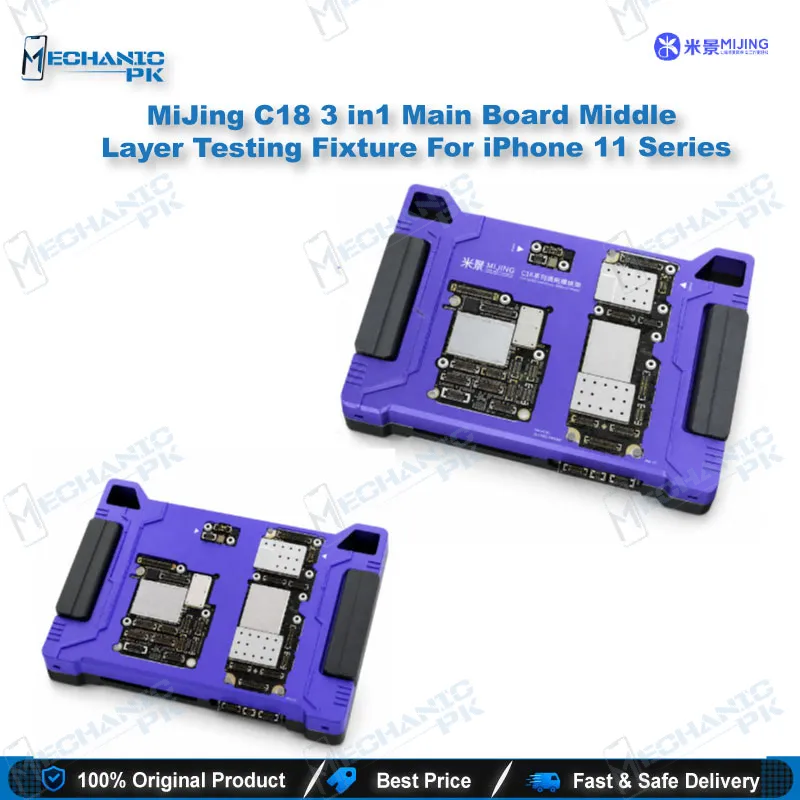
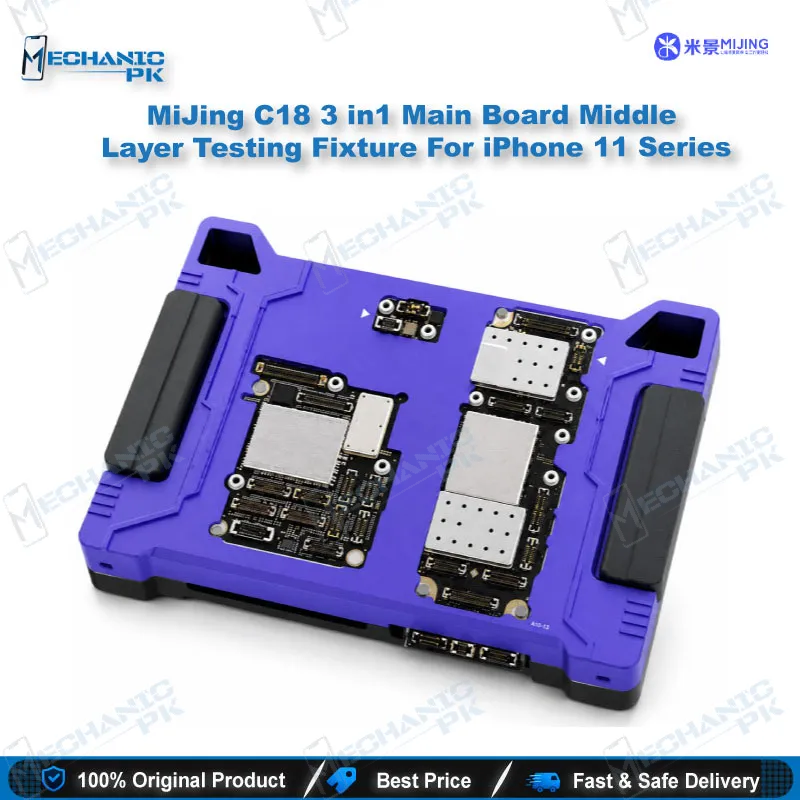
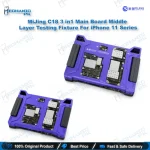
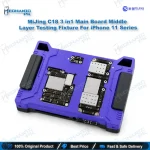
MiJing C18 3-in-1 iPhone 11 Motherboard Test Fixture
₨ 1
MiJing C18 iPhone 11 Motherboard Test Fixture
Test the lower board, pin board and upper board of your iPhone 11, 11 Pro or 11 Pro Max before you commit to the final sandwich soldering. The MiJing C18 3-in-1 middle layer fixture stacks the boards in a fixed order and closes a test rack over them. You get a stable platform for power, boot and screen checks, so you can isolate a fault to one layer. That saves rework time, reduces heat cycles on delicate pads, and gives your repair bench a clear next step for a dead phone or a boot loop issue.
Out of stock
iPhone 11 Motherboard Test Fixture for Middle Layer Diagnosis
The MiJing C18 is an iPhone 11 motherboard test fixture built for the middle layer stage of a repair. It holds the lower board, the pin board and the upper board in a stacked position, so you can run function tests before the sandwich is soldered together. The fixture covers the iPhone 11, iPhone 11 Pro and iPhone 11 Pro Max. For a technician working on a dead phone, this step shows which layer carries the fault before you apply heat to the board. Your repair bench gets a faster route from diagnosis to a verified board.
3-in-1 Stack Order on Your Bench
The 3-in-1 design lets one fixture handle all three board variants in the iPhone 11 family. You place the lower main board into the base first. Next, you set the pin board on top so the contact points align with the lower layer. The upper board goes in last, and the test rack cover closes over the stack to hold everything steady. A misaligned stack can leave pads unseated and produce readings that point to a fault on a healthy board. Keep the rack closed during every test so the boards do not shift under load.
Power, Boot and Screen Checks on the Middle Layer
Most work on this fixture starts with a dead phone. Connect the power line and check whether the board draws current and reaches boot. If the device starts but stalls, you are looking at a boot loop issue or a hang on logo fault. You can narrow it down by testing the lower and upper layers separately. The LCD test cable lets you confirm whether the display path responds before you suspect the panel or the connector. Record which check passes and which fails, because that log tells you where to focus your micro-soldering.
Where the C18 Fits in Your Repair Workflow
The C18 sits between board-level diagnosis and final reassembly. After IC change karna or jumper lagana work, a fixture check confirms the board before it goes back into the housing. Pair the fixture with a multimeter for voltage tracing and a microscope for inspecting pads under the stack. This combination keeps the diagnosis on the bench instead of on the customer’s device. For iPhone X and XS boards, the MiJing C17 covers that generation. Newer iPhone 12 and later boards use other fixtures in the MiJing range, such as the C20 for the iPhone 12 series.
| Weight | 0.25 kg |
|---|
Key Features
- 3-in-1 fixture for iPhone 11, 11 Pro and 11 Pro Max motherboards
- Stacks the lower board, pin board and upper board in one fixed order
- Test rack cover holds the boards steady during function checks
- Supports power, boot and LCD display testing on the middle layer
- Tests upper and lower PCB layers separately to isolate faults
- Lets you verify boards before final soldering of the sandwich
- Reduces repeated heat cycles on the board during diagnosis
- Designed for technicians working on dead phones and boot loop cases
Specifications
| Brand | MiJing |
|---|---|
| Model | C18 |
| Category | Motherboard Test Fixtures |
| Compatibility | iPhone 11, iPhone 11 Pro, iPhone 11 Pro Max |
| Supported Devices | iPhone 11 Series (3-in-1) |
| Technology | Middle (sandwich) layer motherboard function testing |
Common Repair Uses
- Testing the lower board before installing the upper board in the sandwich
- Checking power and boot on a dead iPhone 11 motherboard before reballing
- Isolating a charging issue to the lower or upper board layer
- Verifying display response with the LCD test cable during board testing
- Confirming a board after IC change or jumper work before final assembly
- Narrowing a boot loop issue or hang on logo fault to one PCB layer
- Testing the stacked board set before shipping or reinstalling into the housing
- Logging layer-by-layer test results to guide micro-soldering priorities
Compatible Devices
- iPhone 11 motherboard (lower and upper layers)
- iPhone 11 Pro motherboard (lower and upper layers)
- iPhone 11 Pro Max motherboard (lower and upper layers)
- iPhone 11 pin board stack for middle layer testing
- Not for iPhone X or XS (use MiJing C17)
- Not for iPhone 12 and newer (use MiJing C20 or other MiJing fixtures)
- Not for iPhone 8 and older series boards
- Not device-specific beyond the iPhone 11 series
FAQ
What is the product name?
What is the brand of this product?
What is the model of this product?
What is this product used for?
Which devices are compatible with this product?
Who should use this product?
Does the fixture need the boards soldered together to run tests?
Which fixture should I use for iPhone X or iPhone 12 boards?
Related products