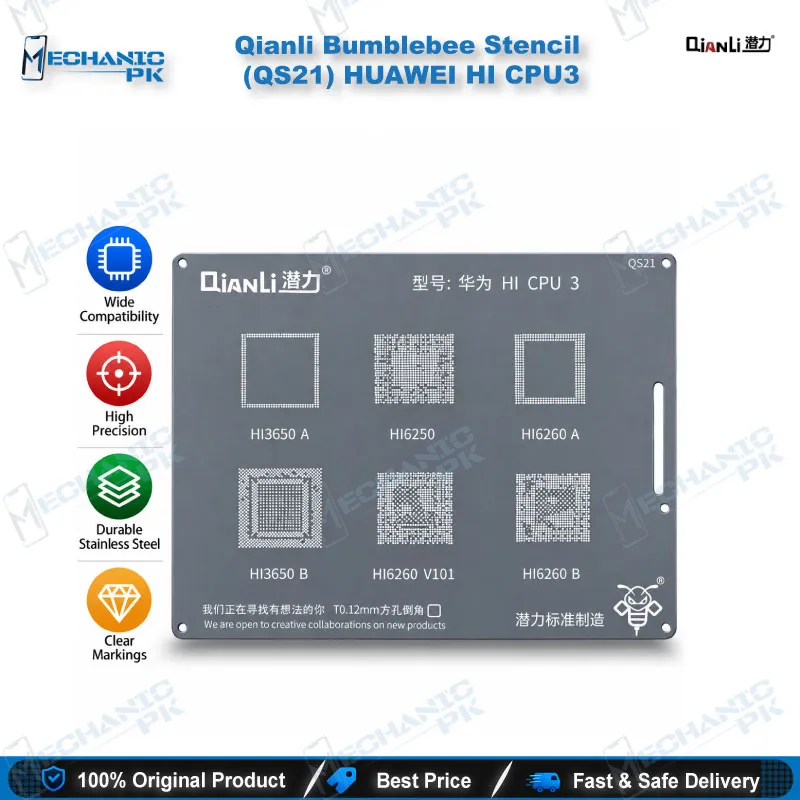
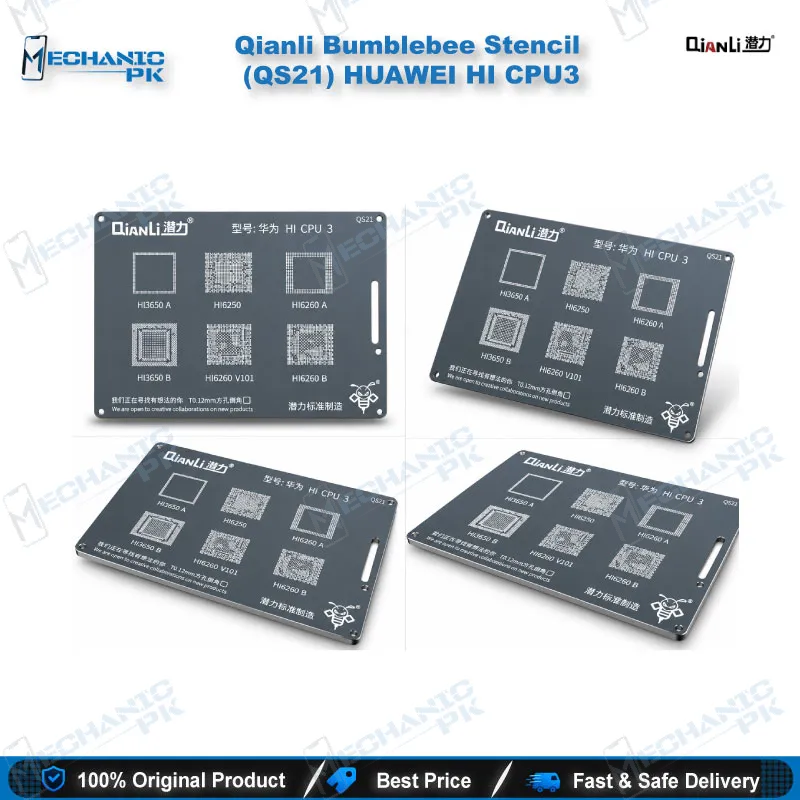
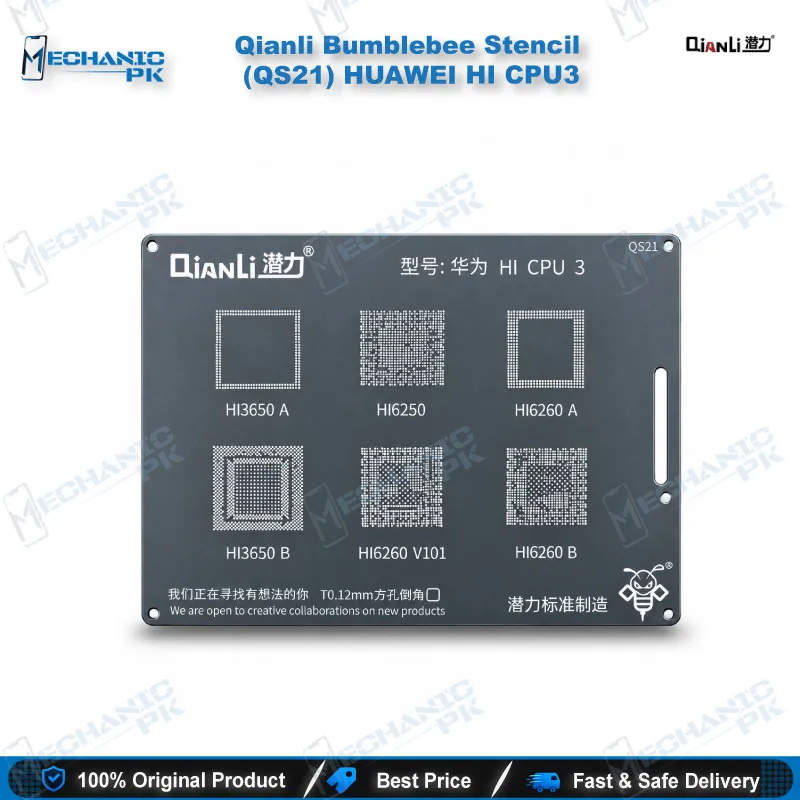
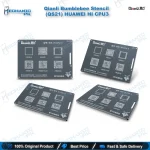
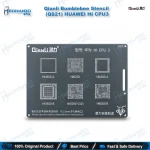
Qianli Bumblebee QS21 Huawei HI CPU3 Reballing Stencil
₨ 600
Qianli QS21 Huawei HI CPU3 Stencil
The Qianli Bumblebee QS21 is a reballing stencil for the Huawei HI CPU3 group: HI3650A, HI3650B, HI6250, HI6260A, HI6260B and HI6260 V101. It uses the Bumblebee square-hole, rounded-angle design and weighs 14 g. You get the right ball pattern when you reball a Huawei CPU after hot air removal. Use it on dead phone, boot loop issue and hang on logo repairs where the CPU needs rework. Check the CPU marking on your board against the six supported codes before you order. Then pair the stencil with your hot air station, microscope and PCB holder. Order it from Mechanicpk Pakistan.
In stock
QS21 Huawei HI CPU Reballing Stencil for HiSilicon CPU Rework
The QS21 Huawei HI CPU reballing stencil from the Qianli Bumblebee range covers six HiSilicon CPU codes: HI3650A, HI3650B, HI6250, HI6260A, HI6260B and HI6260 V101. When you lift a Huawei CPU, the stencil decides whether the reball finishes clean or leaves you with a second dead phone on the bench. QS21 gives you the matching ball pattern for this CPU group in a single thin tool, so you stop improvising with a universal template. Mechanicpk supplies it to Pakistani repair shops, service centers and training institutes that handle Huawei mainboard work with hot air and a microscope.
Square holes with rounded corners: the Bumblebee approach
Qianli builds its Bumblebee stencils with square holes and rounded angles, and QS21 follows that design. You lay the stencil over the cleaned CPU pads, align each opening to its pad, and deposit solder through the apertures. The softened corners help solder fill the pad area and release from the stencil, which keeps the ball set uniform across the package. Uniform balls matter on a CPU, because one weak joint under a BGA package produces a hardware fault that looks like a software problem: boot loop issue, hang on logo, or a phone that dies after flash.
Preparation decides the result more than the stencil does. Remove old solder from the pads, wipe away flux residue, and check for lifted pads under magnification before you place QS21. The stencil weighs 14 g, so it sits flat on a PCB holder without dragging the board out of position while you work.
Where QS21 sits in a Huawei CPU rework
Start with diagnosis. Check the supply rails with your multimeter, confirm the CPU is the fault, and rule out a flash problem before you commit to rework. Once the CPU is the confirmed suspect, lift it with a hot air station, then clean the pads on the board and the package with your soldering station and flux. Fix the board in a PCB holder, bring it under your microscope, and align QS21 to the pads. After the reball, reflow the CPU back onto the board with controlled heat.
Each step in that chain uses a different tool, and QS21 is the consumable that carries the pattern. If your bench already runs IC change karna jobs on Huawei boards, this stencil fits straight in after the CPU comes off. It does not replace a hot air station or a soldering station. It makes the reball step repeatable, so the second board of the day matches the first.
Matching QS21 to your board before you order
Read the CPU marking on the board before you buy. QS21 supports the six codes listed above. Qianli sells separate Bumblebee stencils for other Huawei CPU groups, such as QS19 for HI CPU1 and QS63 for the HI Series, so a different marking means a different model. Buying by CPU code, not by phone name, saves you from returns and wasted bench time.
Shop owners who stock stencils by CPU family keep QS21 next to the other Huawei Bumblebee models, which makes the right pattern easy to grab during a rush of dead phone and hang on logo repairs. A stencil that matches the CPU code first time also protects your turnaround, because a wrong pattern forces a clean-up and a second heat cycle on the board.
As your reballing volume grows, pair QS21 with a Reballing Kit for solder balls and flux, and step up to a stronger Hot Air Station or a Microscope with better magnification when your daily Huawei workload justifies it. For storage-side faults on the same boards, an eMMC Programmer or ISP Pinout Tool covers the memory chip while QS21 covers the processor. Together they let you separate a CPU fault from a storage fault instead of guessing, and that saves you from swapping the wrong part on a customer’s phone.
| Weight | 0.14 kg |
|---|
Key Features
- Qianli Bumblebee series stencil, model QS21
- Covers six Huawei HiSilicon CPU codes in one stencil
- Square holes with rounded angles for uniform ball formation
- Built for Huawei HI CPU3 group reballing
- Lightweight at 14 g
- Works with your existing hot air station, soldering station and PCB holder
- Suits shop bench work and technician training
- Matched by CPU code, which keeps ordering accurate
Specifications
| Brand | Qianli |
|---|---|
| Model | QS21 |
| Category | Reballing Stencils |
| Compatibility | Huawei HiSilicon CPU family HI3650A, HI3650B, HI6250, HI6260A, HI6260B, HI6260 V101 |
| Technology | Bumblebee BGA reballing stencil with square holes and rounded angles |
| Weight | 14 g |
Common Repair Uses
- CPU-level reballing and rework on Huawei HiSilicon boards
- Reballing a Huawei CPU after hot air removal
- Replacing a faulty CPU on a Huawei mainboard
- Dead phone cases where testing points to the CPU
- Hang on logo and boot loop issue cases where the CPU is the confirmed fault
- Dead after flash cases where board-level testing rules out software
- Rebuilding the ball set on a CPU you plan to reuse
- Pad reballing during Huawei board-level hardware fault repair
- Reballing practice for technician training on Huawei CPU packages
Compatible Devices
- Huawei HiSilicon CPU family (CPU-code level scope; the stencil is matched to CPU codes, not phone names)
- HI3650A CPU
- HI3650B CPU
- HI6250 CPU
- HI6260A CPU
- HI6260B CPU
- HI6260 V101 CPU
- Huawei mainboards that carry one of the CPU codes above
- Not a universal stencil: other Huawei CPU groups need their own Qianli Bumblebee model
FAQ
What is the product name?
What is the brand of this product?
What is the model of this product?
What is this product used for?
Which devices are compatible with this product?
Who should use this product?
Which CPU codes does the QS21 stencil support?
Is the QS21 stencil universal for all Huawei CPUs?
Related products