



One-Stop Knife #11 Blade 10pcs for Mobile Repair
₨ 99
No. 11 Scalpel Blades for Mobile Repair
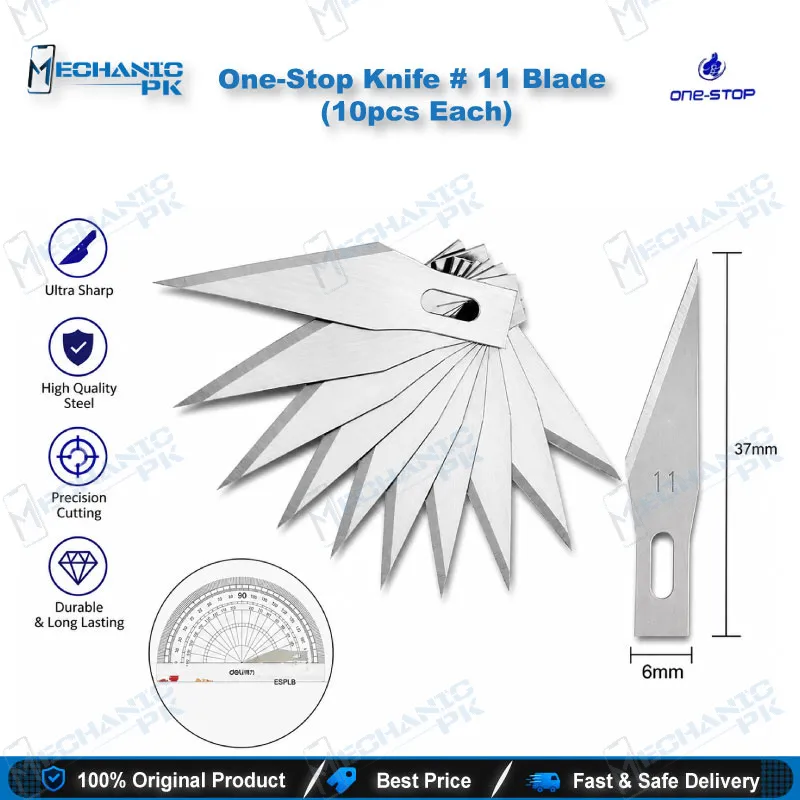
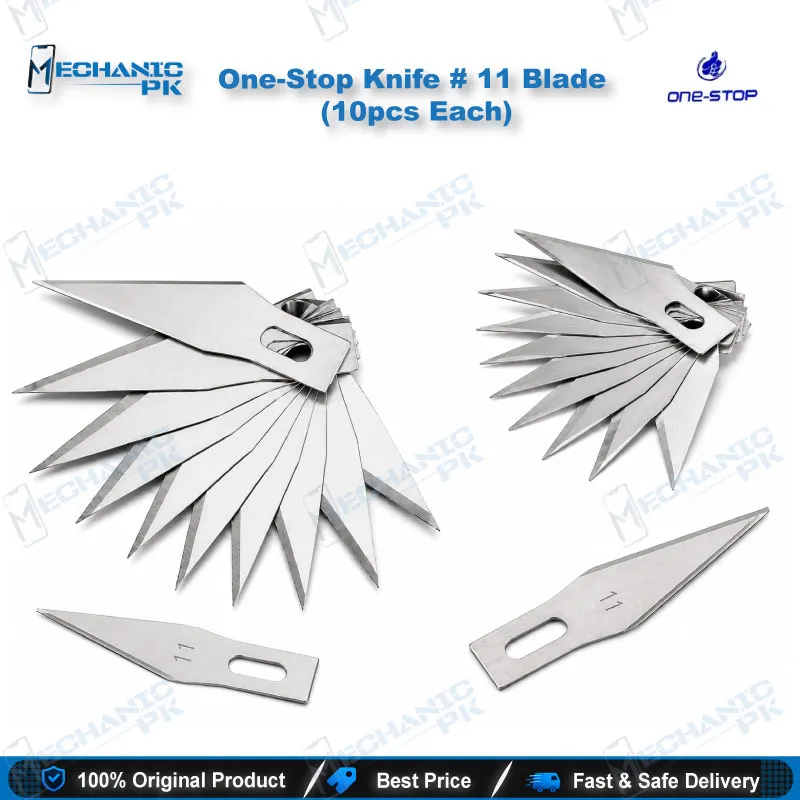
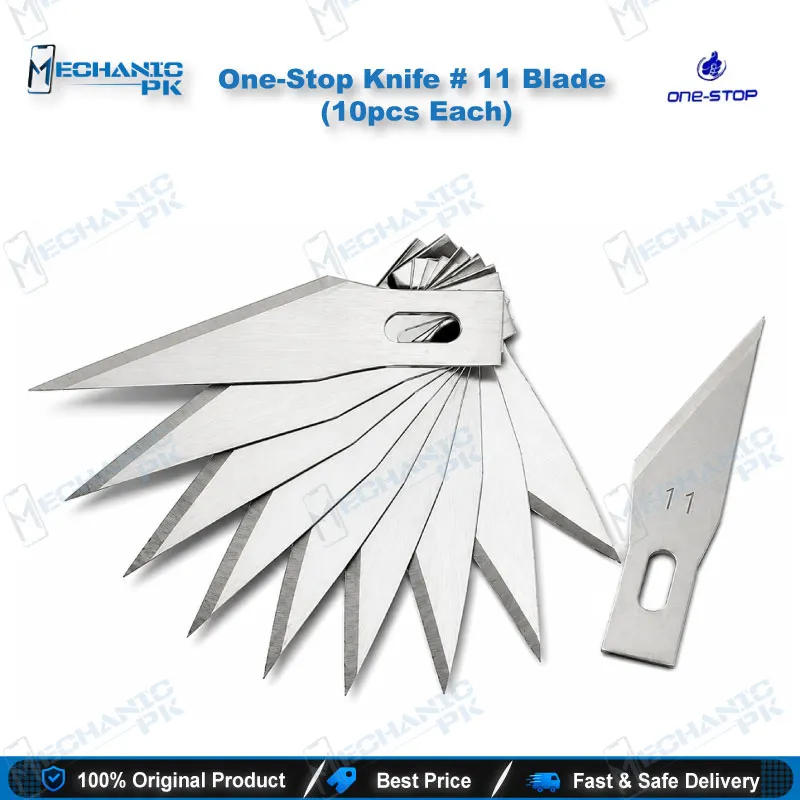
The One-Stop Knife #11 Blade pack gives your bench ten fine-point No. 11 scalpel blades for mobile repair. The straight cutting edge and narrow tip let you scrape glue, slice protective film and tape, and trim jumper wire on phone and tablet boards. Fit a fresh blade into a handle that accepts the #11 pattern whenever the edge dulls, so every cut stays controlled. Repair shops, service centers and technicians who handle screen separation, shield-can prying and CPU or IC glue cleaning will use this pack daily. Mechanicpk stocks it in a 10-piece bundle so your workshop restocks in one order.
In stock
One-Stop #11 Blade Pack (10pcs) for Board and Screen Work
The One-Stop Knife #11 Blade pack puts ten sharp, pointed blades on your bench, so you never force a dull edge across a board. These No. 11 scalpel blades for mobile repair use a straight-back profile that ends in a narrow point. That point reaches into tight gaps around shield cans, ICs and flex connectors on a dead phone or a unit with a charging issue. Mechanicpk supplies the blades in packs of 10, which keeps a busy workshop stocked between orders.
Blade Pattern and Handle Fit
The No. 11 pattern is a standard surgical blade shape. It combines a flat cutting edge with a sharp, narrow tip, which suits detail work better than a broad utility blade. You slot each blade into a scalpel or precision knife handle that accepts the #11 pattern, such as a No. 3 handle. The blade mounts onto the handle rather than working as a standalone knife. Check that your handle takes #11 blades before you order. A blade that fits snugly keeps the tip steady under light pressure, and that steadiness matters when you work a few millimeters from a CPU or a surface-mount component.
Where It Fits in Your Repair Workflow
You reach for this blade at several points in a typical board-level job. Before an IC change karna, you scrape the cured glue around the chip edges so the hot air can lift the component cleanly. During screen separation, you slice protective film and tape without gouging the frame. When you handle a hardware fault that needs jumper lagana, you trim jumper wire and clear a small patch of coating on a trace. Each task runs faster with a fresh edge, and the 10-piece pack lets you swap blades per job instead of stretching one blade across a week.
The blade works best beside the rest of your bench. Heat the glue with a hot air station, then lift it with the tip. Hold the board in a PCB holder and watch your cutting angle under a microscope. Run a multimeter across the trace afterward to confirm you left it intact. If you work on storage chips, clean the area before you attach ISP pinout tools, an eMMC programmer or a UFS adapter. Your soldering station and reballing kit also benefit from a cleanly scraped pad, and a test box confirms the repair when the phone powers up again.
Handling and Blade Change Practice
Replace the blade as soon as the cut starts to drag, because a dull edge slips and slips damage boards. Use light pressure and short strokes, and keep your free hand clear of the cutting path. Work at a shallow angle against the glue instead of digging straight down, so you protect traces and pads. Keep unused blades in their pack, and dispose of spent ones carefully so loose edges stay off your bench.
| Weight | 0.5 kg |
|---|
Key Features
- Pack of 10 No. 11 blades for restocking in one order
- Straight edge with a pointed tip for detail cuts
- Fits handles that accept the #11 blade pattern
- Reaches tight gaps around ICs and shield cans
- Suits glue scraping, film cutting and wire trimming
- Fresh blade per job keeps cuts clean and controlled
- Compact, lightweight consumable for every repair bench
- Works with hot air, soldering and microscope workflows
Specifications
| Brand | One-Stop |
|---|---|
| Model | No. 11 (#11) |
| Category | Mobile Repair Knife Blades |
| Compatibility | Scalpel and precision knife handles that accept the No. 11 blade pattern |
| Supported Devices | Universal hand tool, not device-specific |
| Material | Steel |
Common Repair Uses
- Everyday cutting and scraping tasks on phone and tablet boards
- Glue removal around CPU and IC edges
- Scraping adhesive before an IC change
- Cutting protective film and tape
- Trimming jumper wire during trace repair
- Clearing coating from a small trace area
- Cleaning adhesive from back covers and frames
- Light prying at shield-can edges
- Fine cutting during screen separation
Compatible Devices
- Universal hand tool for any phone or tablet board, not device-specific
- Android smartphone motherboards (Samsung, Oppo, Vivo, Infinix, Tecno)
- iPhone logic boards
- iPad and tablet boards
- Shield cans and frames on phone PCBs
- CPU and IC edges that carry cured glue
- Protective screen film and tape
- Jumper wire on repaired traces
- Back covers with adhesive residue
FAQ
What is the product name?
What is the brand of this product?
What is the model of this product?
What is this product used for?
Which devices are compatible with this product?
Who should use this product?
Which handle fits No. 11 blades?
Can I use a No. 11 blade to scrape glue around a CPU or IC?
Related products